Cameras on Noon UAE: basket contents — coupon eligibility
Unlike a generic shopping list, a camera basket demands attention to detail. Start by selecting the brand or model you want, then verify the seller’s name.
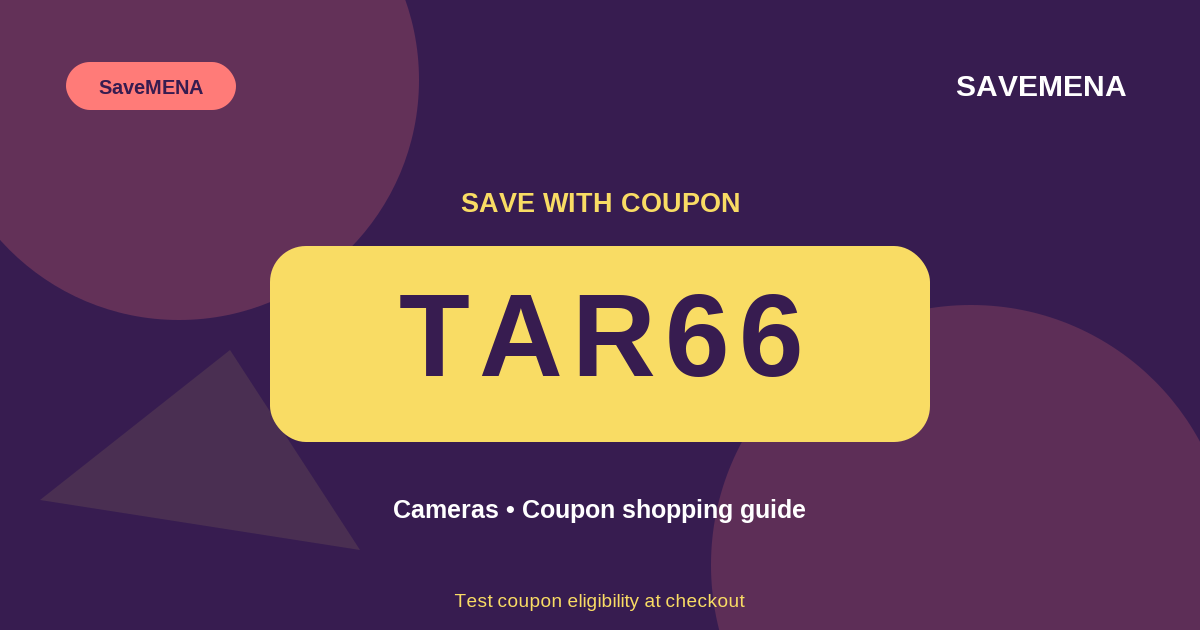
Codes available to try while comparing
These codes are not guaranteed for the article topic or listed brands; test them at checkout and use the live result.
2. Build Your Camera Basket Piece by Piece
Unlike a generic shopping list, a camera basket demands attention to detail. Start by selecting the brand or model you want, then verify the seller’s name. Sellers on Noon vary in their treatise of eligibility; third‑party vendors occasionally restrict coupon usage to their own stock. By placing your items one at a time, you can see the change in the eligibility indicator immediately. Since the “TAR66” code remains a trial, double‑check that each product shows as “Eligible” or “Compatible” before you add the next item.
The way the basket is compiled changes the token’s lifespan. If you add an accessory next, check whether the accessory falls under the camera category or whether it is a separate category entirely. Added items may alter the overall composition, potentially nullifying the coupon’s terms. If a new camera arrives in the cart marked as ineligible, you’ll need to decide whether to hike the basket or remove the offending item before proceeding.
3. Keep an Eye on Category Matching
The camera category on Noon contains a range of sub‑categories: DSLR, mirrorless, action, and compact models. Coupon eligibility often locks onto the main category rather than the sub‑level. When you adjust your cart, ensure every camera matches the “Cameras” main category level, not just a sub‑division. That means cross‑checking the product page’s breadcrumb trail and verifying the upper‑level tag assigned to the item.
If a camera was listed under “Photography Accessories” rather than “Cameras,” that subtle shift can change the eligibility status. In such cases, remove it or replace it with a corresponding camera that truly sits within the approved category. This method keeps your basket well‑aligned with the coupon’s unseen filters, increasing the likelihood that “TAR66” will punch through when you hit payment.
4. Quantity and Bundle Checks
Certain coupons trigger only when a minimum quantity or bundle is present. Even if the “TAR66” is not strictly tied to quantity, Noon’s engine might still enforce a minimum purchase value for general discount logic. When adding a second camera, description, or photo‑accessory, watch the cart’s subtotals and any hidden thresholds. A camera that sits alone in the basket may be flagged as ineligible, whereas a pair could clear the bar.
If you find that a single camera fails the eligibility check but a set of two or more passes, consider adjusting the basket composition. This tweak doesn’t require you to buy extras you don't need; instead, it could involve swapping one product for another from a seller that meets the same price tier but is categorized differently. By precisely aligning quantity logic with the coupon engine, you avoid a last‑minute rejection after checkout.
5. Navigating Seller Restrictions
Noon hosts both branded storefronts and third‑party sellers, and each may have policies that affect coupon usage. A camera from an official brand hub might automatically be eligible, whereas a similar model from an independent seller may not. When you examine the seller’s profile, look for any mention of discount compatibility or promotional participation tags. The cart will usually update the eligibility icon accordingly.
If a particular seller’s item is flagged ineligible, you can switch to a similar camera from a different seller that is clearly marked as eligible. Keep in mind that the item’s price and availability may differ slightly, but ensuring a smooth coupon application often outweighs minor variances. Thus, reading seller details directly informs your basket composition strategy.
6. Timing and Cart Persistence
Cart retention on Noon is not infinite; items can drop after a period of inactivity or when the platform refreshes for updates. For unfinished buyers, the risk is that the cart changes and the eligibility changes as well. Updating the “TAR66” entry before the last preview screen gives You a realistic sense of how the basket will look at final payment.
If electronics policies dictate a time limit for applying a voucher, sticking to a short, consistent shopping session minimizes the chance that a camera’s eligibility status shifts. Consider closing your browser, reopening, and verifying once more. The rule of thumb is: refresh the cart screen, input the coupon, then let Noon confirm eligibility before any new items are added.
7. Final Checkout Ride‑Through
Because coupon eligibility can toggle at any checkpoint, the final line before payment is the ultimate test. The cart page will display a status line such as “Coupon applied” or “Coupon not applicable.” If the status shows “Coupon applicable,” the “TAR66” code will contribute to your total. If it does not, you will see a message or icon indicating a restriction.
Remember that you only see the final amount after the system processes all fees, delivery charges, and any hidden taxes. Even if the coupon claims eligibility at first glance, a post‑payment check could reveal it was misapplied. If that happens, you still have the option to appeal the discrepancy, but the safest path is to re‑validate the basket composition ahead of that final click.
8. Practical Tips for Maximising Your Chances
To avoid last‑minute hiccups, let the eligibility check serve as the yardstick for each change you make. Maintain a lean basket of only core camera items that are clearly in the “Cameras” category and from sellers who have no known discount restrictions. Keep an eye on the eligibility icon at every step, and if it changes after you add an item, reconsider that addition before proceeding.
Besides the penalty of an ineligible coupon, an unexpected replacement cheaper model can shift the entire basket composition. Each modification could require you to refresh your eligibility status. In practice, a careful, disciplined shopping stub—just the necessary cameras, a compatible seller, and a single applied coupon—offers the best chance that the “TAR66” code will deliver what you anticipate when you hit the final checkout button.
Related SaveMENA pages
Related articles
Official sources to check
Frequently asked questions
What if my camera is listed under a different sub‑category on Noon?
If the camera appears under “Photography Accessories” instead of the main “Cameras” category, the coupon may not be eligible. Check the breadcrumb trail for the main category and consider swapping it for a camera firmly within the main category.
How does seller selection influence coupon eligibility for cameras?
Cameras sold by official brand storefronts are more likely to meet coupon criteria than those from independent sellers. Verify the seller’s profile and any discount participation tags before adding the item to your basket to maintain eligibility.
Can adding accessories to my camera basket affect coupon eligibility?
Yes. Accessories from separate categories may change the basket composition vis‑à‑vis coupon conditions. Ensure that the combined items still satisfy the category requirement, or remove any non‑camera items before applying the coupon.
What should I do if I see the coupon is ineligible after payment?
If the coupon shows as ineligible during or after the checkout, you can contact Noon’s customer support for clarification. However, best practice is to re‑check eligibility before the final click to avoid post‑payment disputes.