Logitech Computer Accessories on Noon UAE: basket contents — coupon eligibility
When you’re assembling a new workstation or upgrading your gaming rig in the UAE, you’ll often be tempted to apply a promo code during the final payment stage.
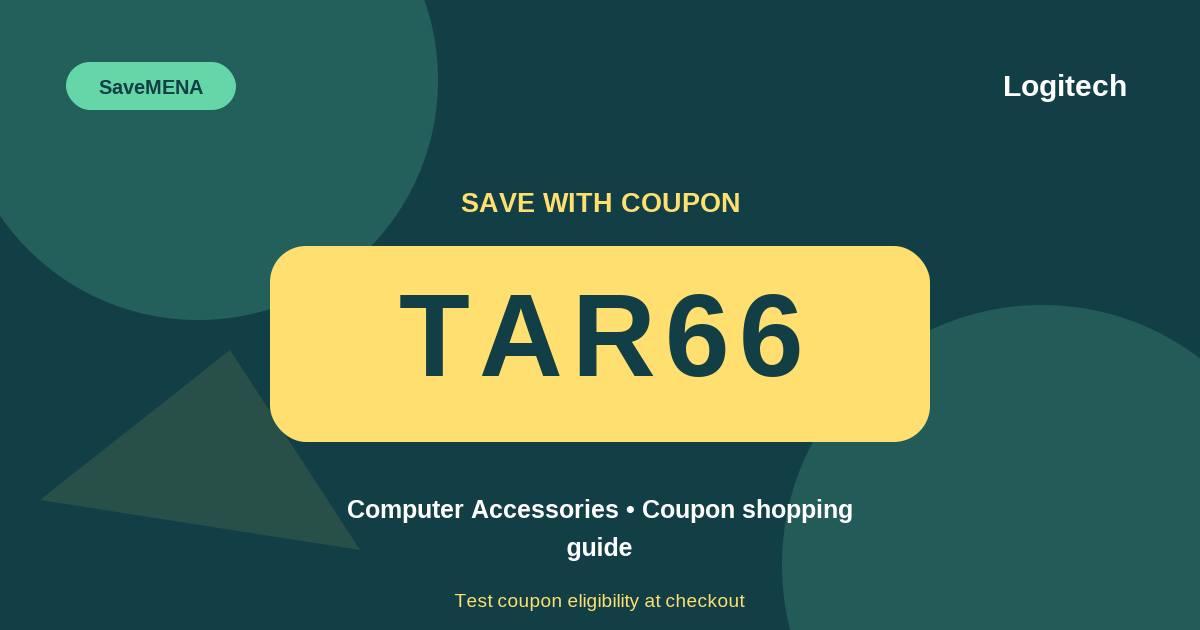
Codes available to try while comparing
These codes are not guaranteed for the article topic or listed brands; test them at checkout and use the live result.
1. What “Coupon Eligibility” Means for Noon UAE Computer Accessories
Coupon eligibility on Noon’s UAE platform signals whether a particular promo code can be applied to the contents of your cart. For computer accessories like the Logitech mouse pads, keyboards, and headsets, Noon applies a set of internal checks automatically. These checks evaluate factors such as item category, vendor, and the basket’s combined value. Although the system is designed to flag missing eligibility before you reach the payment screen, it’s wise to review these signals early to ensure your code remains valid.
Because the eligibility status is displayed only during the final stage, you must keep an eye on the “Coupon” field before you submit the order. A green lock icon indicates that your coupon is ready to be used, whereas a red warning warns that an item or vendor might prevent the discount. By mastering this visual cue, UAE shoppers can lock in savings before the cart locks in the price.
2. Curating a Logitech‑Centric Basket for Maximum Coupon Compatibility
Logitech offers a wide range of computer accessories—from ergonomic keyboards to precision gaming mice. Choosing products that share the same sub‑category, such as “Mouse” or “Keyboard,” increases the chance of coupon applicability. Noon’s algorithm tends to process bundles of similar typed products more efficiently than a heterogeneous mix. Thus, when you’re preparing a gift set or a full setup, grouping items by Logitech sub‑category forms a cohesive basket composition conducive to coupon success.
Additionally, pay attention to seller ratings. Reliable vendors often maintain higher compliance with Noon’s coupon policies.A coupon is not guaranteed; verify its result at the retailer checkout. Remember, a homogenous basket not only supports your coupon but also creates a smoother checkout experience.
3. Adding Products and Seeing Eligibility Before You Hit Pay
Begin by browsing the computer accessories aisle and selecting your Logitech items. Click “Add to Bag” and after each addition, Chrome’s or Safari’s order summary will render an immediate visual cue. The coupon eligibility notice, if present, appears as a subtle text beneath the total. If you notice “Coupon ineligible” at this point, it often signifies that the specific SKU or variant you selected falls outside the coupon’s scope.
You can also tamp down the quantity to avoid accidental over‑stock that may trigger eligibility blocks. Noon’s system sometimes disallows a coupon when the cart crosses a hidden “high‑value” limit for certain categories. Checking eligibility incrementally lets you adjust the basket composition promptly, ensuring each Logitech piece is legally positioned to benefit from TAR66.
4. Navigating the Checkout Page to Apply Your Coupon
Once your bag is ready, locate the “Checkout” button. If Noons’ algorithm detects a valid coupon, a field labeled “Enter Promo Code” remains unlocked with a small hint of acceptance. Paste TAR66 into this box and watch the system sift through your basket asynchronously. A confirmation or error message will appear without any need to reload the page, letting you confirm that the coupon is currently usable.
If an error surfaces—such as “Coupon not applicable for selected items”—stop immediately. Verify that every Logitech accessory matches the approved sub‑category and that the seller information aligns across the entire basket. Adjusting a single item can reset the eligibility status, paving the way for a smooth coupon application in the moment before you finalize your payment.
5. Why Coupons Often Fail After the “Add to Bag” Stage
Small changes after you hit “Add to Bag” can invalidate a coupon. Switching a product variant, such as moving from a mechanical to a membrane keyboard within Logitech’s lineup, may alter the internal classification. Likewise, adding an unrelated accessory like a monitor stand can shift your basket’s category mix, nudging it out of the coupon’s coverage window.
Checkout time is also critical. Noon’s coupon engine reevaluates the entire cart when you attempt to place an order. If the total diverges from the earlier snapshot—due to price adjustments or inventory changes—the eligibility flag may flip. Monitoring the eligibility widget during the final transition protects against losing a potential discount that otherwise seemed secure.
6. Verifying Eligibility in the Final Summary Before Payment
In the final review screen, the total amount and the discount field sit side by side. A succinct line that reads “Coupon Applied” confirms that the system granted TAR66 to your entire basket, including all Logitech items. Should the field show a fallback message listing excluded SKUs, those items are either from a different category or from a vendor that does not support coupon usage.
At this stage, you cannot alter the basket. If you find an item not eligible, you must return to the cart to either remove or replace it. The checkout screen is the last opportunity to confirm that your coupon meets Noon’s terms and that the basket composition is still within the permissible scope.A coupon is not guaranteed; verify its result at the retailer checkout.
7. Seller Variants and Their Impact on Coupon Policy
Every Logitech accessory on Noon lists a primary seller and multiple variants—color, size, connectivity type. Sunlight all under the same vendor umbrella, yet some may be flagged as “exclusive” or “unlisted,” which translates to a lower coupon acceptance rate. If a variant falls under an exclusive bundle, Noon’s algorithm often excludes it from standard promo rules, causing the coupon to be deemed inapplicable to the whole cart.
Hence, always verify the seller’s consistency across your chosen Logitech items. A single product variation that switches to a bookend vendor can switch the entire basket to a non‑eligible state. To avoid this, keep all Logitech accessories under one reliable seller whenever possible, ensuring that all items enter the same eligibility stream before you touch the “place order” button.
8. Final Checkout: Confirm and Secure Your Shopping Experience
With the coupon confirmed as active in the summary, proceed to payment. Noon’s payment gateway will lock in the discounted amount once the installment or credit card transaction is authorized. Because the coupon’s eligibility has been verified in real time, you will see the reduced total in the way back to your order confirmation screen.
After payment, a final email will confirm that TAR66 was applied and that your Logitech accessories were dispatched. This post‑purchase check reaffirms the coupon’s successful application and provides you with a receipt for your records. Should any discrepancy occur, you’ll already have the verification snapshot from the checkout stage to assist with a resolution. Thus, by verifying eligibility before payment, UAE shoppers secure a seamless, discount‑enabled purchase experience.
Related SaveMENA pages
Related articles
Official sources to check
Frequently asked questions
When is the best time to check if TAR66 is still valid for my Logitech accessories?
Check the eligibility status just before hitting the “Place Order” button. Noon shows a real‑time confirmation or alert in the checkout summary, letting you confirm that the coupon remains active for your entire basket.
Can I apply TAR66 to a basket containing both Logitech and non‑Logitech computer accessories?
Noon’s coupon logic examines the entire basket. If non‑Logitech items are present, TAR66 may still apply only to the eligible Logitech portion. Verify the category mix at checkout to confirm the exact discount coverage.
What happens if I add a new Logitech product after applying the coupon?
Adding an item changes the basket’s composition and triggers a re‑evaluation of coupon eligibility. Re‑enter the code or check the updated eligibility notice in the checkout summary before proceeding to payment.
Does the seller of a Logitech accessory affect coupon eligibility?
Yes, if an item is sold by a vendor with a different coupon policy, the discount may not apply. Keep all Logitech items under a single, reliable seller where possible to avoid eligibility issues.