Logitech Gaming on Noon UAE: basket contents — coupon eligibility · TAR64
with 140-180 words. Search intent: "how to check coupon eligibility before payment". Focus keyword: Noon UAE coupon eligibility Gaming Logitech basket composition.
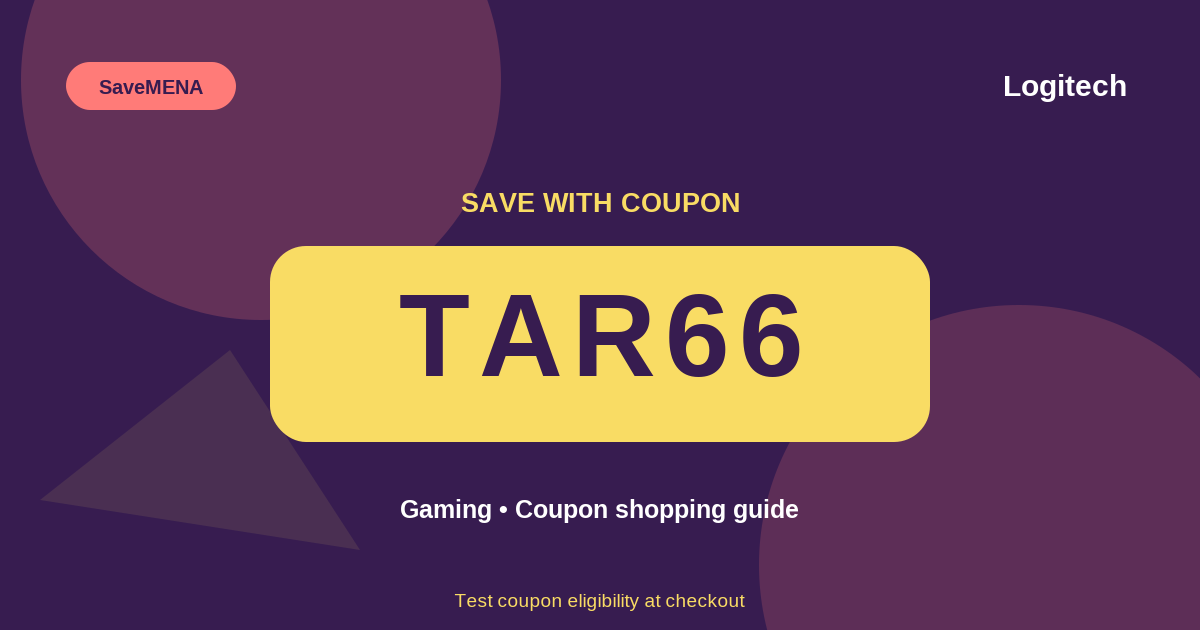
Codes available to try while comparing
These codes are not guaranteed for the article topic or listed brands; test them at checkout and use the live result.
Checking the Cart – A Pre‑Payment Primer
Before you even hit the payment button, the first checkpoint is your shopping cart. On Noon UAE, the cart icon at the top right reveals a quick view of every item you’ve added, and it updates immediately when quantities change. For a gaming bundle, each Logitech accessory—mouse, keyboard, headset—holds its own price and shipping status. Ensuring you have the exact models and quantities you want will influence the eligibility of your coupon, as some offers are limited to certain product lines or bundle sizes.
To avoid surprises later, review the cart’s subtotal and any applied discounts side‑by‑side. The subtotal reflects the total cost of items before taxes or shipping, while excluded items may be listed under “Additionally eligible for offers.” If you notice an item flagged as ineligible, trimming or replacing it may be your only option to keep the coupon in play. Make a mental note of the exact models you’ll need before you begin the checkout sequence.
Understanding the TAR64 Code – Where It Starts
The TAR64 code appears as a single‑line field on Noon’s payment page. You’ll find it excerpted at the bottom of the summary screen, beneath the list of items but above the payment method selection. The interface is designed to accept a code and instantly recalculate the total, provided all conditions are met. Typing TAR64 correctly will trigger a real‑time check, but you still need to confirm eligibility before finalizing the purchase.
It is advisable to apply the code before you confirm the payment method. Once the button “Proceed to Payment” is clicked, the option to enter a code disappears. Therefore, keep the checkout page open and scan for the “Coupon Code” field, input TAR64, and watch the system validate your basket. Only when the status message reads “Coupon accepted” can you be confident it applies to your order.
Basket Composition Matters – What Goes Into Your Gaming Gear
The basket of your gaming purchase is more than the sum of its parts; each Logitech item potentially affects coupon eligibility. Logitech models come in multiple variants—RGB, mechanical, wireless—each listed separately. The total weight of the purchase and the number of units can trigger thresholds that the provider uses to decide on offers. A basket of three Logitech keyboards, for example, may qualify differently from a single keyboard paired with a headset.
When building your gaming gear, keep track of each product’s category tag as displayed in the cart. Tags like “Gaming Accessories” or “Office Peripherals” can trigger different coupon filters. A mismatch between the basket’s tags and the coupon’s intended category may cause the code to be rejected. Though the onboarding screen offers no explicit rule set, the checkout logic will enforce the selection compatibility.
Timing Is Key – When to Apply the Coupon in the Checkout Flow
In the Noon checkout workflow, the coupon entry occurs after you finalize your shipping address but before selecting a payment method. This sequence ensures that the system can recalculate your total with shipping fees factored in, which may influence eligibility. Skipping this step can leave the coupon invisible to the final charge, resulting in a the discount shown at checkout loss of potential savings.
A coupon is not guaranteed; verify its result at the retailer checkout. Sometimes, changes—such as removing an item—can reset the discount eligibility. Hence, after any modification, re-check the discount line. Settling the payment at the last moment before closing the browser also eliminates the risk of session expiration that could invalidate the coupon.
Confirming Eligibility at the Checkout Page
Once the coupon has been entered, the checkout page will display a brief status: either “Coupon applied” or “Coupon not eligible.” This message is the definitive indicator that the system has validated each condition. The line item for the discount will appear as a negative amount, instantly reducing the subtotal shown to you before you commit to payment.
When the discount line appears, it is prudent to recalibrate the final total by adding any applicable taxes and the shipping fee that will be charged by the marketplace. A mismatch between the displayed subtotal and the final amount can indicate hidden fees that were not factored in at the coupon validation stage.A coupon is not guaranteed; verify its result at the retailer checkout.
Past Experience with Similar Coupons – What Other Gaming Shoppers Note
Shoppers who have purchased gaming gear from Noon often observe that coupon eligibility hinges on the exact composition of the cart. A typical pattern is that the coupon will apply only when the basket is filled with a single brand or when the total number of units stays below a certain threshold. These patterns are emergent from user forums, not from an official announcement.
Reports also indicate that when a cart contains items from competing brands alongside Logitech products, the coupon’s effectiveness may be diluted or removed. This behavior is inferred from observed checkout results rather than a documented policy. Users therefore adjust their selections to align with a single brand when they aim to use a specific coupon.
Dealing With Exceptions – Common Coupon Traps
One of the most frequent pitfalls is the coupon’s invisibility to additional fees. If the shipping method selected is premium, the discount might not roll over because the total cost rises, pushing the order past an internal threshold. Likewise, certain free‑shipping promotions can override the coupon, rendering it redundant or void.
Some shoppers note the occasional refresh or caching issue where the coupon is accepted at first glance but then fails upon reloading the checkout page. To combat this, use a private window or clear the browser cache before finalizing your payment. Confirming that the discount remains applied on every reload can save you from a last‑minute denial.
Related SaveMENA pages
Related articles
Official sources to check
Frequently asked questions
How do I know if TAR64 will work with my Logitech keyboard?
On Noon’s checkout page, after applying TAR64, a status message next to the discount line will clarify whether the code is accepted. The system will only accept the coupon if the entire basket qualifies, so if your keyboard alone is ineligible, the discount may be removed.
Can I use multiple coupons at once?
Noon typically allows only one coupon per order. If you have another code, you must choose which to apply before proceeding to submit the payment. Mixing codes will result in rejection of the non‑primary coupon.
What happens if I change my shipping address after applying TAR64?
Updating the shipping address can trigger a recalculation that might invalidate the coupon if it alters the cost or shipping fee. Reapply TAR64 after confirming the new address and check the discount line again.
Will TAR64 apply if I add a promotional free gift?
Adding a free gift can modify the basket’s composition and sometimes crosses an internal threshold that the coupon expects. Verify that the discount line stays present after adding any free item to ensure the code is still applicable.