Apple Headphones on Noon UAE: basket contents — coupon eligibility
Start by identifying the exact headphone models you intend to buy. Apple earbuds, studio mics, and sound‑isolation headsets often feature distinct SKUs on Noon.
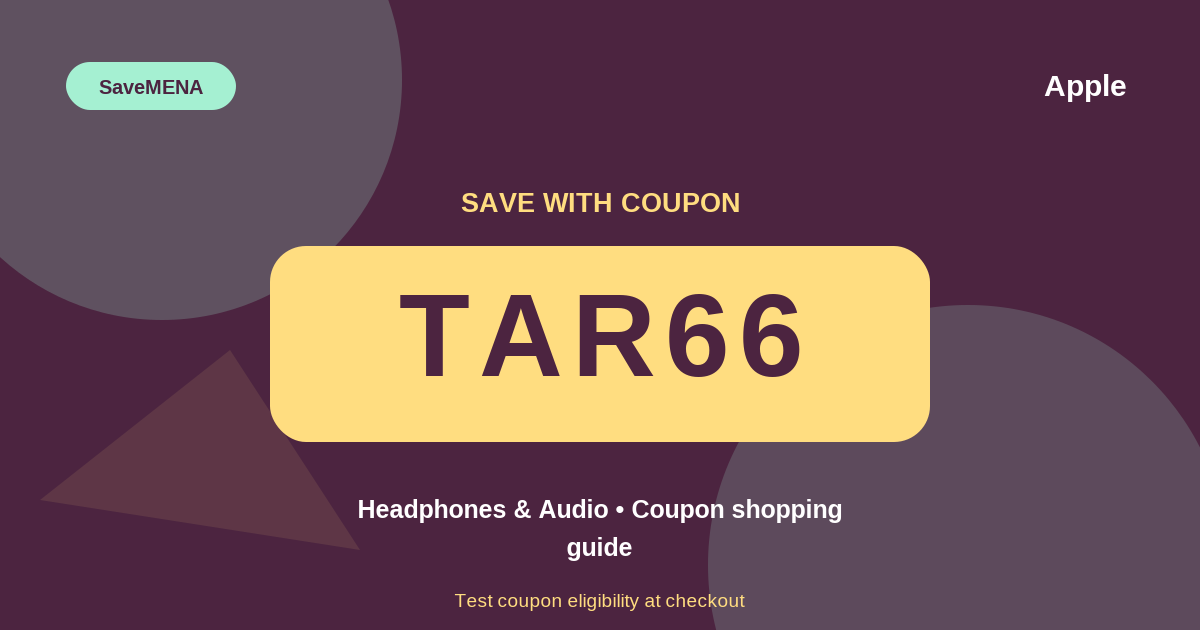
Codes available to try while comparing
These codes are not guaranteed for the article topic or listed brands; test them at checkout and use the live result.
2. Gather Your Apple Headphones: Key Items in Your Basket
Start by identifying the exact headphone models you intend to buy. Apple earbuds, studio mics, and sound‑isolation headsets often feature distinct SKUs on Noon. Adding each unit to the cart builds your basket composition, a critical factor that influences whether the TAR66 code can be applied. Keep an eye out for similar model names and custom editions, as variations may or may not trigger coupon eligibility.
While no price or discount specifics are available here, assembling your list of items is the first practical step. It allows you to later verify whether the basket aligns with coupon terms that Noon processes during checkout. Focus on item quantity too—some codes require a minimum count—so record the exact number of headphones per type at this point.
3. Visit Noon UAE’s Checkout Flow: Spotting Where Coupons Apply
Navigate to Noon’s app or website and proceed to the cart. The checkout page offers a dedicated field for coupon codes. Built into the interface, it immediately signals whether the code is recognized from the system's perspective—displaying a prompt for success or an error. As a user, watch for that brief moment when the page updates after input.
Understand that the checkout process reflects the current basket composition. If the code seems accepted, that’s a provisional signal; real validity is confirmed only after the system processes all pricing details. Thus, the mechanics on the page provide an initial working check that your basket is set up for the coupon.
4. Apply the TAR66 Code: Steps to See Eligibility
Enter TAR66 in the “Coupon Code” area, ensuring correct capitalization and spacing. Upon submission, the page refreshes to show whether the code is valid for the items present. If eligible, a discount line will appear—visible before the final total is locked in.
If the code is rejected, the interface will display a concise message explaining that the coupon isn’t applicable. Because the system ingests real‑time cart data, any rejection at this point indicates that the basket composition fails to satisfy the coupon’s hidden terms on Noon’s side. SaveMENA notes that the coupon’s use is optional and unverified until here.
5. The Importance of Basket Composition for Coupon Validation
Basket composition—how many items, which categories, and their brand markers—directly determines coupon binding on Noon. Even a single non‑Apple headphone within an otherwise eligible basket can shift the eligibility window, causing a rejection. Therefore, align each element: keep all headphones either all Apple or grouped within a sub‑category that the code supports.
When mixing brands or adding accessories (cables, cases), watch how each addition changes totals. The spending tag on the checkout screen updates with each new item, indirectly affecting eligibility. By focusing on a clean, categorized basket, you maintain the best chance that TAR66 remains combinable.
6. What Happens If the Coupon Isn’t Accepted?
If the TAR66 code returns an error, notice that Noon’s system will have recorded the attempt and logged the displayed error. This often means that either a different code is needed or that the basket composition must be adjusted to meet the hidden criteria. Though SaveMENA does not hold control over Noon’s logic, you gain clarity by comparing the bar-coded error with earlier tolerance settings.
In such cases, answer the question: can you tweak the basket to fit? Removing or changing a headphone model, changing quantity, or separating Apple items from non‑Apple ones often restores eligibility. Keep your changes minimal to avoid displacing your intended purchase.
7. Alternatives When TAR66 May Not Apply to Your Basket
Should TAR66 fail to unlock discounts, explore other avenues. Occasionally Noon offers alternate promo codes or sales events that match headphone lists. You can also search for loyalty rewards or cashback opportunities that complement your purchase, though they may not run on the same code.
Another approach is revisiting your basket to identify items that can be swapped for Apple‑issued accessories, keeping the total item count unchanged while aligning with the coupon’s implied criteria. By doing so, you stay within the general guidelines of basket composition without abandoning the discount opportunity entirely.
8. Take the Final Step: Confirmation Before Payment
Once your basket triggers a successful coupon approval, double‑check the total amount ready for payment. Noon’s final summary totals reflect the aggregate of applied discounts, any taxes, and shipping costs—if applicable. The checkout interface is the definitive source for verifying that you’ve received the maximum benefit from TAR66.
Before proceeding, confirm that the checkout display matches your expectations from earlier steps. This is the ultimate checkpoint: the system’s confirmation of coupon validity and the final payable sum. Once confirmed, you can barge into the payment gateway with confidence that your headphone bundle remains eligible for the discount your code promised.
Related SaveMENA pages
Related articles
Official sources to check
Frequently asked questions
How can I verify if my headphone basket is eligible for the TAR66 coupon?
During Noon’s checkout, enter TAR66 into the coupon field. The system will show an instant approval or rejection. If approved, the discount will appear before you finalize payment, confirming eligibility based on your current basket composition.
Can I use the TAR66 coupon on a mix of Apple and non‑Apple headphones?
If a non‑Apple headphone is in the basket, Noon’s system may reject the code because the coupon could require a pure Apple selection. Only items matching the hidden criteria will trigger the discount.
What if the TAR66 coupon shows a discount but not the amount before payment?
On checkout, the discount line appears, and the final total updates accordingly. If the discount amount isn’t yet visible, re‑enter the code or refresh the page; Noon’s current logic will calculate the final discount during the last review step.
Is the TAR66 code exclusive to headphones, or can it apply to other categories?
SaveMENA stresses that the coupon isn't tied exclusively to headphones. However, Noon processes eligibility per cart contents; if the basket composition matches the code’s hidden reference, it may activate regardless of category, subject to the platform’s internal rules.