JBL Headphones on Noon UAE: basket contents — coupon eligibility · TAR64
Basket composition refers to the exact items, variants, and quantities sitting inside your Noon cart that determine whether a coupon can be applied.
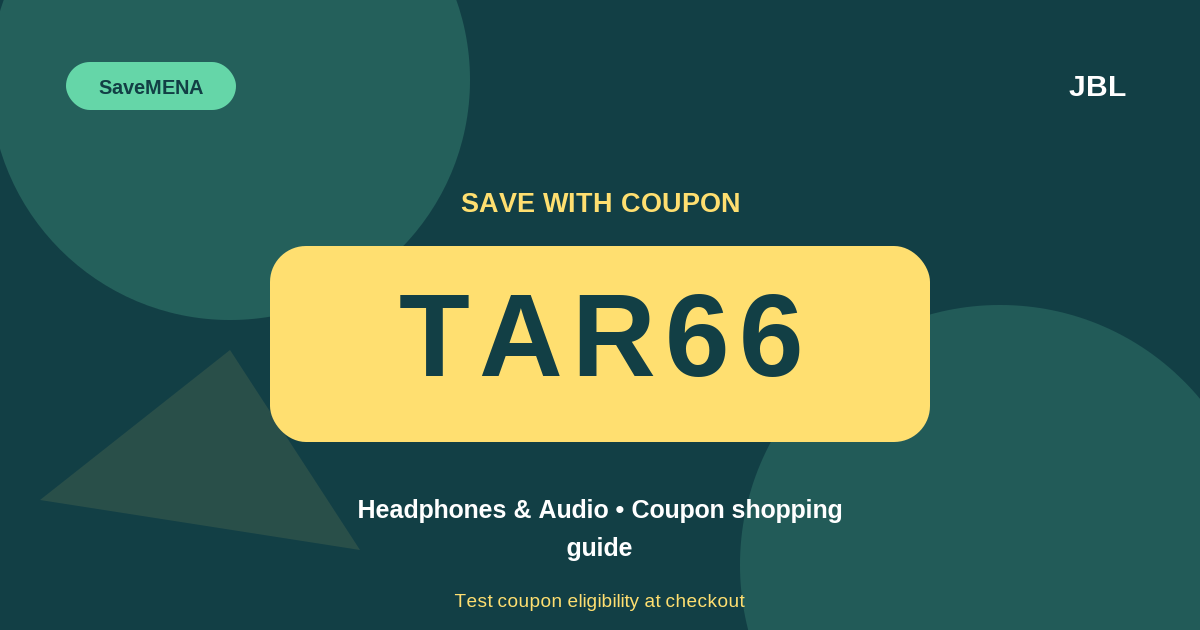
Codes available to try while comparing
These codes are not guaranteed for the article topic or listed brands; test them at checkout and use the live result.
1. Clarify the Basket Composition: Knowing What Counts
Basket composition refers to the exact items, variants, and quantities sitting inside your Noon cart that determine whether a coupon can be applied. When you’re the coupon code headphones, be mindful that accessories such as charging cables or protective cases may or may not contribute to the coupon’s threshold. If the coupon mentions “electronics” only, a non‑electronic accessory could push the total past the required limit and invalidate the discount. Therefore, start by listing every JBL headphone variant you intend to buy, then verify which additional items you might include for convenience, not to sidestep the coupon rules.
The clarity comes from writing down the specifics before you add a product to the cart. If you’re shopping for a pair of JBL JBL Xtreme 2 Bluetooth Headphones, note the exact model and seller ID. Check if the coupon requires a minimum subtotal that includes or excludes shipping. Confirm whether free shipping counts toward the threshold. With a clear visual map of the contents, you’ll later cross‑check your eligibility against the coupon’s text without confusion.
2. Assemble JBL Headphones & Complementary Essentials
Begin by locating the JBL headphone product page on Noon. Look for the variant you desire—wireless, over‑ear, in‑ear, or Bluetooth. Pay attention to the seller’s rating and the product’s return policy, as a lower‑rated seller might limit post‑purchase flexibility. Add the headphones to your cart, noting the quantity you need. If you plan to buy a set like a stereo pair, keep the quantity precise, because the bid‑price tier may change when the unit count shifts.
Once the headphones sit in your basket, consider optional accessories: hold‑case, extra ear‑cups, or a JBL charging dock. Remember, these items can influence the overall subtotal. SaveMENA advises verifying each accessory’s eligibility transparently before confirming your final order. Although the accessories are not the core of the coupon, they could push your cart beyond the coupon’s qualifying threshold if the coupon stipulates a maximum spend per transaction. Detaching these from the pseudo‑bundle can help you stay below that line.
3. Derive the Subtotal Needed for TAR64 Coupon Eligibility
Many coupons specify a minimum cart subtotal that must be met to trigger a discount. For the TAR64 coupon, research whether a floor is set—often displayed in the coupon description: “Apply to orders over AED X”. If this minimum is not visible, pickup the items until the cart value meets a comfortably high threshold that’s unlikely to be disallowed. After adding the JBL headphones, review the cart subtotal that excludes any applied coupon code. This interim figure is critical for confirming eligibility before you lock in your purchase.
Auto‑applied free shipping or taxes frequently add to the total but can sometimes be excluded from the coupon calculation. A mis‑match between the subtotal and the coupon’s required figure often results in a silent failure at checkout. Capture the pre‑discount subtotal, compute any shipping fee, then confirm that the sum is equal to or over the threshold your coupon specifies. If it falls short, reduce the discount’s potential and consider referring to the coupon’s official terms for clarification.
4. Apply the Coupon Code Early: Prime Time for Eligibility Checks
Most platforms allow you to paste a coupon code before finalizing payment. Once you have the TAR64 code in hand, return to the cart summary on Noon and insert the code in the “Enter deal code” field. The system will instantaneously display the new total, if the code is accepted. It will also indicate any reason it cannot be applied—typically a message pinpointing an unmet condition such as a low subtotal or ineligible item type. See whether the new total reflects a discount credited. If it remains unchanged, double‑check the code and the plant’s text for hidden characters.
One common pitfall is using a saved coupon code from an older session; Nichols of Noon might have purged it or the user may be dealing with a different season. A fresh entry ensures Courier is re‑evaluated on the current cart composition. Keep in mind that if the sale price automatically triggers a coupon, the system will overlay the discount. If the display still shows zero discount, re‑review the basket composition and confirm you haven’t unknowingly added a restricted item.
5. Final Confirmation: Verify Once at Checkout
Before selecting “Place Order”, scroll to the bottom of the checkout page to see the breakdown of totals. The discount applied via TAR64 will appear as a line entry labeled “Coupon: TAR64” or similar. Its impact on the grand total should be evident. Additionally, confirm that the applied code matches the expected conditions: no “free shipping” reminders or “minimum spend” conflicts remain unresolved. If the coupon line is missing, the discount was not accepted and the cart will not honor the coupon, even if the pre‑payment screen indicated success.
Remember that Noon’s checkout finalizes the transaction in real time; the last official confirmation is the moment you click “Pay”. Any change in buyer status, network issues, or last‑minute inventory shortages will be notified. Use this final opportunity to re‑enter the code if the automatic application failed, or contact Noon’s support if you see a recurring error box.A coupon is not guaranteed; verify its result at the retailer checkout.
6. Common Misinterpreted Triggers Affecting Coupon Eligibility
Savings codes can be unforgiving when applied to non‑eligible scenarios. For instance, some coupons have a “single‑product” restriction that disallows bundled items. If you’ve added other electronics like a JBL speaker, the system may refuse the coupon even though the headphone subtotal meets the threshold. Similarly, “first‑time buyer” conditions can exclude loyal customers or intangibly restrict previously used coupons. By confirming your stack’s content before application, you can avoid confronting these silent gatekeepers.
Another factor is the “cart value must be whole” rule. Certain coupons only activate if the overall subtotal before discount is a round number—say AED 200 or AED 400. If your basket equals AED 235, the coupon may prorate or skip entirely. Educating yourself on the coupon language will help you structure your purchase. Should you discover a discrepancy, adjust the quantity or replace an in‑eligible product with a compliant variant, rather than abandoning the coupon attempt entirely.
7. Double‑Check Potential Overlooked Variables at Checkout
Even after a successful coupon application, check for hidden variables that can invalidate the discount post‑payment. These can include store‑wide promotion conflicts, where two different coupons clash; or multi‑seller orders, where one seller’s product is not included in the coupon. If your order contains JBL items from one seller and accessories from another, the coupon may apply only to the seller’s part of the line item. Noon often displays a warning that the coupon will not affect an entire multi‑seller basket. Verify this in the cart before progressing.
Also, confirm the absence of an active “cashback” or “points redemption” that could be applied before or after the discount. Validate that the cart does not automatically trigger a “no coupon for this category” flag. If the discount line disappears after you’ve added a pending credit, contact Noon support before submitting payment. Ensuring these smaller details are considered protects you from losing an anticipated reduction.
8. Saving the Coupon and Re‑using the TAR64 Code
Once you’ve confirmed that TAR64 works for your JBL headphones, bookmark the coupon in a password‑protected note or a dedicated shopping app. When you return for future purchases, retrieve the code first, then verify that the basket composition now fits the coupon’s criteria again. Coupon terms can change weekly.A coupon is not guaranteed; verify its result at the retailer checkout. SaveMENA encourages documenting the date you accessed the coupon and the range of probable expiration, even if the exact date isn’t listed.
Finally, consider the full buying cycle: from product selection through to payment confirmation. Use this approach to keep your purchases within an optimal discount window. Employing the TAR64 code responsibly, while constantly validating each step tied to basket composition, maximizes your return on JBL headphones. As you do so, you maintain control over your budget and avoid hidden pitfalls that other buyers often overlook.
Related SaveMENA pages
Related articles
Official sources to check
Frequently asked questions
What should I do if my coupon code shows up as “not applicable” at the checkout page?
If “not applicable” appears, review the cart composition. Ensure there’s no disallowed item, that the subtotal meets the threshold, and that you are using the coupon before final payment. If it persists, reach out to Noon’s support for clarification on the coupon’s current status.
Can I combine the TAR64 discount with other coupons or promotions on Noon?
No, coupon codes on Noon typically cannot stack with other promotional offers. The TAR64 code is meant to apply exclusively, and using it in conjunction with another discount may trigger a conflict that invalidates the code.
Does the coupon apply to free shipping?
Usually coupons apply only to the product subtotal. Shipping costs are calculated after the discount is applied. Verify if your subscription or free shipping qualification changes the coupon’s eligibility in which case you may need to adjust the basket.
What if I accidentally added a non‑eligible JBL accessory to my cart?
You can remove or replace the accessory. Ensuring only eligible JBL headphone items remain will help the TAR64 discount apply correctly at checkout.