LG Home Appliances on Noon UAE: basket contents — coupon eligibility
Noon’s coupon engine checks several baseline conditions before it flags a coupon as eligible. The first criterion is the category: the cart must contain at least
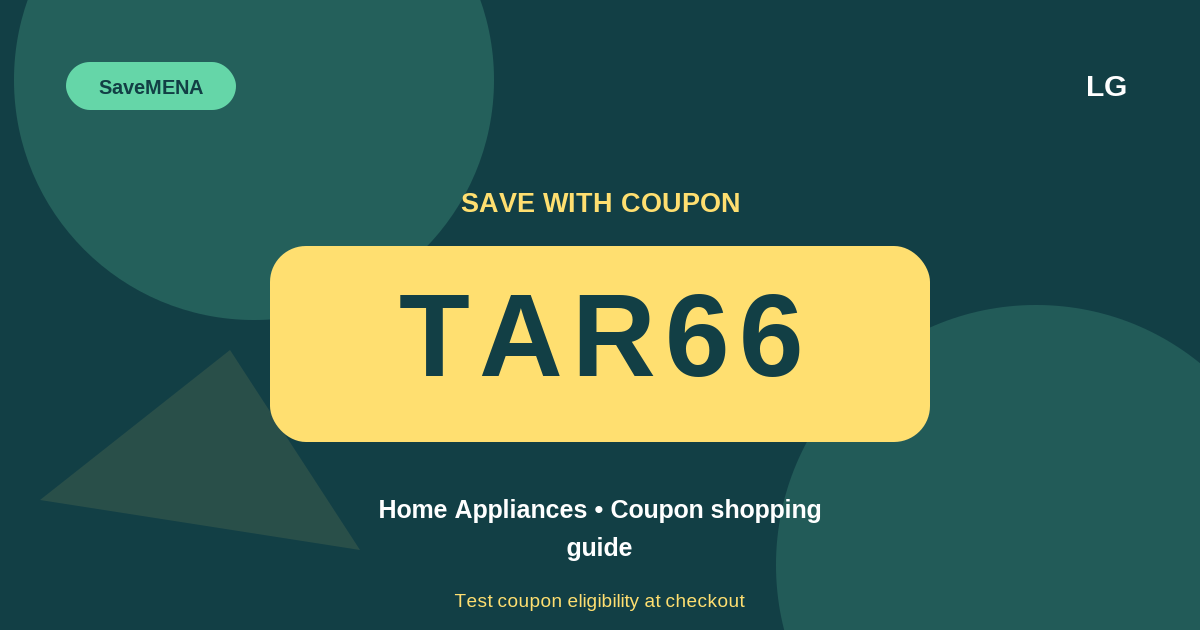
Codes available to try while comparing
These codes are not guaranteed for the article topic or listed brands; test them at checkout and use the live result.
1. The Core Rules of Noon UAE Coupon Eligibility for Home Appliances
Noon’s coupon engine checks several baseline conditions before it flags a coupon as eligible. The first criterion is the category: the cart must contain at least one item under Home Appliances. This includes LG’s refrigerators, washers, and air‑conditioners. If you only add a consumer electronics gadget, the engine will classify the cart as ineligible. Therefore, start by placing an LG Home Appliance item in your basket, then evaluate whether other items satisfy the same or add ancillary value, but the core category remains the same.
The second and more nuanced requirement focuses on basket composition. Noon’s algorithm verifies that each product’s quantity is at least one, the chosen variant is not a pro‑version exclusive to corporate accounts, and no promotional bundle that excludes “discountable” items accompanies the primary SKU. If you add a bundle that contains a feeder appliance but also includes a non‑eligible accessory, the algorithm will flag the entire order as non‑qualified for TAR66. Checking the cart at this stage safeguards against unexpected checkout errors.
2. Selecting the Right LG Home Appliance Variants for Coupon Compatibility
LG offers a wide array of home appliances: refrigerators, washing machines, air‑conditioners, and smart kitchen units. Each model can appear in multiple variants—different capacities, energy classes, or smart features. Noon's coupon eligibility checker is sensitive to variant codes. A 300 L refrigerator may be eligible, while a higher‑end 500 L variant flagged as “premium” might not qualify under a standard coupon. When adding LG items, inspect the detailed product page for tags like “regular” or “standard,” distinct from “premium” or “express.” These tags commonly signal whether the SKU is eligible for general coupons.
If you’re uncertain whether a particular LG zip code variant qualifies, place the item in the basket and attempt to apply the coupon quickly. Noon will immediately refuse or accept it. To avoid this manual trial, you can look for an icon or note on the product listing—often IKEA‑style stickers such as “Couponable” or the green tick next to the price. A clean, straightforward interface ensures that the variant meets the eligibility conditions before you commit your payment method.
3. Pro‑Tip: Use a Multiple SKU Focus to Maximize Your Basket Composition
Bundling multiple SKUs can sometimes unlock menu allowances, but it also complicates the eligibility framework. Noon prefers carts where each item remains an independent entity. Adding a second LG appliance—say a washer after a refrigerator—does not automatically break eligibility, so long as both remain standard variants. However, pairing an LG appliance with a non‑LG home appliance might reduce the coupon's impact if that non‑LG item is excluded from the discount list. Verify the eligibility by clicking “Apply” after every addition.
Why does the quantity matter? Because certain coupons on Noon apply only after you reach a minimum number of items. With the default policy, a single eligible item should suffice for TAR66, but if you loan a second LG refrigerator in a different color, the engine may treat the basket as two separate eligible items, doubling the discount pool. This isn’t guaranteed, but it is a precautionary rule to understand for more complex basket compositions.
4. Step‑by‑Step: Checking Coupon Eligibility in the Noon App Before Checkout
Start by opening the Noon app and navigating to the home screen. Search for your desired LG appliance, then add the specific variant to the shopping cart. Swipe left on the cart icon to view the basket, where you will see the item cost, seller rating, and the “Apply Coupon” field. Type the code TAR66 and tap “Apply.” The app will instantly confirm if the coupon can be applied to the current basket contents.
If the coupon accepts immediately, a green success message appears, and the discount is reflected in the total. If you get a rejection message, it indicates a mismatch in basket composition—perhaps a non‑eligible variant or a missing category. The message often also includes a short reason such as “Category mismatch.” This on‑screen feedback denotes that you need to adjust the basket before proceeding to payment. Remember, this process can be repeated after each item addition, so don't finish adding items until you result in a successful application.
5. Common Pitfalls That Break Lidl Wait for Coupon Eligibility
The most common single mistake is adding a shared accessory that Noon classifies as “bundle only.” When a cart contains an LG refrigerator coupled with a free installation service, the engine flags the order as a bundle and therefore ineligible for a standard coupon. Removing such bundles restores eligibility but may reduce your overall value proposition—balance the benefits carefully.
Another frequent error involves seller ratings. Sometimes a high‑rating vendor places a product under a “premium” sub‑category. Even a minor shift from “standard” to “premium” can lead to automatic disqualification. Double‑check the seller information and product variant label before finalizing the cart. Note that even if you change the seller but keep the same SKUs, the engine may still reject the coupon if the new shop lists the product under a restricted sub‑category.
6. What to Do If Your Coupon Is Declined at Checkout
If Noon throws a “Coupon not applicable” alert at checkout, immediately review the cart. Remove or adjust the offending SKU; sometimes reversing the last addition and re‑adding it as a fresh quantity of one can reset eligibility. If the item remains flagged, you can either switch to another variant that the engine marks as coupon‑eligible or consider purchasing it outside the current order to preserve the discount.
Another fallback is tacking the coupon onto a later order. Keep the coupon code on hand, and once you verify a compatible basket, apply it to the new purchase.A coupon is not guaranteed; verify its result at the retailer checkout. This approach allows you to keep the discount momentum while still acquiring the desired product without a lost attempt.
7. Timing Matters: When to Apply TAR66 for Maximized Benefit
Noon’s coupon approval often depends on real‑time cart dynamics.A coupon is not guaranteed; verify its result at the retailer checkout. The moment you add something like a limited‑time free gift, the engine recalculates and can disqualify the discount. Suspend such add‑ons until and only if you’re ready to finalize checkout.
Also, avoid applying the coupon when you have multiple cart tabs or different browser instances open. The cart state must be singular; otherwise, Noon may treat additions inconsistently, leading to a misplaced rejection. By aligning the timing—adding the LG appliance, confirming router, and then applying the code—all while staying on the same app or web session, you reliably maintain eligibility.
Related SaveMENA pages
Related articles
Official sources to check
Frequently asked questions
Will the Noon coupon TAR66 apply if I add a non‑LG home appliance to the basket?
Only items in the Home Appliances category, especially LG variants, will be considered. If the basket contains non‑eligible items, the coupon may still apply solely to the qualifying items, but the final discount may be reduced or the coupon might be rejected altogether.
Can I use the same coupon code for multiple orders?
Yes, you can reuse TAR66 across different orders. However, each order must meet the basic eligibility criteria—Home Appliances with an eligible variant—and the coupon must be applied at checkout for that specific order.
Do I need to have a Noon wallet balance to apply the coupon?
Noon does not require a wallet balance for coupon activation. The coupon can be applied regardless of whether you pay via wallet, credit card, or another method, as long as the cart satisfies the eligibility checks.
Is there a time limit for applying the coupon to a cart once items are added?
Once you add the qualifying item to your cart, you can apply the coupon immediately or later, provided no disqualifying items are added in the interim. The cart can remain open until checkout, and the coupon will still be active if eligibility holds.