Lenovo Laptops on Noon UAE: basket contents — coupon eligibility
The first thing any UAE shopper should know before touching their next Lenovo laptop to the “Add to Bag” button is how Noon UAE coupon eligibility works—especially
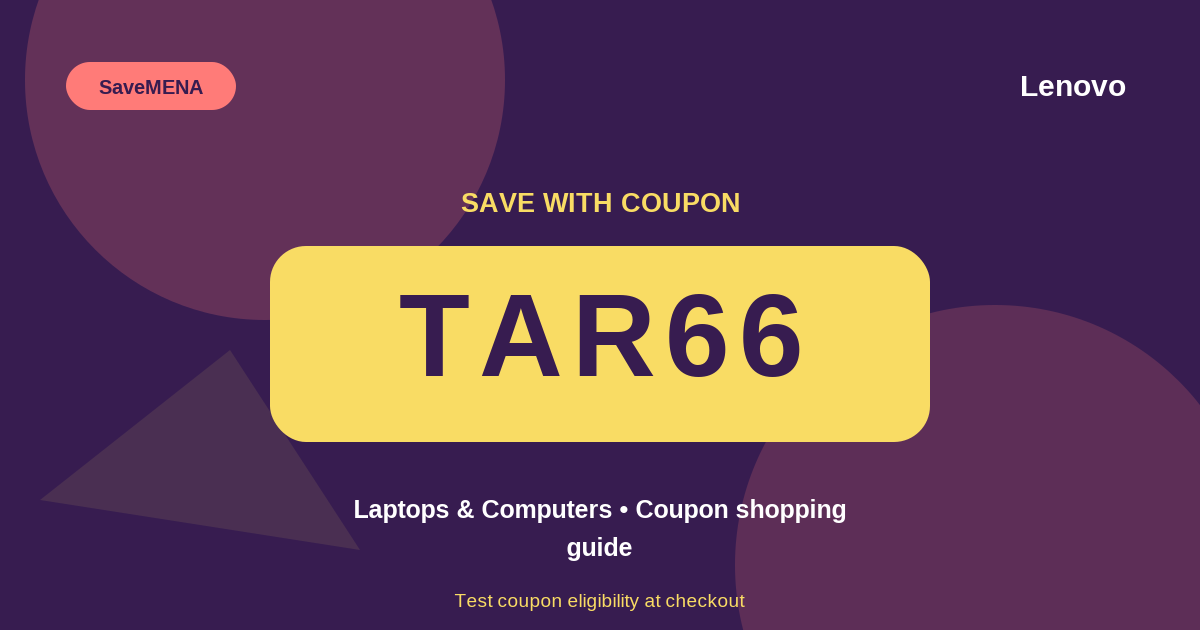
Codes available to try while comparing
These codes are not guaranteed for the article topic or listed brands; test them at checkout and use the live result.
1. Decoding the TAR66 Coupon Eligibility Rule
When Noon UAE advertises a coupon, the label “eligible” typically implies conditions that must be met before the code can reduce the total. The TAR66 coupon is available to try, meaning Stripe software will attempt to apply it during checkout but there is no guarantee it will stick. To know if the code can be used, review the small print that Noon often places under the coupon banner—any mention of minimum spend, exclusive brands, or a required number of items will directly affect whether the coupon can apply to your Lenovo laptop purchase.
The first practical check is to explore Noon’s internal “Coupon Eligibility” calculator, usually a pop‑up that opens when you hover over the coupon. This tool lists conditions such as category limits, brand restrictions, and required basket size. For instance, if the calculator indicates a “minimum of 2 items” is required, a single Lenovo laptop will fail to trigger the code even if the sale markup is zero. That type of overlay is integral before you add items to your basket and is the baseline for verifying my eligibility.
2. Selecting the Right Lenovo Laptop on Noon UAE
On Noon UAE the Lenovo lineup ranges from business‑grade ThinkPads to gaming‑powerful Legion models. Each listing specifies the vendor, available variants, and seller ratings. Unlike generic e‑commerce platforms, Noon UAE often splits its marketplace into “Official Store” and “Third‑Party Seller” sections. The price, shipping fee, and return policy can differ significantly between these, so you should take note of the seller line when you add the item to your cart. This distinction matters because some coupons apply only to official store listings, whereas others might be valid across the marketplace.
As you scroll through the options, pay attention to the gear configuration—such as RAM, SSD size, and GPU. In some cases, a higher‑spec model might be excluded from general discounts due to its higher merchant commission. Therefore, once you settle on a Lenovo laptop, verify that its exact SKU is supported by Noon UAE coupons by checking the product page for any “Eligible for coupons” mention. This will later influence how the basket composition aligns with the TAR66 coupon rules.
3. Adding to Your Basket: Composition Matters
When you add the chosen Lenovo laptop to your basket, Noon UAE shows you the running total along with a list of items before you hit “Proceed to Checkout.” This running total is pivotal, as the coupon eligibility engine analyzes the total, the item count, and the item types. A single laptop in your cart is a minimal composition, while adding accessories—a mouse, a protective case, or a second laptop—creates a larger basket. In many cases the coupon will require at least two distinct items or a total spend across a certain threshold to activate.
Be mindful that the order of addition can affect voucher validation. For instance, adding a high‑price laptop first may trigger a subtotal that misguides the system into thinking it meets the minimum spend, while adding a budget accessory later changes the eligibility. Therefore, build your basket incrementally and check for visual cues, like an icon that states “Coupon Eligible” when the requisite conditions are satisfied.
4. Reviewing Your Cart Before Checkout
Once your basket is full, click the cart icon to review each item’s details: SKU, quantity, seller, and current price. Here Noon UAE presents a “Coupon Eligibility” bar that updates dynamically. This bar informs you whether your current basket meets the TAR66 coupon conditions. If the bar is blank or reads “Not eligible,” you’ll know that you need to adjust the composition—add a qualifying product or move an item to a different seller whose products are coupon‑friendly.
Make sure the subtotal displayed is what you expect. Noon UAE sometimes adds delivery charges after you proceed to checkout. Since the coupon eligibility is evaluated on the pre‑delivery subtotal, a sudden increase in the total could invalidate the coupon. Double‑check that the subtotal shown is before the delivery fee and that all items are listed under the correct seller to avoid surprises at the final payment stage.
5. Applying the TAR66 Coupon During Checkout
At the checkout page, you’ll find a field to enter your coupon code. Type “TAR66” exactly, respecting upper/lower case, and hit the apply button. The system will immediately attempt to validate the code against the current basket composition. If the coupon is valid, you’ll see an updated total with the discount reflected. If it fails, Noon UAE displays a short message such as “Invalid or expired coupon.” Although the coupon is available to try, a failed attempt means either the conditions aren’t met or the code has reached its usage limit at the time.
Don’t assume the discount applied is final at the payment gateway. Noon UAE’s payment screen, often hosted on the same platform or a partner, may request you to confirm the total again just before you finalize the transaction. Therefore keep an eye on the total displayed on the payment page and verify it matches the post‑coupon amount you saw earlier. Knowing that the coupon worked only margin‑by‑margin will help you gauge whether the purchase was truly worthwhile.
6. What If the Coupon Doesn’t Apply? Common Pitfalls
There are several reasons why the TAR66 code might fail to apply to a Lenovo laptop basket. First, the basket may not have enough items; a single laptop might be below the hypothetical “minimum quantity” that would trigger the code. Second, the chosen SKU might be from a third‑party seller whose products are not eligible for Noon UAE coupons. Lastly, the product might be part of a “no‑discount” promotion, which overrides all other coupon codes. Although Noon UAE doesn’t reveal these details, they can be inferred from the “Eligibility” prompt during checkout.
To troubleshoot, remove the item, add a different Lenovo SKU, or add an accessory that is sure to be coupon‑friendly. If the coupon still fails, it’s likely that an internal policy is blocking the code for that particular product. In such cases, consider using a different coupon code or exploring Noon UAE’s voucher store for alternative offers that match your laptop’s category.
7. Exploring Alternative Discount Strategies
If the TAR66 coupon turns out ineligible, you might still get savings by leveraging Noon UAE’s built‑in promotional sliders. The site often updates its banner ads with flash sales or sales events tied to specific categories. By adjusting the filter to show “On Sale” items within the Lenovo range, you can discover lower‑priced SKUs or earn coupons from related promotional campaigns.
Another tactic is the “Buy1Get1” or “Free Shipping” offers that Noon UAE occasionally couples with certain laptops. You can combine these with eligible coupons—provided the “Buy1Get1” works with your entire basket composition. Ultimately, the key remains the same: your basket’s size, item types, and seller status dictate what combination of offers can be stacked.
8. Making the Final Decision: When to Checkout
After verifying coupon eligibility and exploring alternative discounts, compare the total payable amount against your budget and the laptop’s performance needs. The difference between a single‑item basket and a multi‑item basket may seem driven by coupon behavior, but it also affects delivery speed and warranty coverage. Noon UAE typically delivers most standard laptops within two to three days if the seller is local, but certain exclusive editions or imported models may take longer.
Before finalizing your purchase, consciously review the final total on the payment page, ensuring all taxes, delivery fees, and post‑coupon reductions are accounted for. If the total looks right and the coupon is applied, proceed. If you discover the discount has vanished due to a mis‑stamped seller or an excluded item, stop and reconsider your basket composition to align with the eligibility rules—or simply accept that the coupon does not apply and make the purchase without it.
Related SaveMENA pages
Related articles
Official sources to check
Frequently asked questions
How do I know if the TAR66 coupon is still active before I add items to my basket?
You can check Noon UAE’s coupon listing page or the banner pop‑up that appears when you hover over the code field. The text will indicate if the coupon is “available to try” or if it has expired, but this will only tell you that the code can reach the system, not that it will apply.
Can I combine the TAR66 coupon with other Noon UAE discounts?
Noon UAE typically allows one major coupon per order. Additional promotions, like free shipping or “Buy 1 Get 1,” may still apply if they are not blocked by the coupon. However, the coupon cannot be stacked with another discount code during the same checkout process.
Will adding accessories change whether the coupon applies?
Yes, adding one or more qualifying accessories may bring your basket to the minimum item count required by the coupon system. This can trigger the availability of the discount, but it depends on Noon UAE’s internal eligibility settings.
What happens if my checkout still shows the coupon fails after I apply TAR66?
It may mean that either the bag composition does not meet the hidden criteria, or the code has reached its usage limit at that moment. Double‑check each item’s seller status and total before re‑applying the code during checkout.