Puma Men’s Fashion on Noon UAE: basket contents — coupon eligibility · TAR64
~ 140-180 words. Need 8 sections with headings: 1. Understanding the TAR64 Coupon: A Quick Overview (covers general info & category). 2.
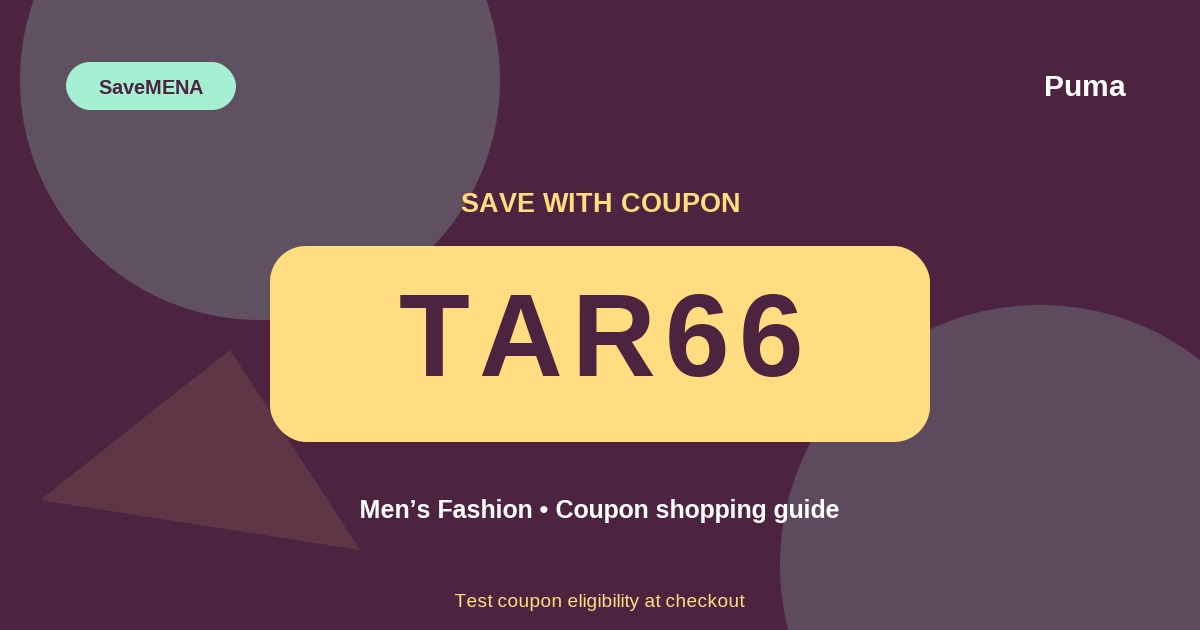
Codes available to try while comparing
These codes are not guaranteed for the article topic or listed brands; test them at checkout and use the live result.
1. Understanding the TAR64 Coupon: A Quick Overview
The TAR64 coupon is offered on the Noon UAE platform and can be tried by UAE shoppers looking for a discount. SaveMENA’s policy is clear: the coupon is available to try; it is not guaranteed to apply. As you read this guide, remember that eligibility hinges on the composition of the items in your basket—how many items, what variants, and which brands are included. Reviewing these details before finalizing the transaction is essential for a smooth checkout experience. By staying focused on the basket factors, you can avoid last‑minute surprises.
It is important to note that the coupon exists beyond the domain of Noel or any exclusive brand deals; it remains a general promotional offer. Accordingly, it does not automatically the coupon code a particular men’s fashion line or brand such as Puma. Exactly how the coupon applies will be revealed only at the point where you confirm the contents of your cart and proceed to payment. This emphasizes the need for a systematic review of the items you plan to purchase.
2. Pointing Out the Basket Composition: Why It Matters
When considering a coupon, the structure of your basket is decisive. Factors like the total quantity of items, the particular variants (size, colour, pattern), and how those items are grouped within the cart can govern whether or not the coupon will be accepted. For instance, adding a single men’s headwear item versus a set of two Puma polo shirts might shift the eligibility calculation performed by Noon’s system. Ensuring the right balance is a subtle art that blends product selection with the remit of the discount code.
Bjorn’s mantra is simplicity: keep your basket straightforward. A single product in a single colour often yields a cleaner evaluation path than a fragmented mixture of many items and variants. Thus, when one’s goal is coupon acceptance, reducing complexity early on can avert potential misinterpretations by the server that might otherwise flag the coupon. Keep this principle at the forefront as you assemble your men’s fashion stash.
3. Building the Ideal Men’s Fashion Basket with Puma Items
Puma offers a diverse range of men’s apparel that frequently appears on Noon. While the brand’s catalog can include jerseys, sports jackets, and everyday trousers, the key is selecting items that can be grouped effectively. A set of two matching polo shirts or a coordinated pair of shoes and a complementary T‑shirt can create a cohesive bundle that joins under the same category tag. This coherence makes it easier for Noon’s eligibility algorithm to recognize a uniform reflection of the product types in your cart.
When choosing Puma options, pay attention to the listed description fields. The details about material, size, and intended use can influence the system’s interpretation of the item’s role in the basket. For example, a Puma running shoe described as “lightweight” fits differently into a performance apparel bundle than a casual sneaker marked “fashion.” Aligning the item attributes with the broader fashion goal can help maintain consistency across the basket’s composition.
4. Step‑by‑Step: Adding Items to Your Basket
Begin by locating each product under Noon’s men’s fashion section. Click on a Puma item, and adjust the variant options (size, colour, and style) to match the exact piece you want. Use the quantity selector to add the desired amount—whether it’s a single item or a pair. After confirming the addition, the item appears in the basket slider at the top of the page. Repeating this process for each chosen product builds a clear snapshot of what the checkout process will see.
Inserting a new item triggers an automatic update of the basket’s total quantity and subtotal. This real‑time feedback makes it necessary to keep notes of any simultaneous variant changes. If you discover that a particular Puma variant is no longer available, you can’t rely on after‑the‑fact edits; the whole composition must be verified before moving to payment. The better organized the process, the fairer the coupon evaluation.
5. Cross‑Checking the Basket for Coupon Eligibility
Once the basket includes all desired items, the next step is to verify that the overall composition meets the implicit conditions the coupon expects. Typically, a discount will consider the total quantity of distinct products as well as the presence of items from a certain category. In this case, basket items are all tagged under Men’s Fashion and originate from reputable brands such as Puma. Inspecting each item’s assignment can confirm that no mis‑labeling or duplication occurs.
To do this, review the list of items in the basket slider. Confirm that the product name, brand, and category fields display correctly. Each entry should show “Men’s Fashion” as the classification and “Puma” as the brand. If any loss‑of‑alignment appears—such as a stray accessory mis‑tagged as “Sports Accessories”—update the item or remove it before checking the coupon. Accuracy here preserves the validity of the discount at payment.
6. Handling Variations and Quantities in Your Basket
Variant selection is a pivotal element of basket configuration. The peril of multiple outer configurations, such as buy‑one‑get‑one offers, can mislead the server into considering each variant a new line item type. These extra lines might push the basket beyond what the coupon was engineered to accommodate. If you desire to use the coupon, consider limiting your list to one or two variants from a single model to keep the evaluation path straightforward.
On the other hand, quantity can be a lever for eligibility—adding more than one item of the same variant can increase the basket’s appeal without breaking the coupon’s logic. A simple example is buying two Puma socks of the same size: the system may treat them collectively as one type. Always double‑check the item’s own description to confirm whether the quantity field counts as a single product type or multiple draws.A coupon is not guaranteed; verify its result at the retailer checkout.
7. Confirming Eligibility at Checkout: Final Checks
When you choose to finalize your order, you’ll reach the billing page where the coupon code field appears. Enter TAR64 into this box and click “Apply.” The page usually refreshes to reflect the coupon status, showing whether the code was accepted or declined. If the code is accepted, you should see a placeholder for the discount amount, even though the exact figure is not disclosed by design. If the code fails, the message indicates a mismatch between your basket and the coupon’s requirements.
At this moment, any mismatch will be due to an earlier mis‑configuration of the basket. In such a case, return to the previous steps: adjust quantities, re‑choose variants, or consider removing outlier items that dilute the category purity. If the code still does not apply after a correct basket configuration, the coupon is not available for the particular set of products chosen. This is the point where you must decide whether to modify your purchase or accept the error.
8. Tips for Keeping Your Basket Eligible for TAR64
First, try to maintain repeated items from the same model or variant. Multiple identical pieces tend to present as a single line rather than a batch, clarifying the algorithm’s recognition process. Second, avoid mixing sponsorships from unrelated segments—such as pairing a men’s fashion shoe with an unrelated kitchen gadget. The latter will disqualify your coupon even if each item separately would qualify. Keep your basket grouped strictly within the fashion umbrella.
Finally, remember that the checkout page is the official authority. Even if you have verified the entire basket beforehand, Noon’s backend may reinterpret quantity and variant counts differently. As a result, if you feel uncertain after the first try, do a quick re‑load of the page and re‑apply the coupon. In many cases, a new session triggers a fresh evaluation that may align with the earlier configuration. When all else fails, reaching out to Noon’s support with a visible basket screenshot can open the door for manual confirmation.
Related SaveMENA pages
Related articles
Official sources to check
Frequently asked questions
Why does the TAR64 coupon sometimes not apply?
Coupon application can fail if the basket’s item count, variants, or category alignment do not meet the hidden eligibility rules Noon enforces. A mismatched brand, wrong variant, or mixed product categories can all trigger a decline.
Can I apply the same coupon to multiple orders?
Yes, you can apply the coupon code to each purchase separately. However, its eligibility will still be evaluated individually against each basket at the time of that order’s checkout.
What if my basket has items from different sellers?
As long as all items belong to the men’s fashion category and are tagged correctly, the coupon may still apply. Nonetheless, inconsistencies in seller listing can occasionally trip the eligibility check, so verify each item’s brand field.
Is there a limit to how many times I can use TAR64?
Use limits are set by Noon and are not disclosed publicly. A successful use does not automatically grant any further uses, so applying the code each time will show whether it remains valid.