Anker Mobile Accessories on Noon UAE: basket contents — coupon eligibility
Before you add a product to your cart, you need to know that Noon’s coupon system evaluates eligibility at the moment you proceed to checkout.
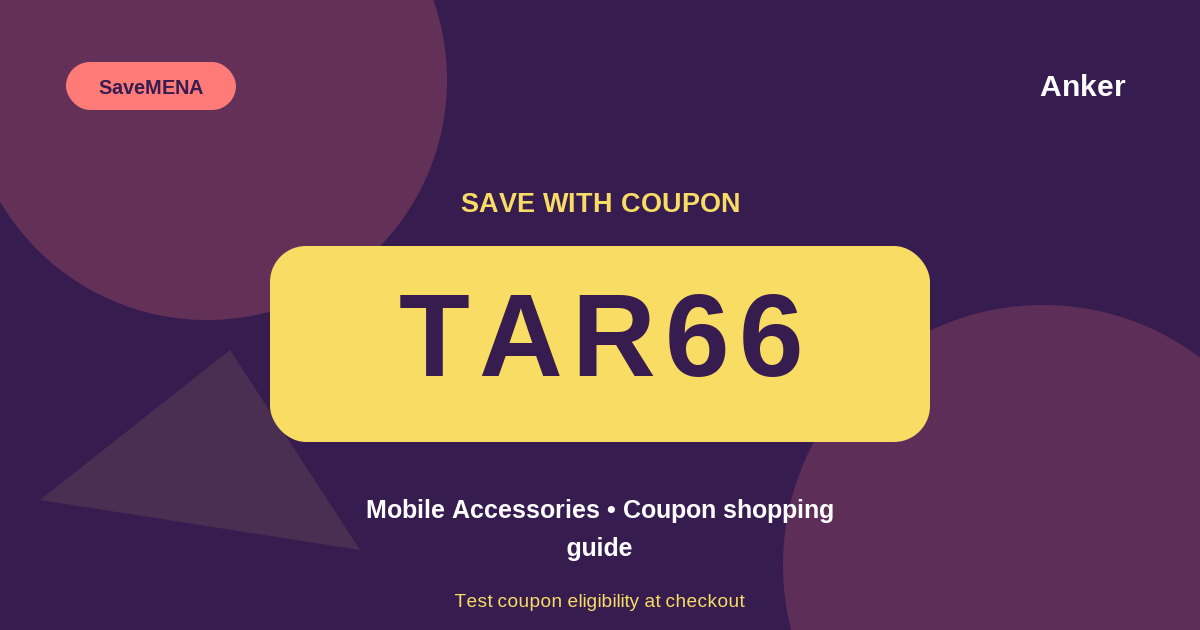
Codes available to try while comparing
These codes are not guaranteed for the article topic or listed brands; test them at checkout and use the live result.
Understand the Noon UAE Coupon Eligibility Process
Before you add a product to your cart, you need to know that Noon’s coupon system evaluates eligibility at the moment you proceed to checkout. The TAR66 code is simply an option you can try, not a guarantee of a discount. You won’t find a flat discount percentage listed in your cart until you enter the code during the final stages of your purchase. By embedding your code at the appropriate time, you trigger the system to run its eligibility checks against your entire basket.
During the checkout flow, a dedicated section will show whether the coupon is applied or rejected. If the coupon appears ineligible, Noon will normally provide a brief explanation indicating that certain constraints were not met. This immediate feedback helps you identify missing items or services that may have caused the failure, allowing you to adjust your basket composition accordingly.
Identify the Anker Products in Your Basket
Start by scanning your cart for the brands and product lines you wish to purchase. For Anker, this could include power banks, chargers, cables, and screen protectors. Noon’s product listings display the brand name prominently in the title and description, making it easy to spot at a glance. Make sure you have the correct SKU and version—different models may not be interchangeable within coupon rules.
At the cart screen, review the quantity and unit price per item. Some accessories may be sold in bundles; in such cases, treat the bundle as a single line item. Remember that each item’s eligibility is independent, so if a bundle contains an ineligible sub‑item, the whole bundle may be flagged by the coupon engine.
Check Minimum Basket Totals and Item Restrictions
Coupon systems often set a minimum spend threshold or restrict the number of items. While we cannot state a specific amount, Noon’s internal logic will examine the Gross Merchandise Value once you add the TAR66 code. If your basket falls below the required threshold, a notification will pop up during checkout. This step is crucial because it tells you whether adding more Anker items or additional accessories will satisfy the condition.
Additionally, the coupon may exclude certain categories or control the maximum quantity per item. Inspect the cart details for any flags that might indicate such limitations. If your basket meets the threshold but still fails, it is usually due to a product exclusion rule rather than the overall total.
Verify Cart Value Meets Coupon Eligibility Constraints
At this point, you want to confirm that the overall value of the items you selected aligns with the coupon’s requirements. Noon calculates the cart value by summing the product prices before shipping and handling. Once you enter the TAR66 code, the system recalibrates and may adjust the display of applicable eligible items.
If the system still marks the coupon as ineligible, double‑check that all items are in stock and that you have not added any discontinued or limited‑stock items that the coupon may not support. Edge cases, such as items on back‑order, can inadvertently cause the eligibility flag to switch to negative.
Examine Shipping Fees and Their Impact on Coupon Status
Shipping can alter the final eligible value of your purchase. In some scenarios, a higher shipping fee can push the total above a threshold required for the coupon to activate. Make sure to review the shipping options and associated fees before applying the coupon code. If you choose a higher‑cost delivery method, the system may update the eligibility status in real time.
Conversely, if the shipping fee is minimal or zero, it may reduce the effective cart value below the threshold. Many UAE shoppers consider free‑shipping promotions as part of the overall strategy, so keep track of which of your selected items are eligible for free delivery to maintain consistency with coupon requirements.
Confirm Payment Method Compatibility
Coupon eligibility can also hinge on the payment method you choose. Noon supports several avenues, including credit cards, debit cards, PayPal, and local wallets. Some coupons restrict usage to certain types of payments, so it is prudent to check the payment screen for any restrictions or notices that reference the TAR66 code.
Where a particular method is flagged as incompatible, the checkout page will usually display a warning. Switch to a different payment option if you wish to attempt the coupon again. Some payment methods may also trigger additional verification steps that could delay the coupon application process.
Monitor Real‑Time Coupon Eligibility Updates During Checkout
As you progress through the checkout stages—adding or removing items, selecting shipping, or changing payment details—the coupon eligibility can change instantaneously. Noon’s cart interface often shows a real‑time banner above the total price that indicates whether the coupon has been successfully applied. If you commit an erronetic change after entering the code, the system will re‑evaluate and update the banner accordingly.
Take a moment to pause and read any message that appears after each change. If the TAR66 code is no longer applied, the message will explain why, typically referencing a checklist of unmet conditions. Use that feedback to tweak your basket before you finalize your order.
Reconcile Final Amount and SaveMENA Guidance
Once the cart reflects a successful coupon application, you will see the updated final payable amount in the order summary. This figure includes product totals, shipping, handling fees, and the applied discount from TAR66 if eligible. Because every detail is rendered in the final amount, you can trust that no hidden fees or misapplied discounts remain.
At this juncture, it is wise to cross‑check the final amount against your own calculation to rule out any discrepancy. If your total still seems off, consult SaveMENA’s glossary for general guidance on how Noon’s features work, or reach out to Noon’s customer support for clarification. Remember, the coupon is a trial option and is not a guaranteed saving—use the final amount as a solid reference point before you complete your purchase.
Related SaveMENA pages
Related articles
Official sources to check
Frequently asked questions
Does the TAR66 coupon automatically apply to all Anker mobile accessories in my cart?
No. The coupon applicability must be confirmed at checkout; the system validates the catalog entries, basket total, shipping, and payment method before applying. Only a successful validation will reflect the discount.
If my coupon shows as ineligible, can I add more Anker items to meet the criteria?
Adding additional items can increase the cart total or modify the basket composition, potentially satisfying the coupon’s thresholds. Once changes are made, re-enter the code to observe eligibility changes.
Will choosing a different shipping option affect the coupon eligibility?
Yes. Higher shipping fees may push your total above required thresholds, while a free shipping option might lower the overall value. Monitor the eligibility banner after changing shipping methods.
Can I use the TAR66 coupon if I change my payment method mid‑checkout?
Payment method compatibility can influence eligibility. If a particular method is incompatible, switch to an alternative that meets the criteria, then re‑apply the coupon code.