Puma Shoes on Noon UAE: basket contents — coupon eligibility
etc. Use tags. Let's produce final text. We'll check word counts roughly. I'll write each section with headings and two paragraphs. --- Write
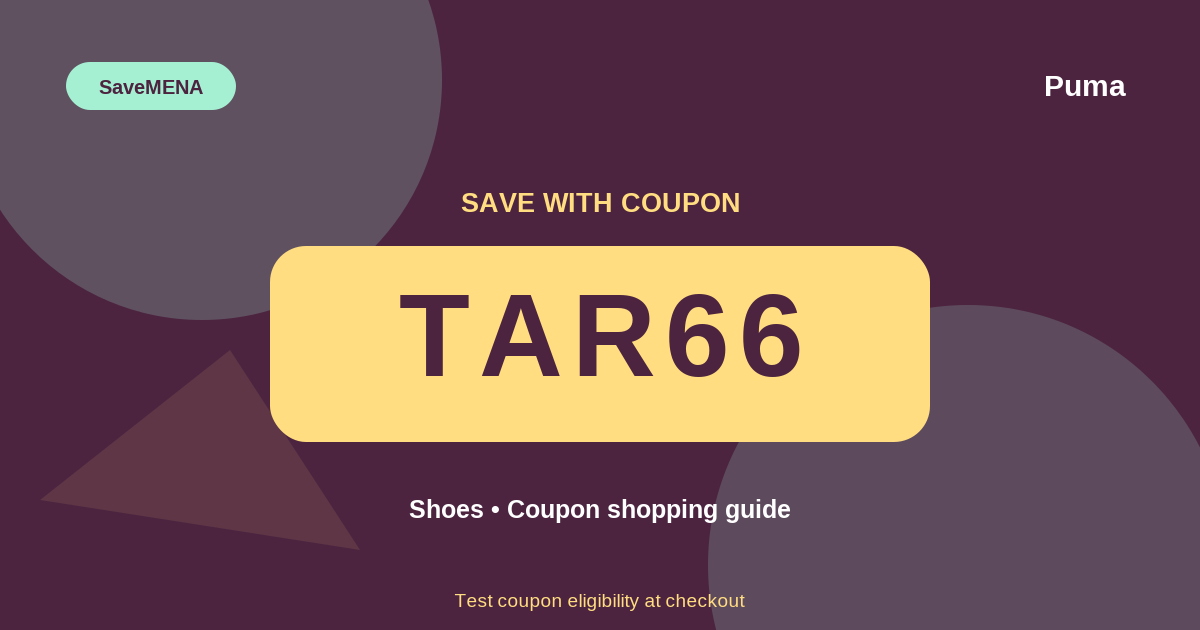
Codes available to try while comparing
These codes are not guaranteed for the article topic or listed brands; test them at checkout and use the live result.
1. Locate the Coupon Entry Point on Noon UAE
Begin your journey by opening the Noon app or web page and navigating to the coupon section. There you’ll find an input field to enter the code TAR66. Though the platform may display a generic “Apply Coupon” button, remember that entering a code does not automatically activate it; the system will still need to validate the basket during checkout. Checking this early gives you a chance to test the format and confirm that the code is recognised before you start adding items.
While the coupon is available to try, only the final checkout will prove whether it is truly applicable. At this early stage you can note any error messages or confirmations that the code is accepted. If you encounter a message indicating lack of recognition, double‑check for typos or trailing spaces. Having the correct code ready will streamline the process once your basket is ready to be evaluated.
2. Understand How Basket Composition Determines Eligibility
The makeup of your shopping cart—number of items, the specific shoe models, their sizes and colours—directly influences coupon eligibility. Even if you hold a valid code, the system may impose hidden thresholds like “three items must be of the same brand” or “at least one premium model.” A single variation in a Puma sneaker’s width or a shift from a casual to a formal pair can change the status from eligible to ineligible.
Before you add or remove shoes, skim through the cart’s detailed view. Confirm that each product is addressed by its exact SKU and that no unanticipated duplicates slip in. A well‑structured basket reflects the engine’s expectations and reduces the risk of encountering a denial when you reach the payment step.
3. Identify Puma’s Product‑Specific Conditions
Puma shoes, whether they are classic trainers or sport‑specific models, may be subject to distinct eligibility rules. The brand’s line often contains sub‑categories that differ in technical material or design maturity. A vague mention of “Puma footwear” does not guarantee that every model qualifies; some may be part of a limited edition that excludes coupons.
Check the product description for any extra notes about promotional compatibility. Even the seller’s name can be relevant if the store operates a separate pricing or discount policy. By ensuring that each Puma item in your basket aligns with the expected brand conditions, you minimise the chance that the coupon will be rejected at checkout.
4. Adding Items in the Correct Sequence
While it may seem trivial, the order in which you add shoes can affect how the system flags your basket. Placing a Puma sneaker first, followed by a different brand, might trigger a rule that requires all qualifying items to be from the same brand. Reversing the order can help the system interpret the basket correctly.
When you’ve added the last shoe, pause to review the cart’s composition line by line. Confirm that no items are carrying hidden addon codes or unrecognised styles. A deliberate addition sequence keeps the basket in line with the coupon’s implicit expectations, providing a clearer pathway to successful application.
5. Spot and Remove Disruptive Items Early
Items that do not belong to the coupon’s eligible set—such as accessories or non‑Puma footwear—can quietly sabotage your eligibility. Most e‑commerce platforms treat every cart entry differently when applying promotional codes. A single, unrelated shoe may suffice to shift the basket out of the eligible zone.
Before proceeding to payment, cross‑check each product against your coupon’s presumed criteria. If you spot a mismatch, consider removing or setting it aside for a future purchase. This pre‑emptive pruning helps avoid the disappointment of a coupon denial after engaging in full‑price payment.
6. Verify Eligibility at Checkout
When you reach the final payment screen, the system undertakes its final validation. It will assess your entire basket’s composition in real time. If the coupon code TAR66 is still showing as ‘eligible’, you will see it applied in the order summary. If it’s disabled, a brief notification will appear explaining that the current selection does not meet the coupon’s requirements.
In the event of a denial, the screen may offer suggestions such as “remove this item” or “adjust quantity.” Pay close attention to these prompts. Often they accurately identify the offending product or quantity that needs adjustment for coupon activation. Implementing the advised changes promptly can recover your eligibility before you finalize payment.
7. Avoid Common Mistakes That Trigger Disqualifications
One frequent error is overlooking seller‑level restrictions. Some Puma shoes sold by third‑party vendors on Noon may not be included in the coupon’s eligible umbrella, even if the brand name matches. Reviewing the seller’s name in your cart can alert you to potential exclusions.
Another pitfall concerns quantity limits. The coupon might be intended for a single pair rather than multiple pairs of the same shoe. Without explicit mention, a single purchase can misalign with the engine’s expectation. Prior to confirming your order, re‑open the cart and verify that the number of items aligns with your understanding of the coupon’s silent rules.
8. Use SaveMENA for Independent Guidance
SaveMENA offers independent spotting of coupon eligibility and can provide quick reminders that you may miss while scrolling through Noon. Although not affiliated with Noon, its advice can help you verify newsletter updates or seller changes that affect eligibility. Keep your finger on the pulse of any new offers that might move a previously ineligible shoe into the coupon’s realm.
Whenever you add a new Puma shoe or discover a different brand during a browsing session, cross‑check with SaveMENA’s latest listings.A coupon is not guaranteed; verify its result at the retailer checkout.
Related SaveMENA pages
Related articles
Official sources to check
Frequently asked questions
How do I confirm coupon eligibility before I click “Place Order”?
You can first look at the coupon section to see if your code appears accepted, but the definitive check happens at checkout. Review the cart’s item list, verify brand, size, and quantity, then proceed to payment to see if the coupon locks in.
Does basket composition affect whether the TAR66 code works for Puma shoes?
Yes, the system evaluates every cart item. If a Puma shoe is combined with non‑eligible items or has an unexpected size or color variant, the code may fail. Keep the basket uniform as per the implied rules.
What should I do if my coupon is rejected at checkout?
Check the cart for mismatched items or quantities. Remove or adjust any shoes that don’t fit the presumed eligibility rules, then try to apply the code again. If it still fails, the coupon may simply not be compatible with your current selection.
Is SaveMENA a reliable resource for coupon information for Noon UAE?
SaveMENA provides independent checks that can flag potential coupon eligibility issues, but it’s not affiliated with Noon. Use it as a complementary tool while verifying through Noon’s own checkout process.