Apple Smart Watches on Noon UAE: basket contents — coupon eligibility
When a coupon appears in your basket, it does not automatically assure a discount. Noon’s coupon engine evaluates each line item against conditions such as
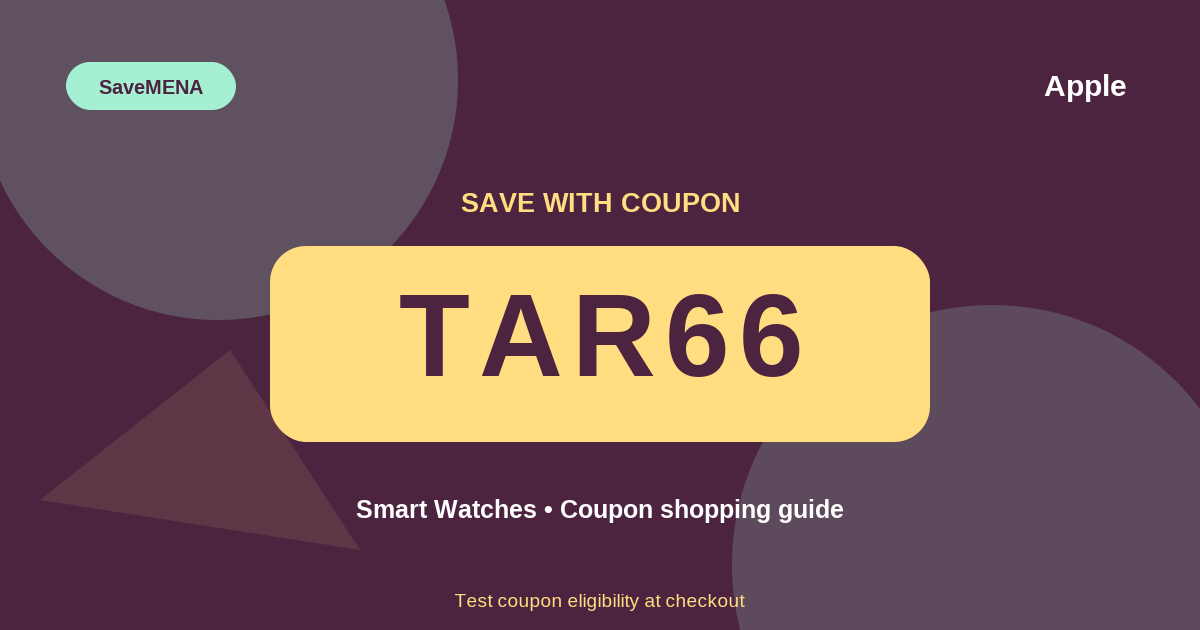
Codes available to try while comparing
These codes are not guaranteed for the article topic or listed brands; test them at checkout and use the live result.
Understand Your Coupon Eligibility: Why Basket Checks Matter
When a coupon appears in your basket, it does not automatically assure a discount. Noon’s coupon engine evaluates each line item against conditions such as category, price threshold, and cart composition. For the TAR66 code, the sales team has not disclosed a blanket eligibility for all smart watches, meaning the code could fail if your basket falls outside its parameters. Checking eligibility early saves you the frustration of a failed later redemption and protects you from unnecessary extra fees.
Because the coupon’s terms are tied to basket composition, shoppers who mix and match multiple brands or sellers may unintentionally disqualify the code. Therefore, reading the eligibility preview that appears under “Coupon codes”—which highlights whether the list of selected Apple smart watches accepts TAR66—lets you adjust your selections before you finalize. Always review the preview pane before proceeding, and if it shows “Not eligible,” re‑evaluate the items or consider alternative offers.
Selecting the Right Smart Watch: Apple and Review Insights
Apple’s lineup of smart watches spans several models, from the earlier Series 4 to the latest Series 9. Sellers on Noon differentiate these by case color, strap material, and storage capacity. If you want the TAR66 coupon to apply, you must choose a model that falls under the same product family the coupon the coupon code—generally the “Apple Watch” series category. Some third‑party resellers list older models under a separate name; such variations can render the coupon ineligible.
A coupon is not guaranteed; verify its result at the retailer checkout. A quick scroll to the “Product Details” section reveals the exact model number, which Noon uses to match against coupon criteria. Confirming this detail early prevents an unexpected rejection at checkout.
The Role of Seller and Variant Choice in Eligibility
Noon assigns each SKU to a specific seller; the coupon system looks at the seller’s catalog not just the product name. If the same Apple watch is sold by multiple stores, one might qualify while another might not, due to differing vendor policies or stock listings. When adding a watch, notice the seller name displayed directly below the product headline.
Choose a seller that NFT tags the item consistently with the Apple brand on Noon’s platform. If you see a seller label that appears outside the primary "Apple" umbrella—such as “SpecialtyTech” or “UAEProfessional”—the code might not recognize it.A coupon is not guaranteed; verify its result at the retailer checkout.
Quantity Limits: How Many Watches Can Trigger the Coupon?
The TAR66 coupon does not explicitly state a maximum quantity, but many Noon coupons apply on a per‑unit basis, inviting shoppers to buy one or more items to qualify. If you add two Apple smart watches, the system might treat each as a separate item for eligibility calculation, potentially reinforcing the coupon’s application if each meets the threshold.
However, stacking multiple watches of the same variant can sometimes trigger a “multiple items” rule that either doubles or prevents the discount. As the coupon’s exact logic remains undisclosed, it is safest to test eligibility with a single watch first, confirm the preview shows “Eligible,” and then add full‑price accessories if the code remains valid. Always reflect on the preview after any change.
Accumulating Complementary Items to Maximize Discounts
While the coupon is designed for smart watches, Noon’s cart may automatically offer complementary products—band upgrades, protective cases, and charging accessories. These items often reside in the same category and can be added to your list without jeopardizing the voucher, depending on the coupon’s inclusivity rules.
To safely add extras, navigate to the “Bundle” or “Accessories” section that appears under your watch’s product page. When you add an accessory, quickly scroll down to the coupon preview; if the banner still reads “Eligible,” you’re in the clear. An unexpected “Not eligible” after adding an accessory flags a compatibility issue that must be addressed before checkout.
How to View Coupon Status Within Your Noon UAE Basket
In Noon’s desktop or mobile app, open your basket and proceed to the “Coupon codes” field. When you paste the TAR66 code, an immediate status tag appears: “Coupon applied but not eligible” or “Coupon applied – the discount shown at checkout off” (the exact discount percentage is undisclosed). The status tells you if the current basket composition satisfies the eligibility conditions.
If the status shows “Not eligible,” examine each item’s category and seller line items. Remove or replace any suspect products, then re‑enter the coupon. A second look often reveals that a single accessory or a different variant is the culprit, allowing you to keep your desired watch while restoring eligibility.
Common Pitfalls That Break Eligibility Before Checkout
Many shoppers overlook subtle factors such as seller‑specific policies or variant mismatches. For instance, an Apple watch sold as “Apple Watch SE” with a different case color may sit in a sub‑category that the coupon’s algorithm does not account for. Likewise, adding a watch from a “Clearance” seller can negate the voucher if that store’s items are excluded from promo eligibility.
Another frequent mistake is adding a watch with a promo tag (e.g., “Buy 1 Get 1”) that Noon’s coupon checker flags as incompatible because the discount overlaps. Removing such promotional tags or selecting a regular variant often restores the TAR66 eligibility without sacrificing overall savings.
Related SaveMENA pages
Related articles
Official sources to check
Frequently asked questions
Can the TAR66 coupon be combined with other Noon promotions or loyalty points?
In most cases, Noon restricts coupons from being stacked with other promotional offers or loyalty points. The final checkout screen will indicate if additional discounts are allowed. If stacking is denied, you’ll have to decide which offer provides the greater benefit before proceeding.
What happens if I add a second Apple watch after applying the TAR66 coupon?
If the coupon remains eligible after adding a second watch, you’ll see the discount retained in the cart. If the status changes to “Not eligible,” you’ll need to remove one watch, adjust the seller or variant, or reapply the coupon to restore eligibility before payment.
Is the TAR66 coupon applicable to all Apple watch models on Noon UAE?
Availability is subject to the seller’s catalog and Noon’s coupon filtering. Only watches that sit in the defined Apple watch category and meet any hidden threshold will activate the coupon. If you receive a “Not eligible” message, double‑check the watch’s product page and seller labeling.