Apple Tablets on Noon UAE: basket contents — coupon eligibility · TAR64
If you’re finishing a tablet purchase on Noon UAE, the first thing you should check is whether your chosen or upcoming coupon still applies – that’s how the coupon
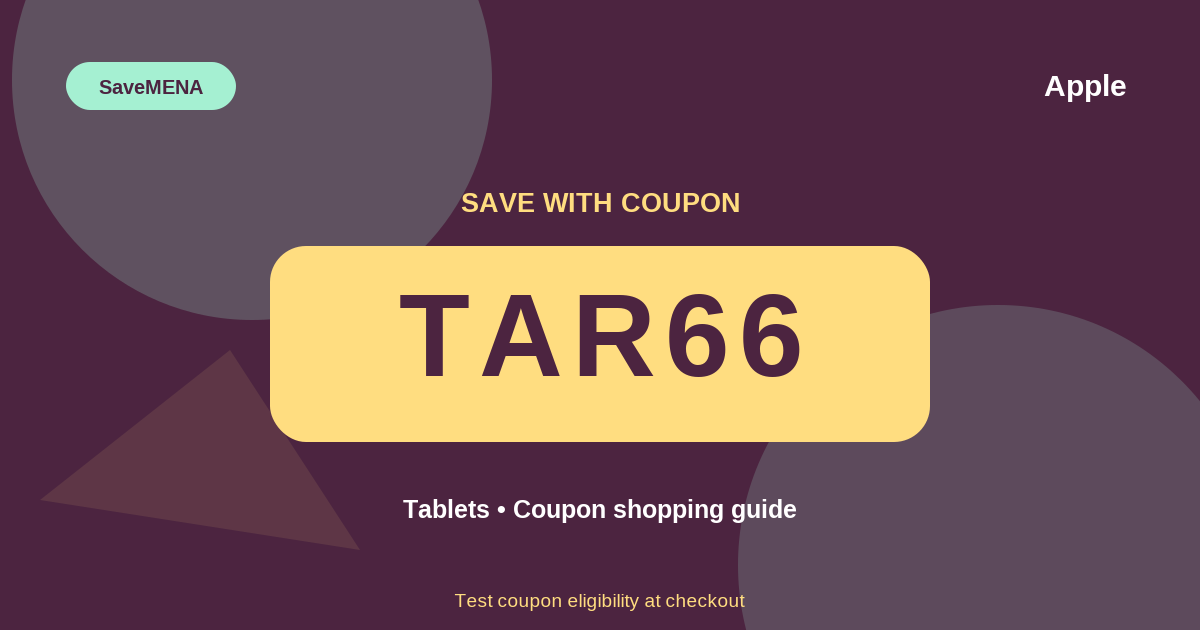
Codes available to try while comparing
These codes are not guaranteed for the article topic or listed brands; test them at checkout and use the live result.
Understanding Noon UAE Coupon Eligibility
Coupon eligibility on Noon UAE is governed by a series of conditions set by the marketplace. For tablets, it’s important to verify that the product itself is listed as eligible, whether the seller supports coupons, and if any additional discounts are already applied. When you add an Apple tablet to your bag, Noon’s interface will automatically flag any conflicting promotional rules, keeping you informed before you reach the payment screen.
Because Noon treats each coupon separately, the TAR64 code will only be available if every condition matches. That means checking the product SKU, ensuring you’re using a regular account (not a promotional-only one), and that no special shipping fees override the discount. Reading the coupon details on the product page helps confirm that your item falls within the eligible parameters, giving you peace of mind later in the checkout flow.
Why Tablet Purchases Need a Coupon Check
Tablets, especially Apple variants, tend to have higher price points than other consumables. For many shoppers, a coupon can mean the difference between a budget-friendly purchase and one that adds up to a significant expense. Checking coupon eligibility early in the process lets you decide whether to adjust your basket composition—perhaps by swapping accessories—or to switch to a different model that still offers a discount.
Also, tablet sellers often run bundled offers that may or may not combine with coupon codes.A coupon is not guaranteed; verify its result at the retailer checkout. If the coupon doesn’t apply, the basket will automatically revert to the supplier’s full price, which is why the eligibility check is crucial close to checkout.
The Importance of Basket Composition for Success
Baskets that include multiple items can trigger different set rules on Noon. For example, a single Apple tablet might be eligible for the coupon, but adding a case or charger that’s sold by a different retailer can break the discount. Keeping the basket composition tight around a core tablet product helps maintain eligibility and avoid inadvertent price hikes.
When you add more products, you also need to watch the combined shipping cost and whether it triggers a higher fee that might negate the coupon. Therefore, any accessory you purchase alongside the tablet should be cross‑checked against the coupon’s eligibility criteria, ensuring the entire basket remains compliant before you proceed to payment.
Apple Tablets on Noon: What to Watch For
Apple tablets on Noon vary from the base iPad to the Pro versions, and each model usually carries its own set of promotional rules. To use the TAR64 code effectively, you should confirm that your exact variant—whether it’s an 11‑inch or 12.9‑inch model—is listed under the coupon’s applicable products. Apple’s tablets often come with multiple storage capacities and color options; any change may affect whether the coupon is still valid.
Additionally, Apple’s ecosystem includes optional AppleCare+ and accessories that might have different seller tags. If you intend to add these to the order, double‑check that these items still retain eligibility, or else remove them before applying the coupon. The goal is to keep the basket composition homogenous with regard to coupon compatibility.
Step‑by‑Step: Verifying the TAR64 Coupon Before Checkout
First, add your chosen Apple tablet to the cart and review the basket summary. If the product is marked as eligible, you’ll see a prompt indicating that a coupon can be applied. Here you’ll enter TAR64 into the coupon field. Noon will then calculate a provisional discount and display the new subtotal before any shipping or payment methods finalize the amount.
After entering the code, look for a green confirmation badge or a notice that says the discount has been applied. If the code fails, a message will appear stating eligibility issues. At that point, check the item details or remove conflicting accessories before re‑applying the coupon to avoid surprises at the payment stage.
Potential Hurdles: When the Coupon Won’t Apply
Coupons can fail for several reasons: the product might have been discontinued, the seller may be non‑coupon‑eligible, or the checkout mode—such as express or app‑only—might differ from the code’s intended use. Another common issue is that you might have pulled accessories from different sellers, breaking the discounted bundle.
If the coupon does not work, Noon’s interface will ask you to either remove the offending item or look for an alternative product that still meets the coupon’s criteria. The solution often involves trimming the basket composition or replacing an accessory with one that is sold by a coupon‑friendly vendor.
Maximizing Value: Adding Complementary Tablet Accessories
When a coupon successfully applies to your Apple tablet, you can start considering complementary accessories that do not compromise eligibility. Items such as the Apple Smart Keyboard or a high‑quality protective case sold by the same retailer can often stay within the coupon scope, preserving the discount on the main product.
However, any accessory from a separate seller may block the coupon, so it’s wise to verify each component individually. Checking the seller’s coupon compatibility status during the basket stage lets you curate a set that balances functional additions against the savings offered by TAR64.
To Buy or Not to Buy? Final Considerations
Once you’ve verified the coupon, assessed basket composition, and confirmed all accessories are eligible, you should evaluate the final payable total displayed at checkout. Ensure that the discount amount looks correct, that shipping doesn’t erode the benefit, and that no hidden fees appear once the payment method is selected.
If everything checks out, you can proceed with confidence. If not, you’ll need to revise either the product selection or the accessory list until the final total reflects the coupon benefit. By keeping the focus on basket composition throughout, you’ll never unknowingly lose a discount at the last minute.
Related SaveMENA pages
Related articles
Official sources to check
Frequently asked questions
How can I tell if my Apple tablet is on the eligible list before applying the coupon?
Check the product page for a notes section that lists eligible coupon codes. Look under “Promotions” or “Coupon eligibility” to see if TAR64 is listed. If not mentioned, the tablet might not qualify for the discount.
Does the TAR64 coupon work with accessories like cases or keyboards?
Only if those accessories are sold by the same seller and listed as coupon‑eligible. If they are from a different vendor, the coupon may not apply to the entire basket.
Can I use the TAR64 code on the Noon app as well?
Coupon eligibility rules can differ between the web site and app. Verify on the app’s coupon field before checkout to make sure TAR64 still applies.
What happens if my coupon doesn’t apply during checkout?
You'll see a brief notification explaining the eligibility mismatch. You can then remove or replace the conflicting items, or choose to continue without the coupon if you prefer the full price.