Calvin Klein Women’s Fashion on Noon UAE: basket contents — coupon eligibility · TAR64
When you log into Noon UAE and add a Women’s Fashion item to your cart, the next step is to see if the TAR64 coupon can be applied.
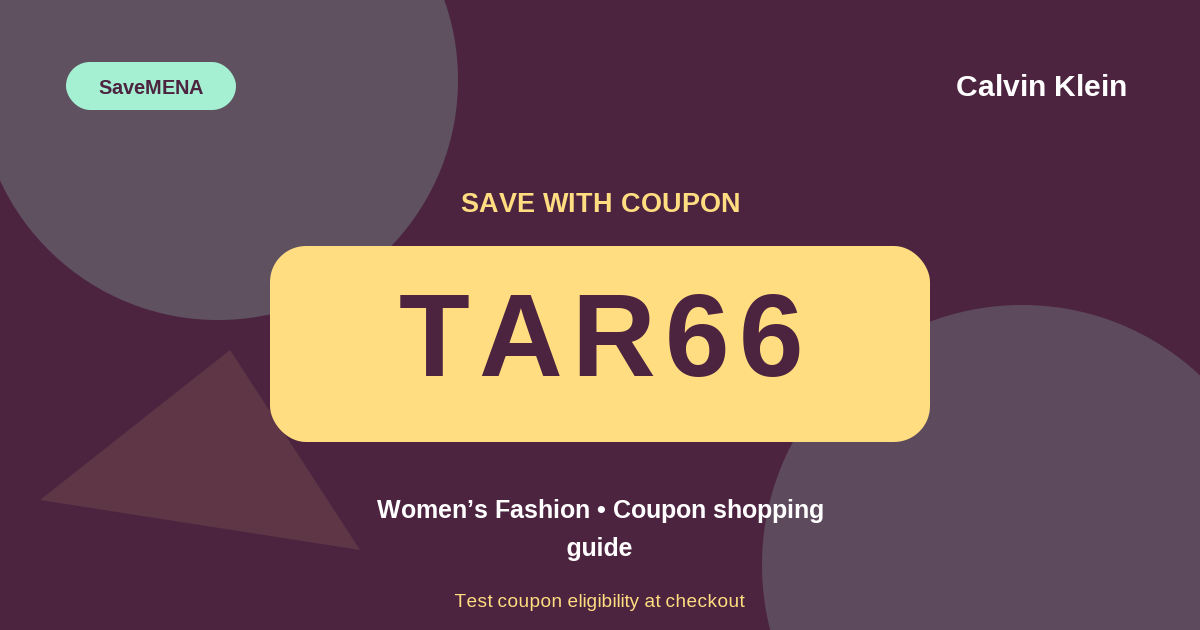
Codes available to try while comparing
These codes are not guaranteed for the article topic or listed brands; test them at checkout and use the live result.
Understanding Noon UAE Coupon Eligibility for Women’s Fashion
Coupon eligibility on Noon UAE is governed by a set of system‑wide rules that differ from promotion to promotion. For Women’s Fashion, the eligibility mechanism first checks the categories of items in your basket and then verifies that the coupon code you entered meets the campaign’s entry requirements. The system does not display a predetermined discount—it simply validates whether the code works for that specific combination of products, sellers, and payment options. <br>When you are shopping for a brand such as Calvin Klein or another, the key is to confirm that your selected items fall within the Women’s Fashion category and that no additional restrictions (e.g., minimum order value or specific sellers) invalidate the coupon. Only a successful validation will allow the coupon to affect the final payment amount seen at checkout.
Before reaching the payment screen, the theater of WooCommerce bids to flag which cart items qualify. If you have a non‑Women’s Fashion accessory or an unrelated brand that is not compatible, the system will automatically drop that item from the coupon eligibility pool, which may reduce your chances of a discount. Confirming on each step keeps you from being blindsided by an uneligible code at the end, a common frustration for many UAE shoppers. The “basket composition” lens means that you should review every item, its seller, and quantity before moving to the next step.
What Makes a Coupon Eligible: Basket Composition Essentials
When Noon UAE processes the basket, it first enumerates each distinct product, the quantity selected, and the seller responsible for fulfillment. It then cross‑checks the coupon’s eligibility matrix which typically maps out allowed categories, brands, and sometimes sellers or variants. If any product in your basket does not match an allowed combination, the coupon logic will reverse its influence on that particular item. The order of each product’s appearance doesn’t influence the eligibility, but the presence of a disallowed item trumps the whole basket’s compliance. AMC purchasers often overlook this typical rule.
In practical terms, if you buy a Calvin Klein dress and a matching pair of shoes, you must verify that both components are flagged under Women’s Fashion in the catalog. A variant that’s out of style or a black‑black listing from a different seller can deregulate the coupon’s effect. If you’re unsure whether a vendor is compliant, looking at the seller profile on the product page, not just the item’s listing, will clarify if the vendor participates in the coupon program. Refine your basket composition to avoid unqualified items, and you’ll see a smoother path to coupon acceptance.
Adding Calvin Klein Pieces to Your Cart
Calvin Klein is a frequent partner with Noon UAE’s promotional programs, but each campaign may have its own set of terms. When you add a Calvin Klein item to your cart, check that the product is under Women’s Fashion and that the seller label indicates it’s a Noon authorized partner for the campaign in question. If the product uses a unique SKU, the system still tracks it as part of the Women’s Fashion bundle, but there is no guarantee that the coupon will trigger a discount.
You might also encounter cases where a Calvin Klein accessory is cross‑listed under Accessories, not directly under Women’s Fashion. In such a scenario, the coupon’s eligibility engine will treat it as a non‑eligible item unless the campaign is explicitly multi‑category. The simplest way to keep the voucher alive is to bundle only items unmistakably labeled as Women’s Fashion, accept the terms, and keep your cart composition tight.
Confirming Quantity, Variant, and Seller Alignment
The basket composition check requires that every item reflect acceptable quantity limits for the coupon. A single item that is too large (for instance, buying ten identical dresses) can imbalance the voucher’s internal rule which might set a per‑product cap. In effect, if the desired quantity exceeds the coupon’s logic, you’ll be forced into a partial application where only a subset of the purchased items counts toward the discount.
Variants—such as color or size—must also be considered. If you select a variant from a seller not on the coupon’s approved roster, the system will treat that specific variant as ineligible. Double‑checking the product description and seller details before finalizing your order ensures the basket stays within the allowed combination. A key tip is to proceed with only one variant per item to keep the system’s logic simple, especially when using a manual coupon like TAR64.
Checking Price, Delivery Fees, and Total Before Coupon Application
When you view your cart in Noon UAE, the page renders a breakdown that lists the individual price of each item, any applicable delivery fees, and the overall subtotal. However, the coupon eligibility calculation does not slide until you actually apply the code. The interface does give a quick “check eligibility” prompt if you click the coupon box; this preview sometimes shows “coupon applies” or “coupon does not apply” based on the current composition. The price shown here is before any potential discount; you must verify that the price and delivery do not violate the hidden cap.
Because delivery fees are often independent of coupon eligibility, they usually stay constant regardless of whether you get a discount. The system will still show the same shipping amount after the coupon is applied—only the product totals shrink if the code works. Make sure the subtotal you see matches the total of all items that qualify; if there’s a mismatch, that suggests an item in the basket is excluded, thereby nullifying the discount for the entire order.
Applying TAR64 and Verifying Real‑Time Eligibility
Once you’ve confirmed that your basket composition, quantity, variant, and seller align with the coupon’s conditions, you can input TAR64 in the code box on the cart page. The system immediately re‑evaluates the entire order, applying the discount wherever possible and displaying a new payable total. If the code applies, you’ll see a negative adjustment line; if not, a brief message indicates “coupon does not apply”.
It’s important to remember that the eligibility check finalizes only at checkout. Even if the code initially shows applicability, the final ledger might differ if, for instance, a product becomes out of stock after you clicked the button. Therefore, repeating the application step right before payment ensures compatibility and lets you catch any last‑minute changes. The result of this final verification is the definitive benchmark you’ll see at the payment screen—your final payable amount.
Managing Exceptions: Stock, Payment Methods, and Local Restrictions
Stock discrepancies can disrupt coupon eligibility. If a scheduled shipping date is altered because a specific SKU is out of stock, Noon UAE may shift the item to another variant or seller that isn’t part of the coupon’s allowable basket. In such cases, the system will automatically remove the discount from that product, which may reduce the overall discount amount. Only by refreshing the cart after any stock warning will you know the true range of discount coverage.
Payment options can also isolate eligibility. While Noon UAE generally accepts major UAE credit cards and local payment methods, some coupons may be limited to specific issuers or promo code blocklists. Always confirm your chosen payment method is listed as eligible. If your payment is unsupported, you’ll see the coupon flagged as non‑functional once you attempt to proceed, even if the basket composition was correct.
Final Checks and Checkout Confirmation
Before you hit the “Place Order” button, revisit the cart summary. Verify that every line item remains the color, size, and seller you intended, that no new items have been added, and that no delivery fee has changed. Press the “Place Order” button to review the payment screen where the final total appears. This screen is the ultimate reliability check for coupon eligibility. It reflects any deferred eligibility changes, combined with shipping adjustments, and confirms the final payable amount.
Assure yourself that once the coupon code is accepted on that screen, no further changes will auto‑strip the discount.A coupon is not guaranteed; verify its result at the retailer checkout. If all components come together—category, quantity, variant, seller, price, and payment—then the coupon will reflect in the final amount, saving you potential costs for your Women’s Fashion haul.
Related SaveMENA pages
Related articles
Official sources to check
Frequently asked questions
How can I be certain my coupon code will work before I pay?
Check the cart’s eligibility preview after you input TAR64; it shows whether the code applies to your items. However, only the payment screen finalizes the discount—any changes after adding items or variations may affect it.
What happens if one of my selected items is out of stock?
If an item becomes unavailable, Noon UAE will adjust your order by removing that item from the discount calculation. The coupon will still apply to the remaining eligible items, but the total discount will decrease accordingly.
Does the coupon cover delivery fees?
No. Coupon eligibility generally applies only to product prices, not to shipping or handling fees. Delivery charges stay the same regardless of discount application.
Will a different payment method affect my coupon eligibility?
Most coupons work with standard UAE credit cards on Noon. If you use a non‑listed payment method, the platform may refuse to apply the coupon, even if your basket otherwise qualifies.