Women’s Fashion on Noon UAE: basket contents — coupon eligibility · TAR64
Getting your taste‑on‑trends Women’s Fashion items from Noon UAE is smart, but making sure your CART is coupon‑ready before you hit “Pay” saves headaches.
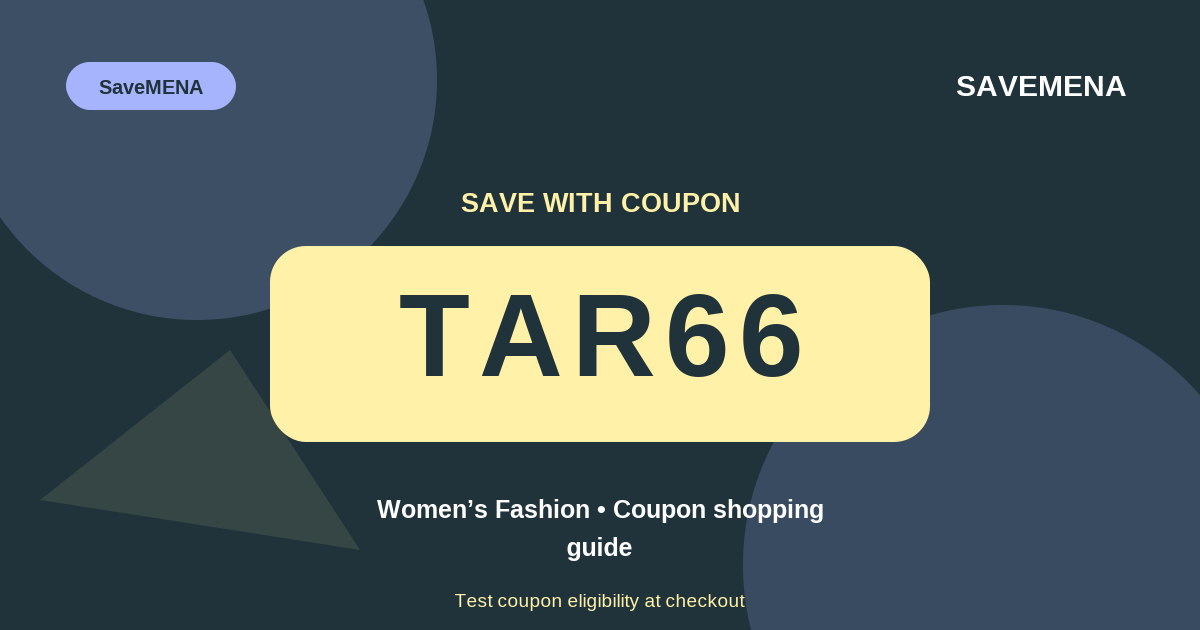
Codes available to try while comparing
These codes are not guaranteed for the article topic or listed brands; test them at checkout and use the live result.
1. Reviewing Your Women’s Fashion Basket for Coupon Compatibility
Begin by pulling up your Noon cart from the app or web interface. Focus on the Women’s Fashion section: tops, dresses, pants, footwear, and accessories. Each product lists the seller name, quantity, and subtotals. For the TAR64 code to work, the overall basket must fall within the product families that the coupon the coupon code. Even though the coupon isn’t brand‑specific, a mix of items can influence eligibility if certain sellers or categories are exclusive to other discount structures.
The cart’s visual layout shows line‑by‑line details. Pay attention to any items flagged as “Non‑Coupon Eligible” or labeled with a special circle icon. This typically signals either a seller that does not accept coupons or a SKU that is excluded from blanket discounts. Quickly swap or remove such items to keep your basket clean and ready for the coupon trial.
2. Adding Items Strategically to Maximize TAR64 Potential
Thoughtful additions can open or close the door on coupon eligibility. If a product is from a seller that permits coupon use, adding it can increase your total value without compromising the discount claim. However, adding a duplicate of a non‑eligible item will likely nullify the coupon, even if you hit the correct code.
When gathering new pieces, double‑check the product detail page for a small note near the price that reads “Coupon eligible” or “Not eligible.” That note is a strong hint. Combine only those with a “yes” label to maintain the integrity of the coupon across the cart. The goal is a mixed basket that still respects the rules attached to the TAR64 code.
3. Understanding Seller Policies and Their Impact on Eligibility
Every seller on Noon maintains its own campaign calendar and coupon policy. Some prefer to bundle gifts, some focus on flash sales, and others restrict coupon use to their own brand. In the cart, you’ll see the seller name beside each item; swapping a product between sellers can affect eligibility if the new seller ignores the TAR64 code.
Most sellers have a link to “Seller Notes” or “Policy” on the product page. This page outlines whether they accept coupons and under what conditions. This is crucial because adding a single item from a seller with a blanket “No coupons” policy can invalidate the entire basket, regardless of other eligible items.
4. Total Basket Composition: How Quantity, Category, and Price Affect the Coupon
The TAR64 code operates on whole carts Rather than per‑item discounts, it’s influenced by cart size, category spread, and total value. A basket of, say, three dresses from separate sellers is a different structure from a single pair of shoes bundled with a dress.
Before you apply the code, overlay the cart totals and category list. If the overall composition dips into a range not covered by the code – for example, a heavily skewed single category or an incomplete combination of seller types – the coupon may drop. Keep the cart balanced: even if a single item is eligible, the absence of another category might trigger a mismatch.
5. Checking Eligibility in the Noon App: A Step‑by‑Step Walkthrough
On the Noon app, click the cart icon, then “Apply Coupon” near the total. Enter TAR64 and hit “Apply.” The app will instantly recalculate without a full page reload. A small banner will inform you whether the coupon is accepted, rejected, or requires adjustment.
If the code is flagged as ineligible, the banner will typically hover a brief explanation, such as “Item not eligible” or “Seller restriction.” Read it carefully; this is a priority clue on which part of the basket is the culprit. If no explanation appears, reassess the seller policies or cross‑check the product list for hidden exclusions.
6. The Role of Delivery Fees and Payment Method in Final Eligibility
Delivery fees in the UAE can be variables – fast shipping vs standard. Some coupons have delivery fee caps, but the TAR64 code is a general coupon try. Adding a free‑delivery item or a high‑fee shipping option does not automatically trigger the coupon; it merely updates the final value.
Payment method can also influence finaleligibility because Noon sometimes binds certain discounts to specific wallets or COD. If you change your payment plan after entering TAR64, the app will refresh your cart total and may adjust or remove the coupon. To stay safe, decide on payment before attempting the coupon code.
7. Managing Expectations: Why the Coupon Is Only “Try” and Not Guaranteed
SaveMENA sources coupon codes that are usually live, but the code availability can shift without warning. The "try" status means you might see the discount at checkout, or you might have to adjust the cart and reapply. It’s a best‑effort estimate and not a promise.
If the coupon fails, you’ll get no penalty but the cart remains unchanged. Use this as a motivation to keep refining your basket: replace or remove items, adjust quantities, or change sellers based on the feedback banner. The iterative process is how customers achieve the desired savings.
8. Final Check: The Checkout Page Dictates Your True Savings
The supremacy of checkout is paramount: it is the conclusive point where the coupon code’s validity, the cart’s composition, seller regard, and payment overall combine into a final number. Only at the checkout screen does Noon finalize the total payable amount after all coupon adjustments, delivery fees, taxes, and potential transaction charges.
Confirm every line item, ensure the cart totals match your expectations, and verify that no invisible hidden fee or coupon has been overruled. At this last glance, the code’s effect becomes immutable. It’s a single shot that determines your real-dollar savings – a final chance to catch any mis‑aligned item or fee before you finish the purchase.
Related SaveMENA pages
Related articles
Official sources to check
Frequently asked questions
How do I know if a product I want to add will break the coupon?
Look for a small note on the product page that says “Coupon eligible” or “Not eligible.” If the product is listed as “Not eligible,” adding it will likely invalidate the TAR64 code. The cart will show a mismatch banner if this happens.
What if the code does not apply but I want to keep the basket?
You can remove the offending item, retry the code, or replace it with a similar one that has a coupon flag. Keep checking the banner after each change until the code applies.
Does using a different payment method affect the coupon?
Changing the payment method can change the final fee structure.A coupon is not guaranteed; verify its result at the retailer checkout.
Will applying the coupon after checkout change the total?
No. At checkout, the coupon is finalized. If it does not apply there, it cannot be re‑applied after the order is confirmed.