Nike Women’s Fashion on Noon UAE: basket contents — coupon eligibility
Nike’s women’s fashion collection spans shirts, leggings, athleisure jackets, and more, each with multiple size and color options.
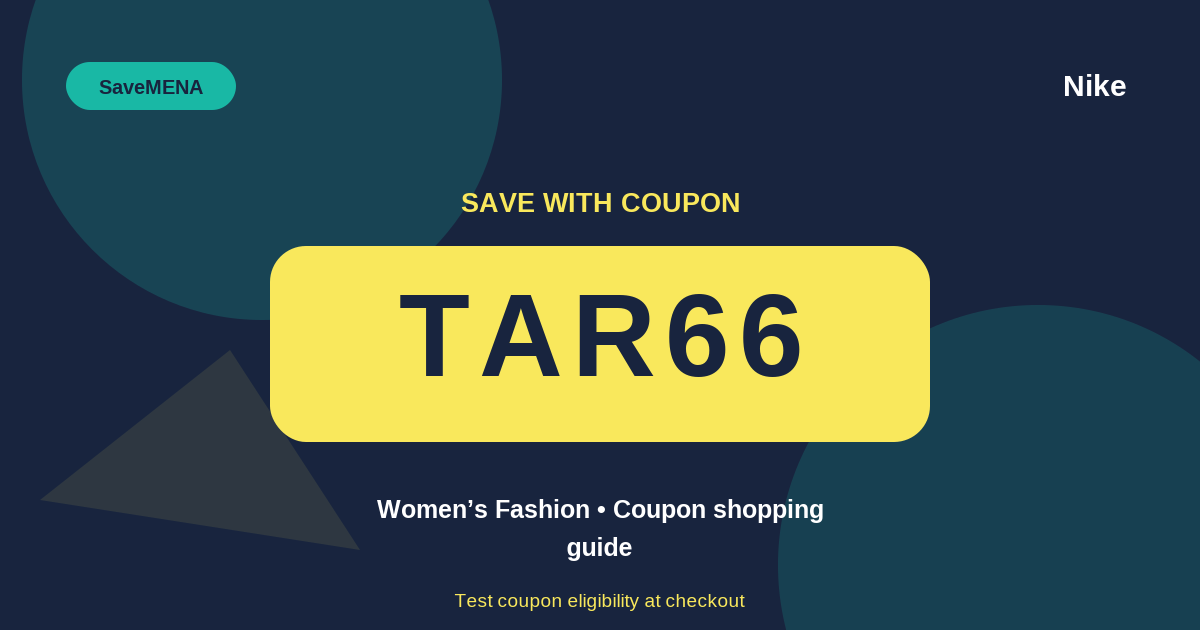
Codes available to try while comparing
These codes are not guaranteed for the article topic or listed brands; test them at checkout and use the live result.
Choosing Nike Women’s Apparel: Variants and Sellers
Nike’s women’s fashion collection spans shirts, leggings, athleisure jackets, and more, each with multiple size and color options. When you add a Nike item to your basket, pay close attention to the variant selector—size and color will each add a unique line code. This matters because coupons on Noon may apply differently to, say, a 7‑size sneaker versus a 9‑size; the underlying SKU dictates the rule engine’s match conditions. Ensure that the chosen variant is in stock and that the seller’s rating is above an acceptable threshold, as some discount programs flag low‑rated sellers as ineligible.
A single product may be offered by several sellers across Noon, each with distinct shipping fees and return policies. While the visual interface lists them side‑by‑side, the coupon code may only apply to items sourced from certain shops. The easiest way to confirm is to inspect the seller name and seller ID (often shown as a small tag beside the price). Matching a ‘preferred seller’ tag can indicate eligibility, but it’s not a guarantee; final validation happens at checkout. If you notice that a seller’s block surrounds your item, note that a different seller might unlock the voucher without changing the product.
Adding Items Without Breaking Coupon Eligibility
Once you’ve decided on individual items and variants, the next step is to decide quantity. Noon’s coupon engine sometimes enforces a minimum purchase or caps the number of eligible items per transaction. Adding multiple sizes of the same Nike tee can inadvertently push the cart beyond the engine’s threshold if more than the allowed number of identical or similar items is present. A practical strategy is to add one product at a time, then observe the running total at the bottom of the basket. The ‘Coupon eligible’ indicator—usually a green check or a small note—will appear next to each line if it meets the basic criteria.
When mixing brand items with other women’s fashion pieces, keep in mind that some coupons require the collection of a particular brand value. By introducing a different brand into the basket, the engine may recalibrate the potential discount. This recalibration happens instantaneously, and the subtotals for each brand section will reflect that. If the total Nike basket value dips below the threshold that triggers TAR66, the code will be marked as ineligible until you adjust the quantity or remove non‑eligible items. Letting those windows update before checkout gives you an accurate picture.
Monitoring Delivery Fees and Shipping Options
Delivery fees are often the most unpredictable element affecting coupon validation. Noon opens multiple courier options, each with a distinct fee that can push the overall cart total above or below the coupon’s required threshold. Additionally, seller‑specific pickup points sometimes waive the fee entirely. The interface leverages dynamic pricing that updates immediately after you select a delivery method. Hence, after building your basket, click on the “Shipping” toggle to see how free delivery, flat‑rate shipping, or expedited options alter the total. If the fee adds a non‑eligible surcharge, a quick swap to a cheaper or free method can restore eligibility, keeping the TAR66 coupon applicable.
Consider also same‑day or next‑day delivery promotions—Noon occasionally partners with local couriers for discounted rates, but these offers are tied to certain geographical zones. If you’re outside a promotional zone, your shipping cost will shift upwards and may break the discount eligibility. By mapping your postal code against the delivery dashboard, you can confirm whether the coupon remains active for your chosen shipping tier. Keep the “Estimated delivery timeline” visible while you adjust options; overnight changes can fire a new estimate that instantly flags coupon viability.
Validating Coupon Eligibility Pre‑Checkout
Noon’s interface provides an early window to test coupon applicability before you reach the final checkout screen. In the basket you’ll see a small icon, usually a yellow light or a question mark, next to the ‘Apply Coupon’ field. Input TAR66 and watch the system respond—an immediate “Valid” or “Not valid” message is the most straightforward indicator. This step is critical because it reflects the real conditions that will apply once you’re ready to pay. If the message says ‘Not valid,’ explore whether the item is from a restricted seller or whether any quantity limitation has been reached.
Should the coupon still appear invalid after you adjust the basket, don’t panic; it often signals that coupon eligibility hinges on a nuance you haven’t yet considered, such as an excluded product type or a hidden fee tied to the seller’s policy. A handy trick is to remove or pause one item, then re‑apply the code. If the status flips to valid, you’ve pinpointed the conflicting line.A coupon is not guaranteed; verify its result at the retailer checkout.
Checking the Final Payable Total
Upon confirming that the TAR66 code is valid, the last safeguard before you sign off is to inspect the payable total. Noon aggregates the matting of item costs, tax, and shipping into a clear “Order summary” panel. The discount is reflected under the sub‑total, and a final “Payable” amount includes the net discount. It’s crucial to verify that the discount amount matches what you expect based on previous uses of similar codes—if the amount is unexpectedly low, you might have hit a coupon cap or mis‑aligned item combinations. Keeping the numeric details in mind; a small discrepancy often points back to a mis‑priced SKU.
If you notice that the final payable amount still demonstrates a higher figure than anticipated, double‑check the voucher status on the “Applied discount” line. Noon allows you to remove or replace coupon codes at this stage, avoiding a scenario where you pay more than necessary. The platform’s clear notification that the code ‘has been applied’ or ‘is not applicable’ empowers you to act before the payment is finalized. Ultimately, a thorough look at the “Order total” panel and the discount line ensures you won’t pay extra or miss out on a valid reduction.
Leveraging the TAR66 Coupon Effectively
While the TAR66 coupon is not guaranteed to always apply, you still have a set of best practices that will maximize your chances of success. First, keep your basket lean by removing unrelated sets of clothes that might push your total beyond the engine’s threshold. Second, zip through multiple Nike products quickly but remember to reserve space for a free shipping option if your total is close to a restricted zone. Third, pay attention to the order in which you add items, because some sellers’ inventory is updated moment‑to‑moment; a previously eligible line might become ineligible if the seller’s status changes.
A final trick for time‑constrained shoppers is to check the coupon status each time you temporarily log out or apply a new payment method. Noon’s cooling‑period rules can redirect your eligibility, especially if you’ve spent on our app‑exclusive deals first. Continue to read small print, such as a note that the voucher applies “only to Nike apparel sold with free shipping.” Close communication between the product lines, boutiques, and shipping tiers allows you to stay ahead of shifting conditions and test TAR66 effectively before the final audit.
Related SaveMENA pages
Related articles
Official sources to check
Frequently asked questions
What is the first step to check coupon eligibility?
The first step is to preview the basket composition—look at the list of items, their quantities, variants, and sellers—to ensure all meet preliminary eligibility criteria before applying the code.
Can I apply TAR66 for multiple Nike items simultaneously?
TAR66 can be tested across multiple Nike entries, but each item’s eligibility depends on seller and shipping; if any line fails, the whole coupon may become ineligible—check each line’s compliance before spin.
Will free shipping affect the coupon applicability?
Free shipping often encourages coupon eligibility because it keeps the overall total within qualifying thresholds; if you switch to a paid tier, the added fee may push the cart beyond the rule set for TAR66.
Where can I see the final discount amount?
The final discount amount appears in the Order Summary panel under 'Applied discount'; this section shows the precise deduction applied after your coupon is validated during checkout.