Nike Shoes on Noon UAE: delivery timing — coupon eligibility
Noon UAE coupon eligibility Shoes Nike estimated delivery timing: To determine whether the Noon UAE coupon code TAR66 will be validated before you hit the pay
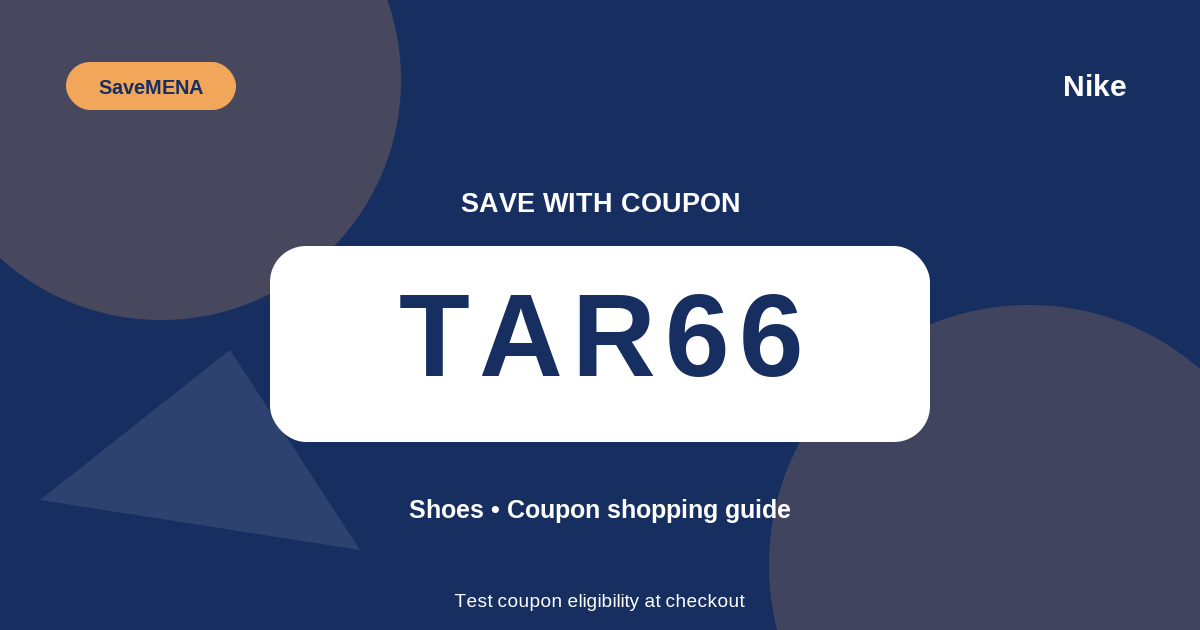
Codes available to try while comparing
These codes are not guaranteed for the article topic or listed brands; test them at checkout and use the live result.
1. Pinpoint Your Desired Nike Footwear and Its Variant
Start by identifying the Nike shoe style that matches your needs, such as a running model or a casual sneaker. Pay close attention to the variant details—color, size, and material—since shipping estimates can differ across variants. Checking the product title and description on Noon’s site gives you a clear case reference, which is essential for the next steps when verifying delivery times.
Once you’re sure of the variant, add the item to your cart. At this point, Noon’s system typically presents an estimated delivery window under the cart summary. Capture this information: does it indicate 2‑5 business days, or an expected date range? This baseline estimate will be compared later after coupon verification.
2. Scrutinize the Delivery Estimate on the Product Detail Page
Hover on the Nike shoe's product detail page to locate the “Estimated Delivery” field. Notice any phrasing such as “arrives in 3–5 days” or “expected delivery by 7th March.” Record this date range because it is the first indicator of how quickly your purchase could reach you without coupon adjustments.
Don’t overlook the “Availability” status—whether the item is “In stock” or “Available for next business day.” This status often influences the delivery estimate. If the variant shows as out‑of‑stock or requires a longer processing period, your final shipping time may shift, regardless of coupon eligibility.
3. Check Cart Summary for Coupon Eligibility Preview
When you have the Nike shoe in your cart, locate the “Apply Coupon” box. Enter the code TAR66 only until the system confirms whether the coupon is presently eligible. This first click usually triggers a quick eligibility check that identifies if the item category or your shopping tally meets the coupon’s criteria.
After the code is entered, the cart should display a temporary “Coupon applied” tag—even if the final price adjustment isn’t yet visible. If the tag appears, it indicates the coupon is eligible for this item. If it refuses, you’ll see a brief message explaining why. This pre‑payment check saves a potential checkout hiccup.
4. Observe Any Adjusted Delivery Estimates Following Coupon Check
When a coupon is deemed eligible, Noon’s system may recalculate shipping speeds, especially if courier partners apply a levy or discount that can slightly alter delivery mechanics. Compare the original estimate from section 2 with the new estimate that appears after coupon entry.
Record any changes—if the shipping window narrows or expands. An increased window could hint at special courier handling or processing delays. If there’s no change, the coupon’s eligibility has not affected delivery speed. Documenting both values keeps the decision lens focused on timing accuracy.
5. Review Final Order Summary Before Payment
Proceed to the “Order Summary” page to view the complete breakdown: item price, applied coupon status, and shipping estimate. Confirm the “Estimated Delivery” again, as these pages often refresh once you step closer to payment.
Focus on the date or range presented. Is it identical to the earlier estimate or has it been adjusted? A different estimate after coupon confirmation could indicate that the coupon may have impacted shipping logistics. Take screenshots if you wish to verify after checkout.
6. Confirm Payment Method and Its Standing with Shipping Timing
Before confirming the purchase, choose your payment method—credit card, debit card, or other available options. Note that some payment methods can activate security checks that occasionally delay the order processing timeline. Pay particular attention to “Processing Time” noted near the payment gateway, which may affect when your order is sent to the courier.
Choose a method that offers the quickest processing if your delivery timing is crucial. For instance, cards that flag as “instant” registration can sometimes accelerate the final dispatch window, thus preserving the estimated delivery posted earlier.
7. Final Confirmation: Accept the Coupon and Commit to the Purchase
At the final step, confirm that the TAR66 code is still marked as applied and that the “Coupon applied” label remains active. This is your last chance to see if the coupon has been recognized before the funds leave your account.
Once you click “Place Order,” the checkout system locks in the final price and the delivery estimate. The order confirmation email will repeat the delivery window, providing a verifiable reference that you can cross‑check with your cart notes.
8. Post‑Purchase Tracking and Adjustments to Delivery Estimates
After completing the purchase, open the order details in your Noon account. Review the “Estimated Delivery” line and access the tracking link to monitor real‑time progress. Delivery windows can sometimes shift due to courier schedules or local traffic.
If the reported delivery date moves beyond the initial estimate, use the customer support chat or email to inquire. Provide them with your order reference and mention the TAR66 code, but focus on the impact of the updated shipping timeline rather than the coupon validity.
Related SaveMENA pages
Related articles
Official sources to check
Frequently asked questions
What should I do if the coupon code TAR66 doesn’t appear as eligible before I pay?
If the code shows “not eligible,” it means the Nike shoe or variant you selected doesn’t meet the coupon’s current requirements. In that case, you’ll need to either choose a different product that aligns with the coupon criteria or accept the full price to meet your delivery deadline. The key is to confirm eligibility in the cart before hitting the final payment button.
Does applying a coupon code affect the delivery estimate for my Nike shoes?
Applying a coupon can sometimes slightly influence the shipping window if the discount or coupon processing triggers special courier handling. Therefore, check the estimated delivery both before and after entering the code to capture any changes, ensuring you’re aware of the latest arrival timeframe.
Can I change my payment method after the coupon has been applied?
Once you’ve confirmed the coupon is applied, request a payment method change before finalizing the payment. Note that switching methods may introduce a processing delay, which could shift the estimated delivery date shown at the final checkout step.
What if my Nike shoes arrive later than the estimated delivery date?
Track the order via the Noon app or website. If the arrival is delayed beyond the quoted window, contact customer support with your order reference and mention the coupon code. While the coupon doesn’t guarantee delivery speed, Noon’s support can investigate any shipping hiccups on your behalf.