Noon UAE coupon code: how to check coupon eligibility before payment | Laptops Dell
In the competitive landscape of online shopping, securing discounts through promo codes can significantly enhance value for UAE consumers.
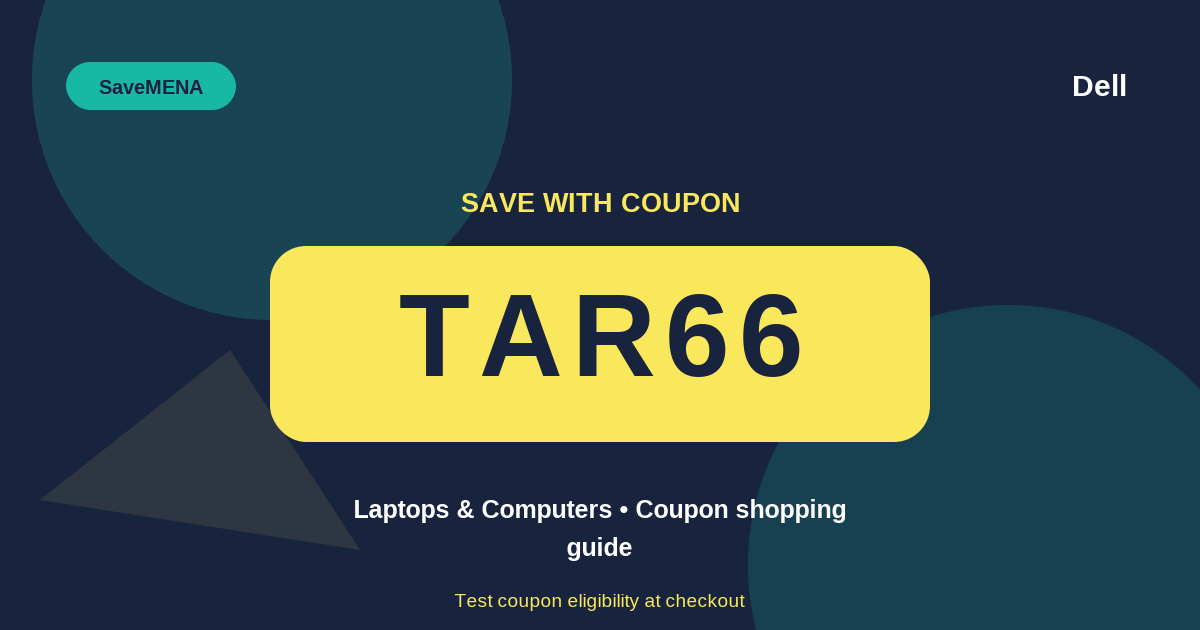
Codes available to try while comparing
These codes are not guaranteed for the article topic or listed brands; test them at checkout and use the live result.
Understanding Coupon Eligibility on Noon
Eligibility for a **Noon UAE coupon code** depends on multiple variables, including the specific terms set by the retailer and the policies of individual sellers. While the coupon TAR66 may appear applicable during the browsing phase, its validity is ultimately determined at checkout. Factors such as the product’s price, delivery method, and whether the item is part of a bundled deal can influence whether the code applies. Shoppers should also consider that some promotions may exclude certain brands, models, or accessories, even within the same category.
It is essential to recognize that Noon’s system dynamically updates eligibility based on real-time inventory and account-specific details. For instance, a laptop listed as “in stock” might become unavailable due to high demand, rendering the coupon ineffective. Additionally, regional restrictions or account verification requirements could impact the ability to use the code.A coupon is not guaranteed; verify its result at the retailer checkout.
Steps to Apply a Coupon Before Payment
Applying a **Noon UAE coupon code** typically involves entering the code in the designated field during the checkout process. After selecting the desired laptop and adding it to the cart, proceed to the payment screen. Look for a section labeled “Promo Code” or “Coupon,” where you can input TAR66. Upon submission, the system will notify you if the code is valid and how much discount it provides.
However, this step does not guarantee acceptance. If the code fails to apply, double-check for typos or expiration. Some coupons may require a minimum purchase threshold, which could vary depending on the seller’s policies. If the issue persists, contact Noon’s customer support for clarification. Always remember that the final decision rests with the platform’s backend systems, which prioritize current stock levels and active promotions.
Factors Affecting Coupon Validity
Several elements can affect whether a **Noon UAE coupon code** works for a laptop purchase. One key factor is the product’s pricing structure. If the laptop is already on sale or part of a limited-time offer, the coupon might not stack with existing discounts. Similarly, items marked as “pre-order” or “out of stock” may not qualify, as their availability is uncertain.
Another consideration is the seller’s participation in the promotion. While Noon centralizes its marketplace, individual sellers may enforce unique conditions. For example, a Dell laptop sold by a third-party vendor might not accept the TAR66 code if the seller opted out of the campaign. Always review the product listing for notes about applicable discounts or restrictions.
Checking Eligibility for Specific Products
When evaluating a **Noon UAE coupon code** for a laptop, focus on the product’s details. Look for indicators such as “Eligible for Discount” or “Available with Promo.” These labels, if present, suggest compatibility with the code. However, their absence does not necessarily mean the coupon is invalid—some listings may omit this information.
To further verify, compare the laptop’s price with and without the coupon. If the difference aligns with typical discount ranges, it may indicate successful application. Yet, this approach is not foolproof, as prices can fluctuate due to demand or seasonal adjustments. The safest method remains confirming eligibility directly at checkout.
Impact of Delivery and Payment Methods
The choice of delivery and payment methods can indirectly influence **Noon UAE coupon code** eligibility. For instance, some promotions may only apply to standard shipping, excluding expedited or international options. Similarly, payment gateways like credit cards or cash-on-delivery might interact differently with discount systems.
Shoppers should also note that delivery fees or service charges are often excluded from coupon calculations. Even if the laptop’s price reduces, additional costs like insurance or handling fees may remain unchanged. Reviewing these details before proceeding ensures transparency about the final amount due.
Using the TAR66 Coupon Code Safely
While the **TAR66** coupon code is available for trial, its effectiveness is not assured. Users should treat it as an opportunity rather than a guaranteed benefit. Inputting the code early in the checkout process allows time to resolve any discrepancies, such as incorrect entries or incompatible items.
If the code fails to apply, refrain from altering the order immediately. Instead, explore alternative promotions or reach out to Noon’s support team for guidance. Repeated attempts to use an invalid code may delay the transaction unnecessarily. Always prioritize verifying eligibility once all selections are finalized.
Verifying Eligibility at Checkout
The most reliable way to confirm **Noon UAE coupon code** eligibility is through the checkout page. Here, the system will display the adjusted total after applying the code, if applicable. If the coupon does not appear, it may be due to technical glitches, expired codes, or mismatched criteria.
Take a moment to review all details, including the product title, seller name, and delivery options. Discrepancies in these areas can lead to automatic rejection of the code. If unsure, pause the transaction and consult Noon’s help center for assistance.
Common Misconceptions About Coupons
Many UAE shoppers believe that **Noon UAE coupon codes** are universally applicable, but this is not the case. Promotions often the coupon code specific demographics, regions, or account types, which may exclude certain users. For example, a code might only work for first-time buyers or those who registered within a particular timeframe.
Another misconception is that coupons automatically apply to all items in the cart. In reality, they usually the coupon code individual products or categories.A coupon is not guaranteed; verify its result at the retailer checkout.
Related SaveMENA pages
Related articles
Official sources to check
Frequently asked questions
How do I check if a Noon UAE coupon code is valid before paying?
Visit the checkout page and enter the code in the promo field. The system will display if it applies. If unsure, review the product details and seller policies for eligibility criteria.
Does the TAR66 coupon work on all laptop brands?
The TAR66 code may apply to various laptops, but eligibility depends on the seller’s participation and product-specific terms. Always confirm at checkout for accuracy.
What if my coupon doesn’t work during payment?
If the code fails, the transaction proceeds at the original price. Check for typos, expiration, or compatibility issues. Contact Noon support for further assistance.
Can I use multiple coupons on a single laptop purchase?
Noon typically allows only one active coupon per transaction. Stackable discounts depend on the retailer’s policies and the nature of the promotions involved.