Office on Noon UAE: market and currency — coupon eligibility
Noon UAE coupon eligibility Office market and currency: To check your Noon UAE coupon eligibility before payment, start by reviewing your account settings and
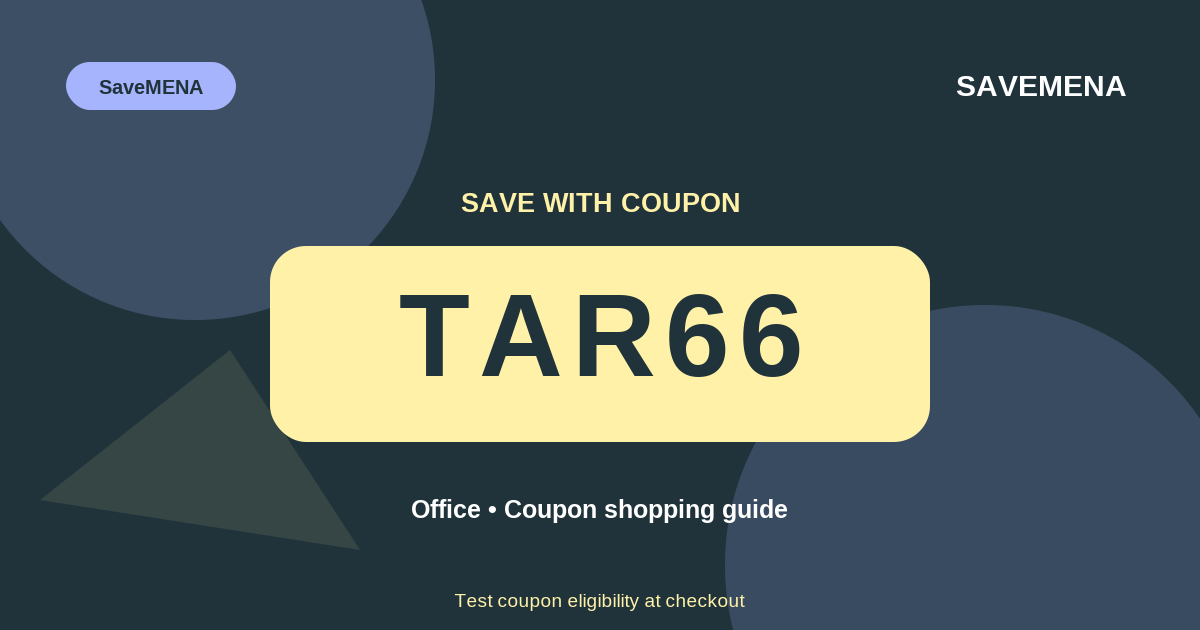
Codes available to try while comparing
These codes are not guaranteed for the article topic or listed brands; test them at checkout and use the live result.
Verify Your Noon UAE Account and Currency Settings
Login to your Noon account and navigate to Settings > Profile. Confirm that your location is set to the United Arab Emirates and that the default currency is AED. Many users accidentally select USD or another currency while shopping abroad, which can lead to confusion about total payable amounts and coupon applicability.
When your account is correctly configured, all item prices, shipping fees, and potential coupon discounts will appear in AED on the product page, cart, and checkout. This consistency lets you accurately assess whether the TAR 66 coupon is eligible for your office purchases and ensures that currency conversion does not obscure the discount’s impact.
Add Office Items to Cart – Currency Visibility Matters
Browse the Office category and add your desired items to the cart. Pay close attention to the price tag next to each product; it should be labeled in AED. Some third‑party sellers might list prices in USD, prompting a conversion slider. Ensure that the conversion rate is correct for the current day, as fluctuations could affect the total before applying the coupon.
While items remain in the cart, check the subtotal to confirm all selections are reflected in AED. If any item appears with a different currency or conversion factor, consider adjusting your selection or clearing that item to keep the currency consistent prior to coupon application.
Apply the TAR66 Coupon Before Checkout
Proceed to the cart and locate the coupon code field, typically labeled “Enter Promo Code.” Type in TAR 66 exactly as shown. The platform will attempt to validate the code against current promotions. If the code is recognized, a line item stating “Coupon applied” will appear, even if the discount percentage is not displayed because the assumption of eligibility remains tentative.
Remember that the TAR 66 code is available to try – it does not guarantee acceptance. If the field signals an invalid or expired code, the cart total will remain unchanged. At this stage, you should double‑check that the code is spelled correctly and that you have not exceeded any cart value or quantity limitations that the platform may impose.
Review Your Cart Total – USD to AED Conversions
After saving the coupon, scroll to the cart summary. The subtotal, tax, delivery fee (if any), and the discount amount (if reflected) will collectively show the payable total. Verify that the discount appears in the correct AED currency and that the numbers add up logically. This review can catch unintended currency conversion errors that may arise if an item’s price initially displayed in USD.
In cases where a currency conversion slipped into the summary, the platform will adjust the figure automatically. Make sure the conversion rate aligns with the day’s rate; any discrepancy might indicate a calculation issue that could affect coupon applicability. Only after confirming the accuracy should you continue to the next step.
Examine Delivery Fees and Their Currency Impact
Delivery charges on Noon UAE are listed in AED and may vary by region or item weight. The coupon may not cover delivery fees, so review them separately. If the fee is shown in a different currency (rare but possible for outsourced sellers), confirm the conversion to AED before proceeding.
When the coupon is applied, check that the delivery subtotal remains unchanged or is reflected correctly under the discount line, if applicable. Knowing exactly how the delivery fee contributes to the final amount helps you understand whether the coupon is truly beneficial for your office order, given the overall cost in AED.
Confirm Payment Method Compatibility with UAE Market
Under the payment section, select a credit or debit card that is issued in the UAE. Some foreign cards may trigger additional conversion fees from the bank; these fees happen after the checkout total is displayed in AED. The coupon discount will not offset such post‑payment charges.
When you enter the card details, notice the “Total Payable” field – it should still state the sum in AED, inclusive of any bank‑imposed currency conversion. If the platform offers alternative payment options (e.g., PayPal or COD), ensure they accept AED as the final settlement currency to avoid surprises.
Inspect Final Payable Amount in AED on Checkout Page
On the final checkout screen, the system recalculates the subtotal, tax, delivery, and applied discount. Verify that all line items are clearly denoted in AED, and that the discount from TAR 66 is represented even if only as a subtraction line, not a percentage.
If the discount does not reflect on the final total, treat the coupon as unused and proceed with the payment. In either case, the checkout page is the definitive source for confirming coupon eligibility in the specific UAE market context before you commit to the purchase.
Post‑Purchase Confirmation – Tracking Coupon Application
After confirming payment, you will receive an order confirmation email. Open the email and check the order summary in AED, noting whether the coupon line appears. The receipt often lists the “Promo Code” field; if it shows TAR 66 it means the code was accepted, though the exact savings amount isn’t disclosed.
If your email shows no promo code listed, contact Noon customer support to clarify whether the coupon was applied at checkout. SaveMENA can assist by providing guidance on how to interpret your receipt but does not intervene in the platform’s coupon processing.
Related SaveMENA pages
Related articles
Official sources to check
Frequently asked questions
Can I use the TAR66 coupon for office supplies on Noon UAE?
The TAR 66 code is available to try for office products, but its acceptance depends on Noon’s current promotion rules. SaveMENA informs you of the code but cannot guarantee its use.
How do I know if my coupon applied successfully?
Check the cart summary before checkout for a discount line. On the final payment page, the total payable in AED should be reduced if the coupon applied. Email receipts also list the promo code.
Will the coupon affect delivery fees?
Delivery fees are usually exempt from coupon discounts. Verify the fee amount remains unchanged after applying the code on the checkout page.
What should I do if the coupon is not applied at checkout?
Confirm the code spelling, account currency, and item eligibility. If it still fails, contact Noon support and note the issue; SaveMENA can advise on next steps but cannot re‑apply the discount.