Dell Computer Accessories on Noon UAE: payment method — coupon eligibility · TAR98
Checking coupon eligibility is the first step before you decide to pay for any computer accessories on Noon UAE.
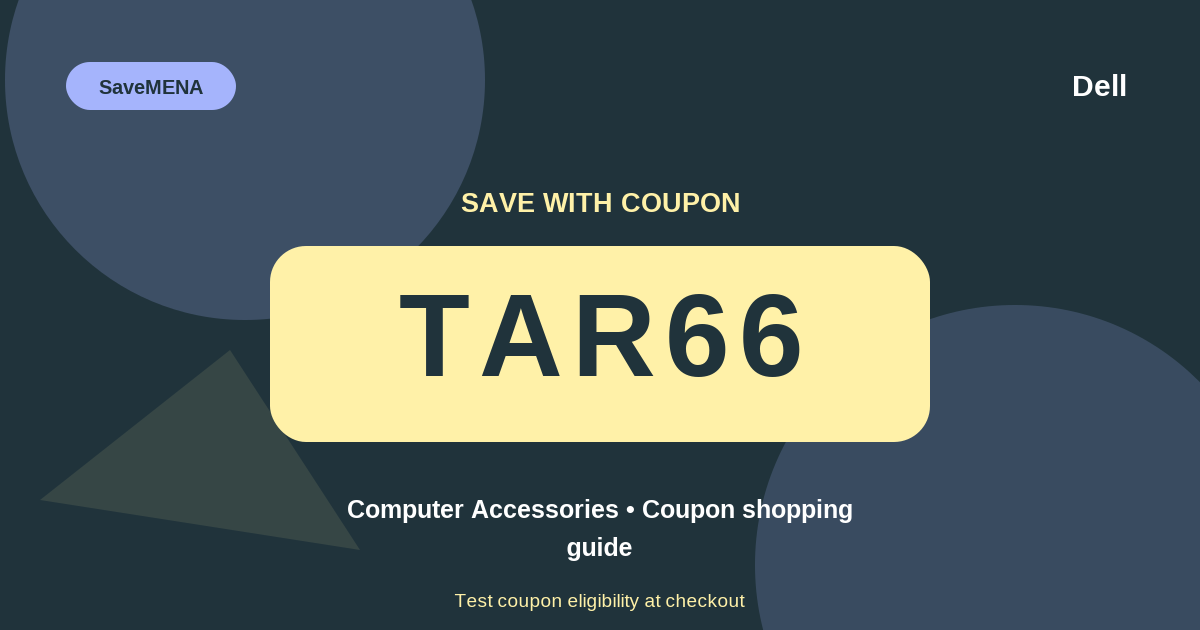
Codes available to try while comparing
These codes are not guaranteed for the article topic or listed brands; test them at checkout and use the live result.
Understanding Noon UAE Coupon Eligibility for Computer Accessories
Noon UAE’s coupon system is built to apply only to items that fall under certain categories and match specific criteria. For computer accessories, the eligibility depends on the product’s final price, seller, and stock conditions. As a consumer, you can only determine potential eligibility by inspecting the product page’s coupon eligibility line during shopping. This line displays whether a coupon can be used and may mention any restrictions. The information is not guaranteed until the Cart step, where the system recalculates eligibility based on all items, quantities, and the total cart value. Thus, a preliminary check on each Dell accessory page gives you a provisional status before you even enter checkout.
Because Noon UAE does not publish a universal rule set for all coupons, you should assume that the eligibility indicator on the product page is only a guideline. Coupon eligibility can change if you add or remove items, alter quantities, or switch payment methods. Each change forces Noon to re-evaluate the cart. To be thorough, shoppers should revisit the coupon eligibility line after reviewing all items in their cart, and before proceeding to the payment step. This practice helps avoid unexpected denial of the discount at the very end of the purchase process.
Choosing the Right Dell Product for Your Workflow
When selecting a Dell computer accessory—such as a wireless mouse, external SSD, or keyboard—look for detailed specifications that match your usage. In the UAE market, Dell offers a range of accessories designed for gaming, productivity, or everyday use. Pay close attention to the product description, review scores, and seller ratings to ensure reliability and performance. For example, a Dell mechanical keyboard rated 4.5 stars may be preferable for a professional developer over a generic budget model. Arguably, a higher-rated Dell accessory will have better chances of coupon eligibility because Noon often supports parent brands with active coupon support.
Beyond specifications, the seller’s condition and logistics influence your purchasing experience. Most Dell accessories on Noon UAE are offered by authorized resellers, which often include free shipping options. Verify that the seller’s latest order fulfilment rates and live chat support are satisfactory. If you’re unsure about a seller’s credibility, consider switching to a more established vendor. The decision of which Dell product you choose can also affect your final payment method because certain payment options may carry cashback or reward points that are tailored to authorized sellers, giving you dual benefits.
Verifying Coupon Availability Before Checkout
The first concrete check for coupon eligibility occurs when you add a Dell accessory to your Samsung. On the product page, are there any visible coupon icons or a “Use coupon?” toggle? If so, you can click to see an eligibility summary. This summary will state whether your chosen item qualifies for the TAR98 coupon and if there are any outstanding conditions, such as a minimum spend on the cart. Keep in mind that this summary is not fixed; it reflects the current cart state as of the last price update. Thus, always revisit it right before you hit “Add to Cart.”
After adding multiple Dell products, your cart page will re-evaluate eligibility collectively. The cart usually shows a brief eligibility notice beside the discount section. If the TAR98 code shows eligibility, proceed to the next step. If it indicates “Not eligible” or offers a partial discount, double-check each product’s status. Remember that the cart’s eligibility indicator is the most reliable early check before you apply the coupon at checkout. It serves as a warning that the discount will apply once you commit to the selected payment method.
Selecting the Best Payment Method on Noon UAE
Noon UAE provides several payment options, such as debit/credit cards, Noon cash, PayPal, and local e‑wallets. The chosen payment method can influence coupon eligibility, especially if a payment method offers its own discount or reward system that interacts with the coupon. For example, using Noon cash may apply its tipping-loss reduction, while a credit card may offer the discount shown at checkout cash back. Considering your budget and how much reward you aim to extract, choose the method that maximises benefits without affecting coupon status.
Before finalising your choice, confirm whether the selected payment method is accepted for the specific Dell accessories. Some seller agreements restrict payment types for certain items. Navigate to the payment options screen after reviewing your cart; if a payment method is greyed out, you’ll know it’s incompatible. Once you pick a suitable method, the checkout will preserve the coupon eligibility flag, allowing you to apply the TAR98 code without losing the discount.
How to Apply the TAR98 Coupon in the Cart
When you reach the checkout page, just before the payment selection step, there is usually a field labelled "Apply coupon code." Enter TAR98 and press “Apply.” Noon UAE will immediately recalculate the cart value with the discount. A visual confirmation will appear—often a banner noting the new subtotal or a percentage saved. Keep an eye on the message, as it explicitly indicates whether the coupon is acknowledged for the items in the cart.
If the coupon does not apply, Noon will clearly explain the reason, whether it’s a missing requirement or an incompatible payment method. In that case, review the cart items, adjust quantities, or switch the payment option if you believe it could affect the rule. Should the coupon successfully apply, the discount amount will solidify in the final total displayed before you complete the payment. Note that the final payable amount displayed at this stage is the value you’ll actually owe after any tax or shipping fees are added.
Confirming Eligibility During the Checkout Process
At the payment resolution screen, Noon UAE shows a summary of your order: the selected Dell accessories, the total, the applied coupon amount, and the final payable. The summary is the definitive checkpoint that confirms the coupon’s eligibility after the payment method is finalised. This stage is where the system verifies all dynamic conditions—exact item prices, applied coupons, and the chosen payment method—to calculate your exact payable total.
If everything aligns, you’ll see a message stating “Coupon applied” and the discount is reflected. If the coupon is still not listed, check the message at the bottom that explains why the discount wasn’t applied—sometimes the selected payment method may not be compatible, or the cart total may not meet a minimum threshold. In such cases, adjust the payment method, add a qualifying item or review the cart items’ eligibility status. Once you spot the confirmed discount, you can proceed to confirm the purchase.
Tips for Avoiding Unexpected Fees with Your Payment Choice
Even with a valid coupon, some payment methods might introduce adjunct fees that can offset your savings. For example, certain credit cards might charge a the discount shown at checkout foreign transaction fee if the transaction is processed outside the UAE, while some local e‑wallets might include a small service fee. Since Noon UAE typically collects shipping and handling separately, always abort the payment screen to double-check the full breakdown of fees before finalising the order.
Always read the “Fees & Charges” section on the checkout page. If you notice a surcharge tied to your chosen payment method, consider switching to an alternative that permits the same coupon eligibility but has no additional fees. Though not mandatory, it’s wise to keep a purchase log of any potential costs to ensure that your net savings remain positive.
Final Checklist Before Completing Your Dell Purchase
Before you tap “Place Order,” perform a quick review: confirm your delivery address is accurate, verify the payment method is recorded, re‑check the applied TOR98 discount, and ensure no extra fees appear. The final order summary includes your chosen Dell accessory, the subtotal, discount, taxes, shipping, and the total payable. This is the ultimate snapshot that reflects the entire transaction, leaving no room for hidden charges or coupon revocation.
When you’re satisfied, click “Confirm” to finalise the purchase. Noon UAE will then send you an order confirmation via email and SMS. Keep the order number handy for shipping updates. Regardless of the order outcome, you’ve successfully navigated the coupon eligibility maze, selected a suitable Dell accessory, and chosen a payment method that respected your discount. Next time you shop for computer accessories on Noon UAE, you’ll be prepared to double‑check coupons and payment options like a seasoned pro.
Related SaveMENA pages
Related articles
Official sources to check
Frequently asked questions
How do I know if a Dell accessory is coupon-eligible on Noon UAE?
Check the product page for a coupon icon or eligibility text. Add the item to your cart, then revisit the cart page where a brief availability notice will confirm eligibility for the TAR98 coupon.
Can my chosen payment method affect the coupon eligibility?
Yes. Certain payment methods might introduce fees or have restrictions that can alter coupon applicability. Always verify the final eligibility when you choose your payment option.
What happens if the TAR98 coupon doesn’t apply at checkout?
Noon UAE will display a reason—such as a minimum spend or an incompatible payment method. Adjust your cart or switch payment to remedy the issue if the discount is critical.
Will shipping fees reduce the benefit of the coupon?
Shipping fees are added after the discount calculation. The final payable amount shown on the checkout screen includes shipping, ensuring you know the net savings once shipping is considered.