HP Computer Accessories on Noon UAE: payment method — coupon eligibility · TAR84
Navigating online shopping in the UAE can be a breeze when you know how to unlock savings on the products that matter most to you. For those eyeing computer
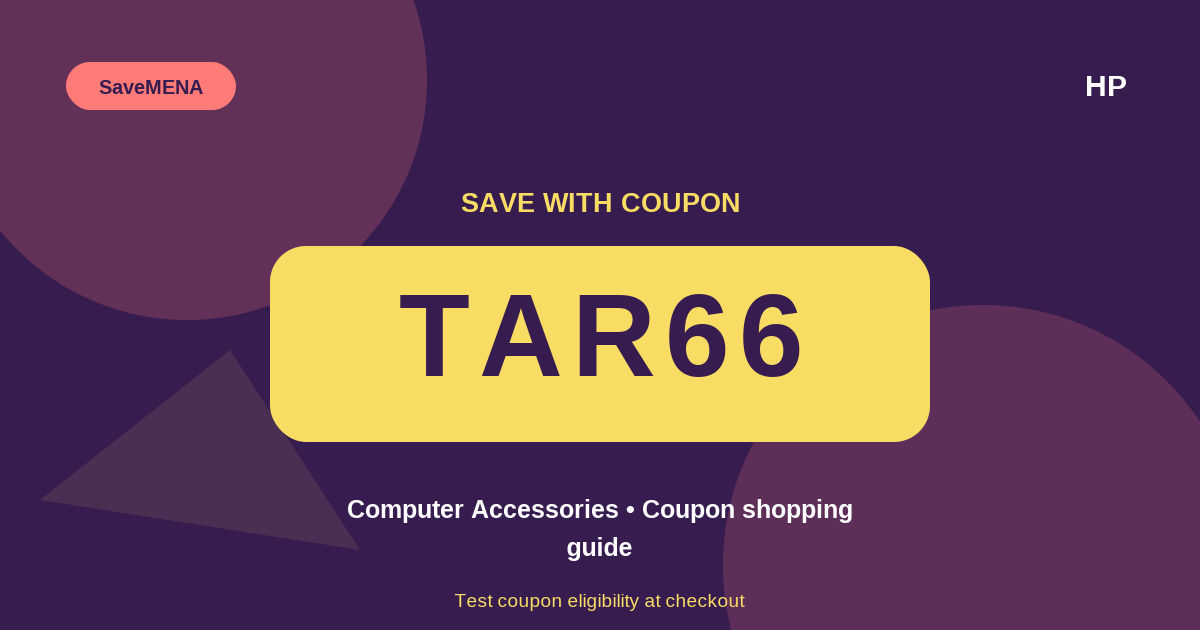
Codes available to try while comparing
These codes are not guaranteed for the article topic or listed brands; test them at checkout and use the live result.
Easily Verify Coupon Eligibility With Your Preferred Payment Method
Before adding any HP computer accessory to your cart, check how Noon’s system aligns your discount code with the payment method you intend to use. Coupon eligibility can vary, especially if a discount is tied to specific payment options, such as credit cards or Wallet s. Ensuring that the coupon works with your chosen payment method saves you from last‑minute complications and additional charges at the checkout stage.
Open the product page, add the item to your basket, and proceed to the coupon entry field. Only after you enter your code will Noon display whether the discount is applicable for the quantity selected and for the payment method you’ve chosen. If the coupon does not show immediately, it’s a sign you might need to adjust your payment method or review the coupon’s conditions on the checkout page.
Navigating Noon Toolbar: Identify Eligible Computer Accessories
When searching for HP computer accessories on Noon, filter the results by category to focus on items like keyboards, mice, and monitors. These categories often carry specific coupon rules that differ from general electronics. Aligning the product category with the coupon’s eligibility helps prevent surprise denials during checkout.
After selecting the product, double‑check its eligibility on the product detail page, where Noon usually lists “Coupon eligible” badges or warnings. Pay special attention to the sales banners that highlight coupon compatibility with certain items, as these signals give an early indication that dragging the item to your cart will still honor the code before you commit to payment.
Leveraging HP Products Under the Coupon Scope
HP accessories are a popular stake in Noon’s marketplace, and coupons can be particularly beneficial for extended warranties or bulk purchases. Yet, the coupon’s scope may not automatically apply to every HP product, so it is advisable to confirm its applicability before finalizing your cart.
Within the cart view, look for the “Apply Coupon” button. After entering TAR84, the system will update the total and indicate whether the code works with HP items. If the coupon appears invalid, verify that you are hovering around the correct HP accessory line, as some products carry exclusive partner promotions that override default coupon rules.
The Role of Payment Method Eligibility in Coupon Redemption
Coupon adaptability can hinge on your chosen payment method. Payment options such as Noon Wallet, credit card, or cash on delivery may have distinct rules regarding discount codes. Some coupons activate only if a certain payment method is selected at the time the cart is secured.
During checkout, select each available payment option one at a time to corroborate whether the coupon remains active. If the total changes significantly after switching methods, it signals that coupon eligibility may be tied to the payment type, and you should confirm that your intended method keeps the discount intact.
Step‑By‑Step: Check Eligibility on Noon Before Checkout
Begin by adding the HP accessory to your Noon cart. Click “Checkout” and you’ll be prompted to log in or sign up; navigation to this stage is mandatory for coupon verification because the system cross‑checks your coupon against your account status and the selected payment method.
Once on the payment page, insert the code TAR84 in the coupon field. The screen will resize to reveal whether the discount has been applied, retain the amount, and confirm that the selected payment method is compatible. Only after confirming these changes should you proceed to finalize the purchase.
Common Payment Method Pitfalls That Affect Coupon Validity
Many shoppers overlook that certain payment methods trigger “payment‑method‑locked” coupons, meaning a discount applies only if you pay by card, not by a wallet or cash on delivery. A misstep here will nullify the discount or remove it from the final total.
Also, PayPal or third‑party payment gateways can sometimes override embedded coupon codes due to platform restrictions. If you encounter such a scenario, revert to a standard payment method supported by Noon’s coupon system before finalizing.
Using TAR84 Coupon Code on HP Accessories: Practical Tips
When attempting to use TAR84 on HP accessories, ensure the code is typed exactly right—caps, numbers, and hyphens matter. A slight typo will cause the coupon to fail, and the system doesn’t usually offer a retry prompt.
After entering the code, note the new total and check if the discount is displayed in the cart summary. If it disappears after you switch payment methods, that’s a clear sign the coupon is dependent on the payment context, prompting you to double‑check your payment selection against the coupon’s stated conditions.
Ensuring a Smooth Transaction: Final Checklist Before Payment
Before confirming your order, perform a quick audit: verify that the product details match your intended HP accessory, confirm that the coupon code TAR84 is still applied, check the payment method used, and ensure there are no pending cart alerts or discounts being reversed.
Once satisfied, proceed to place your order. At the final confirmation page, you should see the accurate total, inclusive of any coupon savings, and the selected payment method listed. Keep this summary for your records, and you’ll have peace of mind knowing your coupon remained valid through checkout.
Related SaveMENA pages
Related articles
Official sources to check
Frequently asked questions
How do I know if my coupon code is still valid after changing payment methods?
After selecting a payment method on the checkout page, reenter your coupon code and observe if the discount remains applied. If the amount changes or the code disappears, the coupon’s eligibility is tied to that particular payment method.
Can I use the TAR84 coupon on multiple HP computer accessories at once?
A coupon is not guaranteed; verify its result at the retailer checkout. Coupon usage can be limited to a single item or quantity, but Noon’s interface will display any restrictions on the cart or checkout screen. Verify before finalizing.
Will using Noon Wallet affect the applicability of my coupon?
Some coupons only work with credit or debit cards. If Noon Wallet shows the coupon as invalid after selection, switch to a card payment method and confirm the discount again.
Where can I find the most up‑to‑date coupon eligibility information?
Check Noon’s product detail page and cart summary for any real‑time updates on coupon eligibility. If uncertainty remains, contact Noon customer service for clarification before completing the purchase.