Logitech Computer Accessories on Noon UAE: payment method — coupon eligibility · TAR84
We need write an article about how to check coupon eligibility before payment, focusing on Noon UAE coupon eligibility, computer accessories, Logitech brand
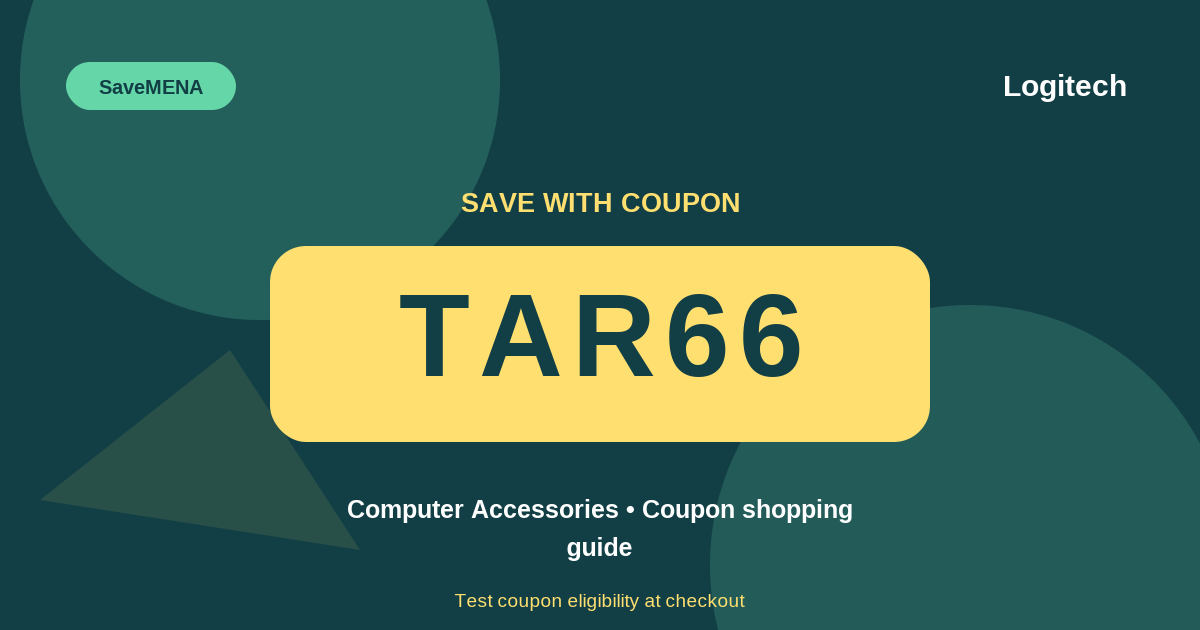
Codes available to try while comparing
These codes are not guaranteed for the article topic or listed brands; test them at checkout and use the live result.
1. Understanding Coupon Eligibility on Noon for Computer Accessories
The first step is to recognise that each coupon on Noon carries its own set of eligibility criteria. These rules can include factors such as cart value, brand restrictions, or product categories. Even though the TAR84 code is broadly available, its applicability to specific items—like computer accessories—must still be verified at the same time you add items to your cart. This verification happens automatically at the broker level, but if you want to avoid surprise rejections near the payment stage, you should run a test before finalizing.
Because Noon’s platform processes coupon application late in the payment workflow, a coupon that appears valid on the product page may still be deemed ineligible when the chosen payment option is evaluated. In the computer accessories section, items such as keyboards, mice, and adapters can often show like “Coupon applies” next to them. Still, the checkout step is the definitive audit gate: only if the payment method satisfies all criteria will the coupon be confirmed.\n
2. Why the Payment Method Matters When Applying the TAR84 Coupon
On Noon, coupon eligibility is not just about the product category; it also hinges on the payment provider you select. For example, if you intend to pay via an online wallet, the vendor may scrutinise the transaction for extra fraud checks that can disable the coupon. In contrast, a credit‑card payment might pass through the discount map more straightforwardly. The key point is that if the payment option triggers special validation rules, the coupon will be evaluated again at that moment. Hence, paying with a method that is known to be “coupon friendly” is a practical way to avoid last‑second cancellations.
When you add the TAR84 code to a computer accessories purchase, Noon’s engine maps it against your cart and notes the chosen payment. If the payment gateway applies a higher security tier, the engine may temporarily null the discount. Knowing which payment method is widely accepted for coupon usage—especially in the UAE marketplace like Noon—helps you choose the right option.\n
3. How to Add the Coupon Code at Noon
Adding the TAR84 coupon is straightforward. After you have added your chosen computer accessories—such as Logitech mice or keyboard sets—to your shopping cart, proceed to the cart overview page. There you will find a “Enter Coupon Code” field. Type TAR84 exactly as shown, ensuring you keep any capitalization consistent, and click the apply button. The interface will instantly refresh the cart total. At this moment, you’ll see whether the coupon is considered for the selected items.
Even if the code appears accepted, the coupon’s final validation is still tied to the payment method you select. Therefore, once the code is entered successfully, move quick to the payment selection screen. Here, you confirm that your chosen payment channel will comply with Noon’s coupon acceptance framework for computer accessories.\n
4. Checking Eligibility Before Final Checkout
Before you navigate to the checkout page, spend a moment reviewing the cart summary. Noon will display a message like “Coupon applied” next to your cart total. This indicates that the system recognizes the code for your current items, but it does not guarantee acceptance at checkout. It is therefore prudent to click the “Proceed to Payment” button and view the payment options page to confirm whether the coupon remains active for the selected method. If the coupon is invalidated, the cart will update, and you’ll notice the discount field clear.\n
At this juncture, if the discount disappears, it is usually a signal that the chosen payment method does not satisfy the coupon’s criteria. Switch to an alternative payment method—such as a standard credit card or PayPal—to test if the discount re‑appears. Once you see the TAR84 discount retained, you know the payment method aligns with Noon’s coupon eligibility for your computer accessories cart.\n
5. Common Payment Method Issues That Can Block Coupon Validity
Several factors in a payment method can inadvertently block a coupon. For example, if the paid card is linked to a rewards program that requires an additional verification exchange, Noon may treat the transaction as outside normal processing, thus disabling the discount. Network restrictions—like using a corporate payment gateway that masks the transaction’s origin—can have similar effects. For personal purchases, using a local debit card instead of a corporate credit card can avoid these complications.\n
Another subtle issue is the presence of a pre‑auth hold that Noon places during the coupon check. If the wallet balance is insufficient to cover the hold, the coupon may be automatically revoked.A coupon is not guaranteed; verify its result at the retailer checkout. \n
6. Logitech Accessories: What to Expect When Using a Coupon
Logitech products—such as the MX Master mouse or K780 keyboard—are typically listed under the computer accessories category. When these items are in your cart, your eligibility for the TAR84 coupon may be clear only after the payment method is selected. Noon does not differentiate coupons by brand per se, but the brand’s presence in the cart can influence the final validation if there are hidden brand-related restrictions.\n
To safeguard against unexpected coupon invalidation, double‑check that the graphics and specifications on the listing match what you intend to purchase. Misalignment between the promo category and the actual product listing can trigger a mismatch during cart‑to‑checkout verification. After you confirm the product details, use a familiar payment method known for coupon compatibility to maintain discount integrity for Logitech accessories.\n
7. Staying Updated: Noon Coupon Policies for Computer Accessories
Coupon policies on Noon can evolve with promotional cycles and partnership agreements. To avoid surprises, look for the “Terms & Conditions” link adjacent to every coupon code field. This link will reveal any updates to payment method compatibility, geographic restrictions, or other eligibility nuances. The coupon TAR84 code’s applicability for computer accessories will be listed there as relative to the current browsing region—typically the United Arab Emirates market.
When in doubt, revisit your cart after any platform update and re‑enter the coupon. Occasionally, Noon may re‑enable certain codes after a brief deactivation or adjust the payment method linkage. Regularly checking the terms ensures that you’re working with the most recent application rules whenever you attempt to use TAR84 on a computer accessory purchase.\n
8. Practical Tips for a Smooth Checkout Experience
To reduce friction at checkout, create a paid account on Noon that stores your preferred payment options. When adding the TAR84 code, the platform will automatically fetch supported payment methods. If your chosen option is marked “no discount,” switch to the default recommendation—typically a credit card with no CVV pre‑check delay—and observe the cart refresh. This simple swap often restores coupon acceptance.
Finally, keep the RAM of the device up to date. When resolving unexpected coupon removal, almost always revisit the payment section. Skip the “review order” and go forward if you still see the discount. Once the order is confirmed, you’ll see the final payable amount reflect the coupon reduction, confirming that your payment method satisfied all eligibility checks. These steps, when repeated consistently, provide a reliable pathway for using Noon UAE coupons on computer accessories with peace of mind.\n
Related SaveMENA pages
Related articles
Official sources to check
Frequently asked questions
How do I know if the TAR84 coupon is working before I pay?
After entering TAR84 in your cart, proceed to the payment page. If the discount remains listed beside your total, the coupon is accepted for your chosen payment method. If it disappears, switch to another payment option to test for compatibility.\n
Can a wallet payment block my coupon on Noon?
Yes, wallets may introduce extra verification steps that can trigger coupon inactivation. Switching to a standard credit card often maintains coupon validity for computer accessories on Noon.\n
Do I need to check the terms after every Site update?
Checking the coupon terms before applying TAR84 after any Noon update helps confirm current payment compatibility and ensures you’re not blindsided by policy changes.\n
Will a lower-priced Logitech mouse use the TAR84 coupon?
If the item is listed under the computer accessories category and the code shows as applied, the the coupon code will count. Verify the discount remains before paying with your chosen method.\n