JBL Headphones on Noon UAE: payment method — coupon eligibility · TAR98
tags. We must answer search intent in first sentence of intro and first section. Search intent: "how to check coupon eligibility before payment".
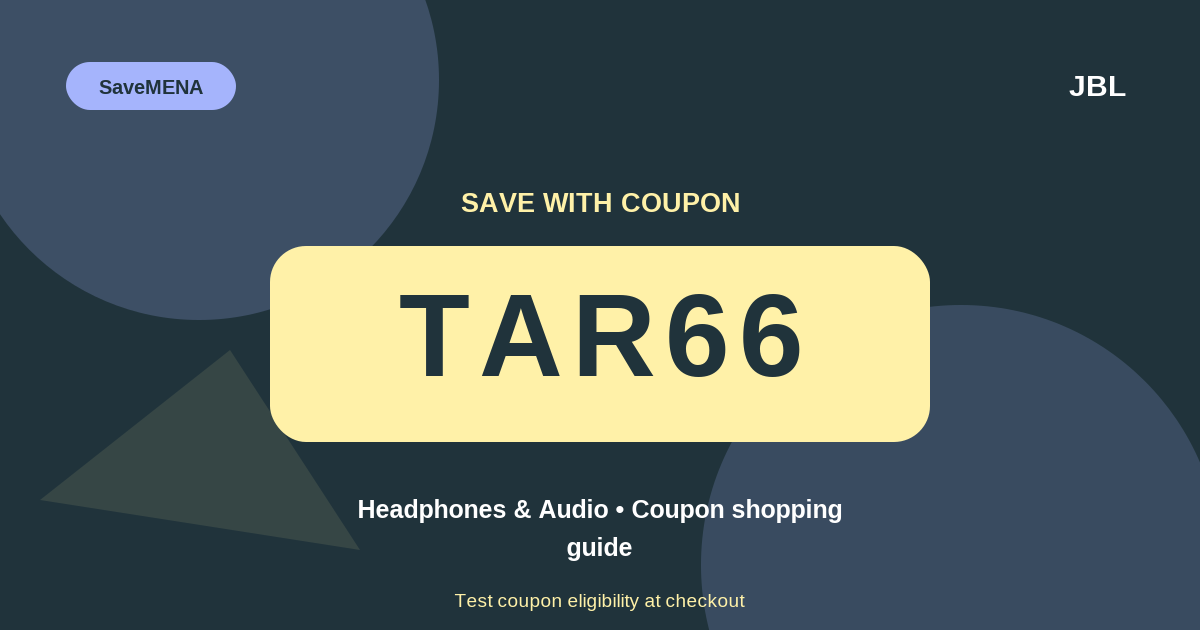
Codes available to try while comparing
These codes are not guaranteed for the article topic or listed brands; test them at checkout and use the live result.
2. Add to Cart and Inspect the Cart Summary
After adding your chosen JBL headphones to the cart, view the cart summary directly from the homepage icon. This screen will list the product, price, quantity and any applicable seller fees. It’s also where the coupon code field typically lives. Here you’ll verify that the headphone is still eligible and that your cart hasn’t mixed in items from other categories that could block the coupon.
At this point, scroll through the cart options. If the coupon field accepts “TAR98,” it means the code is still valid for the current session. If you don’t see the field, check the cart for any hidden options or hidden fees that might disable coupon usage, which could be influenced by the payment method you’ll eventually choose.
3. Enter TAR98 and Observe the Preliminary Discount Check
Type “TAR98” into the coupon input box and hit apply. Noon will instantly attempt to match the code against its current database. The platform will inform you if the code is accepted, but this acceptance doesn’t guarantee the discount will be applied at final payment; that still depends on the payment method selected.
Once applied, the cart interface will recalibrate and usually display a “Discount” line item even if the amount isn’t shown. Important: Do not rely on the cart to confirm the coupon’s final impact—some payment methods can override or negate coupon benefits at the final step. Save this information as you proceed to the payment method selection.
4. Choose Your Payment Method and Understand Its Coupon Rules
Noon supports a range of payment methods, including credit/debit cards, PayPal, Apple Pay, and Cash on Delivery. Each method can have distinct rules about coupon applicability. For instance, a card transaction may trigger a merchant’s processing fee that reduces the coupon’s net effect, whereas a cash‑on‑delivery order might be treated differently by Noon’s system.
In practice, review Noon’s help center or the payment method’s FAQ before you finalize your choice. Often, the platform bolds a note like “Coupon discounts cannot be combined with COD” or “Discounts are not applied to prepaid card balances.” These statements define whether the code will persist in the final amount payable. If your preferred payment method has limitations, switch to another to preserve the coupon deduction.
5. Verify Final Payable Total Before Confirming Order
Before clicking the final “Pay Now” button, closely review the order summary that appears after you’ve selected a payment method. Compare the discount line, the subtotal, any additional fees, and the grand total. This snapshot reflects the raw calculation determined by Noon’s backend after considering your coupon and chosen payment method.
Make sure the discount row reflects the applied coupon. If it disappears or reverts to the regular price, that signals the coupon was invalidated by your payment choice. In such cases, mid‑checkout offers you an opportunity to switch payment methods or revisit your cart to re‑apply the coupon before finalizing the purchase.
6. Handle Coupon Stacking and Payment Method Limits
Noon allows multiple discount types to be applied in some cases, but many coupons are exclusive with other offers. If you’re using a store credit or a promotional voucher in addition to TAR98, verify that the payment method doesn’t conflict with coupon stacking rules.
Some payment methods, like an embedded promo code or a loyalty points redemption, may count as a separate discount. Checking the order preview will show each discount applied and whether the coupon remains active. If stacking isn’t allowed, removing one or choosing a compatible payment method ensures the coupon stays valid at final payment.
7. Troubleshoot Coupon Eligibility Issues Quickly
Encounter a scenario where Noon flags your code as “invalid” or the discount ‘disappears’ after selecting a particular payment method? First, clear your browser cache or retry the flow in a new tab. Sometimes, cookies hold onto old session data that misinterpret coupon eligibility.
If the issue persists, reach out to Noon’s customer support via chat or phone before placing the order. Provide them the official coupon code and the exact JBL headphone model; they can confirm suitability and whether your chosen payment method is a restriction. Their response can help you decide whether to switch payment or wait for a new opportunity to apply the coupon.
8. Final Checklist: Ensuring Coupon Success Before Pay‑through
Before you confirm your purchase and complete the payment, run through this quick pre‑payment pledge: (1) Confirm the selected JBL headphones are still listed as coupon‑eligible in the cart.A coupon is not guaranteed; verify its result at the retailer checkout. (3) Choose a payment method that matches the online store’s coupon compatibility notes. (4) Revisit the order total to verify the discount hasn’t been removed.
If all 4 points align, the coupon should hold through checkout, saving you from the embarrassment of a last‑minute discount wipe‑out. By following this structured approach, UAE shoppers can confidently use Noon UAE coupons for JBL headphones and achieve a secure, cost‑effective purchase.
Related SaveMENA pages
Related articles
Official sources to check
Frequently asked questions
Does using a card for payment affect the coupon discount?
Payment method can influence coupon validity. Noon’s system may treat card payments differently from cash‑on‑delivery, potentially altering the final discount.A coupon is not guaranteed; verify its result at the retailer checkout.
Can I apply more than one coupon to the same JBL headphone?
Noon typically permits only one coupon per order item. If you attempt to stack another code, the system often prioritizes the most recent one and may deactivate the previous. Check the cart for discount status before finalizing the purchase.
What should I do if the coupon is rejected after selecting a payment method?
Refresh the page or try a different payment method. If the coupon remains unaccepted, contact Noon’s customer support for clarification, as certain payment solutions can restrict coupon applicability.
Is the TAR98 coupon exclusive to JBL headphones?
The coupon can be applied to eligible products as indicated by Noon. It is not brand‑specific; however, it only activates on items marked as coupon‑eligible. Verify the item’s eligibility on its product page prior to adding it to the cart.