Apple Laptops on Noon UAE: payment method — coupon eligibility · TAR98
If you're aiming to figure out how to check coupon eligibility before payment on Noon UAE, especially when buying a laptop and using Apple as your payment method
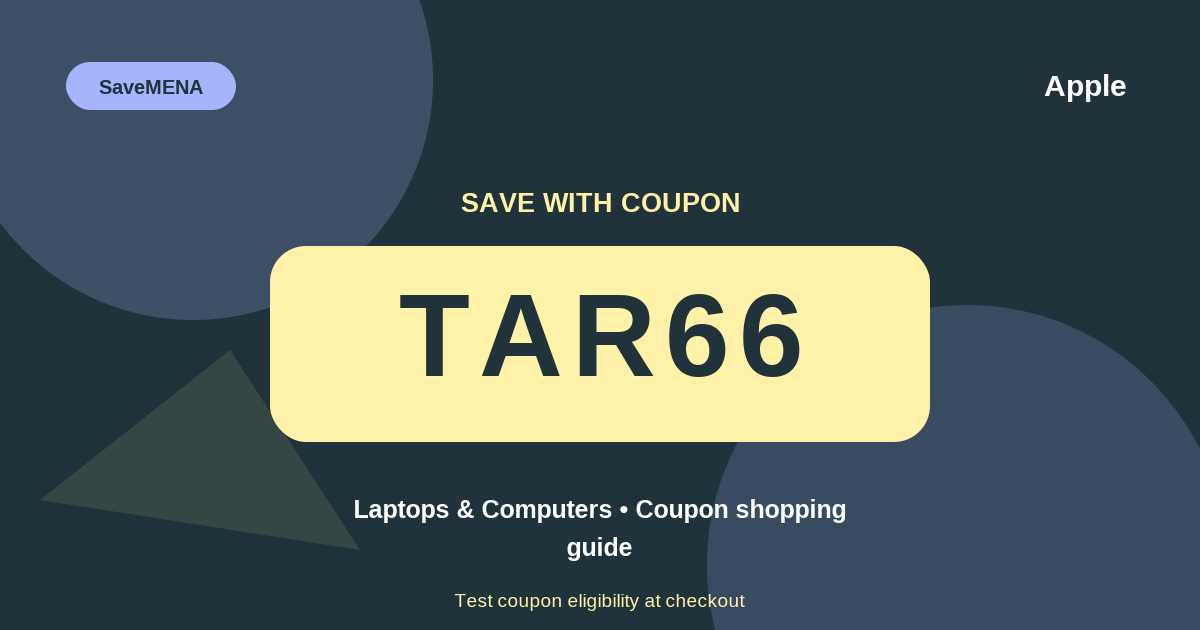
Codes available to try while comparing
These codes are not guaranteed for the article topic or listed brands; test them at checkout and use the live result.
Understanding Coupon Eligibility on Noon UAE
When you first consider using a coupon code on Noon UAE, the marketplace typically requires a minimum spend or a specific category match. However, these criteria are usually reflected in the cart summary before you even reach the payment page. On the laptop listing page, you’ll see if the item is marked as “eligible” or “excluded” for coupons. If the laptop is part of a broader category or brand that Noon allows discount codes for, this is verified automatically when you add the item to your cart. This step is crucial because it shows the shopper that the coupon is being considered right from the beginning.
To confirm eligibility, hover over or click the “Apply Coupon” button in your cart. Noon will immediately display whether the TAR98 coupon can be entered. If the laptop is eligible, the field remains active; if not, the button may be disabled or the text will indicate “Unavailable for this item.” This quick visual cue saves you time and eliminates the need to wait until the final payment stage to discover that a coupon isn’t supported for that product.
Why Apple Payment Method Matters When Applying TAR98
Choosing Apple Pay as your payment method on Noon UAE introduces an additional layer of verification that can influence coupon eligibility. Apple’s payment processing may require a certain level of final price to activate the transaction, and if the coupon reduces the price below that threshold, the payment method might behave unexpectedly. Therefore, it’s essential to understand how Apple Pay interacts with discounted totals before locking in your purchase.
In practice, when you select Apple Pay, the merchant will display a secure tokenization step, and the total price shown must accommodate the forthcoming transaction limits. If the cart total after applying TAR98 is unusually low, Apple Pay may prompt an error or request additional authentication. This is not a blanket restriction on coupons but a safety measure ensuring that the transaction meets the vendor’s processing rules. Checking eligibility early in the process prevents disputes or cancellations after payment.
Step‑by‑Step: Adding a Laptop to Cart and Defining Payment Options
Begin by searching for the desired laptop on Noon UAE. Once on the product page, confirm that the variant you want—in terms of CPU, RAM, and storage—is listed as an available option. Before adding to cart, check the “Discount Eligible?” badge, which indicates whether the selected configuration can use a coupon. If the badge is present, you can proceed; otherwise, note that the coupon may not apply to that exact configuration.
Click “Add to Cart.” After you view the cart, look for the payment method selector. If Apple Pay is available, ensure you have a valid Apple ID with a linked debit or credit card set up. This step is essential because it determines whether the coupon will be processed alongside the chosen payment approach. The cart will now show the raw price, any visible discount, and a section for coupon codes.
Checking Eligibility Before Checkout: The Role of the Cart Summary
Upon opening your cart, locate the “Apply Coupon” field. Input TAR98 and press enter. Noon will instantly notify you whether the code is valid for the current items. If the laptop qualifies, you should see a confirmation message and the discount amount deducted from the subtotal. This pre‑checkout validation is the first reliable check that the coupon will stay active when you move to payment.
However, if you see an error stating “Coupon is not applicable to selected items,” the coupon’s eligibility has been flagged. At this point, double-check that no special bundles or add‑ons are attached that might have altered the eligibility. No discussion of other discount lines or loyalty points is required here; your focus remains on ensuring that the TAR98 can be used exclusively for the laptop.
Real‑time Validation: Apple Pay Verification and Coupon Conflicts
After confirming the coupon in the cart, proceed to the payment stage and select Apple Pay. The platform will present a secure interface with your tokenized payment method. At this time, Noon re‑evaluates the total amount, incorporating the coupon discount and any shipping fees. If your final total remains within the acceptable range for Apple Pay, the payment screen will display the correct amount along with a “Confirm Payment” button.
If there’s a conflict—such as the discounted total falling below a required minimum—the screen will highlight an issue and either disable the payment option or prompt you to switch to a different method. Note that Woo‑flagging errors here does not mean the coupon is lost; rather, it signals that the payment method needs adjustment to accommodate the new total. This real‑time step is vital to ensure the coupon is not inadvertently nullified when you approve the payment.
Dealing with Ineligible Items: What to Do If TAR98 Doesn’t Apply
Occasionally, after adding a laptop, Noon may reveal that TAR98 is ineligible for that particular variant. If this occurs, verify whether the product has a seller‑only policy or if the laptop is part of a limited promotional line that excludes coupons. If the item is disallowed, you have a few options: you can either remove the item, choose a different variant that allows coupon usage, or opt for a different laptop that meets the criteria.
Another approach is to use other savings tactics—such as cashback or free shipping—provided they are independent of the coupon system. Importantly, any alternative discount should be applied after confirming with the cart that it’s compatible with Apple Pay. Keeping your payment method in view ensures that, once a suitable item is chosen, the coupon will not be cancelled by a last‑minute incompatibility.
Finalizing the Purchase: How the Coupon Reflects in the Payment Total
When you reach the final payment screen, you should see a breakdown: the laptop’s listed price, any applied coupon savings, shipping/delivery fees, and the grand total. The screen will often bold the discount amount so you can confirm that TAR98 was captured correctly. Notably, the Apple Pay wallet will show the exact amount that will be charged, directly reflecting the adjusted total.
Before you tap “Confirm Payment,” double‑check that the amount matches your expectations. Some shoppers mistakenly accept the transaction without a quick glance, leading to confusion later. If the figure is correct, you can proceed. If not, abort the payment, revisit the cart, and investigate whether the coupon code was entered correctly or if there’s a hidden fee causing a discrepancy.
Related SaveMENA pages
Related articles
Official sources to check
Frequently asked questions
What happens if the laptoptemplates aren’t eligible for TAR98 on Noon?
If the selected laptop variant is marked as ineligible for coupons, Noon’s cart will deny the coupon entry. In that case, either switch to a different variant or consider a different discount method that’s compatible with Apple Pay.
Can I use TAR98 after selecting Apple Pay?
Yes, but the coupon must be attached before you confirm Apple Pay. Noon will recalculate the total with the coupon, and the Apple Pay screen will display the final amount reflecting the discount.
Does Noon apply any hidden fees that could affect coupon usage?
Noon typically lists shipping or delivery fees in the cart before payment. If such fees apply, the coupon discount will still be subtracted from the subtotal, but the final total will include the additional costs, which Apple Pay will capture.
Can I combine TAR98 with any other promotion?
Generally, Noon does not allow stacking multiple discount codes. If you try to enter a second coupon, the first one—TAR98—will remain active, and any extra discount will be ignored.