Anker Mobile Accessories on Noon UAE: payment method — coupon eligibility · TAR84
The first step to assessing coupon eligibility is to add your desired mobile accessories to the cart and proceed to the ‘checkout’ page.
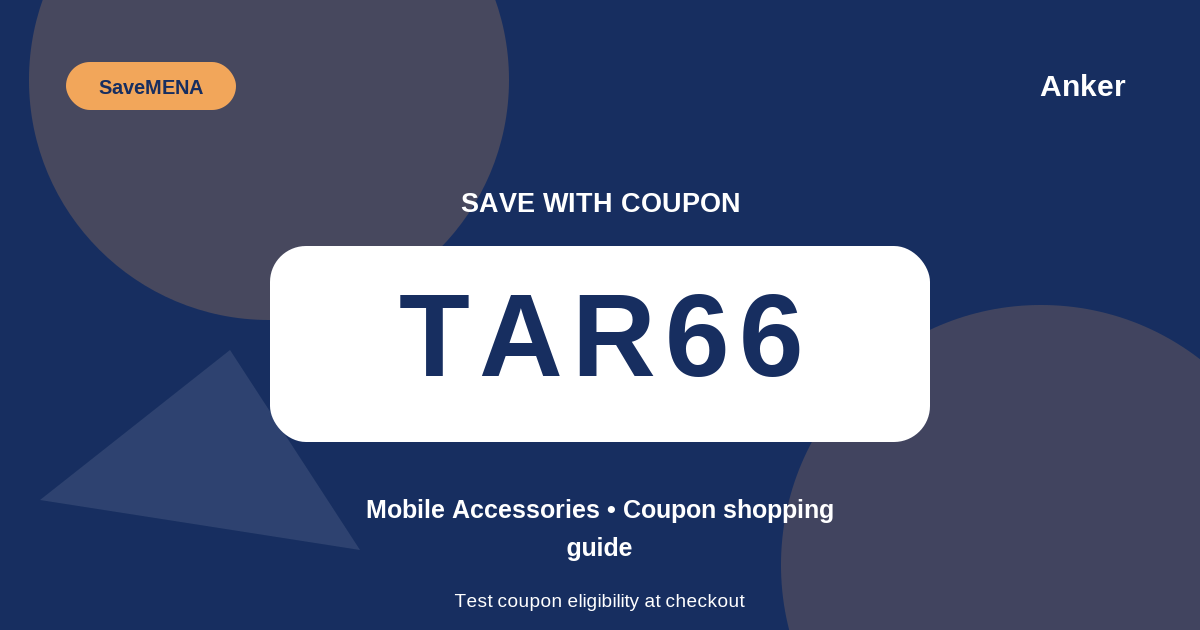
Codes available to try while comparing
These codes are not guaranteed for the article topic or listed brands; test them at checkout and use the live result.
Understanding Coupon Eligibility Checks at Noon UAE
The first step to assessing coupon eligibility is to add your desired mobile accessories to the cart and proceed to the ‘checkout’ page. Here, Noon displays a concise summary that includes product prices, any unit promotions, and the shipping estimate. Below this summary, a small ‘Apply Coupon’ button invites users to enter a code. By clicking this button, the platform immediately reaches out to its internal promotion engine and flags whether the code is valid, applicable to the items, and whether it can be combined with existing offers. The result appears as a green tick in green overlay or a message indicating non‑applicability. This rapid visual cue tells you instantly if you are on the right track.
If the system reports the code as valid, it also calculates the potential reduction and updates the total instantly. This immediate feedback ensures you can see what the final bill would look like if you proceed with your selected payment method. However, the displayed savings may not take into account nuanced restrictions like a minimum purchase value, a call to one payment method, or a limit on how many times the promotion can be used. For these finer points, you need to move to the payment section where the coupon status ultimately integrates with the billing process.
Why Payment Method Matters for Coupon Application
Payment method is a pivotal factor because coupons on Noon are sometimes tied to specific payment providers or account types. For instance, a code that activates on a credit card purchase might remain inactive if you choose an online banking transfer or a prepaid wallet. When preparing to pay for mobile accessories including Anker items, PayPal, Apple Pay, or the native Noon wallet each trigger a slightly different verification pathway. Since many coupons rely on transaction metadata—such as the card issuer or tokenized payer ID—any mismatch will lead the system to deny the discount at the very final step. Thus, checking coupon eligibility before the final payment guarantees that the time you pay the reduced amount is not wasted.
During the form where you select the payment method, Noon updates the status indicator for the coupon in real‑time. If your coupon is limited to a specific issuer, the system might replace the green tick with an informational bar noting the restriction. Similarly, if you have two cards in your profile, the coupon status may shift once you highlight a particular one. This dynamic relationship between coupon state and payment choice underscores why retailers set conditions; they protect their partners and encourage the use of preferred payment streams that optimize processing costs.
Selecting Mobile Accessories: Choosing the Right Anker Product
Before diving into coupon details, it’s wise to confirm that the product you intend to buy qualifies for general promotions on Noon. Anker, as a reputable mobile accessories brand, offers a range of items from chargers and cables to power banks. When browsing the categories tailored to UAE consumers, filter by brand or search for ‘Anker’ to refine results. The product page will list any active store offers, such as ‘free shipping’ or 'buy one get one'. This preliminary check provides a baseline for the coupon’s applicability, as some promotional codes are disabled for high‑margin items or for brands the platform limits.
Once you settle on a specific Anker product—say an 18W USB‑C charger—you add it to the cart and ensure the displayed price reflects the latest market exchange. The cart page will render your subtotal, and you can examine whether the currency is in AED, the local unit used in the UAE. Validate that no hidden fees are applied. After confirming the cart totals, you then move to the checkout page where the coupon logic begins to operate. Accurate product selection minimizes later disputes about ineligibility.
Triggering the TAR84 Code: How to Input and See Validity
With your Anker accessory selected, navigate to the ‘Apply Coupon’ section. Enter the code TAR84 into the input field and press the button. Noon will communicate with its promotion engine and return a response almost instantly. If the code is recognised, the system provides a green confirmation that reads something akin to ‘Coupon applied successfully’. On the other side of the screen, your updated total will incorporate the discount value, if applicable. This visual change allows you to confirm that the system has acknowledged the coupon’s presence before advancing to the payment method selection.
However, you might also receive an overlay warning. For instance, a message stating ‘Coupon cannot be used with this payment method’ or ‘Discount not applicable to the selected items’. These alerts indicate an incompatibility that must be addressed before you can progress. If the waiver message relates to the payment method, the next step is to either switch to a compatible card or PayPal, or negotiate a removal of the conflicting offer. Checking the coupon status before payment, you can change your selection in real time without forcing a voided transaction.
Verifying Eligibility Before Finalizing the Payment
Before you hit ‘Continue’ on the payment screen, double‑check the coupon’s eligibility status displayed next to your chosen payment method. Noon may re‑evaluate the coupon when a specific card or wallet is selected, reflecting any restrictions that arise from that payment device. If the status turns from a green tick to grey or red, it signals that the coupon is no longer valid for that option. At this juncture, you have two practical solutions: swap the payment method for one that satisfies the coupon or opt to pay full price and bypass the discount entirely, depending on your priority.
Once the coupon status is confirmed green across all chosen payment methods—whether it be the Anker payment card or any other locally supported card—you can proceed with peace of mind. The final payment screen will again recap the total, inclusive of shipping, handling fees and the coupon amount. This final preview ensures that no surprises happen after you submit payment. If the total matches what you expected when you first applied the code, proceed to complete the checkout, while keeping an eye on confirmation emails or receipts that mention the coupon application.
Handling Common Payment‑Method Conflicts with Coupons
Certain promotions on Noon are purposely designed to trigger only when a particular payment channel is used. If you’re aiming to use TAR84 on the Anker payment method, note that some merchants lock the discount to credit‑card payments. In such scenarios, the system may link the coupon with a developer behind the card or a specific card number. If you face a conflict, a quick adjustment is switching to a licensed bank card that meets the issuer’s criteria. This approach has helped shoppers move past a blocked coupon without having to abandon the transaction.
Beyond issuer conflicts, some payment methods can force a less favorable exchange rate or processing fee that disables small coupon values. For example, a prepaid wallet may result in the discount being waived because the system categorises the transaction as a top‑up rather than an actual purchase. In such cases, the best practice is to re‑validate the coupon after you change the card or method.A coupon is not guaranteed; verify its result at the retailer checkout.
Alternative Payment Options and Their Coupon Interaction
Should the Anker payment method remain incompatible, there are still outlets for applying the TAR84 discount via other supported methods. Noon accepts common credit and debit cards, Apple Pay, and the Noon wallet. Each of these generally offers a more straightforward coupon integration because they pass a PCI‑compliant identifier to the promotion engine. If your chosen payment method is not flagged as eligible, switch to a primary credit card held in the UAE bank and observe the coupon flag change. This alternative strategy maximises chances that the discount will be applied.
Not all payment options are equal in terms of cancellation policy. Some methods, such as virtual cards, may default to a 'no marketing' path, meaning they ignore coupon codes. In this scenario, a bank card will provide the most reliable integration. Keep a short checklist: 1) verify the coupon status; 2) confirm the payment method match; 3) ensure the cart subtotal remains unchanged. By layering these verification steps, you can avoid unexpected cost variations stemming from a payment method that is sub‑optimal for coupon activation.
Related SaveMENA pages
Related articles
Official sources to check
Frequently asked questions
How do I know if TAR84 is valid for my order?
Enter TAR84 in the ‘Apply Coupon’ field during checkout. If the system returns a green tick and updates your total, the code is valid for the items in your cart. If not, you’ll see a message explaining why it cannot be applied.
Does the coupon work with all payment methods?
Coupons on Noon sometimes restrict usage to certain payment providers. When you select a card or wallet, the coupon status will re‑evaluate. If it turns grey or red, switch to a supported method or contact support for guidance.
What should I do if the coupon is not applied at checkout?
Check for any warnings that mention payment method conflicts. Try switching to a different card or using the Noon wallet. If the issue persists, contact Noon’s customer support with your cart details for assistance.
Can I use TAR84 with a Noon wallet balance?
Coupon compatibility varies; some promos allow wallet usage while others do not. After applying TAR84, observe the status next to your wallet option. If green, the discount applies; if not, use a funded card instead.