Xiaomi Mobiles on Noon UAE: payment method — coupon eligibility · TAR98
When you’re ready to buy the next Xiaomi mobile on Noon UAE, the biggest question typically isn’t which model to pick—it's whether the coupon you have is actually
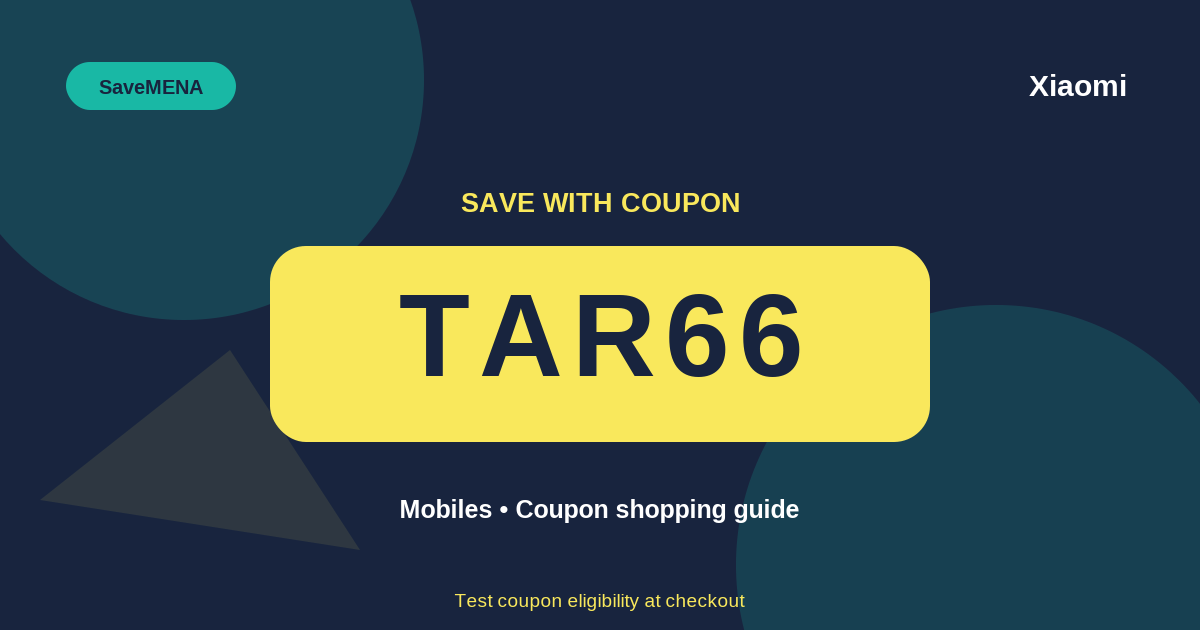
Codes available to try while comparing
These codes are not guaranteed for the article topic or listed brands; test them at checkout and use the live result.
1. Start with a Solid Search – Picking the Right Device
If your goal is a clear coupon validation, the first thing you should focus on is the mobile itself. After selecting a Xiaomi phone on Noon, scroll through the product description to verify that the device matches your specifications. Pay special attention to the available variants—scores of options such as storage capacity or color can affect the merchant and coupon compatibility. Make sure the model is listed as a “flagship” or “mid‑range” and not a limited edition; coupon eligibility can sometimes differ between top‑tier models and older variants.
2. Add to Cart Carefully – Subtle Details Matter
When you add the Xiaomi phone to your cart, Noon automatically pushes the variable of coupon eligibility into the cart framework. Stop and observe the cart details: is there an option to apply a coupon code? Whatever payment method you plan to use, the cart should reflect total price, taxes, and the “Add Coupon” field. Notice whether the cart displays only “No coupon entered” or whether it automatically checks a “coupon eligibility” icon. This is the first line of defense before you hit checkout. Even if the cart shows a generic “eligible” cue, keep in mind that this status could still change once you choose a payment method.
3. Checking Coupon Eligibility Pre‑Payment
Once your cart is populated, enter the coupon code “TAR98” into the designated field. Noon will typically give an immediate visual cue: a green “coupon applied” stamp or a subtle message. Despite this instant confirmation, remember coupon eligibility might still be contingent on the payment method you eventually choose. For example, some coupons apply only to credit card transactions, not to PayPal or debit options.
4. Selecting the Payment Method – A Different Lens to Apply Coupons
Your decision to choose a particular payment option is pivotal. Noon UAE typically offers credit/debit cards, Apple Pay, Google Pay, PayPal, and sometimes local wallets. The chosen method can directly influence whether your coupon is accepted. Look for any indicator that ties the coupon to a particular payment type. If the system shows that “TAR98” is eligible only for card payments, switch immediately or plan accordingly—otherwise, the coupon may be rejected at the last step, requiring a refund or a new order to apply it. The convenience of knowing this beforehand removes behind-the-scenes surprises.
5. Understand “Co‑Existence” with Other Discounts
Noon often offers multiple promotions: percentage discounts, buy‑one‑get‑one offers, or even subscription perks. A user’s curiosity may wonder whether “TAR98” can be combined with other offers or if they need to choose one over the other. During checkout, the platform will let you know if the coupon is exclusive or if stacking is permitted. Usually, checking the eligibility before payment reveals whether the system will allow the coupon even if a global promotion is active.
6. Navigating the Final Checkout Page – Confirmation is Key
Open the checkout page with a clear view of every breakdown: subtotal, taxes, delivery fee, and the applied coupon. Now, the payment method is finally locked. If your chosen method supports the coupon, the system will solidify the discount right there. But if it does not, a message will appear, usually next to the payment option, stating the “TAR98” coupon cannot be used with the selected payment. In that moment, you should either switch payment or keep the coupon pending and proceed without it.
7. Review the Overall Final Total – No Surprises Required
Before pressing the final “Place Order” button, scour the final total once more. The displayed figure should match what you saw after the cart calculation and password check. Should the coupon have been invalidated due to your payment choice, the discount would have disappeared. In that case, be ready to either adjust the payment method or fill a new order. Most online retailers will let you do a quick “edit” on the payment method, saving the time of a total redo.
8. After the Purchase – Keep an Order Summary
Once your payment is confirmed, Noon will consolidate all order details into a customer account summary. The Summary will list the applied coupon code and the final price, allowing you to clarify any discrepancies you may have seen earlier. If the coupon had been applied, you’ll see the code in the summary list; if it had been rejected, the coupon will be missing from this record. This data trail helps you troubleshoot or claim a refund if the discount wasn’t honored due to a payment method problem.
Related SaveMENA pages
Related articles
Official sources to check
Frequently asked questions
What should I do if my coupon is not accepted after choosing my payment method?
If your coupon isn’t accepted, switch to a different payment option that supports it or place a new order without the coupon, then see if you can claim the coupon later through a returns/exchange process. Always confirm on the checkout screen before finalizing.
Can I combine the “TAR98” coupon with other promotions on Noon?
Check the “View Details” link under the coupon during checkout to see if it can be stacked with other sales. If the system warns you that only one discount can be applied, you’ll need to choose the most beneficial offer.
Does the payment method affect the final price reflected on the order summary?
Yes. The payment method is evaluated at checkout, and the final total displayed in your order summary reflects any coupon eligibility changes that occurred after selecting the payment option.
How can I be sure the coupon was applied correctly before I confirm payment?
On the checkout page, look for a green note or a small discount icon next to the applied coupon code after you’ve selected your payment method. This visual cue indicates the coupon was accepted by the system.