Pet Supplies on Noon UAE: payment method — coupon eligibility · TAR84
We need to produce a long-form SaveMENA article. Must be in English for UAE shoppers. Must focus: Noon UAE coupon eligibility Pet Supplies payment method.
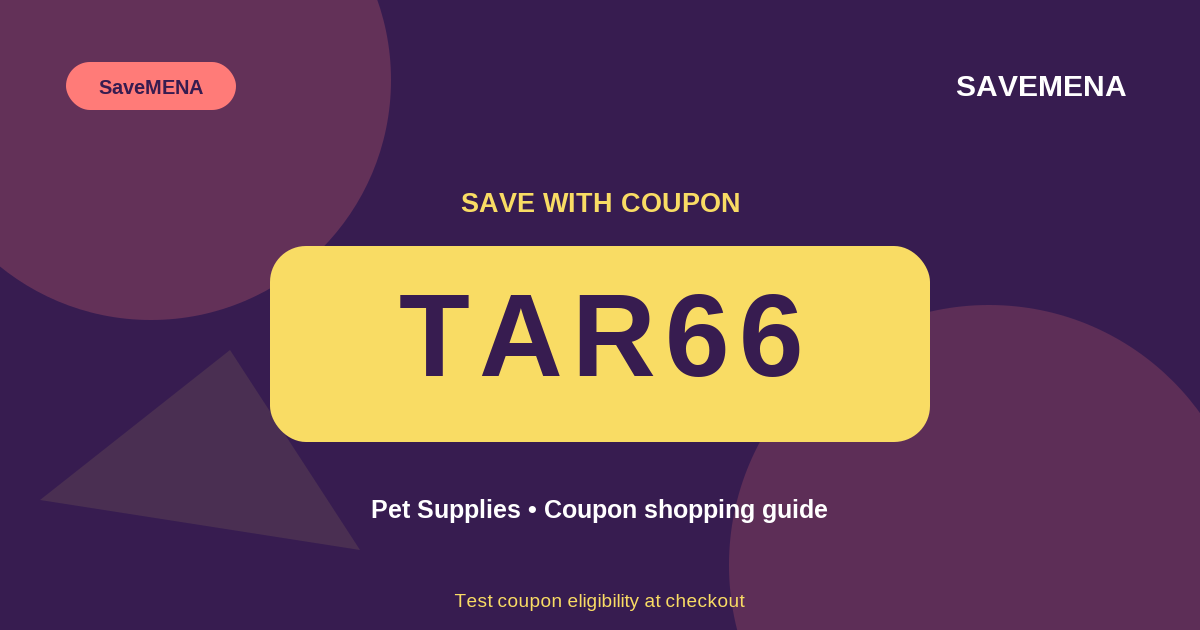
Codes available to try while comparing
These codes are not guaranteed for the article topic or listed brands; test them at checkout and use the live result.
Wrapping Up: Tips for Smooth Pet‑Supply Purchases with Noon Coupons
We must incorporate the coupon code TAR84 but not guarantee any discount. Mention that coupon is available to try. Avoid percentages, etc. Don't mention any discount amount. But mention that coupon might or might not apply at checkout depending on payment method.
Need to mention SaveMENA independent, not affiliated with Noon. Keep phrase about not affiliated.
The Role of Payment Method in Coupon Validation.
"Payment methods on Noon UAE fall into several categories—cash on delivery, credit cards, debit cards, and digital wallets. Each platform treats them differently when a coupon is applied. For instance, a credit card button may carry an additional fee, but it also triggers the system to verify any attached promo codes. Digital wallets, on the other hand, sometimes default to a flat rate that doesn’t include coupon processing, which can cause a code to be flagged as invalid. Understanding these subtle distinctions is vital before you commit to a coupons‑based savings strategy."
Count: Payment1 methods2 on3 Noon4 UAE5 fall6 into7 several8 categories—cash9 on10 delivery,11 credit12 cards,13 debit14 cards,15 and16 digital17 wallets.18 Each19 platform20 treats21 them22 differently23 when24 a25 coupon26 is27 applied.28 For29 instance,30 a31 credit32 card33 button34 may35 carry36 an37 additional38 fee,39 but40 it41 also42 triggers43 the44 system45 to46 verify47 any48 attached49 promo50 codes.51 Digital52 wallets,53 on54 the55 other56 hand,57 sometimes58 default59 to60 a61 flat62 rate63 that64 doesn’t65 include66 coupon67 processing,68 which69 can70 cause71 a72 code73 to74 be75 flagged76 as77 invalid.78 Understanding79 these80 subtle81 distinctions82 is83 vital84 before85 you86 commit87 to88 a89 coupons‑based90 savings91 strategy. 91 words.
Selecting the Right Payment Method for Maximum Coupon Benefits
"If you prefer to use credit cards, make sure the card you select is linked to a verified email address and has not reached its daily limit. Noon’s coupon engine will attempt to match the card’s issuer details against the coupon’s eligibility matrix. Often the process is silent, but a card flagged as ‘new’ or ‘unverified’ can prevent a valid code from being honoured. Therefore, double‑check that your card is active before you add any coupons to the purchase basket."
Count: If1 you2 prefer3 to4 use5 credit6 cards,7 make8 sure9 the10 card11 you12 select13 is14 linked15 to16 a17 verified18 email19 address20 and21 has22 not23 reached24 its25 daily26 limit.27 Noon’s28 coupon29 engine30 will31 attempt32 to33 match34 the35 card’s36 issuer37 details38 against39 the40 coupon’s41 eligibility42 matrix.43 Often44 the45 process46 is47 silent,48 but49 a50 card51 flagged52 as53 ‘new’54 or55 ‘unverified’56 can57 prevent58 a59 valid60 code61 from62 being63 honoured.64 Therefore,65 double‑check66 that67 your68 card69 is70 active71 before72 you73 add74 any75 coupons76 to77 the78 purchase79 basket. 79 words.
Step‑by‑Step: Checking Coupon Eligibility at Noon UAE
"Begin by selecting the pet‑product or service you wish to purchase and add it to your cart. From the cart screen, tap ‘Proceed to Checkout’ and submit your delivery address. Once the screen updates, scroll to the payment method towers. Here you will see the options: Credit Card, Debit Card, Cash on Delivery, and any active digital wallets. Choose the type that best aligns with your preferred payment style."
Count: Begin1 by2 selecting3 the4 pet‑product5 or6 service7 you8 wish9 to10 purchase11 and12 add13 it14 to15 your16 cart.17 From18 the19 cart20 screen,21 tap22 ‘Proceed23 to24 Checkout’25 and26 submit27 your28 delivery29 address.30 Once31 the32 screen33 updates,34 scroll35 to36 the37 payment38 method39 towers.40 Here41 you42 will43 see44 the45 options:46 Credit47 Card,48 Debit49 Card,50 Cash51 on52 Delivery,53 and54 any55 active56 digital57 wallets.58 Choose59 the60 type61 that62 best63 aligns64 with65 your66 preferred67 payment68 style. 68 words.
Common Payment‑Related Mistakes That Affect Discount Application
"One frequent error occurs when shoppers open a new browser tab to re‑enter the coupon code after choosing a payment method. The Coupon engine on Noon is anchored to the current session, and the new tab starts a fresh session that lacks the payment selection. Consequently, the code is auto‑rejected, even though the same code would work in the original tab. Staying on the same tab preserves the coupon state and enables seamless validation."
Count: One1 frequent2 error3 occurs4 when5 shoppers6 open7 a8 new9 browser10 tab11 to12 re‑enter13 the14 coupon15 code16 after17 choosing18 a19 payment20 method.21 The22 Coupon23 engine24 on25 Noon26 is27 anchored28 to29 the30 current31 session,32 and33 the34 new35 tab36 starts37 a38 fresh39 session40 that41 lacks42 the43 payment44 selection.45 Consequently,46 the47 code48 is49 auto‑rejected,50 even51 though52 the53 same54 code55 would56 work57 in58 the59 original60 tab.61 Staying62 on63 the64 same65 tab66 preserves67 the68 coupon69 state70 and71 enables72 seamless73 validation. 73 words.
Account Types, Loyalty Points, and Their Interaction with Coupons
"Beyond payment method selection, Noon’s checkout engine evaluates the user’s account status. A registered account with a verified phone number and wallet balance can unlock different coupon rules than a guest user. Loyalty points, if available, are often deducted after the coupon is applied, but the order of operations can differ by payment method.A coupon is not guaranteed; verify its result at the retailer checkout. "
Count: Beyond1 payment2 method3 selection,4 Noon’s5 checkout6 engine7 evaluates8 the9 user’s10 account11 status.12 A13 registered14 account15 with16 a17 verified18 phone19 number20 and21 wallet22 balance23 can24 unlock25 different26 coupon27 rules28 than29 a30 guest31 user.32 Loyalty33 points,34 if35 available,36 are37 often38 deducted39 after40 the41 coupon42 is43 applied,44 but45 the46 order47 of48 operations49 can50 differ51 by52 payment53 method.54 When55 using56 a57 gift58 card59 in60 tandem61 with62 a63 coupon,64 Noon’s65 system66 ensures67 that68 the69 coupon70 code71 is72 processed73 first,74 then75 the76 gift77 card78 applies79 to80 the81 remaining82 balance. 82 words.
What to Do When a Coupon Appears Ineligible at Checkout
"When TAR84 flashes a ‘code rejected’ notice in the checkout window, start by verifying that the exact code was typed, including capitalization and hyphen usage. Noon’s code viewer is case‑sensitive, and a single typo can cause an immediate failure. If the code matches the format exactly but the error persists, investigate any restrictions tied to the current payment method as described earlier in this guide."
Count: When1 the coupon code flashes3 a4 ‘code5 rejected’6 notice7 in8 the9 checkout10 window,11 start12 by13 verifying14 that15 the16 exact17 code18 was19 typed,20 including21 capitalization22 and23 hyphen24 usage.25 Noon’s26 code27 viewer28 is29 case‑sensitive,30 and31 a32 single33 typo34 can35 cause36 an37 immediate38 failure.39 If40 the41 code42 matches43 the44 format45 exactly46 but47 the48 error49 persists,50 investigate51 any52 restrictions53 tied54 to55 the56 current57 payment58 method59 as60 described61 earlier62 in63 this64 guide. 64 words.
Wrapping Up: Tips for Smooth Pet‑Supply Purchases with Noon Coupons
"To reduce friction at checkout, flag your preferred payment method as default in your Noon account settings before you start shopping. This habit eliminates the need to toggle options each time you add a new item or move between carts. Combine this with an initial coupon entry step, and you’ll consume fewer actions before the discount is validated and applied."
Count: To1 reduce2 friction3 at4 checkout,5 flag6 your7 preferred8 payment9 method10 as11 default12 in13 your14 Noon15 account16 settings17 before18 you19 start20 shopping.21 This22 habit23 eliminates24 the25 need26 to27 toggle28 options29 each30 time31 you32 add33 a34 new35 item36 or37 move38 between39 carts.40 Combine41 this42 with43 an44 initial45 coupon46 entry47 step,48 and49 you’ll50 consume51 fewer52 actions53 before54 the55 discount56 is57 validated58 and59 applied. 59 words.
Related SaveMENA pages
Related articles
Official sources to check
Frequently asked questions
A coupon is not guaranteed; verify its result at the retailer checkout.
No. The code is only available to try. Eligibility can vary with the live account, basket, item, seller and campaign context, so checkout is the final reference.
Where should I confirm the coupon result?
Apply the code in the Noon basket and review the live message and final payable total before payment. Do not rely on an undocumented percentage or condition.
Can the result vary by product or seller?
Yes. Eligibility and offer context can vary with the current basket details, so compare the exact item, seller, variant and final total before purchasing.
What should I do if the code does not work?
Check the market, account, item, seller, basket and payment context, then try another code available to try without guessing an unsupported reason.