Puma Shoes on Noon UAE: payment method — coupon eligibility · TAR84
We need to produce article 140-180 int intro, with relevant search intent: ask how to check coupon eligibility before payment.
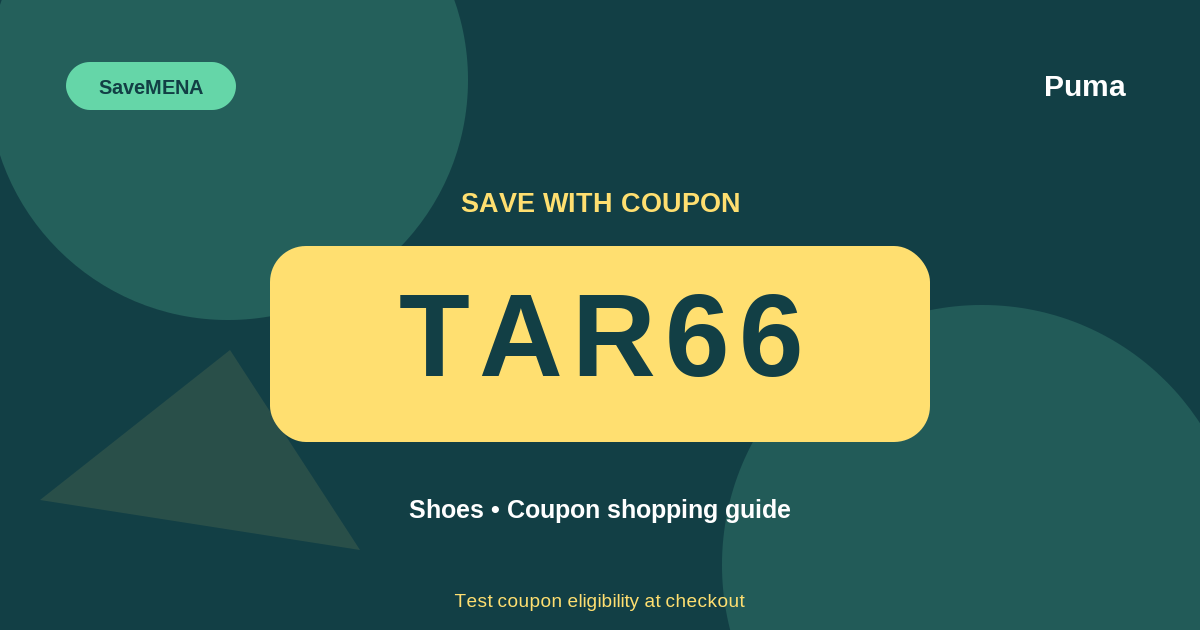
Codes available to try while comparing
These codes are not guaranteed for the article topic or listed brands; test them at checkout and use the live result.
1. Verify Product Eligibility – Spotting a Coupon-Compatible Puma Shoe
When you first add a Puma shoe to your Noon UAE cart, look for the brand label and product variant. Pay attention to descriptors that indicate a standard retail model, as special editions or limited editions may have different promotion terms. Ensure that the listing clearly states that it is available through the mainstream seller rather than a specialized drop. By confirming the standard nature of the product, you reduce the risk that the coupon will fail during checkout.
Next, glance at the seller’s profile. Mainstream sellers typically have a neutral status, such as “Verified” or “Recommended.” These sellers are more likely to support standard promotions. If the seller has a unique designation or a limited-time partnership sign, take note because that could affect coupon compatibility. This early check sets the groundwork for a smooth coupon application later.
2. Cart Assessment – Reaching Checkout to Confirm Coupon Applicability
After adding your chosen Puma shoes, proceed to the cart without initiating payment. In the cart view, verify the chosen quantity and ensure that any size or color selections have been correctly updated. A mis‑selected variant can trigger conditions that block coupon use, and these will only become apparent when you attempt to apply the code. The cart summary will also reveal the distribution of costs across items and any mandatory charges.
Take time to read the cart’s notes or descriptions; some sellers include a statement like “Coupons may not be applied to this product.” If such a phrase appears, it signals a potential limitation even before you advance to payment. Documenting this information will help you decide whether to switch to an alternative seller or product variant if the coupon will not apply.
3. Coupon Entry – Key Steps to Apply TAR84 Without Surprises
Once you are confident that the product and seller appear standard, scroll to the coupon entry field in the cart. Input the code TAR84 exactly as it appears, keeping the letter case and spacing correct. Any deviation can lead to a failure message, so double‑check the characters. Notice whether the system provides a confirmation or a brief tooltip indicating the coupon’s status.
After entering the code, observe the cart’s response. A message such as “Coupon applied” confirms that the system recognized the code, but it does not guarantee that the discount will carry through to final payment. This preliminary confirmation is still useful, as it tells you that the code is technically compatible with the product details you entered.
4. Payment Method Impact – Why Your Choice Matters
The payment method you select can affect how coupon eligibility is treated. Certain payment options, such as credit cards issued by local banks, might have additional verification steps that can override coupon acceptance if the system flags unusual spending patterns. Alternatively, seller‑endorsed payment methods, like certain digital wallet modes, may automatically support all valid coupons. Understanding how each option interacts with promotions will let you choose the best route.
When you reach the payment selection screen on Noon UAE, review the brief description of each payment method. If the seller’s listing mentions a “preferred” payment type, that is often a cue that the method will respect active coupon codes. Selecting a method that does not specify such compatibility might require you to retry the coupon later, possibly after you have already committed to the payment process.
5. Savings Confirmation – Reading the Final Payable Item
Before you commit to any payment, examine the final line that lists the total payable amount. This line reflects not only the product price but also any delivered fees, taxes, and the active coupon impact. Even if the coupon was initially accepted, the presence of certain fees may alter the final discount applied. The system often recalculates the total once all payable components are loaded, so ensure the screen shows the expected final value.
To confirm coupon eligibility, watch for a notation that indicates the discount has been applied. If the total does not reflect a reduced amount or if there is a status notifying that the coupon has not been applied, revisit the coupon entry step or consider switching the payment method. This final check guarantees that the coupon will not be lost once you finalize the purchase.
6. Seller and Stock Checks – Avoiding Last‑Minute Hiccups
Occasionally, sellers may run out of specific variants after you add an item to your cart. If that happens, the system may redirect you to a new selection that might not support the coupon. At that point, you will be prompted to re‑enter the code, and there is a chance it may not be accepted for the replacement item. Checking stock status before confirming the coupon is therefore a critical step.
Additionally, sellers sometimes list “Bundle” options that combine a pair of shoes with accessories. These bundles can have different promotion rules than individual items, and a code that worked for a single shoe may not apply to a bundle. By reviewing the seller’s description after confirming coupon eligibility, you reduce the risk of an unexpected discrepancy at checkout.
7. Delivery and Fees – Understanding Possible Cost Additions
Delivery options can bring hidden charges that alter how coupons are applied. Some shipping methods include a surcharge that might not be discountable, effectively neutralizing the coupon’s benefit. When selecting a delivery method, note any appended fee and whether the seller or the platform indicates that coupons apply to shipping costs. If not, you may need to reassess your chosen shipping option.
Also consider that expedited or same‑day delivery often carries a premium. These premiums can sometimes exclude coupon discounts, resulting in a higher final payable amount than you initially anticipated. Monitoring the delivery section for any special notes on discount application ensures you retain full visibility over your total cost.
8. Troubleshooting Common Issues – Fixing Misses in Coupon Validation
If the coupon fails at any point after entering TAR84, there are a few common factors to investigate. First, confirm that the product and seller genuinely support coupons by rereading any seller tags or notes. Second, double‑check the exact code spelling and make sure no accidental spaces are included. Third, review the payment method again; sometimes a switch to a different option restores coupon compatibility.
Should the problem persist, many people find it helpful to clear their cart and start over with a fresh product selection, updating quantities and payment method as needed. This clean start often resolves hidden conflicts that were not obvious during the initial cart review, ensuring you can use your coupon successfully at final checkout.
Related SaveMENA pages
Related articles
Official sources to check
Frequently asked questions
How do I check if my Puma shoe is eligible for a Noon UAE coupon before checking out?
You should review the product details and seller information for any notes about coupon support. Then add the shoe to your cart, enter the coupon code in the cart’s field, and ensure it is accepted before proceeding to payment.
Does the payment method affect whether a coupon like TAR84 will work?
Yes, certain payment methods can influence coupon acceptance, especially if they involve additional verification. Choosing a seller‑endorsed payment option often helps preserve coupon validity.
What makes a seller’s listing incompatible with Noon UAE coupons?
Seller tags such as “Special Edition” or “Limited Stock” can signal that coupons are not applicable.A coupon is not guaranteed; verify its result at the retailer checkout.
Will delivery fees impact my coupon discount?
Delivery fees can sometimes be non‑discountable. Check the delivery option details to see if coupons apply; otherwise, the fee may add to the final payable amount.