Samsung Smart Watches on Noon UAE: payment method — coupon eligibility · TAR98
When you’re scrolling through Noon UAE’s catalog for the latest smartwatch, one question keeps popping up: “Can I pull the best deal before I hit payment?”
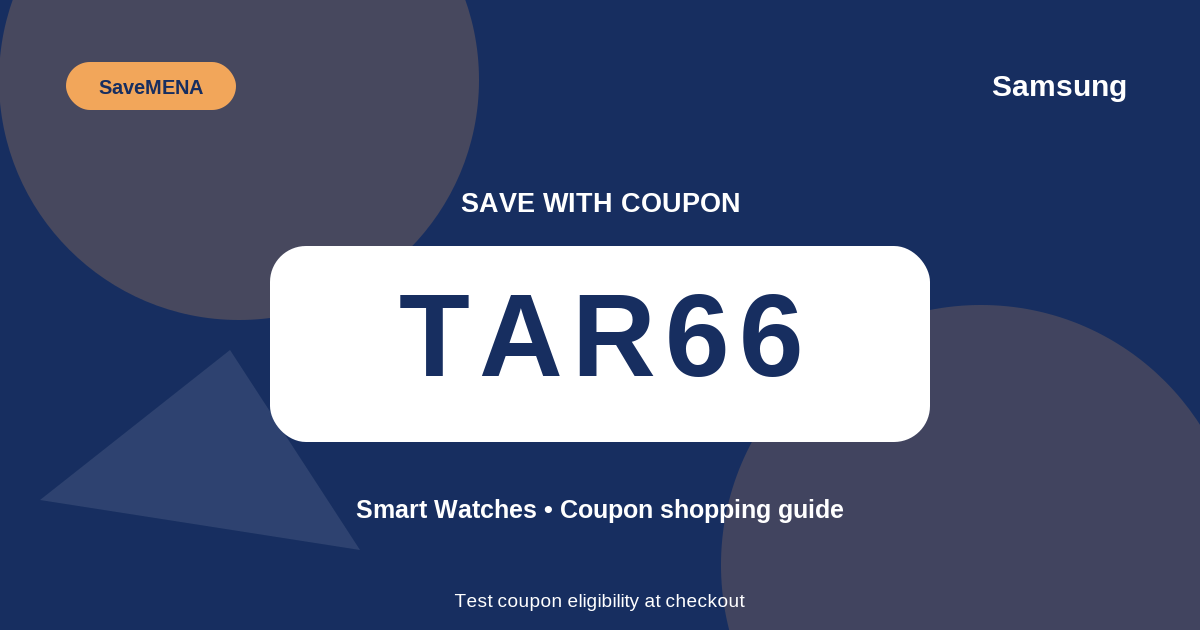
Codes available to try while comparing
These codes are not guaranteed for the article topic or listed brands; test them at checkout and use the live result.
Understanding Noon UAE Coupon Eligibility Basics
A coupon's effectiveness hinges mainly on the shopping steps you take before checking out. Noon UAE’s interface allows you to add items, review the cart, and then apply coupon codes before the payment screen. The TIME AMOUNT you see in the cart totals will update instantly if the coupon is valid. While the merchant does not guarantee that TAR98 will always be accepted, the platform’s logic will only allow the discount to apply if Kupon’s requirements match the items in your basket.
When you first visit the app or website, make sure that your account is logged in—this is the only time domain that the system can pull in saved promotional rules. Once logged in, you can proceed to search for the smartwatch you want, add it to your cart, and then opt for the “Apply Coupon” button. This command triggers a lookup that confirms if your coupon is eligible for the current cart contents. The prompt you see will either confirm success or indicate that the code has expired or does not apply.
Why Pay Attention to the Payment Method First
The payment method is a decisive lens when validating coupon eligibility. Certain coupons on Noon UAE may have constraints that only trigger when specific payment options are chosen. For instance, a coupon could be exclusive to digital wallets or certain debit card issuers. By selecting your payment method early in the checkout flow, the system can pre‑filter the coupon’s availability before you enter it, saving you a round‑trip.
In practical terms, this means that after selecting your smartwatch and before entering the application of a coupon, you should navigate to the “Payment” section and choose your preferred remote. If you prioritize using Samsung Pay, do so before pasting TAR98. Doing so ensures that the checkout algorithm properly registers that the chosen payment route qualifies the coupon. This step helps avoid “coupon no longer valid” messages that appear only after the transaction is processed.
Preparing Your Smart Watch Selection
Choosing a smartwatch from Noon UAE’s catalog starts with narrowing down the category: Select “Smart Watches,” then filter by “Brand: Samsung.” This guarantees that you’re analyzing a device that is compatible with the Samsung payment ecosystem and that might be associated with specific promotional rules. The Samsung brand generally has a range of models from mid‑tier to premium, and selecting the right one can influence coupon eligibility.
When you’ve landed on the product page, ask yourself whether the model offers additional features—such as built‑in LTE, heart‑rate monitoring, or a larger display—that Noon tends to highlight in their promotional conditions. Some coupons open to certain tech specs; knowing this upfront can clarify whether TAR98 will apply. A quick glance at the product description or FAQ section on the page will reveal any constraints on discounts or bundles that may coexist with the coupon.
Entering the TAR98 Coupon Code
Once you have a smartwatch added to your cart, locate the “Apply Coupon” button in the cart summary. Input the code TAR98 exactly as it appears—no spaces or leading/trailing characters. The input field is generally located next to the total amount before any discount is shown. Noon’s system will instantly recalculate the subtotal if the coupon is accepted.
If the coupon does not apply, the platform will give an error either immediately or during the final payment step. Common error messages might read “Coupon not applicable” or “Invalid promotion.” In such cases, double‑check that the code is correct and that you have met the minimum sale criteria, if any. If you believe the code is valid but still receives an error, proceed to the payment method section to verify whether the payment approach interferes with eligibility rules.
Visual Confirmation of Eligibility at Checkout
On the checkout screen, you’ll see a summary box that lists the original cart total, any discounts applied, and the final payable amount. Look for a line that specifically references the coupon code. It should read something like “Coupon TAR98 applied – discount.” If that line remains absent or shows a zero discount, the code was not recognized as eligible for the chosen items and payment method.
Another sign of eligibility is that the total payable amount will change automatically after you hit “Apply.” The presence of this adjustment confirms that the system accepted the coupon. If the payable amount stays the same, you either have not filled the coupon field correctly or the code is ineligible under current cart or payment conditions. At this stage, re‑enter the code or alter your payment method if possible.
Using Samsung Pay on Noon
Samsung Pay is a widely-used payment option on Noon UAE, especially for users who own Samsung smartphones. In the payment section, scroll through the list of options until you tile “Samsung Pay.” Select it, then complete the authentication steps that may involve fingerprint or Face ID, depending on your device settings. This secure process ensures that the transaction can proceed swiftly after eligibility checks.
Many coupons on Noon are designed to favor digital wallet payments for their convenience and lower transaction fees. While the TAR98 code has no specific mention of Samsung Pay, choosing this payment method can sometimes trigger hidden discount pathways that other methods may not. After confirming the Samsung Pay balance or linking a card, proceed to the final confirmation where you can double‑check the final amount once more.
Finalizing Payment and Monitoring Order Status
Once you click “Pay Now,” the checkout engine will lock in all calculations. The application will recalculate final totals one last time to ensure no discrepancy arises during the actual payment authorization. If the coupon eligibility had been verified earlier, this final step should not alter the discount.
After the transaction, you will receive an order confirmation via email and an in‑app notification. Keep this receipt for reference, as it will note the final amount charged and any discount applied. If you notice a mismatch later—such as a higher price or no discount—contact Noon’s customer support with your order number and request clarification. The support team can confirm whether the coupon was recognized at the time of purchase or a mismatch occurred.
Common Pitfalls and How to Avoid Them
A frequent error among shoppers is attempting to apply a coupon after selecting the payment method. Noon processes promotions based on the final cart contents and the chosen method ahead of application. If you switch to Samsung Pay after hitting “Apply,” the system may invalidate the coupon.A coupon is not guaranteed; verify its result at the retailer checkout.
Another pitfall involves neglecting device eligibility. Some smartwatches have regional restrictions that limit coupon applicability. Verify that the model you’re selecting is listed as available for UAE shipping; a refusal postal code indicator at checkout can halt your transaction. Ensuring that the device is market‑compatible prevents a scenario where your coupon got applied but the order was later cancelled for shipment constraints.
Related SaveMENA pages
Related articles
Official sources to check
Frequently asked questions
How do I enter a coupon code on Noon UAE?
The “Apply Coupon” field is located beneath the cart total on the checkout page; type TAR98 and hit apply to see if the discount reflects in the final amount.
Does using Samsung Pay affect the validity of my coupon?
Choosing Samsung Pay before applying the coupon lets Noon evaluate payment‑specific rules; the coupon should remain valid if already accepted in your cart.
What happens if the coupon is invalid during checkout?
Noon will display an error message next to the coupon field and keep the final amount unchanged; check your code or payment method and try again.
Can I use the coupon after confirming my payment?
Coupons must be applied prior to final payment confirmation; once payment is authorized the discount cannot be retroactively added.