Sports on Noon UAE: payment method — coupon eligibility · TAR84
Before you touch the “Place Order” button on Noon UAE, you can save a fortune by checking your coupon’s eligibility—especially when you’re headed to the sports
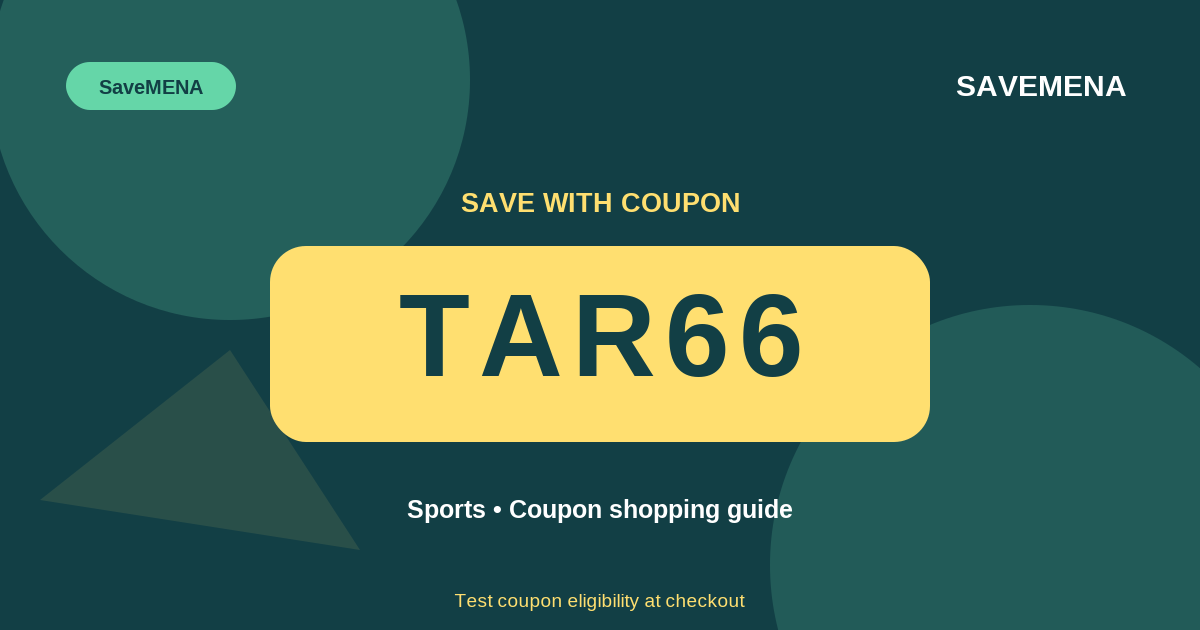
Codes available to try while comparing
These codes are not guaranteed for the article topic or listed brands; test them at checkout and use the live result.
Understanding Coupon Eligibility for Sports Shopping
When shopping for sports apparel, shoes, or equipment on Noon UAE, the coupon’s success hinges on two essential factors: the items’ eligibility for coupons and the validity of the code itself. Not every sports item automatically accepts a discount code; some limited‑stock releases or premium brands might exclude coupons entirely. It’s advisable to confirm in the product description or the sport sub‑category listing that the item accepts general coupons before placing it in your cart, as this pre‑emptive step saves time during checkout.
In addition, verifying that the entire basket complies with coupon eligibility rules is important. If you mix sports items with unrelated categories, Noon’s system may treat the code as inapplicable to the overall transaction. Therefore, keep all sports products in one cart and double‑check each item’s coupon status to avoid surprises once the payment method has been selected.
Choosing the Right Payment Method Before Applying a Code
Payment method is a pivotal decision point influencing coupon validity. Different methods—credit card, debit card, or Noon Wallet—can have distinct rules regarding discounts. Some payment types, particularly debit cards issued by local UAE banks, may trigger additional compliance checks that can temporarily block non‑certified coupon codes. Choosing a card or wallet that has a consistent transaction history with Noon can therefore smooth the process, reducing the chance that the system overrides the code once the finalize step arrives.
Another layer to consider is the payment method’s “Cashback” or “Duplicate Reward” policy. Noon Wallet sometimes offers extra cashback cashback that clashes with coupon codes, leading the system to refuse the code if the wallet category is active.A coupon is not guaranteed; verify its result at the retailer checkout.
How Noon’s Checkout Flow Validates Your Coupon
Once you reach the “Checkout” page, Noon’s backend will trigger a real‑time validation against the coupon database. This step is crucial because it checks the current stock, the user’s coupon eligibility, and the payment method’s compatibility all within seconds. The system presents a light blue banner confirming the discount once the code is accepted, or a subtle message explaining why it cannot be applied. Carefully read this banner because it reflects the real state of coupon applicability at that moment.
It’s worth noting that the final confirmation appears only after you confirm the chosen payment method. Even if a “TAR84” banner appears, a conflict with the payment type may still nullify the discount. That is why double‑checking the payment choice right after the banner appears still matters—especially for sports items where the discount can be sizable.
Step‑by‑Step: Entering TAR84 in the Sports Category
Navigate to the sports sub‑category of your desired product and add the items to your cart. Proceed to “Checkout” and on the payment page tap the “Enter Coupon Code” field. Type the exact code, TAR84, respecting capitalization. Hit the “Apply” button; the system will analyse the code instantly. Observe whether a green confirmation or a muted failure notice appears, which unequivocally tells you if your sports goods are eligible under this code.
After confirming coupon validity, double‑check the payment method slot. Switch cards or wallets if needed and let the page refresh. The system will re‑validate the coupon against the newly chosen payment option, presenting a final slider of the updated payable amount. Once you’re satisfied, click “Place Order” to lock in the final discounted price.
Common Issues That Overtly Prevent Coupon Success
Two main blockers often surface: cart incompatibility and payment method mismatch. If your basket contains a sponsored sport gadget that is labelled “coupon‑excluded,” Noon will reject the TAX84 code at checkout regardless of how actively you’ve applied it. If you’ve already selected a debit card that has passed a discretionary compliance check, the platform may automatically uncouple the coupon, causing a sudden price jump. In both scenarios, the container’s “Review Order” screen will reset the discount slider to “No discount applied.”
Another frequent hiccup involves duplicated cart items. Adding the same sports shoe twice on separate tabs can create a sync race, leading Noon to parse the cart as two separate requests for the same code. This condition typically results in a “coupon already used” notification. To avoid this, do an “Add All” action before confirming your payment method or clearing any stray cart items.
Leveraging Noon’s Payment Options to Maximize Value
Since Noon’s payment options can override a coupon if a mismatch occurs, selecting the right one ensures the best outcome. Choosing a credit card with a higher reward tier can sometimes trigger a complimentary sponsor offer that might either complement the coupon or stand alone as a better option. Noon Wallet, on the other hand, automatically applies a small cashback that might be more beneficial than a discount if the value difference is negligible.
For sports enthusiasts who prefer flexibility, consider opening a debit card with a local UAE bank that offers a “no‑discount‑block” policy. This reduces the likelihood of your TAR84 code being discarded behind extra compliance steps. Once the payment reason aligns, enjoy a smoother checkout journey with fewer redirections and a confirmation that the code has indeed hit the entire order.
When to Retry or Seek Alternate Discounts
Encounter a failed application of TAR84? Before calling customer support, verify two things: confirm the sports product is coupon‑eligible, and double‑check that the payment method didn’t cause a code conflict. If both checks come back positive yet the code still doesn’t apply, a temporary platform glitch might be at play. Wait a short while, clear your browser cache, and attempt the process again while staying on the same sports cart.
If the coupon remains ineligible, explore Noon’s active promotions or look for alternative deals that provide a guaranteed discount, such as “Buy 2 Get 1 Free” or “Free Shipping” coupons tailored for sports. These alternatives are explicitly listed in the “Deals” banner at checkout and can bypass the payment‑method restrictions that block general discounts.
Final Checklist Before Finalizing Your Sports Order
A coupon is not guaranteed; verify its result at the retailer checkout.
Also scrutinise the delivery fee section. If Noon adds a delivery surcharge—especially for out‑of‑city shipping—evaluate whether the combined discount plus fee still delivers the net savings you anticipated. Once satisfied, lock in your sports gear and enjoy the savings reflected in your total payable amount.
Related SaveMENA pages
Related articles
Official sources to check
Frequently asked questions
How can I confirm if TAR84 will work with my selected credit card?
After applying TAR84, check the checkout banner for a success message. Then verify the payment method; if the banner stays green after you switch cards, the code is compatible with that credit card. If it changes to a failure notice, a card‑specific restriction likely applies.
What happens if I add a non‑eligible sports item after applying the coupon?
If a non‑eligible item enters the cart, Noon will instantly recalculate the discount and usually display that the coupon no longer applies to the entire order. The final payable total will then reflect the full price of that item.
Is there a limit to how many sports items I can include while using the TAR84 coupon?
No fixed quantity limit is specified. However, each item must individually accept coupons. Adding numerous non‑eligible items or a mix of eligible and non‑eligible can cause the discount to be revoked.
Can I use a Noon Wallet cashback and TAR84 together on a sports order?
Often, Noon’s system won't combine a cashback‑generating wallet with a general coupon. After adding TAR84, if the checkout banner changes to “Coupon not applicable,” the wallet may have overridden the discount.