Nike Sports on Noon UAE: payment method — coupon eligibility · TAR98
Before you even open Noon’s sports section, familiarize yourself with how coupons generally function on the platform.
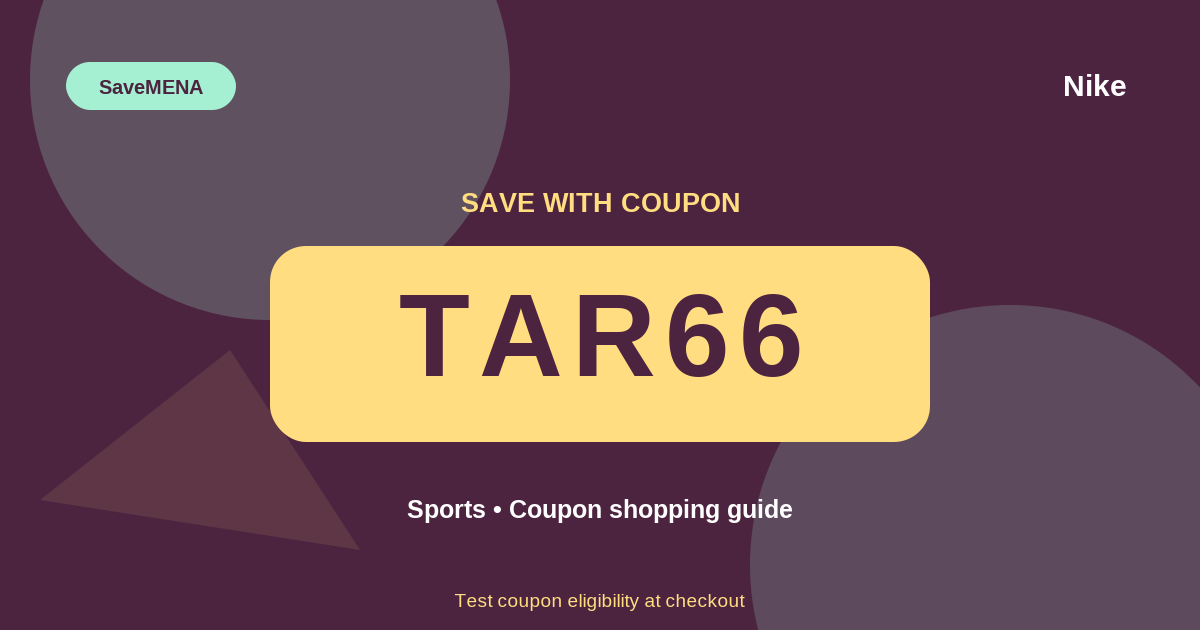
Codes available to try while comparing
These codes are not guaranteed for the article topic or listed brands; test them at checkout and use the live result.
1. Understanding Coupon Mechanics on Noon UAE in Sports
Before you even open Noon’s sports section, familiarize yourself with how coupons generally function on the platform. Coupons are displayed on product pages and cart totals, but their application can vary by category, brand, or even specific item. In sports, you’ll notice a notification line that says “Coupon available to try” when a promotion is active. This phrasing signals that the offer is tentative, and your final checkout should confirm it. From a payment method stance, it’s essential to remember that some coupons only apply to certain transaction types, such as digital wallets or specific credit cards, so keep your payment option in mind throughout.
When looking at sports gear, you’ll also see that Noon can assign coupon eligibility based on total cart value or the inclusion of multiple items. If a user adds a high‑end Nike sneaker to the cart, the system might prompt a coupon test button. In practice, the coupon code itself—TAR98—can be pried into the field, but the software defers final validation until you choose a payment method. That final step determines whether the discount actually goes through or not, making the payment method a key decision lens for coupon usage.
2. Selecting the Right Product: Nike Footwear & Gear in Sports Category
When choosing a Nike product for sports, pay close attention to the product description that mentions “available for coupon usage.” The product page should list the exact pricing, shipping weight, and any applicable restrictions. Coupon eligibility information is often found beneath the “Add to Bag” button or in a pop‑up when you hover over discount offers. In this section, avoid assuming that any Nike item automatically supports coupons; instead, look for a small icon or note indicating coupon availability. The note usually reads “This item may be eligible for coupons” – a subtle but crucial hint that the coupon will be tested at checkout.
Once you’re confident a product supports coupons, add it to your bag. The cart page will then display an “Enter coupon code” field.A coupon is not guaranteed; verify its result at the retailer checkout. If you plan to use a credit card, you can see a dropdown listing all allowed payment methods. Selecting a method that is not supported by the coupon at this point will give you an instant visual cue that the coupon may not work, saving you from future frustration.
3. Adding to Cart: Notice the Coupon Prompt
After you confirm that your chosen Nike item is in the sports category, the cart should display an “Apply Coupon” prompt.A coupon is not guaranteed; verify its result at the retailer checkout. The system needs to function through a two‑step verification process: first, it cross‑checks the coupon code against the product's eligibility; second, it matches the code against the selected payment method. The payment method selection is central; therefore, pick your payment preferred before the cart refreshes the coupon calculation.
When you hit the “Apply” button, Noon will display a provisional note that says “Checking coupon eligibility…”. This window consists of an email or SMS snippet that states whether the coupon is tenable or not. Importantly, this provisional phase is influenced by the payment method you've chosen on the cart page. If your method isn’t aligned with the coupon restrictions, the platform will instantly notify you and ask to select another payment option before attempting to reapply the coupon.
4. Reading Coupon Eligibility: Prices, Policies, and Payment Options
The provisional notice you see on cart opens a vital window into coupon eligibility. It will display the check‑status, a short reason (if any) for rejection, and the option to "Change Payment Method". The descriptive text will mention whether the coupon was rejected for reasons like “Minimum spend not met” or “Payment method not supported”. Even if the text only says “Coupon not applicable”, you still may have a chance if you switch your payment to a supported one—perhaps a Noon wallet or a particular bank card that meets the coupon's constraints.
When reviewing the status, always keep the payment method in check. For sports gear, Noon may prefer electronic wallets for coupon eligibility.A coupon is not guaranteed; verify its result at the retailer checkout. This step is essential because the final checkout outputs the definitive coupon status, and the system locks out any coupon that fails the test until a payment method change passes.
5. Choosing the Payment Method: E‑wallet, Credit Card, etc.
With your voucher code pre‑entered, the next critical move is finalizing your payment choice. Noon offers several payment methods—credit/debit cards, Nomad Wallet, PayPal, and Apple Pay. Each of these interacts differently with coupon checks. For sports items, many users find that a local Gulf bank card triggers automatic coupon eligibility, whereas more generic cards might not. In practice, you’ll test the coupon by cycling through these options; the system’s response will tell you whether the method qualifies.
When selecting a card, observe the confirmation prompt that indicates whether the coupon is approved. If the coupon is valid for this payment type, the cart will show a small green check beside the “Apply” button. Conversely, a red “X” signals that the method is incompatible, triggering a “Change Payment Method” link. Continue to switch options until you achieve a green indicator, or settle for the “Coupon not applicable” status if no method accommodates your coupon. This iterative approach guarantees you capture any potential savings at the payment method level before proceeding.
6. Final Review at Checkout: Eligibility Verification
Once you’re ready to pay, the checkout page represents the last checkpoint where coupon eligibility is fully validated. The page will display the payable total, any coupon deduction (if applied), and a reminder that the coupon success depends upon the payment method chosen. The phrase “Coupon verified for this transaction” or “Coupon not applied” will appear underneath the payment summary. If no coupon has been applied, the platform will clearly state “No coupons applied to this order.” This is a definitive signal; any earlier provisional claim is now confirmed.
If the coupon shows as verified, you will see a deduction in the final total; if it remains unverified, you’ll still pay the full amount, but you can try another coupon later in your browsing session. At this juncture, remember that the payment method used is the key. A change in the method after finalizing the coupon will invalidate the code, so confirm the chosen card or wallet before placing the order. If you had previously selected the Wrong payment method, you can go back to the payment section to update it.A coupon is not guaranteed; verify its result at the retailer checkout.
7. Applying the Coupon Code TAR98 & Seeing the Result
Applying TAR98 at the right moment can unlock savings, but only if the coupon passes the verification against your product, category, and payment method. If you initially saw a “Coupon available to try” message, it’s a sign that Noon intends to test the code against your chosen payment. In practice, you’ll type the code into the field, press “Apply,” and watch the provisional message appear. If it states “Checking eligibility…”, you must keep the same payment method until you see the final verdict.
When you hit “Apply” again and the system returns a green confirmation that “Coupon applied” or shows a dime‑down discount, you’ve successfully leveraged the coupon. The discount will appear as a separate line item in the payment summary. If it shows a red cross or does not appear, it means the coupon was not matched to the chosen payment method, and you’ll need to either change the method or try a different code. This verification step is crucial; it ensures that the coupon has truly been accepted and that you’re not paying the full price unknowingly.
8. Practical Tips: Avoiding Common Payment Pitfalls
Even with a clear coupon, many shoppers stumble over payment‑method related errors. One complaint is that an older Maad Pay plan may trigger a “payment method not eligible” message. If you see this, quickly switch to a newer compatible card or a Noon wallet. Additionally, if you use a disposable virtual card, Noon might block the coupon, causing you to pay full price. In such cases, disabling the coupon before changing the payment setup is recommended.
Another frustration arises when the coupon appears to apply at cart level but disappears on the final checkout. This often results from a mismatch in regional settings or a delay in online transaction approval. Confirm that your device’s time‑zone matches UAE’s and that you’re connected to a stable internet network. If the coupon still fails, it’s safest to contact Noon’s customer support before finalizing the payment, as they can explain whether your selected method supports the coupon or if there is a technical hiccup.
Related SaveMENA pages
Related articles
Official sources to check
Frequently asked questions
How do I know if my chosen payment method will support the Noon coupon?**
After entering the coupon code, if the cart displays a red cross next to the coupon, the payment method is likely unsupported. Switch to another card or wallet on the payment options list and retry. When a green check appears, the method meets the coupon criteria.**
Can I depend on the coupon applying automatically if it’s shown on the product page?**
No. A “coupon available to try” message is provisional. Final approval only occurs in the checkout payment section—no automatic application until that step verifies eligibility.**
Will switching my payment method after applying the coupon affect the discount?**
Yes. Selecting a different payment method post‑apply will reset the eligibility check. The code will be considered pending again, meaning the discount could be lost if the new method isn’t supported.**
What if my coupon is not accepted even after selecting a supported payment method?**
Check if the coupon has a minimum spend or other hidden restrictions. If still not applied, contact Noon support for clarification; they can confirm if there are technical or policy changes preventing usage.**