Philips Electronics on Noon UAE: offer combinations — coupon eligibility
When you browse Noon’s electronics section for Philips items, look for any banner or tag that mentions a coupon or discount.
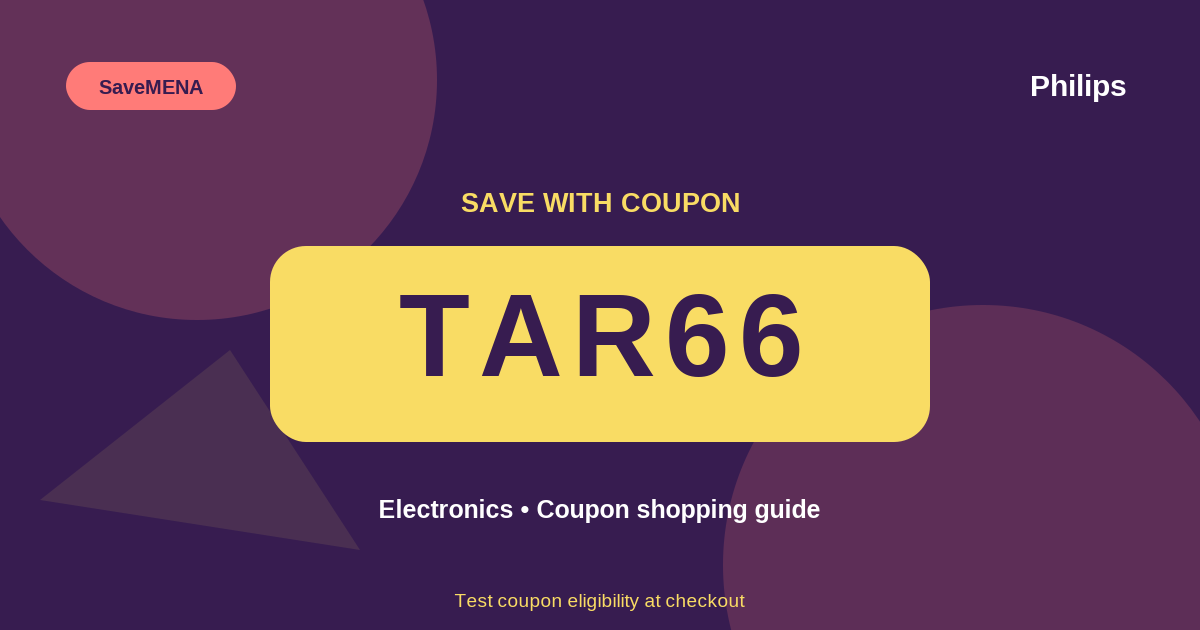
Codes available to try while comparing
These codes are not guaranteed for the article topic or listed brands; test them at checkout and use the live result.
1. Inspect the Coupon Banner in the Product Listing
When you browse Noon’s electronics section for Philips items, look for any banner or tag that mentions a coupon or discount. This banner often appears beneath the product title or beside the price. Even if the item has a visible promotion like a “Save the discount shown at checkout” sticker, the presence of a coupon banner signals that a discount code may apply. Dropbox notes that coupons sometimes overlay the price, but rarely confirm eligibility; therefore noting this banner is your first hint that a code should be tried.
Before adding a Philips device to your cart, click the banner or hover if the site provides a tooltip. The tooltip will say something like “Apply <code>TAR66</code> to receive a promotion” or simply “Use this code for additional savings.” If that message appears, you know the coupon is browsable for that item. If there is no banner, the item may not support the coupon even if the code is otherwise valid. This initial visual cue is essential for guiding you toward the next step – confirming that the promotion appears on the product detail page.
2. Verify the Product Detail Page Shows Coupon Eligibility
Open the Philips product detail page after you spot a banner. Below the price or next to any discount badge, you should find a small link or button that says “Use coupon code” or shows the code itself. This section of the page confirms that the code is eligible for the current listing. Pay attention to whether the price updates instantly when you request to apply the coupon or whether you have to recalibrate it via a “Place Order” or “Add to Cart” button.
If the product page references the coupon but does not update the price after you enter TAR66, you must be cautious. Some sellers disable the price change until cart addition. In this case, ensure you read any note that says “Code works after adding to cart” or “Not applicable for preorders.” Proper caution here can avoid a situation where the code later fails at checkout.
3. Confirm Minimum Spend or Other Constraints on the Cart Page
After adding your Philips item to the cart, update the quantity or add related accessories. Look for a message on the cart page that mentions “a minimum-spend condition, if the retailer shows one+ only.” Many coupons are tied to spending thresholds, and the cart will display an eligibility indicator if you are below that threshold. This display helps you add another item or upgrade to a higher-priced model to meet any requirement.
There is also a notice that appears when you try to click “Checkout.” If the purchase value doesn’t satisfy the coupon’s required amount, the checkout button may turn gray and a tooltip like “Coupon requires minimum spend” will appear. Checking at this point prevents a scenario where your transaction is suddenly rejected after you select payment method.
4. Evaluate Seller Restrictions Before Checkout
Some Philips electronics in Noon are sold by multiple merchants. Hover over the “Sold by” label on the product page to see the seller’s name and rating. Sellers sometimes impose their own coupons or restrictions that override central coupon codes. A quick look at the seller’s policy or FAQ link can reveal if a coupon can be stacked or if theirs excludes external codes.
If you find a seller-specific “Strict Coupon Policy,” it is safer to either change to another seller who allows public codes or to wait until you’re on the checkout page where a final eligibility statement will appear. Whenever the seller offers a discount own on the price, it typically supersedes the main coupon for that item.
5. Verify Shipping Fees and Delivery Charges Before Final Pay
Before you reach the payment screen, Noon will display shipping fees based on your location, selected courier, and the weight of the Philips item. Shipping costs sometimes affect the coupon’s eligibility if the total order value limit is split across product and fees. If the coupon requires a total cart value of a certain amount inclusive of shipping, you need to know the final amount before applying the code.
Adjust the delivery method if needed. Most platforms allow you to switch between free or express shipping at the checkout preview. Changing courier may alter the final total enough to change whether the coupon and visible promotion still apply. Confirming freight and final total ensures the code’s application remains valid.
6. Analyze Visible Promotion Tiers and Overlap with Coupon Use
In the electronics catalogue, some Philips models carry tiered promotion badges like “the discount shown at checkout off for Premium members” or “Buy 2 get 1 free.” These visible promotions may already mitigate price or stack with coupon codes. Look for any “See full detail” link that explains how the promotion applies. Some offers only apply to non-registered shoppers, while others are exclusive to Noon Plus members.
If you spot a visible tier that offers a lower price than the coupon’s potential discount, you’ll need to decide which one to use. Noon usually allows a single discount per order, so applying TAR66 may override a base promotion or vice‑versa. Check the policy on the coupon page; if it says “Cannot combine with other promotions,” you’ll need to pick the better deal before proceeding.
7. Test Coupon Stacking Rules in the Cart Summary
On the cart summary page, you’ll see a section titled “Applied discount” once you enter a code. Enter TAR66 here. Notice whether the system highlights any “conflict detected” notice. If the code conflicts with a visible promotion, the summary will warn with a message like “Cannot combine with existing discount.” This early alert is vital to avoid checkout failures.
In case the system automatically removes the coupon or offers an alternative discount, double‑check if that alternative is more advantageous. Even though the coupon code is valid, another promotion might apply a deeper markdown. Assessing the two lines in the summary helps to make an informed choice before final payment.
8. Confirm Eligibility on the Payment Screen, the Final Step
When you reach the “Pay” screen, Noon presents a full breakdown: item prices, visible promos, shipping fees, and the applied coupon. This is the definitive moment to verify that TAR66 successfully lowered the total. If the code is recognized, the final amount will reflect the discount; otherwise, the screen will either show a “code not valid” label or revert to the original price.
Take a final look for any note like “Coupon applied to subtotal before shipping.” If there is no such note and the price has not changed, the code did not apply. In that case, reviewing the previous steps to ensure no hidden restrictions were bypassed can help you recover the discount or alter your options. Payment is the last checkpoint; rely on this screen to confirm eligibility before confirming your purchase.
Related SaveMENA pages
Related articles
Official sources to check
Frequently asked questions
How do I know if my coupon code works before adding an item to my cart?
A simple way is to look for a banner or button on the product page that says “Use coupon code” or displays the code. Clicking it or entering the code on the cart page will often update the price instantly. If this doesn’t happen, the code may not be applicable to that product.
Do visible promotions replace coupon discounts on Noon?
Visible promotions can sometimes override or conflict with coupons. If a discount badge offering a higher markdown is present, Noon may block coupon use. Check the cart summary for any “conflict detected” notice to see which discount applies.
What if my coupon doesn’t apply on the payment screen?
If the coupon isn’t reflected in the final total, revisit earlier steps like seller restrictions or minimum spend. Some sellers restrict external coupons or require a certain order value. Verify any such rules before attempting to reapply the code.
Can I stack TAR66 with other coupons or loyalty offers?
On Noon, coupons generally cannot be combined with other discounts unless explicitly stated. The product page or coupon description will mention any stacking restrictions. Usually, you must choose the single most beneficial discount to apply.