Calvin Klein Perfumes on Noon UAE: offer combinations — coupon eligibility
Begin by scanning the product listing for any pre‑applied discounts or “Sale” badges. Even when a perfume shows a lower price beside the original tag, the table of
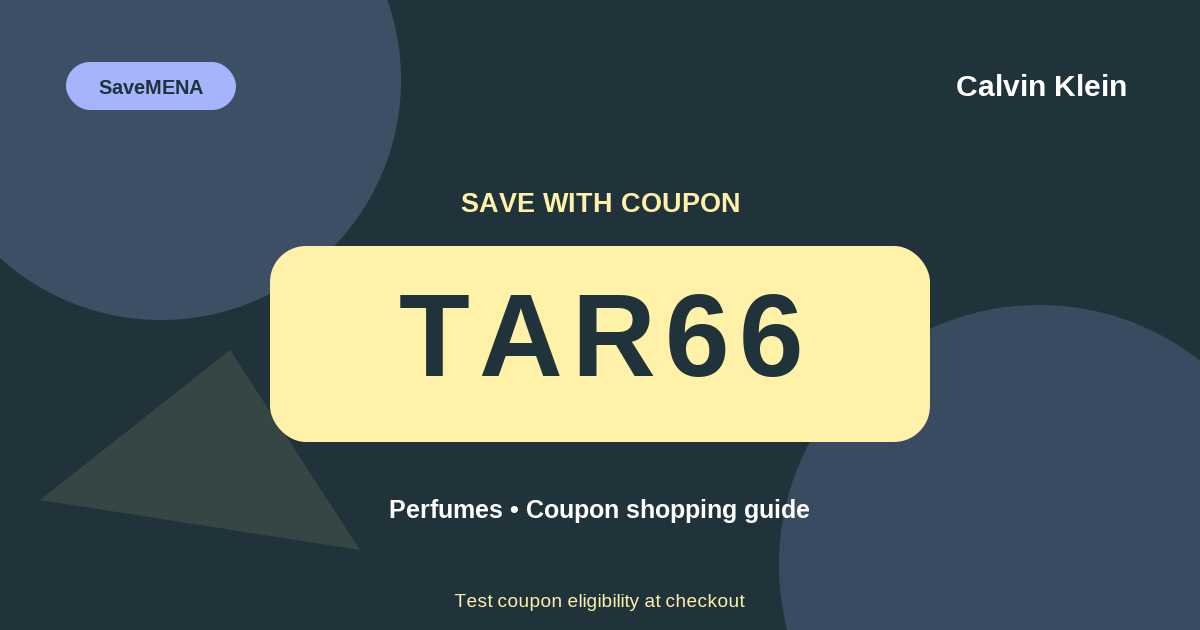
Codes available to try while comparing
These codes are not guaranteed for the article topic or listed brands; test them at checkout and use the live result.
1. Verifying Catalog Visibility vs Coupon Applicability
Begin by scanning the product listing for any pre‑applied discounts or “Sale” badges. Even when a perfume shows a lower price beside the original tag, the table of offers—or lack thereof—does not automatically signal that coupons like TAR66 will work. Some catalog entries may appear price‑broken but still lock out promo codes. When you encounter a visible discount, look for small text such as “Coupon unavailable” or a visible “max discount” note. These clues indicate whether the coupon can layer onto the existing sale.
Navigate to the item’s dedicated page and locate any coupon icon or bulletin within the price area. If the icon is present but marked “inactive,” it usually means that the coupon code is either already at maximum use or not compatible with the chosen variant. When no icon appears, the item may still accept coupons, but confirmation is required. Bookmarking the product link at this stage preserves the status of visible promotions for the next step.
2. Understanding Promotion Slots at Product Page
Every perfume page on Noon displays promotions in distinct slots: the main price area, the “Limited Time Offers” section, and occasionally a “Buy one get one” banner. Coupons like TAR66 typically the coupon code the main price slot, but the presence of other visible offers can override or prevent additional code usage. Check each slot for overlays that might indicate exclusivity, such as “promo code can’t be used with this offer.” If multiple promotions appear, note the hierarchy; some platforms will only honor the highest discount.
Scroll further to the bottom where any “Add to Cart” or “Apply Coupon” chips might appear. The interactive behavior of these chips often signals whether your coupon can augment current promotions. When the “Apply Coupon” button remains active but the system denies the code, it is likely a compatibility issue tied to visible promotions. Record any such indicator to revisit when you try the TAP coupon at checkout.
3. Inspecting Cart‑Level Promo Activation Triggers
After adding a Calvin Klein perfume to the cart, double‑check the cart summary for any pre‑applied promotions before the coupon field appears. The cart view often condenses hidden discounts into a single line, labeled “Cart Discount” or “Cart Promotion.” If a visible cart‑level promotion is present, coupons may be disabled or only partially applied. Watch for a note like “Coupon not available when cart discount is applied.” This stage determines whether your coupon can play a secondary role.
When the cart page lists multiple discount lines, compare their labels. Some sites list “item discount” separately from “order total discount.” If the coupon interacts only with the order total, your previously visible item discount may block it. In such cases, temporarily removing the product or adjusting quantity can shift the cart's promotion structure. Only after confirming that the coupon slot is active, proceed to enter TAR66.
4. Confirming VAT and Delivery Fees after Coupon Application
Upon entering TAR66, watch the dynamic change in the price breakdown. VAT is typically added after the coupon is applied, while delivery fees may remain constant or shift based on the final discounted amount. Some platforms recalculate the delivery threshold after coupon redemption. If a visible promotion set a free‑delivery threshold and the coupon reduces the price below it, a new delivery fee might appear— a scenario that can nullify the coupon’s overall benefit.
Verify the final subtotal displayed in the cart after the coupon is entered. If the environment indicates “No coupon applied” even after typing TAR66, that signals a rule preventing the coupon from stacking against visible promotions. Save the cart's state to compare with the final checkout page, ensuring you’re not missing any hidden delivery changes that might affect the overall cost.
5. Recognizing Seller‑Level Discount Compatibility
Ensure the product’s seller display block—often labeled with the store name or logo—includes a “Seller Discount” badge or note. Some sellers allow only their own vouchers, bypassing third‑party coupons altogether. If the seller advertises a “No coupons accepted” label, TAR66 will be ineligible regardless of visible promotions on the page.
In contrast, sellers who display a “Multiple discounts available” badge may be receptive to coupon stacking. However, the presence of a badge does not guarantee acceptance; you still need to test the code until the system acknowledges it. Take note of any seller‑specific termination status that may appear after coupon submission.
6. Assessing Multiple Coupon Screen Interactions
Many checkout flows allow multiple coupon fields—one tied to the item level and another to the order subtotal. In such designs, only one coupon typically applies, and the active one is usually highlighted. If you attempt to apply TAR66 in a secondary field while a first coupon remains active, the system often rejects the second code, labeling it “Not applicable due to existing promotion.”
Click the “Clear” button next to any pre‑applied promotion before re‑entering TAR66. This action restores the coupon field’s active state. Some interfaces require a full page refresh to register the change; if the system still denies the coupon, it indicates that the visible promotion has immutable control over the price adjustments.
7. Monitoring Final Price Breakdown Before Checkout
Prior to hitting “Proceed to Pay,” the review page should display a clear price matrix: base price, visible discount, coupon deduction, VAT, delivery. Each line item that includes visible promotion should be labeled comprehensively. If the “Coupon” line remains blank or shows “n/a,” the coupon is ultimately not applied, despite earlier success.
Before final confirmation, cross‑check if the text indicates “Coupon applied” alongside the subtotal. If the listing shows a note such as “Price adjusted by visible promotion, coupon not applied,” you should reconsider whether to try a different code or accept the presented price. Saving this final screen’s snapshot can serve as proof if a subsequent dispute arises.
8. Re‑checking Eligibility if Payment Fails
If the payment gateway rejects the transaction citing a “coupon mismatch” or “promotion conflict,” revisit the cart for hidden promotion toggles. A failure at this stage can stem from server‑side rules that restrict coupon stacking with visible promotions only after initial cart review. In some cases, time‑based exclusions are enforced; a coupon that appears valid earlier may be denied due to an expiry flag triggered during checkout.
Should the payment refuse without a clear message, reach out to Noon’s customer service for clarification. Provide a screenshot of the coupon code and visible promotion labels to expedite the inquiry. Until the issue is resolved, keep the purchase in a “Pending” state rather than finalizing the order to avoid double‑charging.
Related SaveMENA pages
Related articles
Official sources to check
Frequently asked questions
How can I verify if the TAR66 coupon will work with a Calvin Klein perfume before adding it to my cart?
On the perfume’s page, look for an active “Apply Coupon” button and any notice beside visible discounts stating exclusivity. If the button is available and no “Coupon not allowed” hint appears, the code is likely compatible, but confirmation still requires entry and a price update.
Will visible promotions automatically override the TAR66 coupon if the same discount applies?
When a product page shows a fixed price discount, the system often prioritizes that value. In such cases, entering TAR66 might be ignored or the discount reduced, depending on Noon’s stacking rules, which must be confirmed during checkout.
What should I do if the payment screen shows a delivery fee after applying the coupon?
Check the cart summary for a “delivery threshold” note. If the coupon reduces the subtotal below the free‑delivery cutoff, a delivery fee could appear. Compare the pre‑ and post‑coupon totals to assess whether the fee makes the coupon worthwhile.
Is it possible that the TAR66 coupon is not accepted because of the seller’s policy?
Yes; some sellers specify “No third‑party coupons accepted.” When such a badge or note is present near the seller’s name, the coupon will not apply regardless of visible promotions.