Puma Shoes on Noon UAE: offer combinations — coupon eligibility
Begin on the Puma shoe detail page, where Noon often lists a “Deal” tag next to the price. That tag signals an active promotion from the seller or Noon’s in‑app
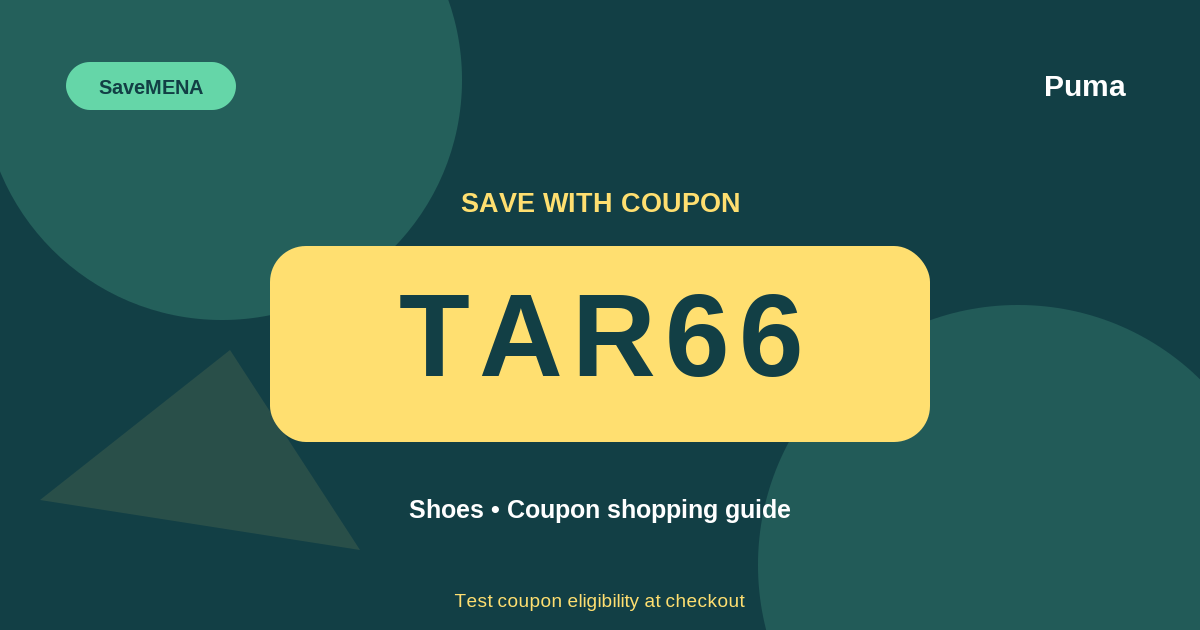
Codes available to try while comparing
These codes are not guaranteed for the article topic or listed brands; test them at checkout and use the live result.
Step 1: Spot the Nike‑Inspired Shoe Deals on the Product Page
Begin on the Puma shoe detail page, where Noon often lists a “Deal” tag next to the price. That tag signals an active promotion from the seller or Noon’s in‑app discounts. Read any short description that follows; it may mention “Up to the discount shown at checkout off” or a flash sale ending soon. These visible offers can be stacked with a coupon, but only if the seller’s conditions accommodate it. Look for a small note beside the discount, such as “excluding coupons,” which would prevent QR promotions from combining.
Step 2: Intentionally Add the Shoe to Your Cart
While still on the product page, drag the selected Puma shoe into your cart via the “Add to Cart” button. Noon may prompt you to select a size or color; choose your preferred variation and confirm. The cart icon now displays the quantity and a subtotal that includes any visible store promotions. Hover over the cart or click the city icon to view the subtotal fields. If a “Deal” note is present, it will appear in the breakdown, clarifying it was applied automatically before any coupon.
Step 3: Enter the TAR66 Code in the Cart Before Checkout
Locate the “Apply Coupon” box in the cart’s lower section, which often appears underneath the subtotal. Type in TAR66, double‑checking the spelling and capitalization. Then tap the “Apply” or “Submit” button, depending on the UI. The system will instantly refresh the pricing window and display either the accessible discount or a notice that the coupon cannot be applied.
Step 4: Verify Coupon Visibility Against Existing Deal Tiers
Suppose the shoe carries a “1+1 Sale” or “Buy 2 Get 1 Free” promotion. Monde Step 4’s key task is to see whether the coupon appears on top of the deal or is instead skipped. In the cart, care about two things: first, if there’s a numeric value under “Deal Discount,” and second, if the coupon field has produced a new discount line or not. If the deal and coupon simultaneously show, the coupon has successfully interacted with visible promotions. If the coupon line remains absent, the seller may have set a “Coupon Exclusion” rule.
Step 5: Reflect on the Cart’s Delivery and Payment Options
Once the coupon has registered, expand the cart to view the delivery fee section. Noon typically displays the logistics cost separate from product pricing. The total amount shown before payment is what the discount or coupon has actually affected. A coupon that didn’t apply leaves the subtotal unchanged, while a valid coupon will reduce the subtotal, thereby lowering the final payable amount plus delivery. Compare the pre‑payment total with the post‑payment amount you receive on the order confirmation.
Step 7: Confirm the Final Amount in the Order Confirmation Email
After completing the checkout, you’ll receive an order confirmation email with a detailed breakdown. This email is the final evidence of which discounts were applied. Look for the “Coupon Discount” line and verify that the amount matches the cart subtotal reduction you observed before payment. The email also shows the final purchase amount, taxable and non‑taxable components, and the shipping fee. Any mismatch between the email and the cart indicates an issue that should be addressed with Noon customer service.
Step 8: Preserve the Coupon Code for Future Attempts
Save the TAR66 code in a secure digital notebook or use the “Saved Promo Codes” feature, if available on your device. When you’re ready to shop again, load the code into the cart before the subtotal updates. In rare occasions, Noon may change the validity of a coupon between sessions. By retaining the code, you can quickly test its applicability on new Puma shoe listings or other categories with similar promotion structures.
Compare alternatives without guessing
When you compare another option in puma, keep the specifications, quantity and seller as consistent as possible and compare the total shown at checkout. A different coupon does not automatically make a deal better because delivery, fees and the live basket context can change the outcome. Use the final payable total as the practical comparison point.
If the retailer shows a specific condition, rely on that visible message; if it does not, do not turn an assumption into a general rule. Test available options one at a time and note any real change in the total or eligibility message. That creates a verifiable shopping comparison instead of a recommendation built on an unsupported marketing claim.
Related SaveMENA pages
Related articles
Official sources to check
Frequently asked questions
How do I know if a Noon's coupon will work with a Puma shoe sale?
Start by checking the product page for any visible discount tags, add the shoe to your cart, and enter the coupon code TAR66. If the subtotal decreases after applying the code, the coupon has successfully interacted with the sale. If not, the seller likely has a rule that prevents coupons from stacking.
Will my coupon affect the delivery fee on Noon UAE?
Noon separates the delivery fee from product discounts. Coupons generally reduce the product subtotal only. The final payable amount will be the sum of the discounted subtotal plus the unchanged delivery charge.
Can I use the same coupon for multiple Puma shoe purchases in one order?
Coupon eligibility depends on the seller’s policy. Some sellers allow a single discount per order, others may accept multiple codes if they apply to different items. Check each product’s coupon interaction during cart setup to confirm.
What if the coupon appears invalid after I click apply?
When the cart indicates “Coupon not eligible,” review the seller’s policy on the product page and the visible discounts. If you still believe the coupon should apply, contact Noon support with the order ID and coupon code for clarification.