Apple Headphones on Noon UAE: review signals — coupon eligibility
Noon UAE coupon eligibility Headphones Apple visible product and seller review signals: Discover how UAE shoppers can confidently verify Noon UAE coupon eligibility
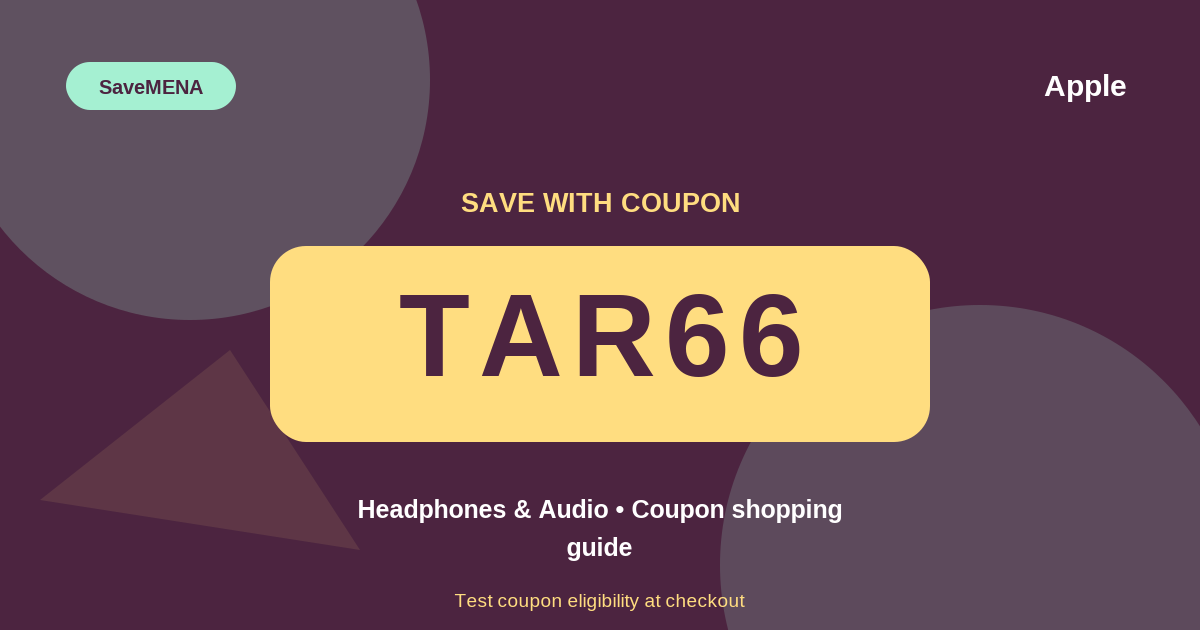
Codes available to try while comparing
These codes are not guaranteed for the article topic or listed brands; test them at checkout and use the live result.
Step 1 – Identify the Exact Headphone Model and Variant
Begin your eligibility check by locating the precise product title on Noon. A typical Apple headphone listing will list the model name, generation, and any additional variant details such as color or size. Pay close attention to the combined text in the headline and the media gallery, as any discrepancies can lead to confusion at checkout. Moreover, note the seller’s brand name beside the title, which will play a role when you assess rating and credibility signals.
Once you’ve confirmed the full product line, scroll to the bottom of the product page where optional bundle options or additional accessories may be listed. These often influence price ceilings and can alter how a coupon is applied. Document the exact variant you plan to purchase—e.g., “Apple AirPods Pro, Black, Firmware 4.0”—as it will appear in your cart and ensure any future discussions about eligibility reference the same item.
Step 2 – Scrutinize Seller Ratings and Feedback on Their Profile
Seller ratings on Noon appear as a star bar accompanied by the total number of reviews. A 4.5‑star rating with over 500 reviews typically signals a reliable source, whereas lower scores or few reviews may raise doubts about product authenticity or support. Hovering over the rating number or tapping “View Seller” reveals a breakdown of vote counts and any award badges.
However, a high seller rating does not guarantee coupon usability. Noon's policy does not link seller credibility directly with discount applicability; it merely indicates overall customer satisfaction. Therefore, use this metric as one of several lenses, not the sole determinant, when judging whether your coupon might be honored during checkout.
Step 3 – Examine Product Customer Reviews for Coupon Mentions
Search the product’s review section for language referencing coupon utilization. Phrases like “applied TAR66 and saved” or “coupon didn’t activate” provide real‑world evidence of coupon behavior for that listing. Positive mentions suggest support, while consistent no‑application notes can signal restrictions tied to that exact product‑seller pairing.
Keep in mind that review comments may refer to older or newer policies; mismatch in wishlist coupons might reflect recent changes. Therefore, prioritize recent reviews—those dated within the last month— to gauge the current state of coupon acceptance. This review‑driven insight aligns closely with the visible product signals you require to act with confidence before checkout.
Step 4 – Review Seller’s Payment and Shipping Policies for Implicit Restrictions
On a seller’s profile, scroll to “Payment Methods” and “Shipping Details.” Some sellers accept only specific payment options—such as Noon Wallet or credit cards—and may choose to restrict coupon use to those methods. Additionally, the presence of a “Pickup in Store” option can sometimes trigger different pricing structures that prevent coupon application.
Read the shipping section for phrases like “Delivered with discount only for UAE residents” or “International shipping may exclude coupon use.” These micro‑conditions, though rarely highlighted, can silently negate coupon eligibility. If the seller states any payment or shipping caveat that conflicts with your coupon usage, consider selecting a different selling partner with clearer terms.
Step 5 – Add the Headphones to Cart Without Checkout to Preview Draft Total
Click “Add to Cart” and wait for the cart preview to load. Noon shows a price calculation, but coupons are usually applied only at checkout. Consequently, note the total displayed; if a discount is already reflected, that indicates pre‑applicability—though not guaranteed for final checkout.
Proceed to the mini‑cart view where you can see any potential “Add‑on” items or additional fees, such as eco‑taxes or handling charges. Pay close attention to whether any discount field is present; if so, enter the code there to observe how the system updates the price. This preview helps detect anomalies before the final payment step, aligning with your decision lens of visible product and seller signals.
Step 6 – Cross‑Check Warranty and Return Terms in Seller FAQs
Warranty information is typically captured under “Product Details” or “FAQs.” Sellers offering lifetime warranties or manufacturer‑guaranteed protection may also incorporate join‑in policies that allow coupons. Conversely, short or non‑transferable warranties might coincide with restrictive discount rules.
Examine the return policy for any mention of coupon usage—some sellers stipulate that coupon‑discounted items cannot be returned or may require separate processing. A transparent warranty section that lists “Coupon eligible for eligible items” signals a higher likelihood of coupon acceptance. Use this insight in conjunction with seller ratings to gauge reliability.
Step 7 – Compare Multiple Sellers for the Same Apple Headphones
Enter the product name into Noon’s search bar, filtering results by “Seller” in the sidebar. Compare the top listings: note each seller’s rating, number of reviews, and whether they have a verified seller badge. A seller with a higher rating and a larger review pool often provides a more predictable experience.
Assess each listing’s preview for any visible price differences and check if any include a coupon icon or note. Even if an item’s base price is identical, sellers may offer different shipping methods or payment exceptions that impact eligibility. Use this comparative view to select the seller that offers the most transparency regarding coupon application.
Step 8 – Apply the Optional TAR66 Code at Checkout and Confirm Final Eligibility
Proceed to checkout and locate the “Promo Code” field, which typically appears before confirming the payment method. Enter TAR66 capital letters as presented. If the code is valid, Noon’s system should recalculate the total and display a discount amount.
After the preview updates, examine the final price line: if the discount is reflected, the code is indeed eligible for that product‑seller combination. If no change occurs, or if a message indicates the coupon is ineligible, the combination does not support the discount. At this point, you can remove the item, select a different seller, or revert to the original price. This final check validates eligibility in a real‑time, practical manner.
Related SaveMENA pages
Related articles
Official sources to check
Frequently asked questions
What exactly does “coupon eligibility” mean on Noon?
Coupon eligibility on Noon indicates whether a specific code can be applied to a particular product or seller combination during checkout. It depends on the code’s set terms, the seller’s policies, and the item’s pricing structure. Only the final checkout review confirms real applicability; preliminary checks can indicate likelihood but not guarantee.
Is the TAR66 coupon exclusive to certain Apple headphone models?
While TAR66 may be listed as a promotional code on Noon, it is not guaranteed to apply universally to all Apple headphone variants. Eligibility depends on the seller’s discount rules and Zip code, so each listing should be verified individually before purchase.
Can I combine TAR66 with other discounts or promotional offers?
Noon’s policy generally allows only a single discount code per transaction. Other offers such as loyalty points or free shipping may coexist, but applying an additional coupon code simultaneously is usually not permitted unless explicitly stated.
If the coupon does not apply at checkout, what steps should I take?
Should the coupon be rejected, you can remove the item, search for another seller offering the same product, or contact Noon’s customer support for clarification. Alternatively, consider completing the purchase without the coupon and exploring other savings after the fact.