Huawei Smart Watches on Noon UAE: review signals — coupon eligibility
Noon UAE coupon eligibility Smart Watches Huawei visible product and seller review signals: Buying a Huawei smart watch on Noon UAE can feel like navigating a maze
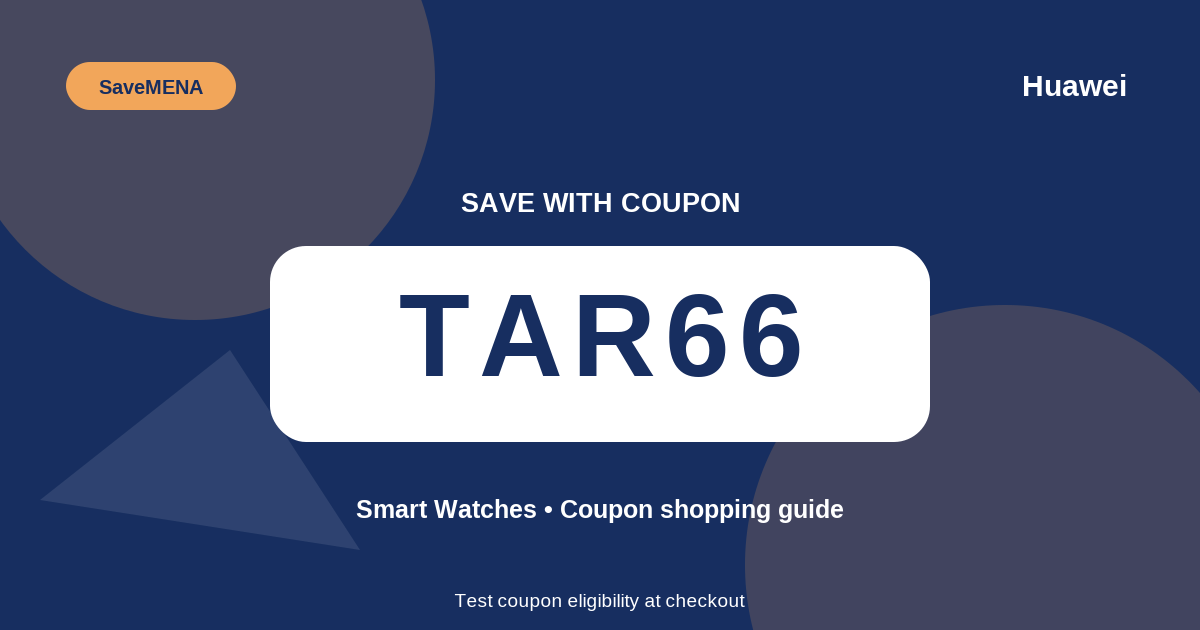
Codes available to try while comparing
These codes are not guaranteed for the article topic or listed brands; test them at checkout and use the live result.
1. Identify Your Preferred Huawei Smart Watch on Noon
Begin by searching for Huawei smart watches using Noon’s built‑in search bar. Type “Huawei smartwatch” and filter results by category, price range, and brand to narrow down the options. The platform will display listings that match your criteria. Hover over each title to open a preview of the product page, checking that the name and brand match the official Huawei design you’re after. This step ensures you’re looking at a genuine product before you dive deeper into seller data.
Next, click through to the full listing for the smartwatch that best fits your needs. On the product page, review the headline, description, and key feature bulleted list. The more detailed the presentation, the higher the chances of a reliable listing. Pay attention to any highlighted seller information—such as “Premium Seller” or “Verified Merchant” badges—since this can clue you into the credibility of the shop.
2. Scrutinize Product Visibility Signals
Product visibility manifests in several on‑page elements. First, examine the quality and quantity of images; authentic listings often include multiple angles, zoomed details, and lifestyle shots. A single low‑resolution image is a red flag and indicates the seller may not be fully transparent. Check whether product videos or 360‑degree views are offered, as these are typically verified and help you assess design and build quality.
Second, look at the narrative tone in the product description. Sellers who present the watch’s features clearly—CPU, battery life, sensor capabilities—are more likely to have a legitimate product. Be wary of generic wording or overly promotional language that might hint at a generic listing. These visibility signals guide you toward a realistic assessment of what you will receive.
3. Examine Seller Reputation Indicators
Seller reputation on Noon is quantified by two key metrics visible on the product page: rating score and the total number of reviews. A high rating (close to 5.0) paired with a large review count demonstrates repeat buyer satisfaction. Verify that the rating is based on recent purchases; some sellers artificially inflate metrics by accepting themselves as buyers. A balanced mix of positive and occasionally neutral or negative reviews suggests genuine customer experiences.
Besides the numeric rating, read a few recent reviews. Pay attention to the photos or videos attached, as these authenticate that buyers received the product unaltered. Watch for recurring themes—are similar issues mentioned across multiple reviews? If not, this signals a consistent product offering, which, combined with a strong seller reputation, increases confidence that the TAR66 coupon may be applicable.
4. Assess Sales Rank and Stock Transparency
Noon’s platform often displays a sales rank or “Best Sellers” badge next to popular electronics. A lower rank number indicates a higher sales volume for that smartwatch, implying stock availability and selection by a wide customer base. Carefully note the tag, as a lower sales rank reflects market demand and, more importantly, a higher likelihood that the seller is actively managing inventory.
In addition, scroll to the delivery information section. Sellers who clearly state shipping timeframes and offer stock visibility (“In Stock”) provide transparent logistics. If the listing states a delivery window or shows real‑time availability, you’re more likely to receive your smartwatch without wait, and the final checkout screen may meaningfully reflect accurate coupon eligibility with the freshest catalog data.
5. Compare Similar Listings for a Well‑Balanced Choice
Once you’ve identified a promising Huawei smartwatch listing, open a new tab and locate comparable models from the same brand, or other reputable brands. Compare the key specifications—display size, battery life, sensor array—and note any differences in price or seller ratings. By juxtaposing these details, you reduce the risk of overpaying or selecting a product with hidden drawbacks.
Ensure that each listing offers the same visibility and seller reputation benchmarks you established earlier. If one listing has a higher seller rating but slightly higher price, decide whether the added credibility offsets the cost difference. This comparative step informs a judgement that ties both product and seller signals together, supporting a more confident purchasing decision before checkout.
6. Prepare Your Shopping Cart for Coupon Verification
After selecting your Huawei smartwatch, add it to your cart while keeping an eye on the cart icon at the top right of the screen. The cart overview will display the item title, price, and any applicable promo tags. Before applying any coupons, confirm that the product is listed in the “Selected for Promo” section if such exists; this confirms the catalogue entry is ready for discount checks.
Next, click on the cart icon to view the summary page. Here you can see subtotal, potential shipping charges, and any visibility of active promotions. Note that the “available coupons” area sometimes lists applicable codes; however, this area will not definitively guarantee the application of your TAR66 coupon until the final checkout step. Keep this page ready for immediate copying of the code before proceeding.
7. Execute Checkout to Confirm TAR66 Eligibility
Proceed to the checkout flow by clicking the “Buy Now” or “Proceed to Pay” button. At the billing section, input your shipping address and payment method. Before finalizing the transaction, locate the coupon code input field typically found near the payment summary.
Enter “TAR66” in the coupon field and observe the system’s response. The interface will either apply a discount, flag a restriction, or indicate that the coupon cannot be used for this item. This real‑time feedback is the definitive check for eligibility. If the coupon is successfully applied, note the new total; if not, the checkout will still display the original price, confirming no discount applied.
8. Post‑Purchase Check for Token Confirmation
Immediately after confirming the order, you will receive an order confirmation screen or email. Scan this confirmation for any discount mention or a coupon‑applied badge. While Noon may not always display this explicitly, a trimmed line titled “Discount Applied” or a small icon may indicate successful usage of TAR66. This final verification reduces any ambiguity that might remain after checkout.
If the confirmation does not reflect a discount, compare the amounts with your original cart total. If they match, the coupon was not applied. In that case, you can still contact Noon’s customer support with your order number, providing a clear record of your attempt to use TAR66, and inquire whether the coupon can be retroactively applied.
Related SaveMENA pages
Related articles
Official sources to check
Frequently asked questions
How do I know if a seller has a high reputation on Noon?
Look for a seller rating close to 5.0 and a substantial number of reviews. Genuine reviews with photos or videos and a mix of feedback styles usually indicate a trustworthy seller. Consistency across recent reviews is a good sign of reliability.
What should I do if the TAR66 coupon code does not apply at checkout?
If the coupon shows as invalid, note the error message and your order details, then contact Noon support. While the coupon may not apply, support can clarify eligibility rules and confirm whether a manual credit is possible.
Can I apply the TAR66 coupon to multiple purchases at once?
No specific policy about bulk usage is revealed in the checkout flow. Each coupon application is validated per order; if an attempt fails, you can retry on a new order but no guarantee of collective usage across several items.
How often does Noon update its seller ratings?
Seller ratings are refreshed as new reviews come in. However, the exact update frequency isn’t publicly disclosed. The most recent reviews on the product page give a good indication of current seller performance.