Calvin Klein Watches on Noon UAE: review signals — coupon eligibility
Noon UAE coupon eligibility Watches Calvin Klein visible product and seller review signals: Before you hit “Check out,” understanding when a Noon UAE coupon can
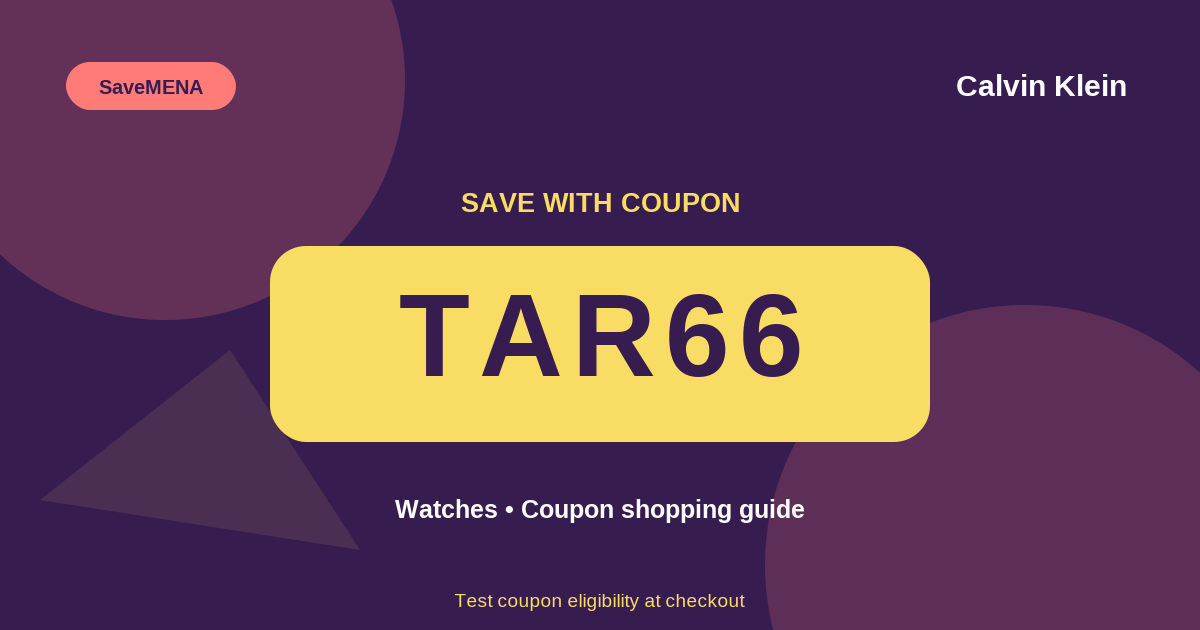
Codes available to try while comparing
These codes are not guaranteed for the article topic or listed brands; test them at checkout and use the live result.
Locate the Exact Calvin Klein Watch Listing
First, search Noon’s marketplace for the view of the Calvin Klein watches you are interested in. Verify that the listing title includes “Calvin Klein” and that the seller’s name is clearly displayed beneath it. A legitimate, visible brand name helps confirm that you are shopping for the brand you intend, not a counterfeit or imitator. Take a screenshot of the product’s page to keep a reference for any questions you might have later.
When you open the product page, check that the watch description lists key attributes—such as the metal band, glass, and case size—of a Coleman‑Klein model. An extraneous or missing item detail can signal that the seller is offering a different product. If the listing lacks this information, it may be harder to confirm that a coupon designed for certain Calvin Klein items is valid.
Review the Seller’s Rating and Trust Marks
Scroll below the product description to the seller’s rating section. A high star score, such as four stars or more, and a large number of reviews suggest an established reputation. Pay special attention to any “Verified Seller” badges; this is a visible signal that the platform thinks the seller’s products are authentic.
A seller with fewer than three stars or only a handful of reviews might be less reliable when it comes to discount codes. Usually, platforms don’t apply coupons to sellers that lack strong performance metrics. Confirm the seller’s rating each time you add a new product to the cart, since sellers can change their ratings between sessions.
Read the Product Reviews for Coupon Clues
Product reviews are a goldmine of real‑world experiences, including whether buyers successfully used coupon codes. Scan through a handful of reviews for mentions of “TAR66” or reference to a discount code. Positive mentions often mention a smooth application, while negative notes may signal failure.
When a review states, “I used the TAR66 code and got a discount,” that is a visible product signal indicating the coupon is compatible with that specific item from that seller. Conversely, if buyers report that the code “didn’t work,” it may point to incompatibility or a temporary restriction.
Check the Basket Subtotal Before Applying the Coupon
Once you add the watch to your cart, review the subtotal displayed. This figure should match the price listed on the product page. If the subtotal is higher—perhaps due to an additional variant—the coupon may not apply.
Some items only allow code application after you reach a certain cart value or if there are no additional fees. Verify that the subtotal reflects exactly the watch’s cost, as a mismatch can block coupon eligibility. This step is part of the checkout checklist before entering any promotion.
Attempt to Apply the TAR66 Coupon
Navigate to the cart page and locate the field for entering promotion or discount codes. Type “TAR66” (case‑sensitive) and press Apply. Observe whether the system accepts the code or displays an error message. A green confirmation or a decimal drop in the total will indicate acceptance.
Always remember that acceptance here does not guarantee a final discount after the checkout process. Even if the code seems accepted in the cart, the platform may still flag it later. Treat this as a preliminary check rather than a promise of savings.
Finalize the Checkout and Confirm the Total
Proceed to the checkout page, where the platform re‑calculates the final payable amount. Here you can see whether the coupon has been applied to the actual payable total, including any delivery charges. Pay special attention to the breakdown of fees; the coupon may have been applied only to the product price, not the shipping.
Within the checkout page, verify that the “Discount” line reflects a reduction in the total cost. If there is no discount line, then either the coupon did not apply or the seller does not support it. You can then decide whether to adjust the order or try an alternative code.
Verify Post‑Payment Coupon Validation
After confirming the payment method, keep an eye on the confirmation page that appears once the transaction is submitted. The platform may reorganize the final total, sometimes applying the coupon after settlement, especially if the coupon is tied to a specific merchant rule.
If the coupon has not been applied after payment, you can contact Noon or the seller’s support for clarification. At this point, the only thing you can do is wait for the merchant’s confirmation or request a refund if the discount was promised in the listing.
Consider Seller Restrictions and Bundle Offers
Some sellers impose additional restrictions tied to bundle offers or multi‑item purchases. Before you add any extra accessories to the cart, review the product’s seller policy for notes about “eligible bundled items” or similar wording. These settings can affect whether a coupon code remains effective.
Even if the coupon code appears accepted for the watch alone, it might not apply when you add other items at checkout. Double‑check each item’s eligibility in your cart before finalizing payment.
Related SaveMENA pages
Related articles
Official sources to check
Frequently asked questions
Can I apply multiple coupons to a single Calvin Klein watch?
No. Usually Noon allows only one promotion code per item or cart. Trying to add several will generally show an error or only the last code entered will apply.
What if the TAR66 coupon shows accepted in the cart but not at checkout?
If the code is accepted at cart level but missing at checkout, it may be a temporary restriction. Wait for the final confirmation or contact Noon customer support for clarification.
How do I know if a Powell seller review is trustworthy?
Check the seller's star rating, the volume of reviews, and if the review mentions the use of code or discusses authenticity. High volume, consistently positive reviews often indicate credibility.
Will delivery fees affect the coupon eligibility?
Delivery fees are usually separate from product pricing. The coupon may only apply to the product price and not to shipping or handling costs, which can affect the final disposable amount.