Nikon Cameras on Noon UAE: seller context — coupon eligibility · TAR73
140-180 words. We'll write ~170 words. Two paragraphs? No, could be two separate paragraphs? Introduction tag can contain multiple paragraphs; spec says intro, but
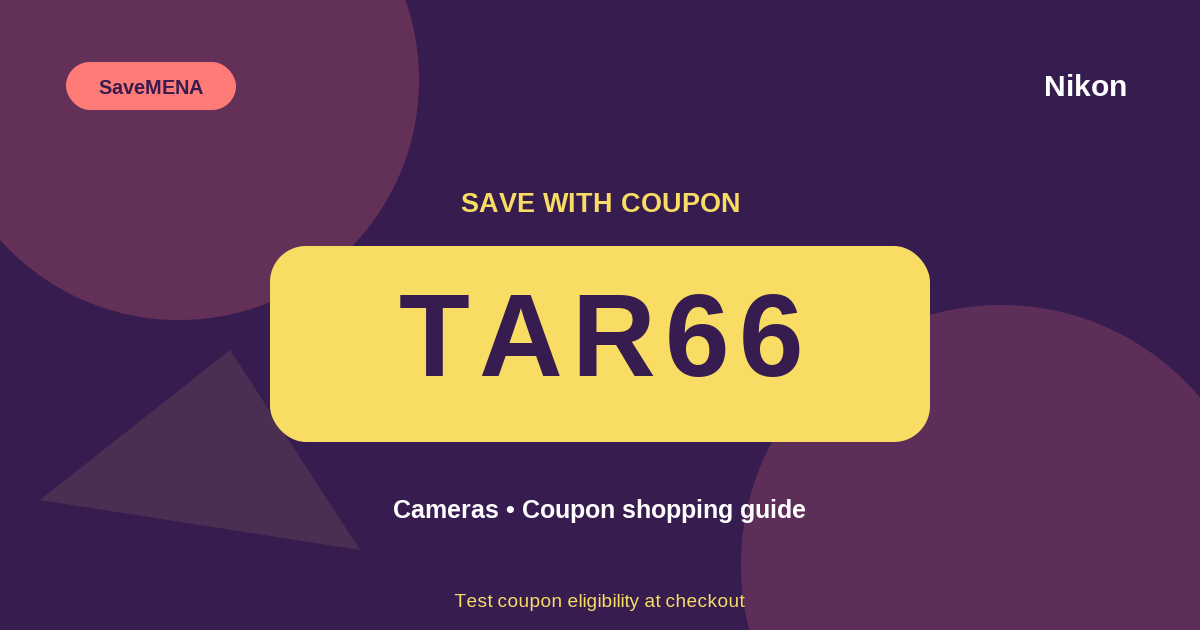
Codes available to try while comparing
These codes are not guaranteed for the article topic or listed brands; test them at checkout and use the live result.
Choosing a Nikon Camera on Noon UAE
Start with a clear idea of the camera model you need. Noon hosts many Nikon variants—from entry‑level DX cameras to full‑frame models. On the device or laptop, use the search bar to type the exact model name, ensuring you capture all available options. Pay attention to the SKU, lens kit, or body‑only differences reflected in the product title. After the search results load, filter by “Seller.” This will show you all shops offering that Nikon camera. The seller name, located just below the product image, is the first glimpse into the source of potential coupon applicability, which varies from one vendor to another.
Once you’ve matched your model and selected a seller, click to view the individual listing again. Below the “Add to Cart” button, read a quick seller rating—this informs trustworthiness and compliance with Noon’s coupon policies. Check the interface for any “Coupon Details” tabs or icons that may appear. In many listings, a small icon or link suggests a current promotional code; this is often the only way a coupon can be applied to that product.
Confirming the Seller’s Eligibility
Coupons on Noon can be segmented by seller groups or specific vendors. When you see the “Seller” field, click the name to open the seller’s profile page. Look for any mention of “Accepted Coupons” or “Promotions” within the profile. Some sellers display this in the banner area or within the product details section. If the seller’s profile does not explicitly display coupon categories, revisit the product page and scroll further down. Noon may list the available coupons in a collapsible “Coupon Information” section, listing terms that apply to that particular shop. This list is essential because a coupon that works for one seller may be void for another.
Take note of whether the seller belongs to Noon’s “Preferred Vendor” network or is an independent partner. Preferred vendors often have more lenient coupon terms, whereas independent sellers might restrict code usage.A coupon is not guaranteed; verify its result at the retailer checkout.
Identifying Coupon Instructions in the Listing
Once the camera and seller match, locate the “Coupon Code” field, typically situated above the pricing details. In many Noon listings, a small entry box appears labeled “Enter Coupon.” Here, the event radius for coupons is displayed adjacent to the box, showing whether a discount is eligible under the current campaign. The code TAR73 appears in the “Coupon Status” area, sometimes under a green or yellow banner that encourages usage. Tap or type TAR73 into the field, then click “Apply.” The platform will instantly validate it; if it’s eligible, a confirmation badge will surface, otherwise an error message explains why it’s invalid.
If the listing does not show a coupon field, look for a “See More” button that expands hidden offers. Some sellers hide coupon options until the user opts to view the full shop page. Opening the seller page often reveals a “Promotions” tab, which lists the codes that the shop accepts for cameras. Confirm the Stripe of TAR73 and read any accompanying remarks that describe the seller’s specific terms, as these can affect the offer’s applicability.
Checking Currency, Stock, and Delivery Expidience
Coupons are subject to the product’s pricing, delivery charge, and stock status. Before adding a camera to your cart, verify that the item is in stock and has a predictable shipping fee. Noon typically lists the “Estimated Delivery” next to the price; discount codes rarely apply to shipping. The coupon eligibility often depends on the product’s base price. In the camera category, raw model prices vary by lens kit and sensor type. A coupon that works for a lower‑end Nikon model may not trigger for a higher‑tier full‑frame. Therefore, review the base sticker price that the “Apply” button confirms after adding TAR73.
Confirm the delivery method as well—restaurants typically use free overnight shipping for select sellers, while others charge. Most coupon checks disregard shipping thresholds, but some sellers combine coupon usage with shipping discounts.A coupon is not guaranteed; verify its result at the retailer checkout.
Applying TAR73 Before Finalising Checkout
Navigate back to the cart after you’ve input TAR73. The cart page will show the original item price alongside a “Coupon Applied” label if the code succeeded. In the subtotal area, the discount value appears—or remains zero if the code fails. Ensure the page has fully refreshed; otherwise, the code may not be registered. If the hour‑glass loader appears, wait for the result as some sellers apply dynamic validation rules in real time. Once the label saves, you will see the updated total displayed in your currency, typically AED in the UAE. This is the moment where you confirm that the coupon has been processed before pushing into payment.
If the code appears in a “Discount Section,” look for a note stating “Coupon valid for camera category” or the seller’s name. Read the little warning signs carefully—some notes say the code is a “trial” coupon. Confirm that after applying TAR73, the coupon is charged or saved in the “Coupon History” area, which provides an audit trail visible in your account. This traceability confirms eligibility has been correctly captured at this stage.
Watching for Eligibility Confirmation As You Pay
Proceed to the “Checkout” button and follow the steps to the payment page. As you enter shipping and payment details, Noon’s backend runs a final validation check on your coupon application. Near the bottom of the payment form, a slight heartbeat icon may surface, indicating whether the coupon remains valid or has staleed due to a price adjustment. If the coupon fails at this point, a warning message will pop up, citing reasons such as “Coupon expired,” “Not applicable to this seller,” or “Price lower than minimum.” Read the full message to understand the exact rule that caused the failure. You can then backtrack to the cart and attempt a new code or re‑select another seller.
Once you confirm the payment method—be it credit card, debit card, or Noon wallet—double‑check the final page that lists the payable amount. The system shows a “Final Total” that incorporates the applied coupon amount. If the voucher was accepted, you will see a line item “Coupon TAR73 – Savings” followed by the deduction. If the coupon line is missing or lists “Not Applied,” the remaining amount corresponds to the full camera price plus any shipping.
Monitoring the Final Payable Total
After you press “Place Order,” the screen flips to a confirmation slide that shows your order summary and the total amount charge.A coupon is not guaranteed; verify its result at the retailer checkout. Confirm that the subtotal minus the discount exactly equals the amount the payment gateway shows for authorisation. Sometimes the platform may highlight a discrepancy if the vendor updates prices during checkout. If you notice a mismatch, contact Noon’s support or the seller for clarification before you finally confirm payment. The “Order Details” tab also allows you to view the coupon and its status, making it easy to keep records for future reference or dispute.
Keep the receipt, either printed or saved digitally, for your own records. If the coupon TAR73 did not work, the receipt may contain an error note. This information can help you decide whether to retry or shop elsewhere. If the coupon worked, the receipt will show the discount applied, giving you an accurate picture of the savings achieved.
Troubleshooting When the Coupon Won’t Apply
Sometimes the coupon code TAR73 may fail even after apparent successful entry. The most common reasons are a mismatch in the seller, price, or stock status. Double‑check the item’s live listing before re‑applying; a change in seller or price calibration can invalidate the coupon. Make sure you aren’t on a trial or promotional page for a different camera model or seller. If the coupon fails due to a minimum spend or a restricted seller, you might consider adding a complementary accessory to meet the minimum threshold, though confirm this does not alter the coupon’s applicability. If you still can’t apply the code, reach out to Noon’s customer service or the seller’s chat for clarification, since certain sellers set internal coupon restrictions beyond the platform’s default logic.
It’s also wise to examine whether the code is truly meant for the camera category. Some sellers reuse the same code for multiple categories, and the platform may enforce category constraints. If your camera is listed as a “full‑frame,” but the coupon is only for “DX” models, it might be blocked. Contact the seller to verify whether a different code applies to that specific model, or if a new code has become active.
Related SaveMENA pages
Related articles
Official sources to check
Frequently asked questions
How do I know if TAR73 is valid for a specific Nikon camera on Noon?
Before adding the camera to your cart, check the product listing for a coupon field or a promotional message that lists TAR73. The seller’s profile may also list accepted coupons. If you can’t find either, the code is likely not valid for that listing.
Can I use TAR73 on multiple cameras in one order?
If the code appears in the cart, it may apply only to a single item, as most coupon frameworks limit use to one product per order. Verify the final cart summary; if the code discount line shows a single item, you’ll need separate codes for each camera.
Will a lower price from a different seller affect TAR73 eligibility?
Yes. Many sellers have distinct coupon rules; the code that works for one Nikon seller may not work for another.A coupon is not guaranteed; verify its result at the retailer checkout.
What does it mean if TAR73 is listed as “trial”?
A “trial” designation indicates the coupon is a temporary offering. Though the code may yield savings, the platform does not guarantee it will stay active or that it will apply to all listings. Confirmation is only confirmed at checkout.