Logitech Computer Accessories on Noon UAE: seller context — coupon eligibility · TAR71
The first move when you’re exploring a coupon is to read the fine print that appears on the listing page.
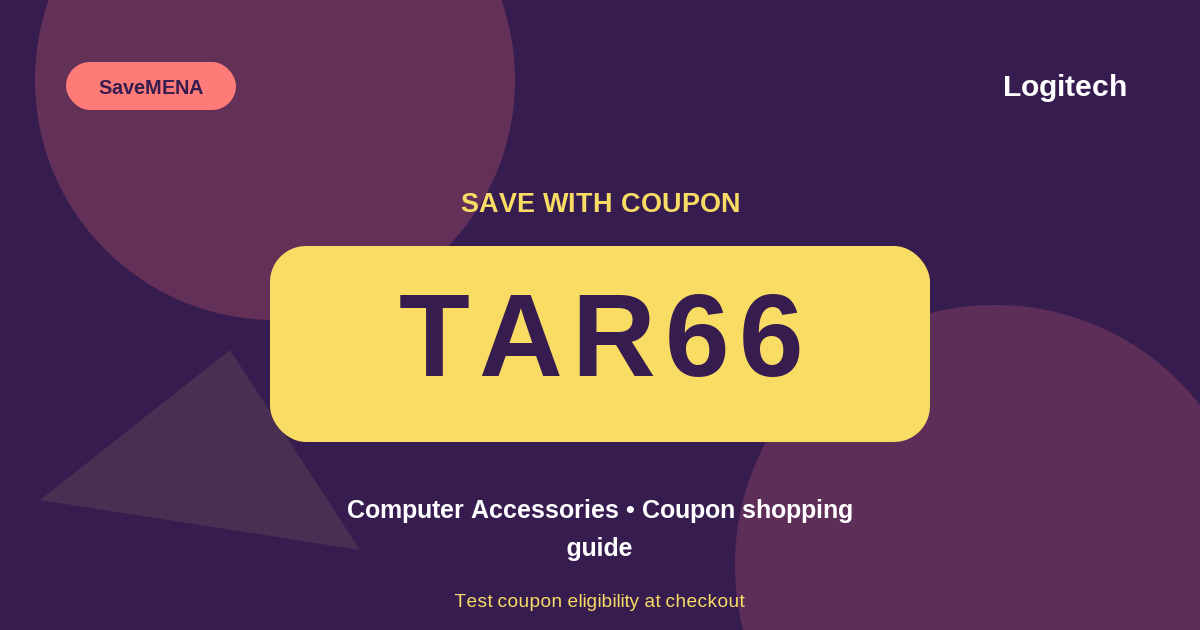
Codes available to try while comparing
These codes are not guaranteed for the article topic or listed brands; test them at checkout and use the live result.
1. Know the Offer’s Scope Before You Touch the Cart
The first move when you’re exploring a coupon is to read the fine print that appears on the listing page. Noon typically displays restrictions like “Applies to selected brands” or “Must be purchased from a verified seller.” For Logitech accessories, the coupon may only work with sellers that hold a specific seller rating or who are officially recognized as authorized resellers of Logitech products. Checking this information early lets you decide if the vendor you like meets those conditions.
Since the coupon code TAR71 is offered as a try‑out rather than a guaranteed discount, be ready for the possibility that it will not apply even if the vendor meets the displayed criteria. Knowing this upfront helps avoid a last‑minute disappointment. Keep note of the seller’s profile link or ID on the product page, as you will use it later when verifying eligibility.
2. Build a Cart That Meets Eligibility Parameters
Noon’s coupon engine evaluates the cart composition before it offers the discount button.A coupon is not guaranteed; verify its result at the retailer checkout. Some promotions check for the presence of competing items or unrelated categories that could invalidate the offer. To remain safe, remove any non‑Logitech devices like external hard drives or monitors that could flag the promotion.
Verify that the quantity selected is a single unit or the maximum allowed quantity. Some coupons allow one discounted item per order, while others might span multiple units. Although specifics aren’t provided, it’s prudent to keep the cart simple until you reach the payment stage; add extras later if the coupon still appears active.
3. Apply the Coupon Code Before Final Payment
Once your cart looks correct, navigate to the “Checkout” page where Noon lists each item and offers a field for coupon codes. Enter the code TAR71 in the designated box and hit “Apply.” The platform will immediately verify the code against the current cart conditions and show a real‑time update. If the coupon does not accept, Noon will usually indicate that the discount is unavailable for the chosen items or seller.
If the code is accepted, you will see a smaller box with a “Discount Applied” badge and the new subtotal. This visual cue confirms that the coupon is recognized as valid for the présentes items and seller. Be sure to check that the voucher does not require you to first enter a credit card details; some promotions trigger only after payment method selection.
4. Pay Attention to Seller‑Specific Details at Checkout
At the payment stage you are afforded a final opportunity to cross‑verify the seller’s credentials. Noon displays the seller name and rating next to the product in the cart. If the seller is a “Verified Seller” or has a high rating like five stars, this can be a strong indicator that their listings are eligible for most coupons, including TAR71. Review the seller’s reputation to help gauge the likelihood of coupon acceptance.
Some sellers may have unique “Business” or “Premium” status which Noon grants after meeting particular sales thresholds. These statuses may be necessary for certain coupon eligibility. If the seller does not have these tags, you should be aware that the code might still succeed, but there is a higher chance of failure. Use this information as a mental checkpoint before you finalize the order.
5. Understand the Role of Order Confirmation in Coupon Finality
Noon’s final confirmation page summarizes the cart total, any applied discounts, delivery fee, and the payment method. At this juncture, the platform locks in the coupon eligibility: if the code was successfully applied earlier, the discount will remain intact; if it was rejected, the discount field stays empty. This final validity check ensures that any changes you made after applying the code — like updating the quantity or changing delivery options — can affect the coupon.
If you notice a sudden removal of the applied code after you confirm the payment method, the coupon has been deemed ineligible at that point. In such a scenario, the only recourse is a refund of the coupon amount if it was previously deducted, or contacting Noon’s support for clarification. Note that this step is the definitive reference point for eligibility and final payable total as per the guidelines.
6. What to Do If the Coupon Is Rejected
Encountering a coupon rejection can be frustrating, especially if you’ve spent time verifying eligibility. The first thing to do is review the product listing again for any hidden restrictions that may have been overlooked. Check for any phrasing such as “Not applicable with other promotions” or “Excludes bundle deals.” These hidden clauses can cause a late‑stage rejection that isn’t obvious during earlier checks.
If the listing appears clear, revisit the seller’s profile. Look for any recent status changes, like a removal of “Verified Seller” tags or increased return rates, which could affect coupon eligibility. You may also record the issue and contact Noon’s customer service, providing screenshots of the coupon prompt, seller rating, and cart contents, so they can trace the assignment logic behind the rejection.
7. Leveraging the Kindle of Cancellation Refunds for Coupons
Noon’s refund policy often addresses the case where a discount was applied but subsequently removed. Typically, if a coupon was automatically deducted and then invalidated at checkout, your refund will revert the discounted amount. Even though TAR71 is a try‑out coupon, reaching out to the support team explains that the code was applied, accepted, and later voided, which can prompt a credit back to the original payment method.
To lean on this safety net, keep a copy of the payment confirmation and the coupon application screen. Should you decide later to request an additional discount elsewhere — for example from a promotional page or a new vendor — the platform’s refund mechanism may allow you to add a new coupon only if the prior one was reversed or not applied. If your attempt to void the coupon seems futile, contacting the seller directly for a possible partial refund might be an alternative.
Related SaveMENA pages
Related articles
Official sources to check
Frequently asked questions
What does “try‑out” mean for the TAR71 coupon?
A “try‑out” label indicates that the coupon code can be tested but its application isn’t guaranteed. If the code is rejected, Noon won’t automatically grant a refund; you’ll need to confirm with support or wait for a new promotion that meets the criteria.
Can I combine the TAR71 code with other Noon discounts?
Noon typically disallows stacking multiple coupons in a single transaction. If you apply TAR71, other promotional discounts may be disabled. Review the coupon terms at checkout before finalizing the order.
How do I verify the seller’s authenticity before applying the coupon?
Locate the seller’s rating and verified status next to the product on Noon. A high rating, five stars and a “Verified Seller” tag suggest compliance with Noon’s criteria and increase the likelihood that the coupon will be accepted.
What if the coupon is accepted but the delivery fee is added during checkout?
Delivery fees are separate from coupon calculations. If the coupon applies to the item(s) only, the delivery charge remains unaffected. If Noon indicates that the coupon covers delivery, it will be reflected as part of the total discount applied on the final bill.