Logitech Gaming on Noon UAE: seller context — coupon eligibility · TAR73
If you’re curious about how to check coupon eligibility before payment, this guide will walk you through every step for gaming gear on Noon UAE, especially when
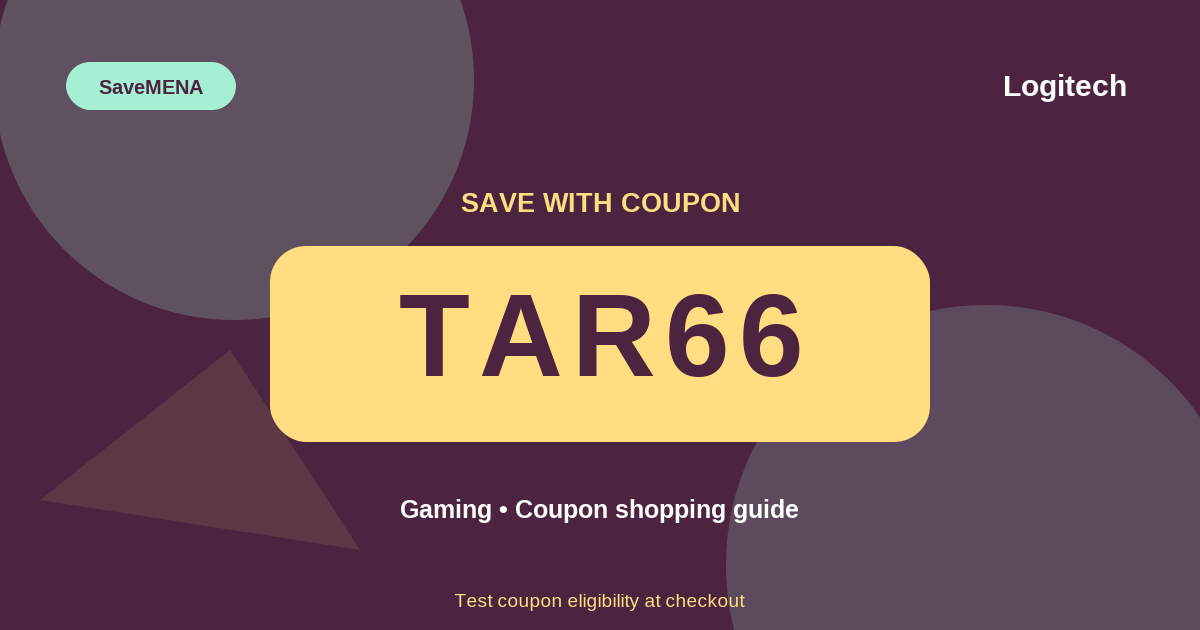
Codes available to try while comparing
These codes are not guaranteed for the article topic or listed brands; test them at checkout and use the live result.
Understanding Coupon Eligibility on Noon for Gaming Gear
In short, the first place to check is the product page’s seller details. The description notes whether the discount is automatically included or if you must manually apply it. For Logitech gamers, sellers that specialise in brand peripherals usually have clearer coupon guidelines. The goal is to confirm the code’s compatibility early, before you proceed to the cart, so the final cart value reflects any eligible reduction. The checker interface on Noon will show "eligible" or "not eligible" next to the coupon input field, giving you a quick visual cue.
Identifying the Right Seller for Your Logitech Purchase
Seller context plays a critical role in coupon validation. Some sellers on Noon offer exclusive deals that the platform’s general coupon pool does not honor. Understanding this nuance helps you pick the right vendor for a Logitech gaming product. Look for sellers who list “Noon Verified” or “UAE Global” badges, as those are more likely to support coupons applied through the main payment gateway. In addition, sellers with an established track record of prompt shipping and positive return experiences will likely provide a smoother coupon transaction.
When bookmarking Logitech gear, pen down a brief note on each seller’s key traits: their rating, average delivery time, and the typical length of their warranty. These details give you a snapshot of how the seller will handle your coupon check. Switching from a lower‑rated vendor to a top‑rated one can avoid circumstances where a coupon code is invalidated after you hit the “Add to Cart” button.
Inspecting Coupon Availability on the Product Page
Before adding an item to your cart, examine the product page for any coupon‑related notices. Noon’s interface usually highlights an available coupon next to the price, often marked in a distinct coloration. The marker say “Coupon available” before a code drop‑down. Though the logo of the discount is shared, you shouldn’t assume it applies automatically; sometimes the code must be entered manually.
To avoid confusion, click on the coupon button so the code TAR73 appears. If the button remains inactive or does not prompt a placement of the code, the offer is not linked with that particular seller or pricing tier. That knowledge allows you to decide whether to trust the vendor or search for an alternative list that explicitly accepts the coupon.
Checking Cart‑Level Discount Rules
Once a Logitech item is put in the cart, you’ll encounter the discount section that lists all applicable promotions. This seat of trust shows whether TAR73 can reduce the cart subtotal. The cart interface visually separates “Qualifying Discounts” from “Non‑qualifying” ones. If the code is eligible, it will appear beside the total amount in green, indicating a reduction.
Keep in mind that cart‑level rules may incorporate hidden requirements: a minimum spend, a specific collection, or a limited number of pairs. For instance, a sticker or docking station may not trigger the coupon unless you keep the primary product within. If these constraints aren’t obvious, a brief review of the seller’s policy will clarify if an extra item is required.
Verifying Eligibility Prior to Checkout
Before you proceed to the payment screen, confirm that the coupon remains functional. Noon may show a final confirmation badge in the cart that states “Coupon applied” next to the new price. If the badge is missing or replaced by a gray line, the code was rejected. Don’t restart the checkout after such an event because the extra effort might still result in a zero dollar discount.
At this stage, it is also wise to re‑check the delivery and shipping information. A discrepancy in the mall’s country‑level taxes or freight fees can sometimes nullify a promotion. Should the total reflect an odd number of dirhams, double‑check if the seller’s location or a special tax applies, especially if you’re ordering from a seller based outside the UAE.
Finalizing Your Order – What to Expect at Checkout
When you hit the “Checkout” button, Noon’s payment page will perform a last‑minute check for coupon eligibility.A coupon is not guaranteed; verify its result at the retailer checkout. The display will confirm either a “Coupon applied” note or will remove the discount and revert to the full cart total.
Note that any adjustment at this juncture is final; the total you approve on the payment form cannot be altered post‑haste. The system thus guarantees transparency: you see the precise amount you shoulder before confirming payment. Once you press “Pay,” the transaction is locked, and the coupon code will replay upon successful processing for a final receipt confirmation.
Managing Post‑Purchase Coupon Information
After the purchase is complete, your Noon email receipt will include a line item for the coupon. If TAR73 was applied, it will reflect a reduced subtotal as recorded at checkout. This receipt also contains the coupon’s transaction ID, useful if you need to contact customer service about a programming error.
In occasional cases, the discount may not appear on the receipt for reasons beyond your control—such as system sync delays or hampered seller records. If that occurs, keep a printout of your cart view from before purchase, and reach out to Noon’s support with the coupon code and order number. Most seller support teams can verify the transaction and either issue a partial credit or confirm the code was indeed applied.
Tips for Future Gaming Purchases on Noon
Use the “Add to Wishlist” feature for Logitech gear and keep an eye on sellers that update their coupon offerings. Sellers often mark their listings with a “Coupon” banner when a new promotion is available. Cross‑checking a seller’s basket after each refresh can surface fresh coupons in the cart’s discount area.
Lastly, consider joining Noon’s loyalty tier, as member status can modify eligibility. Some exclusive codes require a certain membership level; if you frequently invest in gaming gear, the benefits can outweigh the cash to be spent on maintenance tips and accessories. →
Related SaveMENA pages
Related articles
Official sources to check
Frequently asked questions
How do I know if a Logitech seller on Noon accepts a coupon before adding to cart?
Check the product page for a promotional banner or button that displays the coupon code. If the slot is inactive, the warrant does not apply to that seller’s listing. Verify by clicking the coupon area and reading any pop‑up instructions.
Can I apply TAR73 after I’ve already added the item to the cart?
Yes. Once the item is in the cart, use the discount field to input TAR73. The cart will instantly update if the code is accepted. If it’s rejected, the code will stay in the box for future use or with a different seller.
What happens if the coupon code is rejected at checkout?
The final payment screen will revert to the original cart total. No discount will be recorded. You can still submit the order, but if you believe the code should apply, contact Noon’s customer service with your order number for clarification.
Will this coupon work for all Logitech gaming peripherals on Noon UAE?
The 2024 policy indicates TAR73 may be accepted on items within the Logitech gaming gear category. However, verify each product’s eligibility on the product and cart pages before purchase.