Braun Kitchen on Noon UAE: seller context — coupon eligibility · TAR71
The first question that arises is how to check coupon eligibility before payment: what steps must an Abu Dhabi shopper follow when using a Noon UAE coupon on a
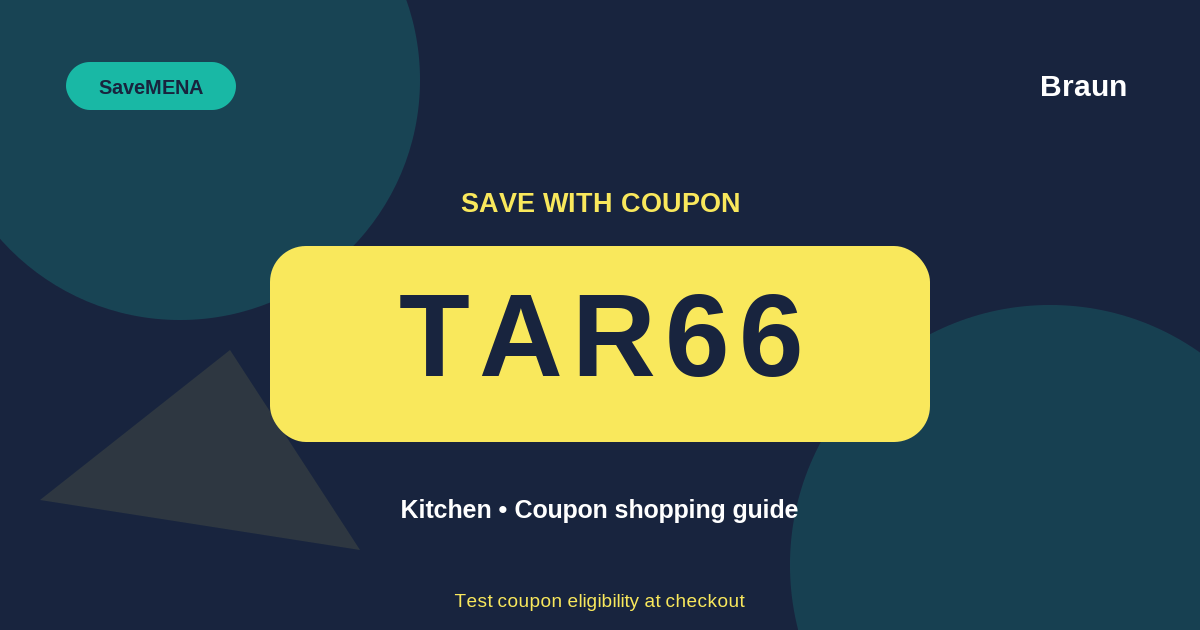
Codes available to try while comparing
These codes are not guaranteed for the article topic or listed brands; test them at checkout and use the live result.
1. Identify Your Preferred Kitchen Braun Seller
Before any order is placed, a UAE shopper must determine which seller on Noon is offering the desired Kitchen Braun appliance. Sellers on Noon vary in reputation, return policies, and warranty terms. Checking the vendor’s name directly in the product listing allows you to compare these factors with your own purchasing criteria. If a seller’s profile shows a high rate of positive reviews and a history of timely delivery, it’s a solid starting point for your shopping flow.
Once the seller is chosen, note the product specifics such as model, color, and serial number. Listing details often contain a short descriptive note, but a deeper look at the full specification sheet will confirm that the item matches your kitchen requirements. This step ensures that the price you’re about to pay is for the exact Kitchen Braun model you intend to buy, thereby protecting your coupon from being applied to a mismatched item.
2. Add Your Item to Cart with Confidence
Adding the product to your cart is straightforward—click “Add to Cart” and then “View Cart” to review your selection. Since Noon and its sellers allow multiple items per cart, you can confirm the name, price, and seller before proceeding. Pay particular attention to the product’s SKU and the seller’s phone number. These details help you later if a dispute arises over coupon eligibility or shipping.
Before leaving the cart, it is advisable to lock in any shipping preferences if the seller offers multiple delivery speeds. Some sellers offer expedited shipping or free standard delivery; selecting the correct option ensures that your checkout reflects the intended cost structure. This context sets the stage for the coupon process, as some sellers apply specific shipping fees that can influence the final discount calculation.
3. Enter the Coupon at the Cart Stage
In the cart view, a text box labeled “Coupon Code” or “Promo Code” appears near the total price. Typing the coupon code TAR71 into this field lets Noon attempt to apply the discount to your order. The system will immediately notify whether the code is recognized, regardless of eligibility, saving you a later surprise.
When the code registers, pay attention to the message that follows. If Noon displays “Coupon applied” or a similar confirmation, the code is accepted by the platform. However, this does not guarantee the discount is valid for the chosen seller or for Kitchen Braun products. The acceptance merely indicates that the code exists within Noon’s coupon database; the final verification still occurs at checkout.
4. Review Eligibility Rules Before Checkout
Clarity about what conditions affect coupon eligibility is essential. Because Noon’s terms may reference seller-specific limitations, a BMI clause, or a minimum cart subtotal, it’s prudent to glance over the fine print that appears under the coupon field. This text usually outlines any necessary conditions such as product category, seller restriction, or applicable taxes. By addressing these early, you avoid the need to backtrack after payment.
Check that the browsing context aligns with the coupon’s stipulations: does the code apply to all kitchens appliances, or only to certain models? If the coupon statement is vague, the safest course is to continue to checkout where the final system check will enforce the rules. Regardless, any ambiguity should prompt a review of product details or contacting Noon’s help center for clarification before proceeding.
5. Verify Seller Policies and Warranty
Before finalizing payment, confirm that the seller’s warranty and return policy match your expectations for a Kitchen Braun appliance. Sellers on Noon can differ in how they handle post‑purchase support; some offer extended warranties, while others rely on manufacturer coverage alone. Knowing this detail helps you decide if a coupon‑gated purchase still provides adequate protection.
Sometimes a seller’s policy can override a coupon’s applicability if, for instance, the store’s minimum spending threshold isn’t met. In those instances, the platform’s final panel will indicate that the coupon cannot be applied due to a policy clash.A coupon is not guaranteed; verify its result at the retailer checkout.
6. Understand Payment Method Impact
Different payment methods on Noon may influence coupon validation. For example, using a local bank card versus a Noon wallet could trigger different processing rules. A UAE shopper should double‑check that the chosen payment option accommodates coupon usage for the selected seller.
When you proceed to payment, the checkout page will display the final total along with any discount applied. If the total shows no reduction, the checkout interface will often provide an error note such as “Coupon not applicable for this item.” In that case, you can either adjust the cart or select an alternative seller that does accept the code. This step wraps up the seller context evaluation and ensures that you are not surprised by an otherwise unknown technical barrier.
7. Final Confirmation: Checkout Screen
The checkout screen is the definitive checkpoint where Noon applies all relevant rules, including seller restrictions and coupon eligibility. Here you see the exact amount payable; any discount or failure to apply the coupon is immediately visible. A screenshot of this page, if you choose, can serve as proof of the final conversion between the coupon code and your purchase.
At this stage, verify that the product name, seller name, SKU, and total price match your pre‑checkout expectations.A coupon is not guaranteed; verify its result at the retailer checkout. If the coupon is not displayed, the only recourse is to review the seller or contact customer support before finalizing the payment.
8. Post‑Purchase Steps & Customer Service
A coupon is not guaranteed; verify its result at the retailer checkout. This email is your primary record against which any post‑purchase service or refund claim can be validated.
In case the coupon did not apply as expected, you can use the same confirmation to contact Noon’s customer support. Providing the coupon code, seller name, and any error messages you saw will expedite a resolution. Because the coupon eligibility is ultimately governed by the seller’s terms on Noon, a detailed discussion with the seller may be necessary to clarify or contest the decision.
Related SaveMENA pages
Related articles
Official sources to check
Frequently asked questions
Can I apply a Noon UAE coupon to a Kitchen Braun item from any seller on the platform?
Noon’s coupon usage often depends on the specific seller’s policies. Some sellers allow certain coupons, while others may not. The final approval is displayed during checkout, so it is always best to check the eligibility before finalizing payment.
What happens if the coupon is recognized but not applied during checkout?
If Noon shows the coupon code is recognized but the discount does not appear at checkout, it typically means the seller’s terms for the product don’t allow that coupon. Checking the seller’s details and possibly selecting an alternative seller can resolve the issue.
Is the 'TAR71' coupon restricted to a particular payment method?
Noon does not declare specific payment method restrictions for this coupon. When you proceed to payment, the checkout screen will display whether the coupon is accepted regardless of your card or wallet choice. If it is rejected, you might need to try a different payment option or seller.
Do I need to sign up for a Noon account to use the coupon?
Yes, a Noon account is required to apply any coupon at checkout. Through the account you can manage your cart, enter the coupon code, and access order confirmation and customer service.A coupon is not guaranteed; verify its result at the retailer checkout.