Puma Men’s Fashion on Noon UAE: seller context — coupon eligibility · TAR73
Begin your shopping adventure by searching for the specific Puma product you desire—whether it’s a tailored blazer, a casual tee, or a timeless jacket—directly
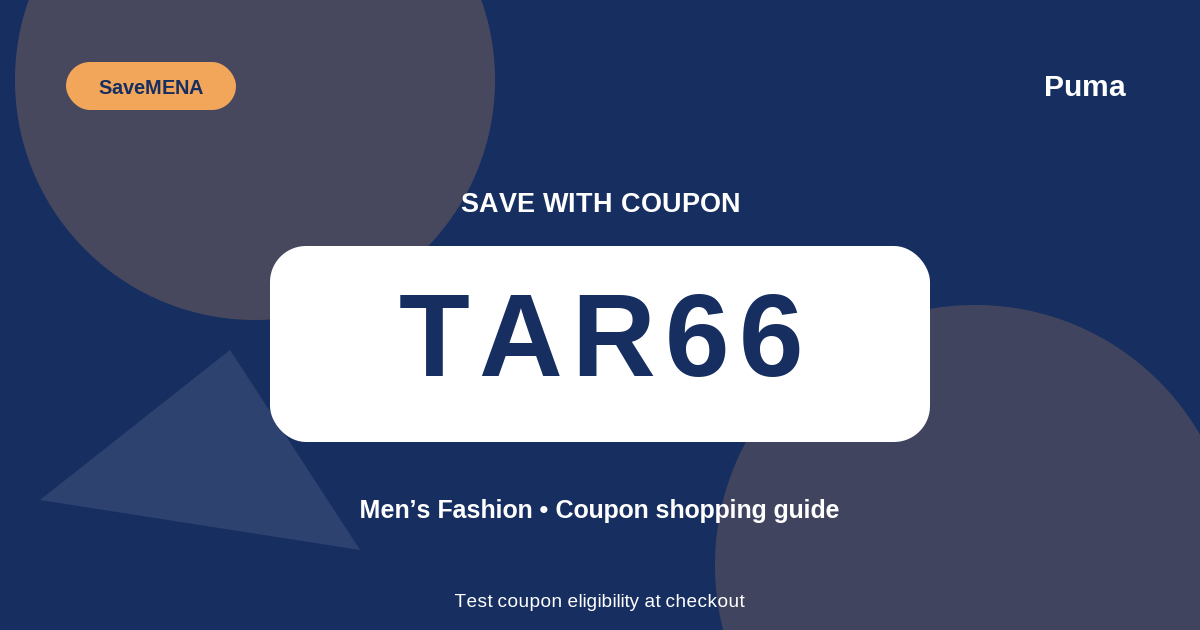
Codes available to try while comparing
These codes are not guaranteed for the article topic or listed brands; test them at checkout and use the live result.
1. Identify the Puma Seller on Noon
Begin your shopping adventure by searching for the specific Puma product you desire—whether it’s a tailored blazer, a casual tee, or a timeless jacket—directly within Noon’s search bar. Once relevant listings populate, click through to each product page and review the “Shopper’s Rating” and “Seller” label prominently displayed under the product title. Focus on the seller name to ensure it’s a reputable PUMA-authorized distributor, as only certain certified stores may participate in coupon promotions. If the seller’s profile lists multiple categories, confirm that it actively handles men’s fashion and that its inventory is current, giving you confidence that the product listing matches the advertised style.
Next, scroll down to the seller’s storefront section. Here you can access the seller’s store page, which provides a broader view of catalog variety, shipping commitments, and customer feedback trends. Pay special attention to any notes on “Authorized Seller” badges or compliance markers that signify that the retailer works closely with Puma itself. Older seller profiles with consistent ratings often signal reliability. This initial vetting stage grounds your later coupon checks in a reliable marketplace environment.
2. Examine Seller Credibility and Policies
Once you land on the Puma seller’s store page, look for “Seller Details” that disclose location, operational hours, and customer support channels. This information can be critical if you’re concerned about returns, exchanges, or clarifications on coupon use. Ecommerce regulations in the UAE dictate that a clear return policy must be available, and sellers who provide concise guidance typically reflect transparency in their transaction processes.
Additionally, review any banners or editorials on the store’s homepage that reference promotional efforts or collaborations. If the seller showcases an active promo banner featuring a generic “Coupon Code” label, it often signals that the store is open to third-party discount codes during purchases. While this alone does not confirm that TAR73 will match the sale, it indicates that the seller may honor such codes, reinforcing the importance of verifying eligibility before final payment.
3. Add Your Desired Item to the Cart
When you’ve verified the seller’s legitimacy, select the precise style and size of the Puma men’s fashion item that fits your taste. Pay attention to the product description for any notes on coupon usage, special promotions, or “exclusive discounts” that may differ from standard service. Selecting the correct variant assures that the seller’s inventory is matched to your request—an essential factor for coupon eligibility, which frequently hinges on the final SKU being purchased.
After confirming your selection, click “Add to Cart.” Before proceeding to the next step, examine the “Cart Summary” on the top right corner of the screen. This mini view displays the product title, price, quantity, and any seller-specific fees, giving you a snapshot of the financial elements that will influence coupon application. Use this moment to double-check that your chosen item is still available and isn’t accidentally bundled with an unintended accessory or gift.
4. Enter the Coupon Code Before Checkout
Navigate to the cart page and locate the “Enter Promo Code” field just below the subtotal summary. Here you can type the coupon code TAR73, recognizing that this step lets Noon attempt to validate the code against all applicable constraints—such as eligible categories or sales events. Notice that Noon will instantly display “Coupon Applied” or “Invalid Code” after submission, offering an early indicator of whether the discount will carry through.
At this stage, the seller context matters; for example, if the product is part of a limited stock collection, the coupon may or may not be valid depending on supply. The best practice is to read any “Term and Condition” link adjacent to the coupon field for general guidance on code usage across the seller’s catalog. Even if the snippet does not guarantee a discount, it aligns your expectations with the seller’s policy.
5. Review Eligibility on the Checkout Page
Proceed to the checkout by tapping “Proceed to Checkout.” This stage consolidates all cart items and displays the cumulative price, shipping fees, and any applied discounts, if applicable. Here, Noon will explicitly state whether the coupon code was accepted and how much discount—if any—was subtracted from your total. The seller’s role becomes evident if the discount is reflected as a separate line item, indicating that the store has recognized the code.
During checkout, carefully confirm that your shipping address, payment details, and any promotional messages remain consistent with the earlier cart view. Should the coupon fail at this juncture—perhaps due to a category mismatch or a promotion expired—Noon will provide an error notification that clarifies the reason. This transparency is part of the buyerwise policy that sellers adhere to within the Noon ecosystem, showing the importance of seller reputation in discount handling.
6. Verify Final Payable Total and Applicable Taxes
Below the itemized list, review the “Final Payable” amount, which aggregates the discounted subtotal, any service charges, and VAT. Even though the coupon might have been marked as accepted earlier, certain sellers may enforce a minimum purchase threshold at checkout, subtly altering the final total. Confirm that the displayed number matches what you expected after entering TAR73.
Be vigilant for the addition of a “Seller Service Fee” that occasionally appears after coupon application. This fee is credited back to the seller’s account but may stay embedded in your total cost. Knowing the seller’s fee structure allows you to assess whether a coupon truly shortens your outlay or merely offset a small portion of the committed quantity.
7. Final Steps: Confirm and Place Your Order
Once you’re satisfied that the overall price—combining any coupon discount, shipping costs, and service fees—matches your intended budget, proceed to finalize the order.Click “Place Order” to lock in this price. The system will trigger a payment authorization on your chosen card or wallet, and then confirm the transaction via a popup confirming the applied coupon and remaining payable amount.
Keep the confirmation screen or receipt—accessible in the app’s “Orders” section—for later reference. It serves as proof that the coupon code was considered and either accepted or rejected at the fiscal finality of your purchase. Should you receive a later discrepancy via email or a scan of the receipt, use the seller’s customer service channels to resolve it, referencing the coupon code used.
Related SaveMENA pages
Related articles
Official sources to check
Frequently asked questions
What should I do if the coupon code isn’t accepted at checkout?
Check the error message for clues—whether it’s a category mismatch, a minimum spend, or an expired offer. Since the code is only available to try, you may need to search for alternative promotions or contact the seller’s support for clarification.
Can I use different coupons on the same order?
Normally only one coupon code is accepted per transaction. Attempting to enter multiple codes will result in the system rejecting the second entry or providing a warning about multiple discounts.
Will the coupon affect the shipping cost?
Coupon codes usually apply only to the item price. Shipping fees and seller service charges remain unchanged unless the seller’s terms explicitly include shipping discounts.
Do I need a Noon account to apply the coupon?
Yes, the checkout process requires a registered Noon account for coupon validation, order tracking, and receipt management.