Anker Mobile Accessories on Noon UAE: seller context — coupon eligibility · TAR71
In your shopping journey, the coupon claim starts with adding the chosen Anker item to the cart. A minimal step, yet one that sets the expectation for what you can
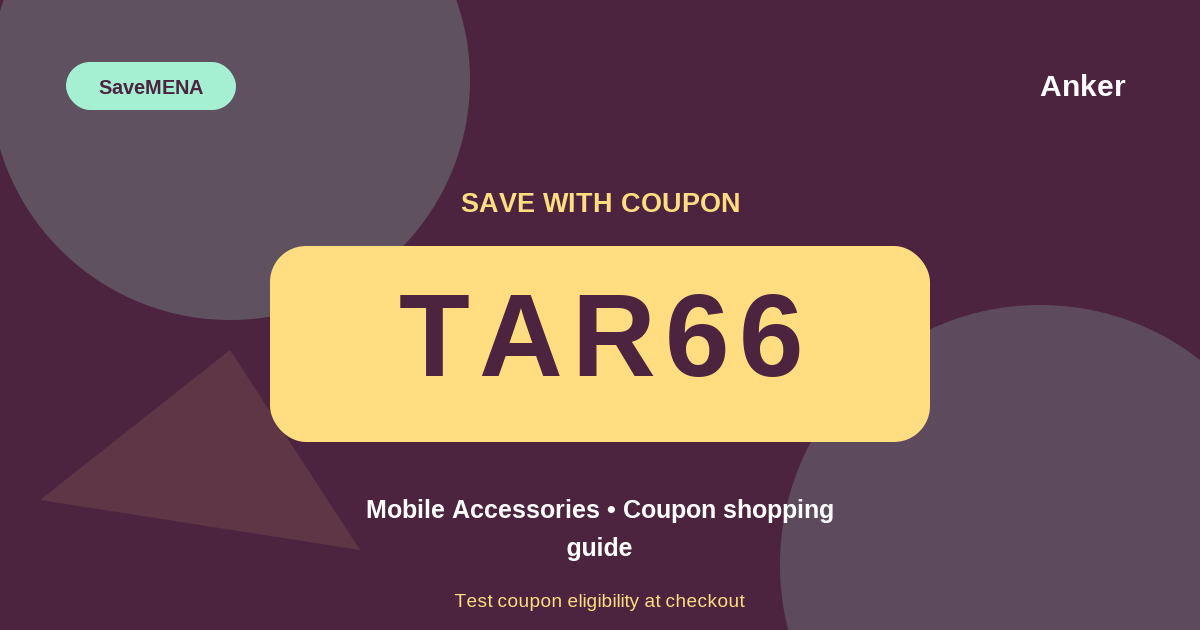
Codes available to try while comparing
These codes are not guaranteed for the article topic or listed brands; test them at checkout and use the live result.
Doorway to a Seamless Checkout: Understanding Coupon Eligibility
In your shopping journey, the coupon claim starts with adding the chosen Anker item to the cart. A minimal step, yet one that sets the expectation for what you can reap. It is at this point you should be conscious that the coupon is presented as an option, not a guarantee; the system might decline it if the seller’s conditions aren’t met. The best practice is to review the brief eligibility message that appears beneath the code input field. The wording typically indicates whether the coupon currently applies to the cart total or if further steps may be required before acceptance.
With coupons, the eligibility hinges on both the platform’s and the seller’s parameters. Since Salman’s review highlights the Anker seller as a common source, it is wise to take heed of any seller‑specific status bars. Often the coupon will only activate if the cart’s vendor is listed as an authorized partner of The Anker Brand. This verification occurs automatically when the cart’s vendor matches the predetermined list. If the seller’s name does not appear in that array, the coupon’s “Try” flag remains pending until the vendor changes.
Identifying the Genuine Anker Seller on Noon UAE
In the UAE marketplace, the same product can be sold by multiple vendors, so spotting a trustworthy Anker seller is the first pillar. The seller’s storefront typically lists a dedicated brand page badge, linking directly to Anker’s official profile on Noon. Check for a verified badge or a “Premium Supplier” icon next to the seller’s name. These indicators are essential to ensure that the product’s authenticity and warranty are aligned with the brand’s promise.A coupon is not guaranteed; verify its result at the retailer checkout.
Once the seller is confirmed, open their profile page and scrutinize the seller rating. A rating above 4.5 stars, combined with numerous positive reviews, signals reliability. Sellers with higher ratings are more likely to honor lower‑tier partners’ coupons, indicating they consistently process orders correctly. Thus, before attempting to apply TAR71, make sure the product’s vendor passes this vetting stage. In its absence, the coupon’s eligibility flag will often remain inactive, pushing you to highlight this seller‑centric weakness.
Reviewing the Product Description Before Applying the Coupon
Coupon eligibility often ties to specific product variants. Within the Anker household, accessories range from charging hubs to screen protectors, each with its own SKU. To avoid surprise rejections, read the product description carefully to confirm that the variant you wish to purchase falls within the “eligible price points” generally assigned by Noont’s coupon schema. Features such as case thickness, charging speed, or color may alter the variant’s price tier. The coupon interface usually flags eligible tiers with a labeled tick, directing you to the correct variant selection.
When inspecting the description, also confirm the product’s warranty clause. A variation that carries a limited warranty may be considered “high‑value” and could affect coupon acceptance. Likewise, the seller usually includes a short paragraph clarifying the warranty duration and whether it is manufacturer‑backed or store‑backed. It is essential, for the benefit of coupon eligibility, to verify that the seller’s warranty is standard and aligns with official terms, as some vendors offer third‑party services that may hinder the coupon from applying.
Checking the Coupon Field in the Shopping Cart
With the cart populated, scroll to the coupon code field. This field is where you usually paste the TAR71 code. A confirmation dialog will announce success or failure. The successful message signals immediate eligibility, while a prompt saying “Not applicable” means the system has found a mismatch. For instance, mismatched seller listings or variant tier issues trigger a non‑applicable status. At this juncture, the shopper has the opportunity to change the seller or the accessory variant before proceeding.
In case the code is accepted, it will appear as a dashed box below the subtotal, adjusting that subtotal visually. While the exact numerical discount is not disclosed (caps/limits are withheld by the system), you will see a reduced bar graph indicating the final amount after the coupon. The final confirmation is prioritized at the next screen, where the total reflects the new worth. This visual confirmation is paramount when decisions are made under the seller‑centric lens.
The Role of Seller Ratings and Reviews in Eligibility
Even with a verified seller, a low rating can influence the coupon’s eligibility in certain algorithms. The fewer positive reviews a seller has, the higher the probability that the platform flags coupon usage as a risk. This measure protects both the buyer and the seller from potential fraudulent claims. A robust rating, such as consistently 4.5‑stars, offers a smoother coupon experience. When you review the rating, also consider the volume of reviews; a higher count often correlates with more accurate seller representation.
Additionally, user reviews frequently mention the integrity of the coupon process. Some buyers highlight instances where the coupon vanished during checkout due to vendor inconsistencies. By cross‑checking shared experiences in the review section, you can gauge whether the seller’s coupon handling is reliable. Should you notice multiple complaints, it is wise to reassess the product or move to a higher‑rated supplier, ensuring the coupon remains viable.
Navigating Return Policies and Warranty with the Coupon Applied
When a coupon like TAR71 is used, it is essential to verify that the seller’s return policy remains compatible. Some vendors enforce stricter post‑purchase return conditions when a coupon is applied. Usually, the “Return Policy” section on the product page remains the same but double‑check for any caveats regarding discounted purchases. A clear, no‑questions‑asked return window usually signals the seller’s confidence that coupon‑derived customers will trust the purchase.
Warranty practices are equally important. The Anker brand typically offers a full manufacturer warranty on accessories. However, sellers sometimes upgrade to a longer retailer warranty. If the coupon triggers a change in warranty terms—such as an extended coverage period—this should be highlighted in the product page notes. Ensuring the warranty sentence is untouched guarantees that the coupon’s eligibility will not inadvertently cut off your warranty benefits.
Finalizing Payment: When the Coupon Gets Accepted
At the last checkout step, you’ll encounter a button that says “Review Order” or “Place Order.” It is just before the payment screen where you realize the coupon’s acceptance. If the coupon had been applied earlier and the cart subtotal was updated, the button unlocks automatically. In its absence, the button remains greyed to indicate the coupon hasn’t been integrated. The system confirms coupon activation by showing a green check beside the total, a visual cue that the discount has applied.
Pursuing the payment confirms the coupon’s status; a real discount will reflect instantly, while a non‑applicable status will prompt you to remove and reapply. If you have an active coupon that has yet to be applied, you can remove the cart item and re‑add it to reset the evaluation. Once the payment is processed, the coupon flag stays attached to your order, and you’re in the safe zone of seller‑centric validation.
Post-Purchase Monitoring and Customer Support Steps
After securing your purchase, locate the order confirmation screen. The confirmation contains the final price, discount reference, and a receipt. While the receipt won’t show the discount value, it confirms coupon integration. You now have a legitimate claim, ready for user support or an audit if needed. The absence of a coupon symbol on the receipt does not invalidate the coupon; it simply aligns with Noon's policy to reveal only a final total.
If doubts arise, or if you sense a discrepancy, contact Noon’s customer support through the “Help & Support” option. Reference your order number and the coupon code TAR71. Since the seller context is vital, ask specifically to confirm the seller’s handling of coupon eligibility.A coupon is not guaranteed; verify its result at the retailer checkout.
Related SaveMENA pages
Related articles
Official sources to check
Frequently asked questions
How do I know if the TAR71 coupon works for my item?
Check the coupon field in your cart after selecting the exact Anker variant. If the interface confirms eligibility with a success message, the coupon applies. A “Not applicable” note means it won't count for that specific combination.
What if the vendor changes and the coupon stops working?
Hit the “Review Order” step; if the coupon disappears, the new vendor isn’t eligible. Remove the item, select an authorized Anker seller, and retry. The coupon typically remains inactive afterward.
Will the coupon affect my return policy?
In most cases, the return policy remains unchanged when a coupon is used. Verify the seller’s return policy on the product page to ensure it matches the standard terms.
Can I use the coupon in multiple orders?
The coupon code can be attempted in subsequent orders, but its activation each time is contingent on seller compatibility and cart eligibility. There’s no guarantee for repeated use.