HP Office on Noon UAE: seller context — coupon eligibility · TAR73
Open the cart by clicking on the icon in the top right of the screen. Here you’ll notice a textbox titled “Enter coupon code” or something similar.
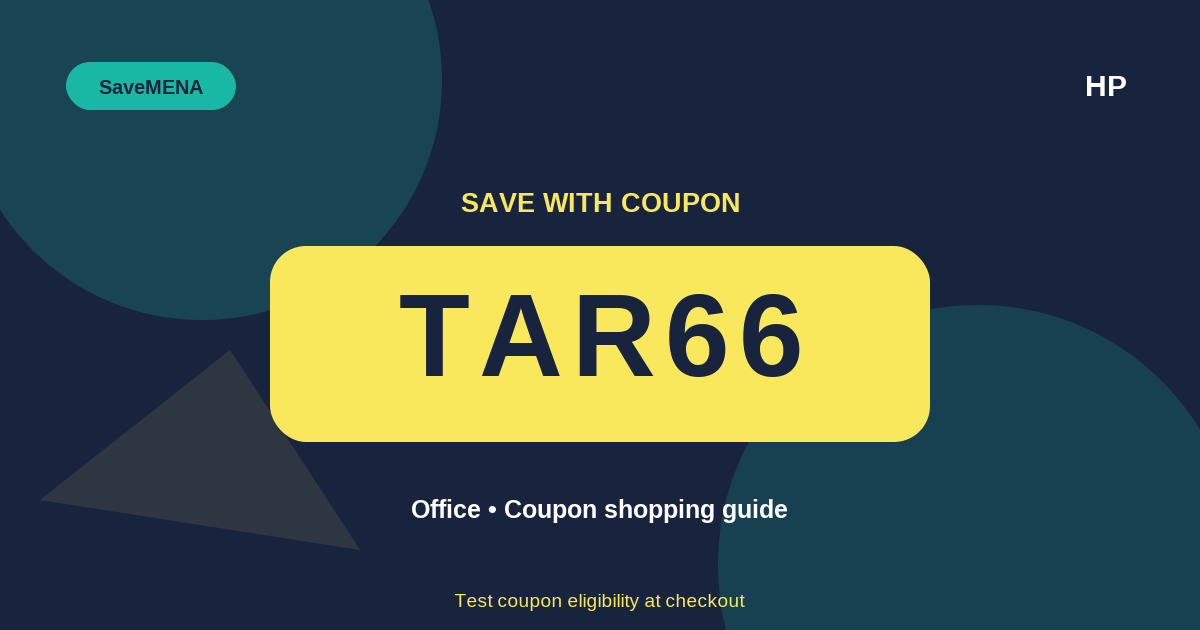
Codes available to try while comparing
These codes are not guaranteed for the article topic or listed brands; test them at checkout and use the live result.
2. Locate the Coupon Code Input on the Cart Page
Open the cart by clicking on the icon in the top right of the screen. Here you’ll notice a textbox titled “Enter coupon code” or something similar. This is the entry point for any discount code. The coupon field is separate from the promo code section tied to Noon’s own offers, so make sure you’re using the correct input area for external coupons. Enter TAR73 carefully, keeping an eye out for any alphabetic case or numeric errors that could be overlooked.
After entering the code, press the button labeled “Apply” or “Check.” Noon will then parse the cart and the coupon’s terms against the seller’s rules. If the coupon is valid for this particular HP product and seller, you’ll see a line indicating the discount applied to the subtotal. If it shows an error or no change, move ahead to the next step—checking the seller’s eligibility criteria.
3. Verify Seller‑Specific Eligibility Rules
Navigate to the HP seller’s profile by clicking the seller’s name from the cart or product page. On their seller page, look for a section that discusses discount and coupon policies. Some sellers include a “Promotions” tab or an FAQ that chronicles which external coupons are accepted. If a block of text notes that the seller accepts third‑party coupons, pay particular attention to any mention of the category, such as “office” or the brand “HP.” These clues help confirm whether TAR73 should work.
If the seller’s page explicitly states that they accept SaveMENA coupons for office products, that is the green light. If no such detail exists, read through the seller’s policy statements or contact seller support via the messaging feature on Noon. Sellers often respond promptly, clarifying whether the coupon code is eligible under their current terms. This seller‑context approach reduces the chance of surprises when you finally proceed to checkout.
4. Check for Minimum Spend or Order Restrictions
Back in the cart, look for a note at the bottom that might read “Minimum order for coupon: X” or a similar restriction. This text is usually placed near the subtotal or the coupon field. The employer, or shopper, needs to ensure that the total cart value meets any minimum parcel threshold mandated by the seller or by the coupon’s terms. If this threshold isn’t met, the coupon will not apply, and you’ll continue to see the standard price.
Since coupons can sometimes guard against trivial orders, confirm that the quantity and pricing of the HP office item reach the required minimum. If you’re unsure whether a threshold applies, the seller’s policy page often explains it. Always ensure the number of items and price meet the seller’s requirements before you hit “Apply” again; otherwise, you may miss the coupon entirely.
5. Confirm Delivery Options and Fees
Underneath the cart details, Noon lists available delivery methods. The seller may offer free delivery for orders in certain categories or specific regions. It’s important to verify that the delivery fee—if any—is factored into the eligibility calculation for the coupon. Some sellers restrict coupon usage to orders that will be delivered within a particular city or timeframe, so double‑check these details from the seller’s profile or the delivery selection screen.
Tip: choose a delivery option that aligns with the seller’s terms before finalizing. If the seller says the coupon is only valid for standard delivery, selecting a premium shipping model might invalidate the discount. The seller’s context guides you to pick the appropriate delivery method, ensuring you preserve the coupon’s potential application.
6. Confirm Payment Method Compatibility
Remember that Noon allows various payment options, including Cash on Delivery, credit cards, or the Noon Wallet. Some sellers restrict coupon eligibility to specific payment types. Check the payment method section in the cart or on the seller’s page. If a seller explicitly says, “Coupons apply only to card payments” or something similar, make sure your chosen method aligns. If no restriction is stated, a standard payment method is usually acceptable.
If you’re uncertain, test the coupon again after selecting a payment method that you think should be eligible.A coupon is not guaranteed; verify its result at the retailer checkout. Seller context can be especially important for specialized office equipment sellers who may prefer bank transfers over other methods for large purchases.
7. Apply the Coupon at the Final Checkout Step
Once you’ve verified all seller, minimum, delivery, and payment conditions, proceed to the checkout screen. Here you’ll see a final summary of the total amount due, including the subtotal, any delivery fee, and taxes. The coupon field appears again—if the coupon remains eligible, the discount should automatically appear next to the subtotal. If it doesn’t, Noon will display a small warning or an “Invalid coupon” icon.
If the coupon appears as valid, click “Continue” or “Pay now” to move to the payment page. The total payable amount will incorporate the coupon discount, giving you a clear picture of the final cost, plus a breakdown of any remaining fees. This is the last point where Noon can deny discount eligibility, so it’s important to double‑check that the coupon not only applied in the cart but also reflects in this final figure.
8. What to Do If the Coupon Does Not Apply
If, after all checks, Noon shows that the coupon cannot be used, consider a few troubleshooting steps. First, look for any seller‑specific conditions that may have been overlooked, like a hidden minimum spend or an exclusive shipping method requirement. Reviewing the seller’s policy page once more might reveal a small detail that prevented the discount.
If the issue remains unresolved, contact either Noon’s support chat or the seller directly. Provide them with the coupon code TAR73 and indicate that you have verified all conditions. Seller support can often explain why an external coupon failed and may confirm whether it can be re‑enabled in the future. Until a certain resolution is offered, it’s best to proceed without the coupon or seek alternative brands or sellers where coupons are confirmed to work.
Related SaveMENA pages
Related articles
Official sources to check
Frequently asked questions
How do I confirm if the Noon UAE coupon is eligible for this HP office product?
Check the seller’s profile for a coupon policy, ensure the cart meets any minimum spend, select the appropriate delivery method, and then apply TAR73 in the cart. The coupon should show a discount next to the subtotal if it’s eligible.
Will the coupon work if I choose a different delivery or payment method?
Some sellers limit coupon use to specific delivery or payment options. Verify the seller’s terms; if they require standard delivery or card payment, switch to those methods before applying the code.
What should I do if the coupon is not accepted after all checks?
Re‑review seller policies, minimum spend and delivery rules, then contact Noon support or the seller. Provide the code TAR73 and any relevant details; they can clarify why it failed and suggest alternatives.