Puma Sports on Noon UAE: seller context — coupon eligibility · TAR73
The first step to saving on your sports gear from a Puma seller on Noon UAE is to verify that the store’s coupon eligibility will apply before you even hit the
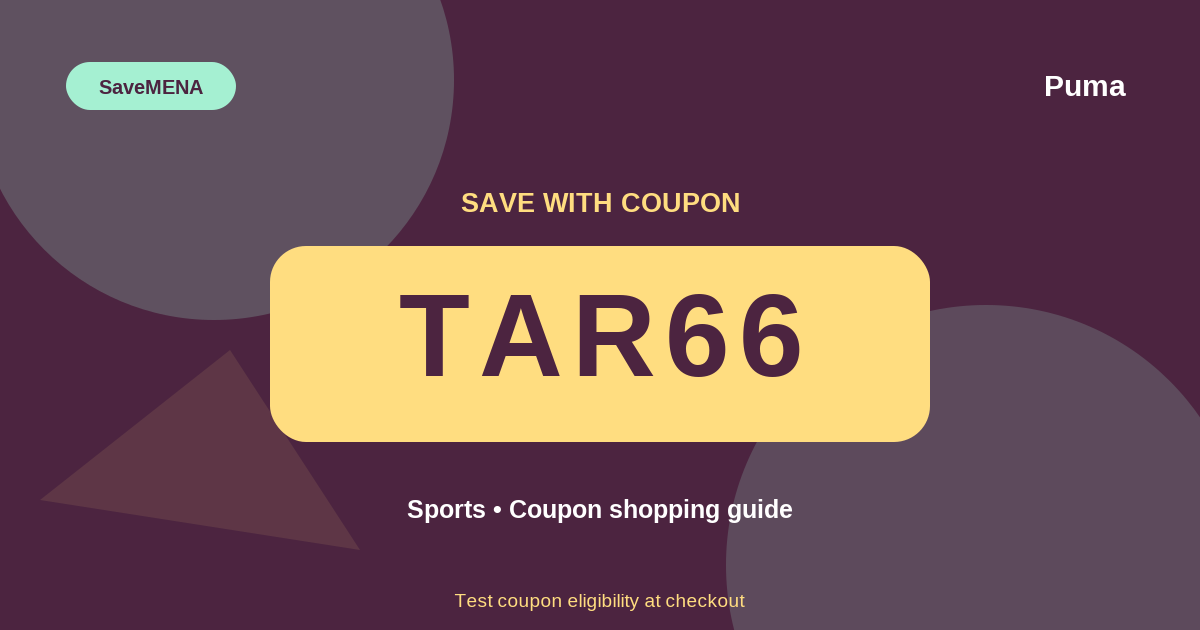
Codes available to try while comparing
These codes are not guaranteed for the article topic or listed brands; test them at checkout and use the live result.
Identify the Right Puma Seller
When browsing Noon UAE for sports apparel and footwear, the first check is the seller listed next to the product. A legitimate Puma product will show “Authorized Seller” in its description or badge. UAE shoppers should look for the seller’s profile name that matches official Puma distribution partners. Confirming the seller at this stage helps prevent later surprises when a coupon might not be accepted by a non‑authorized source.
After locating the seller, review their store page: check customer ratings, the quantity of Puma listings, and any seller‑level policy statements. While ratings can give a broad sense of reliability, always ensure the seller’s store URL matches the brand’s official e‑commerce guidelines. This early verification gives you peace of mind that any later discount will apply to genuine Puma products.
Add Items to Cart: Checking Seller Details
Place the desired Puma item into your cart, then open the cart view to double‑check the seller name beside the product line. Occasionally, items may be fulfilled by multiple sellers under the same brand; only the seller that appears in the cart will be subject to coupon eligibility. This reinforces that your chosen product is linked to the correct seller before you proceed.
In addition, verify the quantity you plan to purchase. If you’re buying more than one unit, you’ll see a cumulative price next to the product. The cart view is the first concrete place where you can see the vendor’s return policy, shipping options, and potential lenses (e.g., “Shipping by X days”). All of these factors are important when deciding if the coupon will trigger. If anything seems off, adjust your cart entirely before moving forward.
Apply the TAR73 Coupon: Where and How
On the cart summary page, you will see a field labeled “Enter Gift Voucher or Promo-Code.” This is the spot where you type TAR73 exactly as it appears. Noon UAE requires that you type the code in uppercase, no spaces, to avoid conversion errors. Enter the code slowly to confirm you’re submitting the right characters, which avoids automatic discount rejections.
Once entered, hit “Apply” and watch the screen refresh. A confirmation message will tell you whether the code was accepted. If validated, a discount line should appear showing the amount deducted. This does not guarantee the final payable savings; it merely means the code can be applied in this transaction. Stay alert for any message that reads “Not applicable to selected items” or “Voucher invalid” to catch potential eligibility fails before checkout.
Reviewing Discount Application Before Checkout
After applying TAR73, casually scan the recalculated cart subtotal, taxes, and shipping fees. Noon UAE recalculates all fees after coupon input, so any discount will reflect in the new subtotal. If the discount appears to be ignored or mis‑applied, note the cart’s current state; this record will be useful if you need to report a glitch. Also check that the vendor remains the same.—any mismatch might indicate a cart hiccup that could invalidate the coupon.
Some sellers or promos add conditional fees, such as a free‑shipping threshold. If those conditions aren’t met, the cart might auto‑add a fee that partially or fully offsets any discount. In such cases the coupon application will still proceed but the final payable value may not drop significantly. Confirm the overall total and the final payable after all fees before advancing to payment.
Final Cart Valuation: Fees and Taxes</HEHeading>
On the payment page, Noon UAE details the exact amount you’re about to pay, including VAT, any applicable service charges, and the final shipping fee. This is the definitive snapshot for coupon eligibility. Scroll through the breakdown: the discount line should still show what TAR73 contributed, even after taxes are applied. This verifies that the coupon was honored all the way to payment.
If the discount line vanishes at this point—meaning the promo code no longer appears in the final breakdown—it signals that eligibility criteria were not met in the seller’s final state. Some sellers apply post‑sale checks, such as minimum order value or product category locks. Double‑check the reason shown next to the missing discount line, if any; it will guide you on how to correct the issue or whether to look for a different coupon.
Confirm Eligibility Flags at Payment
Most Noon UAE checkout screens include a small icon or note indicating the status of any applied promo. For TAR73, you should see a green checkmark or a brief confirmation stating “Coupon applied.” Pay particular attention for messages that say “Coupon not eligible” or “Only for select products.” These messages are displayed in real time after all payment options are chosen, and they reflect the final eligibility evaluation from the seller’s end.
If you see a red flag, navigate back to the cart to remedy the issue—perhaps by adjusting the quantity or changing the shipping address if the discount has a region lock. Once the red flag disappears and you see the green confirmation, you can proceed confidently to secure payment, knowing the coupon has been accepted for this transaction.
Common Pitfalls and How to Avoid Them
A frequent hurdle is a mismatch between the product category used by the seller and the expected category for the coupon. If the seller labels a Puma product under “Accessories” instead of “Sports Apparel,” TAR73 might not trigger. Check product tags or descriptions for category clues before applying the coupon to avoid confusion.
Another issue is if Noon UAE’s system flags your account as a “new user” or “non‑app” shopper, limiting coupon applicability. The seller’s policy isn’t always reflected publicly, so if the coupon fails, verify your account status or try placing the order using the Noon app for a smoother checkout process. These checkpoints can save time and prevent the coupon from being rejected unexpectedly.
Pro Tips for Future Order Efficiency
To streamline future purchases, keep a copy of any coupon code application notes or screenshots of the checkout screen that confirmed eligibility. These records can be valuable if you experience recurring errors with the same code or seller. Moreover, subscribing to the seller’s newsletter or following their social media can alert you to upcoming promotions, ensuring you know in advance whether a specific coupon will apply.
Finally, consider setting a reminder to review your cart at least 15 minutes before finishing the checkout. Many shoppers complete the cart abruptly and miss changing a quantity that could unlock a coupon. A quick review also lets you double-check that the discount is still in place and that no new shipping charges or taxes have appeared that could reverse a previously accepted coupon.
Related SaveMENA pages
Related articles
Official sources to check
Frequently asked questions
Why did my coupon not apply even though it showed previously?
The cart and payment screens validate coupon eligibility at different stages; a change such as a new product addition or shipping option can alter eligibility. Always confirm on the payment screen for final validation.
Can I redeem the coupon if I use a different payment method?
The coupon eligibility isn’t tied to payment method; you can choose credit, pay‑later, or any approved option. The discount will still apply if all other criteria remain satisfied.
Is there a limit on how many times I can use the same code?
Unless the seller or Noon specify a usage cap, the coupon can be applied as often as you cycle through eligible items. Check the coupon rules at checkout for any specific constraints.
What happens if my order is refunded after applying the coupon?
If a refund occurs, Noon typically adjusts the amount returned to match the final paid total, including any discounts applied. The coupon itself does not create an additional credit beyond the refunded amount.