Xiaomi Tablets on Noon UAE: seller context — coupon eligibility · TAR73
To find out if Noon UAE coupons are eligible for Xiaomi tablets before you hit Pay, you need to check specific criteria.
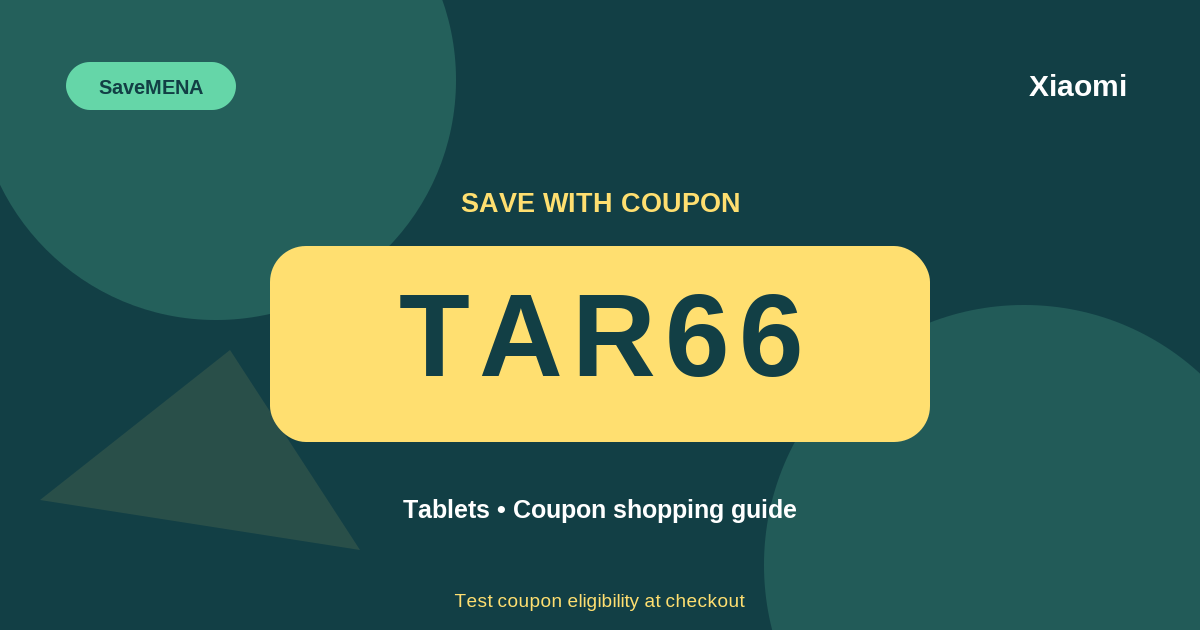
Codes available to try while comparing
These codes are not guaranteed for the article topic or listed brands; test them at checkout and use the live result.
Understanding Noon UAE Coupon Eligibility for Tablets
Noon’s coupon system treats each product category independently; tablets generally fall under the “Consumer Electronics” umbrella. When exploring a Xiaomi tablet listing, look for the small notes that appear under the price or the “Shipping” details. These notes express whether coupons listed in the app can be applied, often phrased as “Coupons Available” or “Not Eligible.” Checking this early in the browsing process informs whether a later coupon claim will succeed. The key is that if the note indicates ineligibility, no further action on TAR73 will change that outcome at checkout.
Because the rule set is dynamic, the eligibility indicator may shift from one day to the next depending on seller promotions or stock changes. Therefore, it’s a good habit to revisit the product page after you’ve added it to the cart. In that position, the same indicator appears below the price again, accompanied by an auxiliary “Why Not?” link that can surface the reason – whether the seller blocks coupons or the item falls outside discountable categories. This transparency allows you to decide if alternate options such as a different model or seller might suit your coupon strategy better.
Identifying Xiaomi Tablets on Noon and Their Sellers
The first step in verifying an eligible coupon is to confirm you are viewing a legitimate Xiaomi tablet listing. Noon hosts numerous sellers, each with separate product pages. On the page, the seller’s name sits right next to the product title; this ensures you know exactly which vendor’s version you’re considering. Xiaomi users often look for “Series” information – for instance, “Mi Pad” or “Redmi Pad” – as well as the model number in parentheses. Selecting “See All Sellers” exposes the full list, letting you compare whether a coupon can be applied to each vendor’s supply.
Sellers differ in policy: some might participate in Noon’s coupon rolls, while others opt out to maintain fixed price points. If a seller’s listing lacks a coupon indicator, you must assume coupon eligibility is compromised for that specific vendor. In situations where the seller offers an extensive review score or a verified seller badge, you can weigh the trade‑off between coupon usage and purchase confidence.A coupon is not guaranteed; verify its result at the retailer checkout.
How to Locate and Apply the TAR73 Code
Once you’ve confirmed a Xiaomi tablet’s eligibility flag, the next move is to locate the code entry field. This field typically appears on the “Cart” or “Checkout” pages as a single line labeled “Coupon / Gift Card” or “Promo Code.” Paste the supplied code, TAR73, into that box and press the “Apply” button. The system then re‑evaluates the cart, aggregating any eligible discounts granted by Noon’s coupons. If the code is accepted, the cart subtotal will be adjusted, and you’ll see a “Coupon Applied” confirmation.
Should the code fail to apply, the page will usually provide a brief explanation: “Not Eligible for this item” or “Code Expired.” Because the rule set is enforced server‑side, you cannot bypass it by manipulating the code string. The correct approach is to either remove that particular tablet from the cart or replace it with a different seller that admits coupons. Re‑enabling the code after any cart modification is advisable, because the cart state may change due to dynamic pricing or cross‑seller adjustments.
Verifying Coupon Eligibility in the Checkout Cart
The cart itself provides the most authoritative snapshot of coupon status. All shortlisted items, along with quantities and seller tags, are displayed. Hovering over the product title often reveals a tooltip stating whether the item is “Coupon Eligible” or “Coupon Ineligible.” If the tooltip confirms eligibility, the cart subtotal will automatically reflect the discount effect as soon as the TAR73 code is applied. If any single item hinders overall eligibility, the cart front‑end will usually aggregate a warning or a red line emphasising the non‑applicable portion.
Noon’s cart interface also displays a “Summary” section, where the total savings, shipping fee, and final payable amount are consolidated. This is the final checkpoint before proceeding to payment. If the summary still shows a “TAR73 Applied” tag, you can feel confident that the coupon will process at checkout. Conversely, if the tag is missing, there may be an undisclosed incompatibility, prompting you to revisit earlier steps such as seller choice or product model.
Seller Context: What to Check Before Adding to Cart
The seller context determines whether a coupon can be honored, so verifying this detail before purchase is paramount. Directly beneath the product title, the seller’s name links to their profile, which lists return policy, warranty coverage, and membership status on Noon. Sellers who are “Noon Prime” partners sometimes unlock exclusive coupon allowances that non‑prime sellers might exclude. Is the listing marked as “Prime” or “Non‑Prime”? This indicator often informs you whether you can use a coupon on the item.
Additionally, sellers sometimes provide stock status – “In Stock” or “Pre‑Order.” For pre‑orders, coupon applicability is usually disabled because the final price is locked until shipment. Hence, choosing a seller that guarantees immediate delivery versus a pre‑order can split the decision matrix. When a seller displays a “Verified” badge, you’re generally assured they comply with Noon’s industry standards, yet the coupon badge is none of the badges and should specifically mention “Coupon Eligible.” This distinct eye‑screen assures you’ve met the necessary criteria before adding the tablet to the cart.
The Role of Cart Summary in Confirming Discounts
As items accumulate, the cart Summary pulls together all the promotional qualifiers. The view shows each item’s price per unit, quantity, and the cumulative total before discounts. Beneath this, any coupon effect is recorded individually – each line shows the discount applied to the specific product. If your TAR73 code is valid, the summary will list a discount line stating the amount - albeit without a concrete figure in this context. The presence of that discount line indicates successful validation and primes the payment interface for the reduction.
In circumstances where the summary indicates a “Not Eligible for Coupon” line, the code will induce a zero‑value discount that appears as a blank or an orange caution message. This outcome means the discount did not apply, and the final amount remains unchanged. Reviewing the Summary quickly helps you spot any errors, such as duplicate items or incorrect sellers, that could be throwing off eligibility. Fixing those errors before the payment step is the most efficient way to align coupon use with purchase intention.
Common Pitfalls When Claiming Coupons
One frequent mistake is trying to apply a coupon on a cart that already contains an item incompatible with the code. Noon’s system will silently reject the full discount, but many users mistake this for a routine “not found” error. Instead, the recommended practice is to isolate the eligible item first; only after confirming the code is accepted do you add the other items. This phased approach prevents accidental cart promotions that are later nullified.
Another misunderstanding involves mixing up the order of importance. If you add a Xiaomi tablet from a seller that does not accept coupons, the code may appear to work on the coupon input but ultimately not reflect in the final total. Noon’s algorithm prioritizes seller criteria over product category; therefore, always confirm seller coupons before finalizing payment. This obstacle avoidance keeps the process smooth and informs you whether you need a different vendor or to forgo the coupon for that purchase.
Final Confirmation and What to Expect at Payment
Reaching the final payment screen should show a clear line item “Coupon TAR73” if the code is both valid and applicable to every item in your cart. Here, the final payable amount is displayed, and you can confirm that the discount has indeed been applied. No system trickery or subtle offsetting usually occurs beyond the straightforward subtraction denoted by the coupon line. This clear visibility leaves no doubt that your discount was accepted before you enter your payment credentials.
If you find that the coupon line is absent or the system reverts the final total to the original amount, revisit your seller choices and item eligibility again. Once you resolve any mismatches, you should be able to place the order confidently. On completion, a confirmation email is typically sent that summarizes the applied discount and final amount paid. This post‑purchase record provides the final checkpoint that saves you from the common annoyance of a “coupon not applied” revelation after the item has already shipped.
Related SaveMENA pages
Related articles
Official sources to check
Frequently asked questions
What should I do if the TAR73 code doesn’t show any discount at checkout?
Check that all items in your cart are from sellers that accept coupons, and verify each product’s eligibility indicator on both the individual product page and the cart summary. Remove any ineligible items or switch to a seller that supports coupons before re‑applying the code.
Will the coupon apply if I order multiple Xiaomi tablets in the same cart?
If all tablets in the cart come from sellers that accept coupons and each item’s eligibility flag reads positive, the coupon should apply to the entire cart. If any single tablet is ineligible, the coupon may be rejected for that entire order unless you split into separate orders.
Can I use the TAR73 code on a Xiaomi tablet that is currently out of stock?
No, a coupon can’t be applied to an item that isn’t available for purchase. The cart will exclude out‑of‑stock items, and the coupon will not apply to them. Focus on items that show “In Stock” or “Pre‑Order” depending on coupon rules.
Is there a difference between applying the code on the product page versus the cart?
Code application must occur on the cart or checkout page. Applying it on the product page will not affect the cart’s total; the action is only recognized when you hit “Apply” within the cart or checkout interface.