LG TVs on Noon UAE: seller context — coupon eligibility · TAR71
Customers in the UAE shopping for LG TVs on Noon can feel confident exploring coupon opportunities. The article will walk you through how to check “Noon UAE coupon
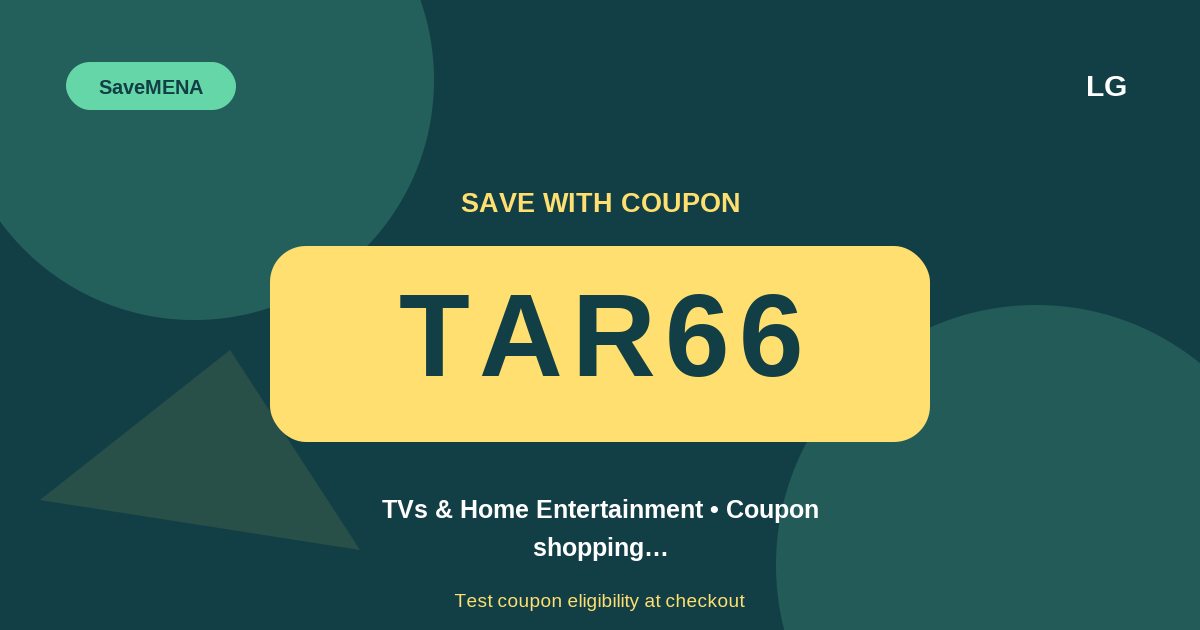
Codes available to try while comparing
These codes are not guaranteed for the article topic or listed brands; test them at checkout and use the live result.
1. Understanding Noon UAE Coupon Eligibility for LG TVs
When you first visit a Noon listing for an LG TV, the app or website displays the base price, any available store‑wide banners, and sometimes a button labeled “Apply Coupon.” The placement of this button tells you whether you can try a discount before adding the item to your cart. This first step is essential when considering the seller context: each seller may have its own rules about which coupons are accepted, and Noon’s platform will let you see that at the product page level.
In practice, you will see a single field or a small overlay that references “Try Now” or “Select Coupon.” That field is your cue: not all sellers allow every promotion. By confirming that the coupon field is active for the LG TV you want, you establish that the discount is eligible to be checked before you proceed to payment.
2. Selecting the Right LG TV Model for Your Home
LG offers a continuum of TVs ranging from entry‑level 32‑inch panels to high‑end 77‑inch UHD models. The model you need depends on screen resolution, smart features, and any gaming capacities you require. When you scroll through the product details, the seller’s profile indicates their history of deliveries, customer reviews, and return handling.
Seller context matters because the vendor’s credibility can impact how NICE coupons are accepted. A highly rated seller is more likely to process a coupon correctly. As you shortlist a model, take note of the seller’s rating, to help you later verify if the coupon eligibility workflow will be smooth during checkout.
3. Adding the TV to Cart: What the Seller Info Means
After selecting your preferred LG TV, click “Add to Cart.” The next screen will display a summary showing the seller’s name, the chosen model, and the total price before any discount or fees. At this point you will also see optional add‑ons like extended warranty or accessory bundles, which the seller may offer.
Notice whether the cart page lists a “Coupon Code” field or a “Use My Coupon” switch. This is your final confirmation that the seller supports the coupon feature you plan to try. If the field is hidden or grayed out, the seller does not currently allow coupon usage on this item, and you cannot proceed with checking eligibility.
4. Applying the TAR71 Coupon Before Finalizing Payment
In the cart you will find a slot to input coupon codes. Type “TAR71” and click the “Apply” button. The screen will recalculate the line items, and if the coupon is eligible for this seller and product, you will see a line indicating the coupon discount is being applied. Do not assume a dollar value; the platform will only present the final price once you confirm payment.
This action triggers an eligibility check. If the coupon is not supported for this seller or size of the TV, you will receive a message that the coupon cannot be used. That is your cue to either revert to a different seller or buy without a coupon. At this stage you have verified that the coupon can be used at the seller level.
5. Verifying Eligibility Through Purchase Summary Page
Before you hit “Proceed to Payment,” Noon presents a clear summary. It lists the seller, product, any selected accessories, the total price after the coupon, and the shipping fee. You must read this page carefully. The final total displayed here is the exact sum you will be charged, assuming you supply the payment method and authorize the transaction.
If the total shows a reduction due to the coupon, the system has accepted the eligibility check. If the total remains unchanged or an error appears, the coupon was rejected, and you should either remove the item or try a different seller. Only at this point can you be certain about coupon eligibility.
6. Checking Seller Specific Conditions (Return Policy, Warranty)
Alongside the coupon, every seller posts return terms and warranty information. For LG TVs, seller context may include a 30‑day return window and a separate warranty for the display panel. These details are vital because certain promotions may not be available under specific return conditions.
Scroll to the “Seller Benefits” section to confirm whether the coupon is valid for the LG warranty add‑on or extended return policy you plan to purchase. If the seller states a restriction like “Coupon not applicable to extended warranty,” you may need to decide whether to keep that add‑on or remove it to unlock the coupon.
7. Completing Checkout: Final Price and Payment Options
When you click “Proceed to Payment,” Noon presents your payment methods, encouraging you to choose a card or digital wallet. At this final step, the platform recalculates once more, ensuring the coupon’s status is re-evaluated in real time against the selected payment method and shipping option.
Once you confirm payment, the final total you see—and the coupon application status—becomes the final payable amount. This amount is then processed through Noon’s payment gateway, and you will receive an official receipt. No provisional or hidden charges will appear after you complete this checkout step, as long as you remain within the seller’s terms.
8. Post‑Purchase Actions: Tracking Shipping and Warranty
After finishing checkout, you receive an order confirmation email. The shipment tracking link on Noon will allow you to follow the LG TV’s journey from the seller’s warehouse to your doorstep. Shipment times for UAE purchasers typically fall within two to three business days, though this depends on the seller’s location.
When the TV arrives, verify the serial number against the warranty card supplied by the seller. Remote‑side from the confirmation of the coupon, having a valid warranty ensures your LG TV is covered in case of issues, and you know exactly what benefits the seller extends beyond the standard manufacturer warranty.
Related SaveMENA pages
Related articles
Official sources to check
Frequently asked questions
Where can I find the coupon field for LG TVs on Noon?
The coupon field usually appears in the product page under “Add to Cart” or on the cart screen directly before you proceed to payment. You should see a textbox or a “Use My Coupon” toggle where you can enter “TAR71”.
Does the coupon apply to extended warranties or accessories?
Only if the seller’s policy states otherwise. Check the seller’s return and warranty section. If they note a restriction, the coupon won’t affect those add‑ons.
What happens if the coupon is not accepted at checkout?
North the purchase summary will stay the same or an error message will display. You may then choose a different seller or remove the coupon. The final price before payment will reflect the accepted price.
Can I apply the coupon after I’m on the payment page?
No. The coupon must be input before proceeding to payment. Once the purchase summary confirms the total, the coupon status is final for that transaction.