Puma Women’s Fashion on Noon UAE: seller context — coupon eligibility · TAR71
If you want to know how to check coupon eligibility before payment on Noon UAE, you’re in the right place.
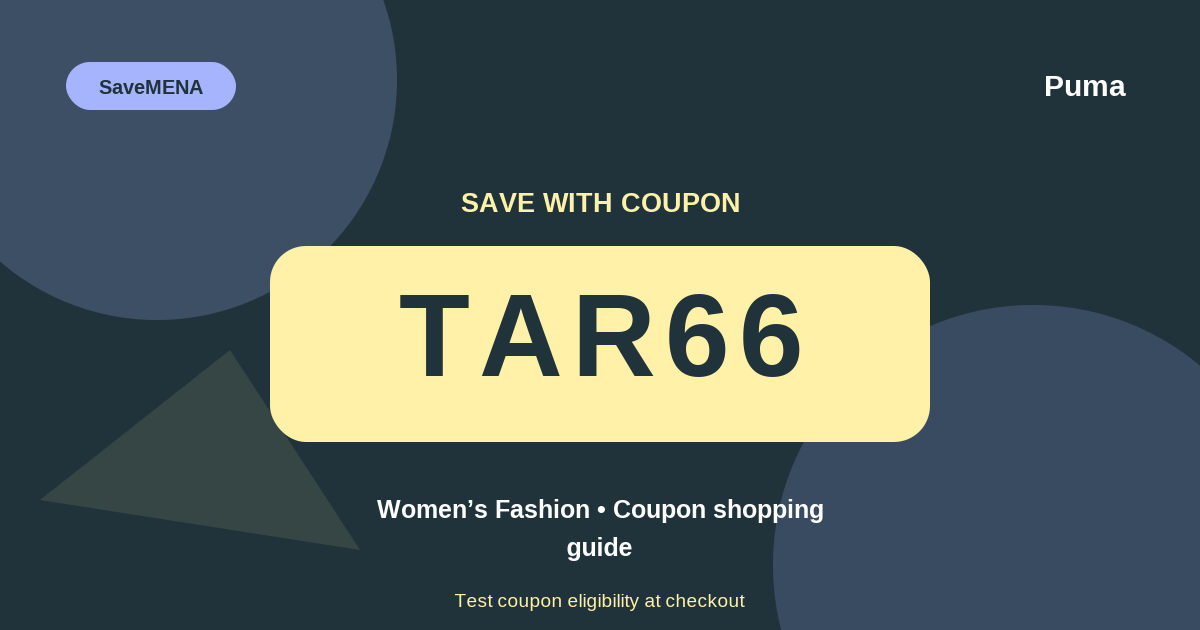
Codes available to try while comparing
These codes are not guaranteed for the article topic or listed brands; test them at checkout and use the live result.
Why Seller Context Matters for Women’s Fashion Deals
Each seller on Noon UAE pushes distinct policies governing discounts, return times, and shipping terms. In Women’s Fashion, a popular category, these differences can mean the difference between receiving a saving and missing out entirely. Sellers who collaborate with brands like Puma often offer exclusive promotions, but they may also restrict certain coupons for inventory management or profit margin reasons.
Consequently, the seller context is crucial to verify eligibility. Check the product page for seller details, such as the store icon and name. If the product is listed under a reputable Puma seller, you can directly assess whether the TAR71 coupon is tagged for that seller before proceeding to checkout, saving you from last‑minute surprises.
The Role of Puma Products in Coupon Application
Puma, being a prominent brand in Women’s Fashion, often partners with specific sellers on Noon UAE. These sellers may have distinct promotional arrangements that influence how coupons like TAR71 can be applied. Since the coupon is not guaranteed to be dedicated to any particular category, it’s essential to see if the Puma seller enabling it offers cross‑category acceptance.
If you’re interested in a pair of Puma sneakers or a sports‑wear set, verify that the seller’s product listing indicates coupon compatibility. Look for any discount icons on the product thumbnail or mention in the description. This quick visual cue can confirm eligibility before you even add the item to your cart, ensuring the TAR71 code will be recognized during checkout.
Using the TAR71 Coupon Code on Noon UAE
To use the TAR71 coupon, first add your selected Women’s Fashion product to the cart. During checkout, locate the “Enter a promo code” field despite your order may be non‑applicable. Enter TAR71 with care; any typo may render the code unusable. The platform will automatically attempt to validate it against the seller’s settings.
After entering, the system will update the cart totals instantly. If the coupon is eligible under the seller’s rules, you’ll see a discount amount appear beneath the original price in the cart’s promo section. If not, the field will clear or display a message such as “Coupon not applicable.” This immediate feedback allows you to double‑check the seller’s compatibility before final payment.
Verifying Eligibility: Cart Review Techniques
When your cart displays the product, scroll to the “Discounts” area to confirm the result of the TAR71 entry. The name of the seller usually appears beside the product line, offering a quick cross‑check. If the coupon appears under “Promotions” and is marked with a confirmation tick, it is valid for the current order.
Should the coupon not reflect, it is best to remove it and reassess the product or seller. Alternatively, try another Puma item from the same seller or a different vendor offering similar products. Since coupon applicability can vary even within the same brand across diverse sellers, test each combination to find the most favorable configuration.
Potential Pitfalls When Applying Coupons from Specific Sellers
One common issue arises when the seller applies a minimum spend threshold that isn’t clearly communicated. While we cannot state any specific details, it may affect whether the TAR71 coupon activates. Check any “Minimum purchase” hint in the cart or product page, as it may prevent the coupon from applying even if the code appears correct.
Another pitfall is the possibility of seller‑specific exclusivity clauses, such as “This coupon is only valid for items from Seller X.” If such a clause is present, you will notice a warning when entering TAR71. In that case, either switch to that seller for your purchase or look for an alternative code, remembering that Noon may refresh its discount rules over time.
Managing Your Checkout Experience for Best Results
Once the cart shows the correct discount, proceed to the checkout stage. Here, you will re‑confirm the seller information, shipping details, and any promotional notes. The final total displayed will reflect whether the TAR71 code applied correctly. If the checkout page still indicates the coupon isn’t valid, revisit the cart and double-check the product’s seller match.
At this point, you may also evaluate payment options and any additional shipping fees or delivery charges. While these fees are not disclosed by us, you can assess the total payable amount before confirming the order.A coupon is not guaranteed; verify its result at the retailer checkout.
What to Do If the Coupon Doesn’t Apply
If the TAR71 coupon fails to apply during checkout, the first action is to verify that you entered the code correctly and that the product was sourced from the intended seller. Check the seller’s listing again for any coupon restrictions that may have been overlooked during the shopping process.
Should the coupon remain inapplicable, consider looking for a different Puma product offered by the same seller, or browsable items from another seller that explicitly support promotional codes. This flexibility often yields the desired outcome, allowing you to enjoy the discount while still receiving a quality Women’s Fashion item suited to your style.
Related SaveMENA pages
Related articles
Official sources to check
Frequently asked questions
How can I verify the seller before applying the coupon?
On Noon UAE, you can see the seller’s name and store icon next to each product listing. This detail helps confirm that the item meets the seller’s coupon eligibility rules before you add it to your cart.
Will the TAR71 coupon always work with Puma products?
The coupon may be eligible for Puma items, but its applicability depends on the seller’s settings. Check the cart’s discount section after entering TAR71 to confirm whether it applies to your chosen Puma product.
What should I do if my coupon tries to apply but the amount is not deducted?
A coupon is not guaranteed; verify its result at the retailer checkout. If problems persist, consider switching to another Puma product from a seller that explicitly accepts the TAR71 promo.
Can I use the coupon for multiple items from the same seller?
Coupon usage rules vary by seller. The cart review will show if the code applies to all items purchased from that seller. If it does not, you may need to separate orders or look for a seller that offers broader promotion coverage.