Sony Gaming on Noon UAE: warranty and support — coupon eligibility
Noon UAE coupon eligibility Gaming Sony warranty and post-purchase support: When you’re eyeing a new gaming console from Sony on Noon UAE, the first thing you need
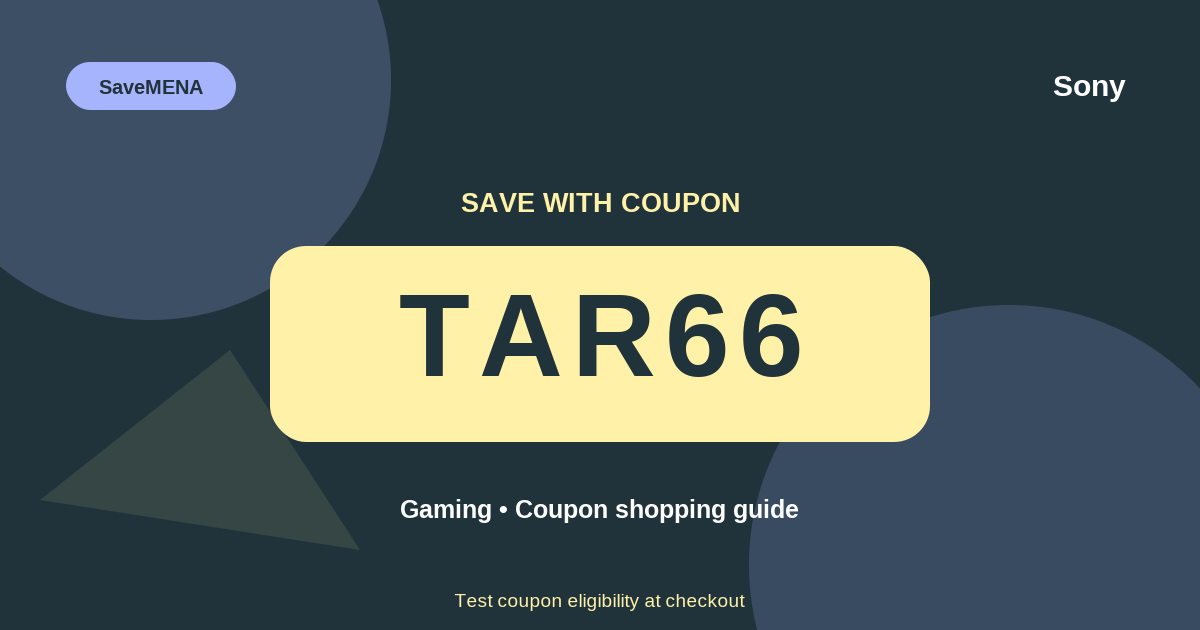
Codes available to try while comparing
These codes are not guaranteed for the article topic or listed brands; test them at checkout and use the live result.
Verify the Coupon Code Availability on the Product Page
Begin on the game’s product page under the “Price” section where Noon normally lists available vouchers. Type or paste TAR66 into the voucher field and hit “Apply.” If the system returns “Valid” or displays a discount amount, the code is active for that item and your account type. If an error message appears, it likely means the code does not apply to this product or your user status. Checking here first prevents wasted effort later, especially since Noon’s eligibility is dynamic and can change on the same device.
Make sure to note any message indicating a restricted visit or a “seller‑specific” restriction. Those signals help you decide whether to proceed or search for another seller. Even if the voucher appears valid, double‑check the maximum discount flag in the hidden line items in the cart to confirm the exact amount that will be applied before you proceed to payment.
Confirm Eligibility in the Cart Summary Prior to Checkout
After confirming on the product page, add the item to your cart and open the cart summary. Scroll to the voucher section and re-enter TAR66. Noon recalculates the visible total and any hidden fees. If the discount is applied correctly in the cart, you will see the reduced subtotal. If the code is rejected, the platform moves you to the “Next” button for payment without a discount.
Note whether the cart reflects an “Eligible for this voucher” tick or a warning. The cart view is the last chance to correct a mismatch before you commit to the transaction. If the code still fails here, you may need to cancel the item and look for a different seller, or consider using a different promotional strategy like a store credit or buy‑now‑pay‑later discount.
Cross‑Check Sony Warranty Terms for the Purchased Console
Once the coupon is verified, scroll to the “Warranty” tab under the product description. Sony typically offers a standard period of coverage for hardware issues. Record the length of the warranty, whether it includes shipping costs, and if it extends to components such as accessories. Knowing the warranty scope helps you decide if you should add an extended guarantee or optional insurance offered by the seller.
Some sellers bundle warranty coverage with purchase. Check that the “Warranty Included” note actually lists the same terms the manufacturer states. If there is a discrepancy, the seller may either be reselling an earlier edition or misrepresenting coverage. In such cases, contact Noon’s support before confirming payment to clarify the exact coverage you will receive.
Evaluate Post‑Purchase Support Features on Noon UAE
Navigate to the “Support” section of the product page, which lists the avenues for help after purchase. Most Sony consoles allow you to initiate a service request through Noon’s central help channel, often with a direct link to the manufacturer’s support portal. Identify if the seller has a dedicated return center, live chat, or hotline that can expedite repairs.
Check whether the support timeframe is listed in days for your region. For UAE shoppers, a two‑week response might be standard; shorter quoted times could signal reliable post‑purchase service. If all seller‑provided support options are generic, consider verifying Sony’s own warranty claims service through their website to see if you might submit a claim directly instead of via Noon.
Inspect Chip Delivery and Handling Fees Before Committing
While coupon eligibility may be confirmed, inspect the “Delivery” section for applicable shipping fees. Noon specifies fixed rates or free shipping thresholds, but they can vary by seller. If the console is stocked locally, the fee may be lower compared to overseas dispatch. Note each line item: “Standard Shipping,” “Express,” or “Hold & Ship.” This data will form part of your final payable assessment.
Determine how the calculated delivery fee is adjusted after voucher application. Some platforms recalculate shipping after discounts, potentially bringing promotional shipping back into effect. If the fee remains unchanged, compare this total against what you would pay on a different platform that may offer free shipping for certain product categories or when using specific payment methods.
Check Return Policy, Timeframes, and Conditions in Detail
Scroll to the “Return Policy” area set by Noon. Sony hardware generally enjoys a short labelling for returns due to serial‑number verification. Copy the eligibility window, such as 30 days after receipt, but also verify if it excludes accidental damage or usage. The seller may impose an additional fee for handling returns, especially for high‑value discs or accessories.
Use this information to decide the risk level associated with the purchase. If the policy includes full refund or replacement within a set period, and the unit may return under warranty, it lowers your purchase risk. Otherwise, you may negotiate a return fee or seek insurance to cover potential loss.
Compare Alternate Sellers Offering the Same Sony Console
Responsiveness and warranty aren’t the only factors to weigh. Use the filter in Noon to compare different sellers for the same console. Look at each seller’s “Verified Seller,” “Buyer Feedback,” and “Product Availability.” A seller with higher feedback score might offer more reliable post‑purchase engagement.
Note any seller‑specific guarantees or added services, such as a free on‑site repair, extended warranty, or a “next‑day delivery” promise. Weigh these distinctions against your personal convenience needs—quick support can be worth a small price difference if you expect to resolve hardware issues fast.
Final Checkout Verification and Immediate Confirmation
When you reach the final checkout page, reconfirm that TAR66 is still applied by reviewing the voucher line. The page should display a clear discount total, any residual shipping fees, and the final payable amount. If the discount has been removed by a system update, consider canceling the purchase at this point to avoid paying full price.
Once the payment method is chosen, ensure your transaction details match your wanted amount. Avoid auto‑apply or placeholder toggles that might not be visible immediately. After completing the payment, keep a screenshot of the confirmation page that shows the applied voucher, vaccine, and final paid amount, including any post‑purchase support seals that may be present.
Related SaveMENA pages
Related articles
Official sources to check
Frequently asked questions
What should I do if my TAR66 coupon seems valid on the product page but fails in the cart?
Verify your account type at checkout and ensure you are logged in. Some vouchers require a recognized account status. If it still fails, use the customer support chat to confirm eligibility or consider buying from another seller where the voucher has shown consistent validity.
Does Noon’s warranty coverage automatically sync with Sony’s manufacturer warranty?
Noon may offer a seller‑included warranty, but it is not guaranteed to match Sony’s manufacturer terms. Check the Warranty tab on the product page for specific coverage details and compare them with Sony’s official warranty policy available on their website.
Can I rely on Noon’s post‑purchase support if the console has an issue?
Noon’s support portal offers back‑end repair requests, but for hardware faults, Sony’s own support channel may expedite resolution. Use Noon’s care service to file a claim, then—if needed—connect directly to Sony for warranty repair procedures.
Will the delivery fee change after applying TAR66?
Delivery fees are usually calculated after voucher application. On the checkout page, you will see if the shipping cost reduces or remains constant. Always double‑check the final line items before confirming payment to confirm the exact cost.