Men’s Fashion on Noon UAE: warranty and support — coupon eligibility
Noon UAE coupon eligibility Men’s Fashion warranty and post-purchase support: To check if a Noon UAE coupon is eligible before payment, sift through product
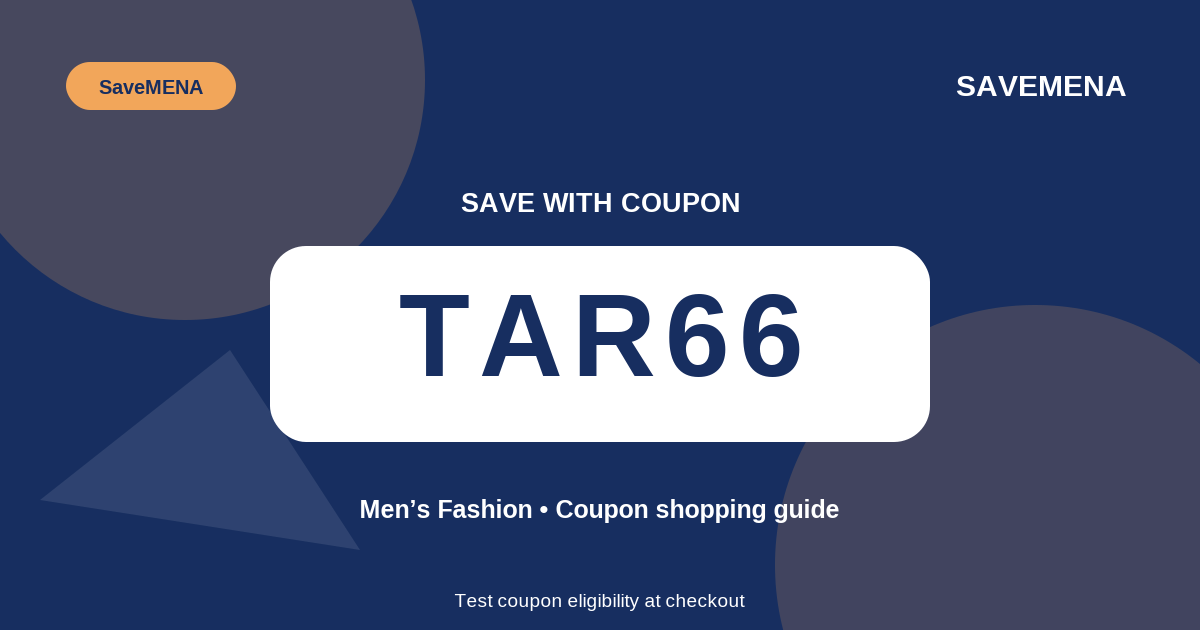
Codes available to try while comparing
These codes are not guaranteed for the article topic or listed brands; test them at checkout and use the live result.
1. Review Product Warranty Details Early
Before adding any men’s fashion piece to your cart, navigate to the product page and locate the “Warranty” section. This field typically clarifies the duration, coverage limits, and the steps required to activate coverage. Confirm that the warranty remains intact even if a coupon is applied; many warranties are product‑specific and not affected by price reductions. Take note of any stylistic items that list manufacturer warranties versus store‑issued guarantees, as these can differ in terms of repair or replacement policies.
Document or flag the warranty status next to the item. If the page offers a downloadable warranty card or a link to an online warranty portal, keep that link handy. This step ensures you won’t encounter surprises later regarding service coverage or when requesting a replacement. Remember, a solid warranty is a key factor in evaluating the overall value of a garment, and it should not be sacrificed for a coupon’s benefit.
2. Verify Seller’s Return Policy Transparency
Every men’s fashion listing on Noon must display a seller or marketplace return policy. Read this portion carefully, focusing on time frames, acceptable conditions, and return shipping responsibilities. For items protected by a warranty, the return policy might outline how warranty claims interact with general returns. Make sure that the seller explicitly mentions whether a coupon-discounted purchase still falls under the same return window and conditions.
If you find the policy ambiguous, note the seller’s customer support contact details. A clear line of communication is essential for post‑purchase support. Store‑related policies often go beyond warranty, covering alterations, sizing adjustments, or fabric‑specific care instructions. Confirming this information early prevents misunderstandings about what to do if the item doesn’t fit or feels defective after delivery.
3. Check Coupon Eligibility Flag During Cart Addition
When you click “Add to Cart” for the men’s fashion product, the cart summary will typically show visual indicators, such as a small tag or note, highlighting coupon eligibility. If you see a checkbox or switch that prompts “Apply TAR66,” review its descriptive tooltip for guidance on eligibility criteria. Sometimes currency, quantity, or item category restrictions only become visible at this stage.
At this juncture, verify that the coupon label does not alter the warranty status of the item. The cart screen often displays the warranty barcode or policy snippet, allowing you to cross‑verify the coupon’s applicability without jeopardizing coverage. If the interface is unclear, proceed to the next step but keep this verification in mind when testing the coupon during checkout.
4. Confirm Warranty Coverage in the Order Summary
Before proceeding to payment, pause at the order summary page. This view consolidates item prices, applied coupons, shipping fees, and any warranty information that has been appended. Some platforms automatically merge warranty coverage into the final totals or display it in a separate section. Confirm that the warranty line remains present and unchanged after the coupon code enters the equation.
If the order summary shows a change in warranty status—such as automatic extension or reduction—probe why this occurs. The coupon may trigger a price adjustment that could affect eligibility for certain guarantees. Any deviation should be tested with the platform’s customer service or by clearing the cache and re‑applying the coupon, ensuring the warranty remains active.
5. Cross‑Check Post‑Purchase Support Options
In the same order summary, inspect the “Support” or “Service” tabs. These typically list options like warranty claims, returns, or exchanges. Confirm that the options remain available after the coupon is applied. For instance, you should still see a link to initiate a warranty claim if you encounter a defect within the coverage period.
Each support option often includes eligibility criteria. Verify that applying the TAR66 coupon does not toggle them off or impose additional prerequisites. If any such changes surface, they should be logged for reference, as they may influence your decision to finalize the purchase or seek alternative items that preserve full support features.
6. Use the ‘Apply Coupon’ Button Carefully
When you click the “Apply Coupon” button for TAR66, watch for immediate feedback from the interface. A successful application typically displays a confirmation badge or updated total. If the platform signals that the coupon is not applicable, cross‑check the last recorded coupon restriction from the product page or cart flags mentioned earlier.
After applying, re‑refresh the page or scroll through the order details. Sometimes responsiveness is delayed, and coupon eligibility must be re‑verified in a new page load. Ensure that the warranty details and post‑purchase support icons remain unchanged, confirming that the discount hasn’t compromised your coverage.
7. Attend to Checkout Confirmations and Alerts
Proceeding into the payment screen, you’ll encounter forms for shipping address, payment method, and final confirmation. Right before you submit payment, the platform usually generates a “Final Confirmation” bubble highlighting total cost, applied discounts, shipping fees, and the warranty standing. Read this bubble attentively; it should summarise all changes due to the coupon.
Look for any pop‑ups that reference warranty exclusions or altered service terms. If an alert appears, it may require your acknowledgment before completing the transaction. Confirm that the coupon has been applied and that no new warranty restrictions have been introduced.
8. Final Verification of Coupon and Warranty at Confirmation Page
Once the order is submitted, a confirmation page appears summarising the entire purchase. Validate that the coupon code TAR66 is listed, the discounted amount is correctly computed, and a warranty statement is visible. This page is your last checkpoint for both financial and support assurance.
If the warranty section is missing or shows a note of “Warranty not applicable,” rollback to the seller’s contact channel for clarification. Persist until the confirmation page reflects both the coupon’s application and the intact warranty. This final verification secures your men’s fashion investment and preserves all post‑purchase support avenues.
Related SaveMENA pages
Related articles
Official sources to check
Frequently asked questions
What does the TAR66 coupon do exactly?
The TAR66 code allows you to test its applicability on a Noon UAE men’s fashion item. It is not guaranteed to discount; its effect depends on the seller’s current coupon policy and item eligibility.
Will applying the coupon affect the product’s warranty?
Warranty coverage remains tied to the product’s manufacturer and seller. A coupon that reduces the buying price typically does not alter the warranty terms, but always verify in the order summary.
How can I contact Noon customer support if I have warranty concerns?
During checkout or on the product page, locate the support contact details—often a phone number or help‑center link— to inquire about warranty or post‑purchase support questions.
Are there any special rules for using the coupon on men’s fashion?
No category‑specific rules are disclosed. Confirm eligibility in the cart summary and ensure the coupon does not conflict with the garment’s warranty or return policy.