Braun Beauty on Noon UAE: account eligibility — final price comparison · TAR64
One of the first things to recognize is the role of your Noon UAE account. After signing in, you’ll see personalized offers, loyalty points, and sometimes free
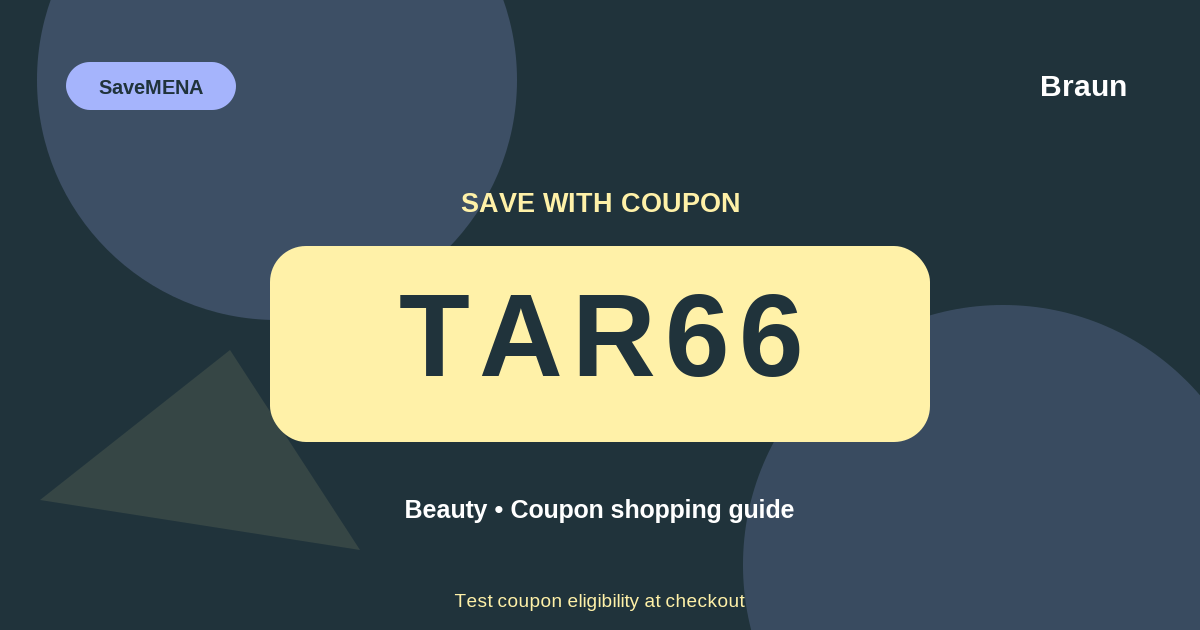
Codes available to try while comparing
These codes are not guaranteed for the article topic or listed brands; test them at checkout and use the live result.
1. Understand Account Context on Noon UAE
One of the first things to recognize is the role of your Noon UAE account. After signing in, you’ll see personalized offers, loyalty points, and sometimes free delivery eligibility. These perks affect the final price but aren’t always applied until you hit checkout. Checking your account balance and membership status before you add the Braun beauty item to the cart is essential because it guarantees you are present when the system calculates the true payable amount.
Keep in mind that not all benefits automatically apply. Some promotions need you to re‑add the product to the cart or confirm your eligibility during the payment process. No commitment about discounts can be guaranteed; the \"TAR64\" coupon is available to try, and its activation will be verified at the stage when you raise your cart to the Final Price screen.
2. Locating the Braun Beauty Item on Noon
Searching for a Braun beauty product on Noon UAE involves using the search bar and filtering by category or brand. Once you find the exact model, make sure the product listing lists all variations such as color or edition. This is crucial: a minor variation can change the base price, which in turn changes the final payable total once you later apply a coupon.
On the product page, scroll to the specifications section to confirm that the variant you’re looking at matches your preference. The price shown there is the starting point for your final calculation. Remember that the displayed price is just the base; any shipping fees or promotional adjustments will be added in the cart before checkout.
3. Adding to Cart and Using the TAR64 Coupon
After selecting your Braun beauty variant, hit “Add to Cart”. Once inside the cart, you’ll see the base price plus a placeholder for shipping and taxes. In the coupon field, type “TAR64” and hit apply. The system will attempt to validate it, but nothing is guaranteed until checkout.
A coupon is not guaranteed; verify its result at the retailer checkout. Some stores or items might not accept the code, and the field will stay empty or turn red. Don’t assume the discount is applied just because the box is ticked; check that the total changes to reflect the coupon, regardless of any account‑related perks.
4. Reviewing Cart Details and Final Price Breakdown
Before proceeding to checkout, examine the cart’s final price calculation. This page should list each component: product price, coupon deduction, shipping fee, any tax, and the total amount you will be required to pay.
If the cart displays a “See final price” button, click it. This reveals any hidden fees that only appear in the account context, such as special handling or local taxes. Compare this number with the initial product price to see how much the coupon and shipping influence the end result.
5. Account‑Specific Shipping and Delivery Charges
Noon UAE offers free delivery for orders over a certain amount or for premium members. Verify if your Braun item qualifies for free shipping in your cart. If not, a delivery fee will appear in the final total, dependent on the chosen logistics partner and pickup location.
Also consider possible express delivery options. Some express services add a fixed surcharge that may not be mentioned elsewhere. These account‑specific charges only confirm when the checkout page lists them, so double‑check the final sum before confirming payment.
6. Confirming the Final Price at Checkout
The checkout screen is the definitive reference for the amount you’ll pay. Here, the system prompts you to review payment method, shipping address, and applied coupons.A coupon is not guaranteed; verify its result at the retailer checkout.
If the coupon has not been applied, remove it and re-enter “TAR64.” Once the final price drops accordingly, confirm your order. The amount you observe on this page is the one that will be deducted from your account or charged to your card.
7. Comparing to Other Coupon Offers
Though the article focuses on “TAR64”, you’re only interested in how this code affects your Braun beauty purchase. To compare, make a separate cart or use a new browser session where you enter a different coupon code if you know one. Observe the differences in deductions and ensure you are comparing account‑context prices, not just base price reductions.
When comparing, you will see the final payable amount, shipping, and taxes for each scenario side‑by‑side. This practice helps you decide if “TAR64” truly offers the best value, based on the real‑world price shown in your account context.
8. Staying Updated on Future Deals and Accounts
After completing your Braun beauty order, keep an eye on Noon UAE’s home page or newsletters. Coupons may change, new discounts may appear, and account status can update. Signing back into your account will show any new loyalty points or percentage discounts that might apply to future orders.
When the next Braun beauty item comes up, repeat the same process—review your account context, enter the coupon again, and verify the final price at checkout. This iterative approach guarantees you always pay what the system calculates, rather than relying on perceived offers that the site might not enforce.
Related SaveMENA pages
Related articles
Official sources to check
Frequently asked questions
What happens if the TAR64 coupon isn’t accepted during checkout?
When you reach the final checkout screen, the coupon will be recalculated. If it turns out it’s inapplicable, you’ll see the price without a discount. The system only lists the coupon as valid if it fully applies to the Braun beauty item.
Will my Noon UAE membership affect the final price?
Membership may grant free delivery or additional discounts, which are visible on the final price page. It won’t affect the base product cost unless there’s an active promotion linked to your membership tier.
How can I confirm that the final amount I see matches what I’ll pay?
The checkout page displays the exact amount charged to your card or percent deducted from your balance.A coupon is not guaranteed; verify its result at the retailer checkout.
Is there a way to see if a coupon is specifically for Braun beauty?
Noon UAE’s coupons are usually brand‑agnostic unless stated. The eligibility for “TAR64” must be confirmed during checkout; the system will indicate if it applies to the Braun product you selected.